

Table of Contents
SignalHire at a Glance: Is SignalHire Worth It?
What Is SignalHire and Who Is It For?
SignalHire Features Reviewed
SignalHire Pricing: Plans, Credits and Real Cost
How Accurate Is SignalHire’s Data?
SignalHire Pros and Cons
What Real Users Say About SignalHire
Limitations to Check Before You Buy SignalHire
Who Should Use SignalHire (and Who Should Skip It)
SignalHire Alternatives Worth Comparing
Is SignalHire Worth It? Our Verdict
From Contact Data to Booked Meetings: How Cleverly Handles Outbound for You
Conclusion
Frequently Asked Questions
Modified On :
November 17, 2026
Key Takeaways
- A contact finder answers one question: who can I reach? It does not answer whether they will reply, so judge it by how many contacts actually work.
- Cost per credit is the wrong number. Cost per verified, reachable contact is the right one, and phone data runs more than twice the price of email data.
- “Unlimited” on a pricing page usually has a fair-use ceiling. Read the terms before you plan volume around it.
- A single-source database has coverage gaps outside its strongest regions. Test it against your own ICP, not the vendor’s headline numbers.
- Contact data only becomes pipeline after list building, copy, sending infrastructure, deliverability and follow-up. The data tool covers the first step.
Is this SignalHire review worth your time? That depends on one thing: how much of what it returns still works by the time you hit send.
B2B contact data decays at roughly 2.1% a month, which compounds to about 22.5% a year, per the HubSpot and MarketingSherpa decay research.
SignalHire’s own study claims 30% of B2B records go stale within 12 months. That is a vendor claim, but it points the same way. SignalHire says its database holds 850M+ profiles and 30M+ companies, which is also a vendor claim.
In plain terms, SignalHire is a contact finder for emails and phone numbers with a recruiting layer on top. We cover features, real cost, accuracy, user complaints, alternatives, and what to do after you have the contacts.
SignalHire at a Glance: Is SignalHire Worth It?
Short answer: it is worth it for light, US-focused lookups and recruiting. It gets weaker as volume, international dialing or data-quality demands grow.
- What it is: a browser extension and web database that reveals work email, personal email and phone numbers.
- Database size: 850M+ profiles and 30M+ companies (vendor claim).
- Entry price: $0 free plan, then about $57 a month billed annually or $69 billed monthly (some sources still show a $49 entry tier).
- Free plan: 5 credits a month, 10 with the extension.
- Seats: unlimited users on paid plans.
- Ratings: G2 about 3.7 to 4.0, Capterra about 4.3.
- Best for: recruiters, small sales teams and agencies with many light users.
- Biggest weakness: single-source data, pricier phone credits, and a hidden cap on “unlimited”.
Good for: low-volume lookups, US and Western Europe prospects, teams that need many seats on one cheap plan.
Skip if: you dial internationally, enrich tens of thousands of CRM records, or need intent data.
🎯 Find More Prospects Beyond Contact Data
SignalHire helps you find professional emails and phone numbers. Cleverly takes prospecting further with done-for-you outreach across LinkedIn, cold email, and cold calling.
What Is SignalHire and Who Is It For?
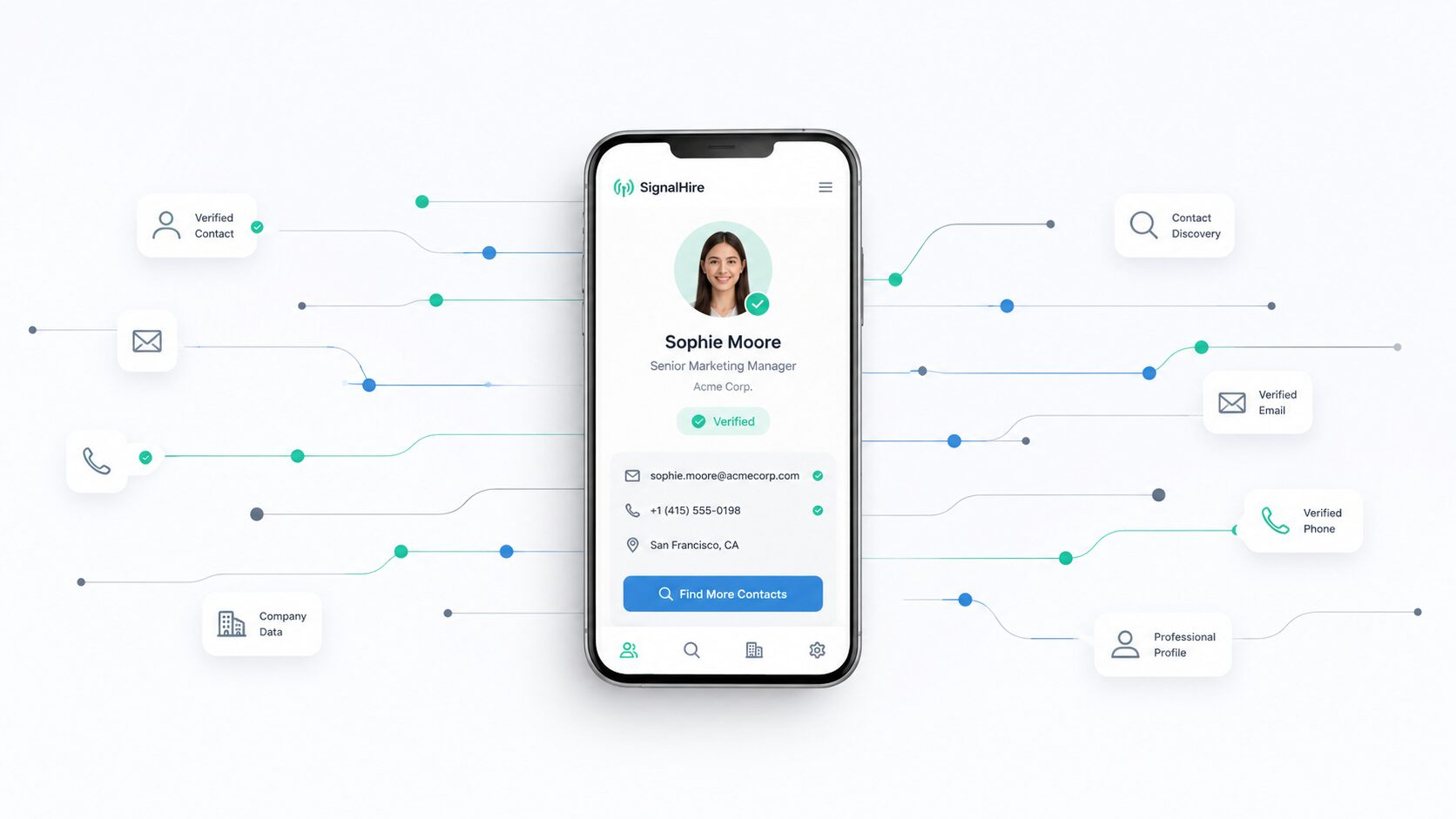
SignalHire is a browser extension plus a web database. You open a profile, click the extension, spend a credit, and get whatever email or phone data the database holds on that person.
One review of the pricing terms says credits are spent only when a result comes back, so a miss should not cost you. Confirm that in the terms before you rely on it.
It works beyond LinkedIn too. The extension runs on GitHub, X, Facebook and similar sites, which is useful if you source engineers who hide on GitHub.
Three buyer types fit best:
- Recruiters: the ATS, the profile coverage and the GitHub lookups were built for this group.
- Small sales teams: low-volume prospecting where the team looks people up one at a time.
- Agencies with many light users: unlimited seats mean you do not pay per rep.
SignalHire Features Reviewed
Here is how each feature stacks up. We rate each one as strong, fine or weak.
Browser Extension and Contact Reveals
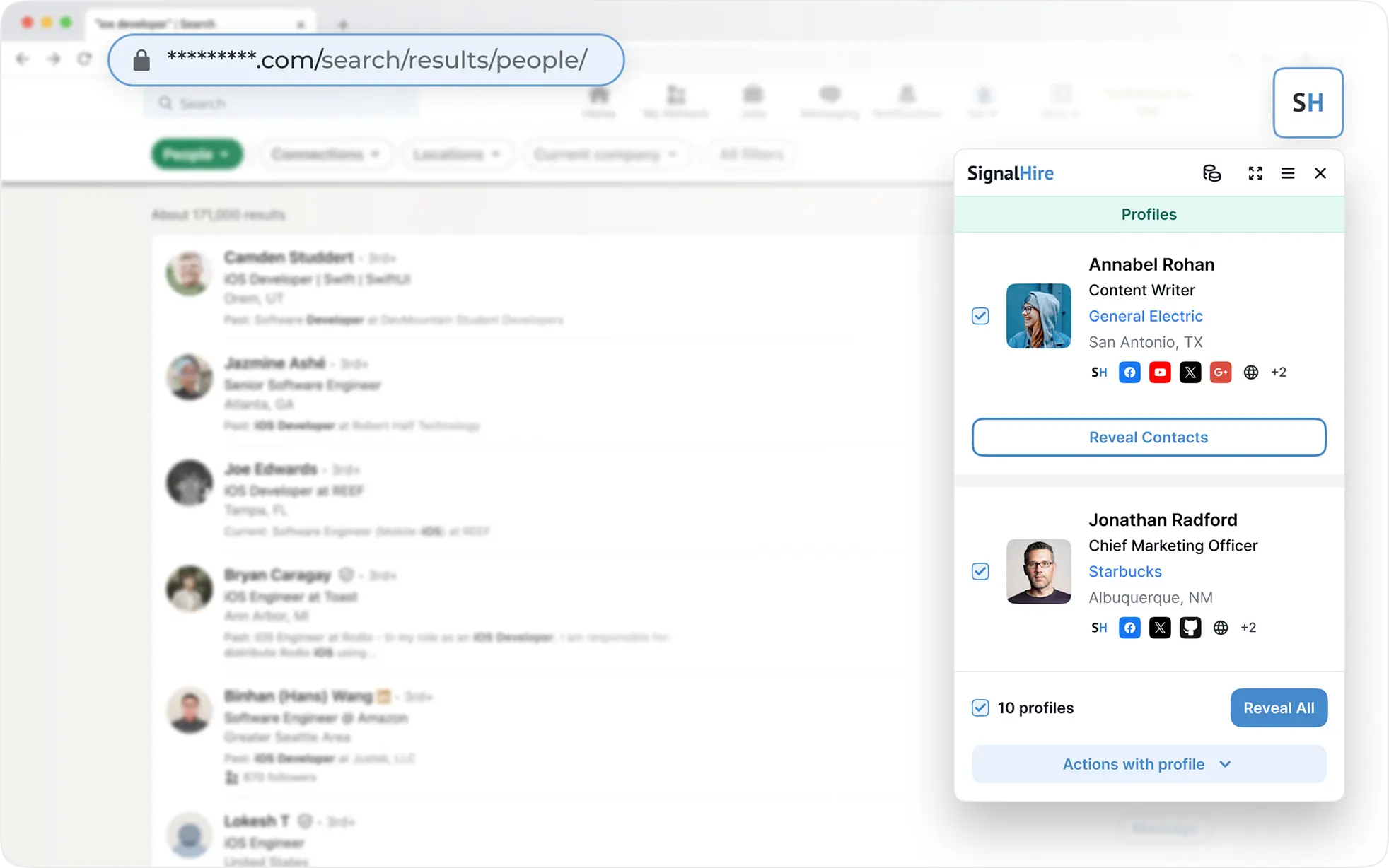
The SignalHire Chrome extension is the product’s strongest piece, and a Firefox version exists too. It reads the profile and shows contacts in about three seconds, per SignalHire’s own quick-start guide.
Rating: strong.
Two quirks to know about. Reviewers report several phone numbers per person with no way to tell which one is live. They also report business emails showing up on profiles the tool marks as locked. Treat every number as unverified until you test it.
Database Search, Bulk Search and CSV Enrichment
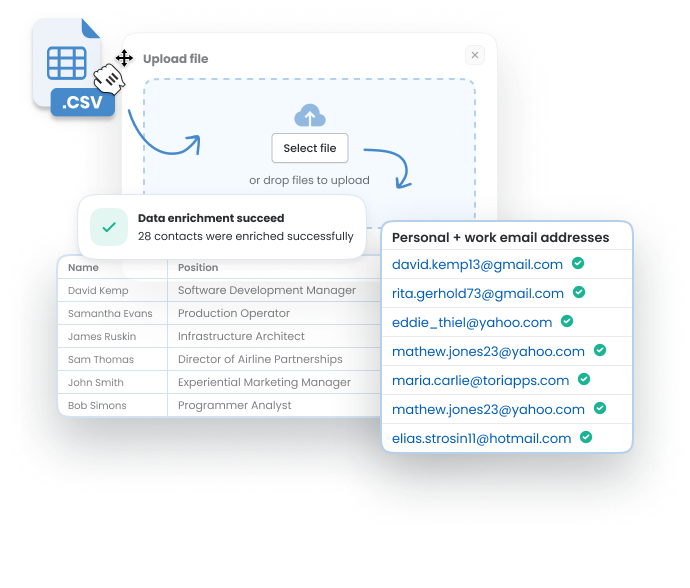
SignalHire bulk enrichment lets you upload a CSV and enrich it, or search the database with filters. Bulk runs are capped per run, reported at up to 1,000 records. Confirm the current limit before you plan a large list.
Coverage is strong for the US and Western Europe and thinner elsewhere, based on user reports. The filters are basic. You will not find intent signals or technographic data.
Rating: fine.
Email Sequences, ATS and Integrations
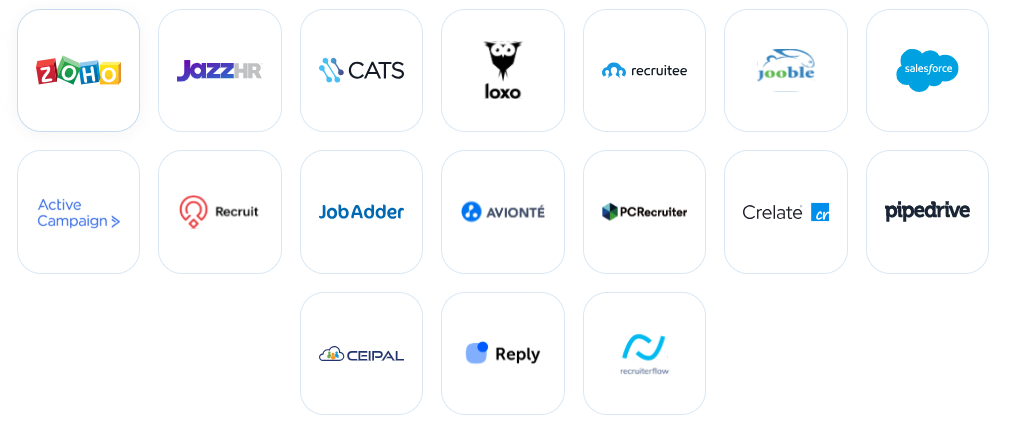
SignalHire integrations include more than 20 CRM and ATS connections, including Salesforce, Zoho Recruit and Pipedrive, plus Zapier. Check the live integrations page for your exact stack.
Email Sequences are sent from your own mailbox. It is email only, with no LinkedIn or multichannel steps. The built-in ATS helps a small recruiting team and does little for sales.
Pro tip: treat the sequencer as a bonus. It is not a replacement for a real sending stack with warmed domains and inbox rotation.
Rating: fine for recruiters, weak for sales.
API and Team Management
The SignalHire API has two parts: a Person API for single lookups and a Search API for list building. Both use API-key auth, return your credit balance in response headers, and document their rate limits. Calls are credit-metered, so confirm the details on the docs page.
Users report a webhook delay of 7 to 10 seconds and no preview before a credit is spent. Team management is simple, and every paid plan includes unlimited users.
Rating: fine.
🚀 Turn Verified Contacts Into Qualified Meetings
Skip the DIY campaign setup and inbox management. Let Cleverly handle prospect lists, deliverability, copywriting, and follow-ups to book qualified B2B meetings.
SignalHire Pricing: Plans, Credits and Real Cost
The SignalHire free plan is a demo. Five to ten reveals a month cannot tell you whether the data is accurate for your ICP.
What You Actually Pay Per Contact
SignalHire cost per credit looks low on paper. The honest formula is monthly price divided by contacts that verify and are reachable.
- Email credit: $69 divided by 1,000 is about $0.069 on the entry tier.
- Phone credit: $69 divided by 435 is about $0.159, more than twice as much.
- Adjusted example: assume an 8% email bounce rate. You keep 920 good emails, so the real cost is about $0.075 each.
- Phone example: assume 70% of numbers connect. You keep about 304 working numbers, so the real cost is about $0.227 each.
Those bounce and connect rates are illustrative. Swap in your own test results. The pattern holds either way: a phone-heavy team pays well over double per contact. On annual billing the same math lands near $0.057 for email and $0.127 for phone.
The Fine Print: Fair-Use Cap, Expiring Credits and Renewals
The SignalHire unlimited plan is not unlimited. The terms reportedly cap Unlimited packages at 2,000 credits a month. Older reports say 5,000. Confirm the current number in the terms of use. One review notes the cap shows up in tooltip text on the pricing page, not in the plan description.
Credits typically do not roll over, so unused credits are gone. Verify that in the terms.
Reviewers also raise annual auto-renewal and refund complaints. Pay monthly for the first quarter and set a renewal reminder before you commit to a year.
How Accurate Is SignalHire’s Data?
SignalHire accuracy is the question that decides whether the tool pays for itself. SignalHire claims 95%+ email accuracy and about 80% on phones. Both numbers are self-reported.
Users describe strong data for US and EU profiles and stale or missing records elsewhere, in G2 and Capterra feedback. One database also caps your hit rate by design. If the contact is not in it, you have nowhere else to look.
Run a 50-contact test before you buy:
- Pull 50 profiles from your own ICP, not random ones.
- Reveal every email and run each through a verifier.
- Count the bounces and invalid addresses.
- Call or text every phone number and count the wrong ones.
- Divide your spend by the contacts that actually worked.
That number is your real cost per contact. It matters more than any vendor claim.
SignalHire Pros and Cons
Pros
- One credit returns the full reveal.
- Unlimited seats on paid plans.
- Personal email coverage.
- Extension works across several sites.
- API on paid plans.
- Published pricing
Cons
- Phone credits cost more than twice as much as email credits.
- Thin coverage outside the US and Europe.
- No fallback data source.
- Accuracy claims are self-reported.
- “Unlimited” has a monthly cap.
- Renewal and refund complaints.
- No intent data.
- Basic filters.
What Real Users Say About SignalHire
G2 sits at 4/5, roughly 60 to 70 reviews. Capterra shows about 4.3 on about 34 reviews, with 82% positive sentiment.
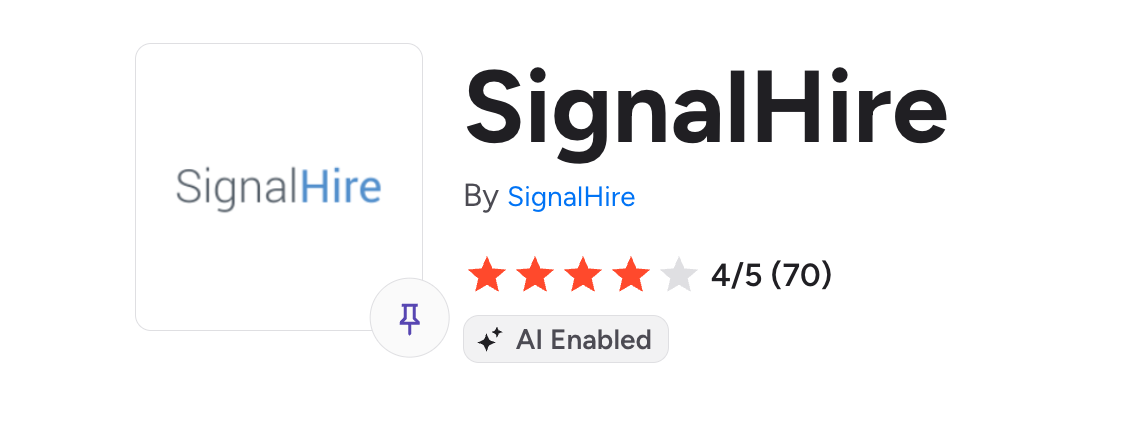
Scores split because the audiences differ. Recruiters tend to love it and sales teams tend to hit data gaps. Small review counts also swing the average. G2’s own pro and con tags list “Limited Credits” and “Expensive” as recurring complaints.
Top praise: speed, a simple interface, cost compared to other tools, and responsive support.
Top complaints: outdated data, several unverified phone numbers per contact, and billing and refund disputes.
Limitations to Check Before You Buy SignalHire
A few items belong on your pre-purchase checklist.
- Compliance: SignalHire states support for GDPR and CCPA, and opt-outs go through support. Ask about deletion timelines before you load EU data.
- Browser permissions: have IT review the extension. One reviewer’s security team objected.
- No buying signals: no intent, technographic or hiring-trend triggers for outbound timing.
- Volume costs: credit spend climbs fast once you pass a few thousand reveals a month.
Who Should Use SignalHire (and Who Should Skip It)
Use it if you are:
- A solo recruiter: cheap, fast and built for profile lookups.
- A small staffing team: the ATS and unlimited seats suit this size.
- A US-focused sales team doing low-volume lookups: the free-to-$69 range fits.
- An agency with many light users: per-seat pricing would cost more elsewhere.
Skip it if you are:
- Dialing internationally: coverage outside the US and Western Europe is thin.
- A RevOps team enriching tens of thousands of CRM records: credits and the cap get in the way.
- A team that needs intent data: SignalHire does not offer it.
SignalHire Alternatives Worth Comparing
If SignalHire does not fit, SignalHire alternatives fall into three groups: all-in-one platforms, other contact finders, and waterfall enrichment tools that check several data providers.
Verify every price on each vendor’s own site before you buy. Pricing in this category changes often, and trackers disagree. Clay is another waterfall option if you want to build your own enrichment workflow.
Is SignalHire Worth It? Our Verdict
Choose SignalHire if:
- You need cheap, quick lookups for a small team.
- Your prospects are mostly in the US and Western Europe.
- You recruit as well as sell and want the ATS.
Consider an alternative if:
- You dial or email outside the US and Europe.
- You enrich large lists and need a second data source.
- You need intent data or tighter filters.
SignalHire finds people. It does not contact them.
From Contact Data to Booked Meetings: How Cleverly Handles Outbound for You
A revealed email is step one of six. Someone still has to build the list, write the copy, run the sending infrastructure, protect deliverability, handle replies and book the meeting. SignalHire does none of that.
That is the work we take on at Cleverly.
Our cold email outreach agency team builds lists enriched by multiple providers, writes personalized copy and first lines, and runs A/B tested micro campaigns. We also manage domains, inboxes and deliverability.
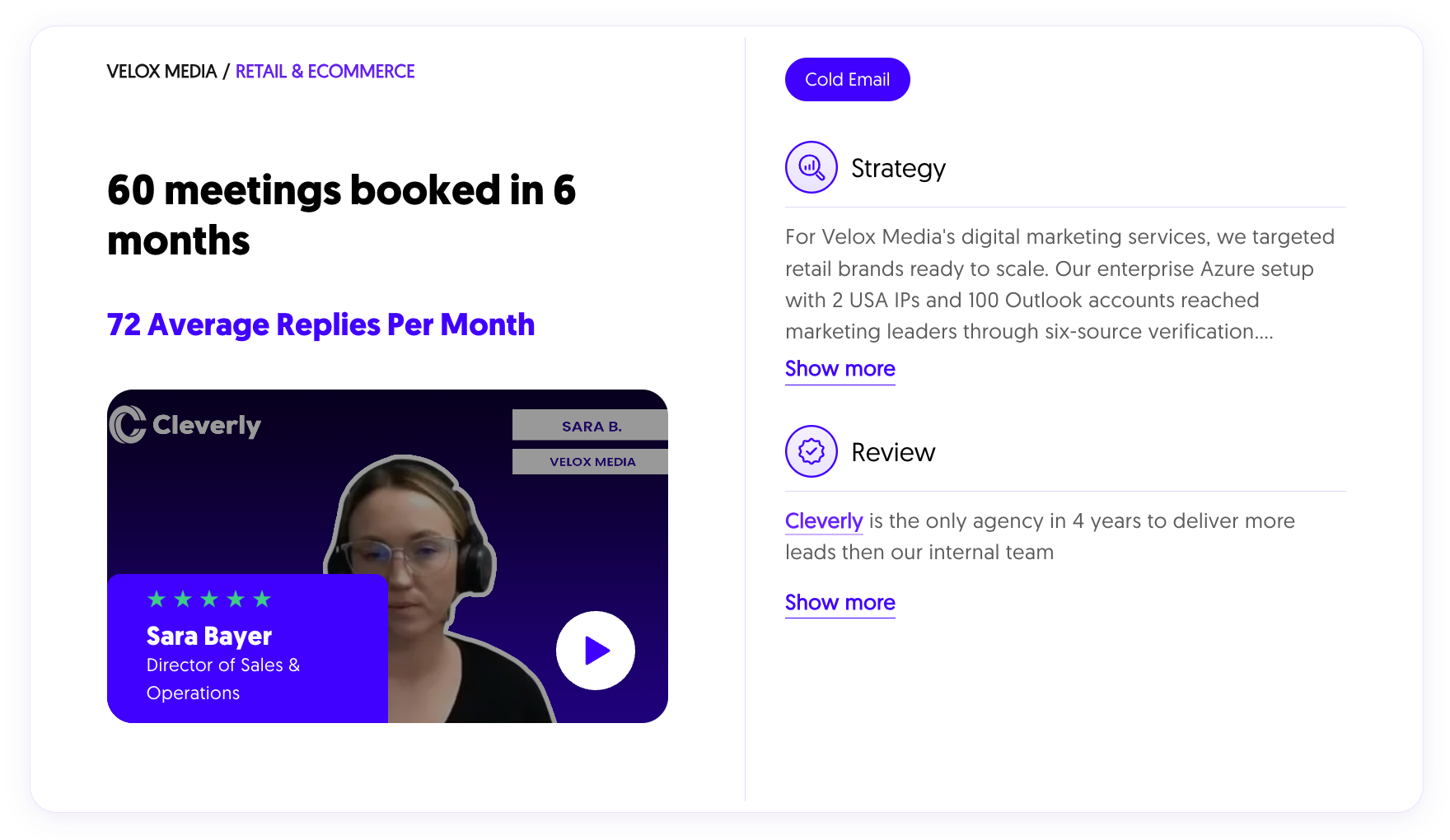
For Velox Media, we ran an enterprise Azure setup with 100 Outlook accounts and two US IPs. That produced 60 meetings in six months, with 72 replies a month on average.
Pricing is month to month with no contracts. Growth is a flat monthly retainer and Scale is pay per lead. We do not guarantee lead numbers. If you have SDR time and want to own the data, SignalHire plus a sequencer can work.
Want meetings, not just contact details? Book a free strategy call with Cleverly.
Conclusion
Our verdict on this SignalHire review comes down to two lines. It is a solid, cheap contact finder for small teams and recruiters. It is a weaker fit once you need international coverage, high volume or a second data source.
Before you buy, test 50 contacts from your own ICP, pay monthly for the first quarter, and confirm the cap and current pricing on the official page. Then remember that contact data turns into pipeline only when someone sends the message and books the call.
Frequently Asked Questions
Free Resource
How to Scale a Profitable Cold Call System
Get the complete guide — download it instantly now.

Free Ebook
Download the Free Guide
Enter your details to get instant access.
You're all set! 🎉
Your ebook is downloading now.
Click below if the download didn't start automatically.


