

Table of Contents
How RB2B Works (And What to Realistically Expect)
Set Up the Data Layer Before You Send Anything
Route Visitors to the Right Channel
LinkedIn Outreach for Identified Visitors
Cold Email Outreach for Identified Visitors
Transparent vs Silent Signal: What to Say About the Visit
Compliance and Privacy Considerations
Metrics to Track
How Cleverly Runs Website Visitor Outreach End to End
Conclusion
Frequently Asked Questions
Modified On :
September 22, 2026
Key Takeaways
- RB2B tells you who showed up on your site. It doesn't tell you who's ready to buy. The real work starts after the alert, not when it lands in Slack.
- Treat visitor data as a supporting signal that sharpens timing and messaging, not a standalone source of volume you can run at scale.
- Let the data you have decide the channel. Call when you have a verified number, email when you don't, and use LinkedIn when neither exists.
- Whether you name the visit directly or stay silent about it changes how the message lands. Test both instead of assuming one is safer.
- The signal decays fast. A visitor from four days ago is a much colder lead than a visitor from four hours ago, and your process should reflect that.
Most B2B websites are talking to almost nobody. Somewhere between 97% and 98% of B2B website visitors leave without ever filling out a form, which means the traffic your content and ads are paying for is mostly invisible to your sales team.
That gap is exactly what RB2B was built to close.
RB2B doesn't identify companies. It identifies people. On US traffic, it can return a name, a LinkedIn profile, and in some cases a work email, all pushed to Slack while the person is still on your site.
That's a real capability. But installing a tracking script is the easy five minutes. Turning that data into replies without sounding invasive is the actual skill.
This guide walks through how RB2B works, what to realistically expect from it, how to filter and route what it gives you, and how to convert website visitors with RB2B using LinkedIn and cold email without it feeling like surveillance.
We'll also cover the compliance side, since person-level identification isn't as simple everywhere as it is in the US. If you want the full setup detail beyond this article, Cleverly's Website Visitor Outreach playbook covers the exact workflow we run for clients.
How RB2B Works (And What to Realistically Expect)
RB2B runs on a script installed in your site header. When a US-based visitor lands on your page, the script matches signals against a known-identity network and tries to return a real person, not just a company name.
What you actually get back:
- Full name
- LinkedIn profile URL
- Job title and company
- Business email (on higher tiers)
Alerts route to Slack in near real time, which is the whole point. Speed is what makes fast follow-up possible before the visitor forgets what they even looked at.
The US-Only Limitation Isn't a Bug
Person-level identification only works on US traffic, because the underlying identity data is US-based and EU privacy law treats this kind of matching differently.
If most of your pipeline is international, RB2B's person-level feature won't do much for you. Company-level identification, which RB2B offers through a data partnership, works more broadly.
Set Your Match Rate Expectations Honestly
This is where most teams get disappointed for the wrong reason. RB2B identifies roughly 5% to 20% of US traffic at the person level, and some vendor marketing implies a much higher number. That's not a flaw in the tool. Person-level matching is genuinely hard, and any vendor promising near-total coverage is rounding up.
The reframe that actually matters: a small list of ICP-matched, high-intent visitors is worth more than a long list of names that don't fit your buyer profile. You're not trying to identify everyone. You're trying to identify the right five people out of a thousand visitors and act on them well.
One distinction worth remembering: company-level tools tell you Acme Corp was on your site. Person-level tools tell you it was specifically their VP of Sales, on the pricing page, twice this week. That second version is what makes outreach feel personal instead of generic.
🎯 Turn Visitors Into Leads
Cleverly helps 10,000+ businesses turn website and prospect data into qualified B2B conversations through LinkedIn and cold email outreach.
Set Up the Data Layer Before You Send Anything
This is the part most teams rush, and it's also the part that decides whether your reply rates look good or embarrassing.
Step 1: Install the Script and Let Traffic Accumulate
Add the RB2B script to your site header and give it time to build a usable sample before you act on anything. Update your privacy policy to disclose visitor identification before you flip this on, not after.
Step 2: Push Identified Visitors Into an Orchestration Layer
Working raw Slack alerts one by one doesn't scale past a handful of visitors a day. Route identifies visitors into Clay or a similar tool so you can enrich and process them systematically. Pull in title, seniority, company size, and industry on the LinkedIn profile you just received.
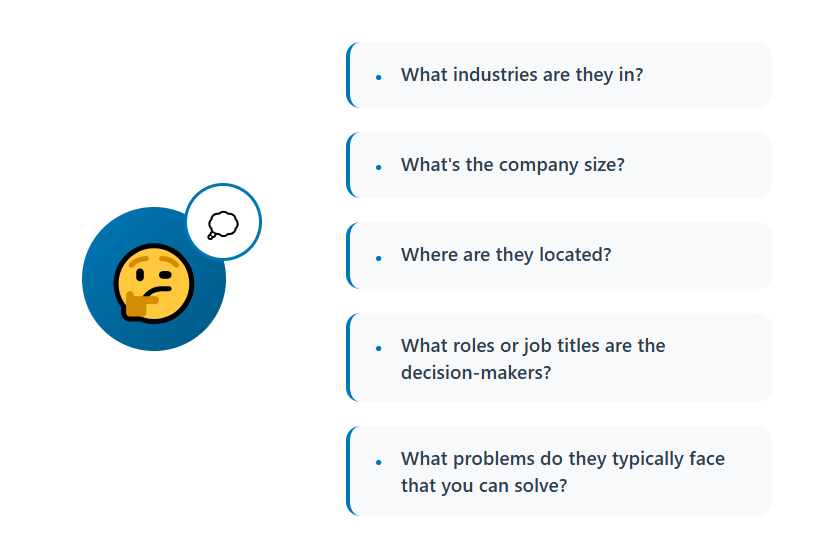
Step 3: Filter Aggressively for ICP Fit
Only true ICP matches should move forward. Everything else gets dropped, not queued for later. Suppress:
- Existing clients
- Open opportunities
- Past leads who already said no
- Direct competitors
- Your own team (yes, this happens more than you'd think)
This filtering step is the difference between a targeted play and a spam problem waiting to happen.
Step 4: Enrich Contact Channels
Where available, add phone data so your highest-intent visitors can get a call instead of just an email. Verify every email address before it enters a sequence. A bounce from a list this small still dings your domain reputation more than it's worth.
Step 5: Score by Intent, Not Just Fit
Not every page view means the same thing. Weight pricing pages and case studies higher than a blog post visit. Factor in repeat visits and how deep someone went into a session. The output of this whole process should be a short, prioritized list, not a spreadsheet of every name RB2B returned that week.
Route Visitors to the Right Channel
Don't blast all three channels at once. Use a priority order based on what data you actually have.
Split ownership by seniority too. Decision-makers who hit high-intent pages get personal, one-to-one outreach. Junior visitors go into a lighter nurture track instead of taking up a rep's attention.
Speed matters more here than in most outbound motions. Visitor signals decay within days, so build a process where someone actually owns same-day or next-day follow-up. And keep the volume low. This is a supporting channel that improves your existing outbound, not a primary lead source you can scale on its own.
🚀 From Visitor to Pipeline
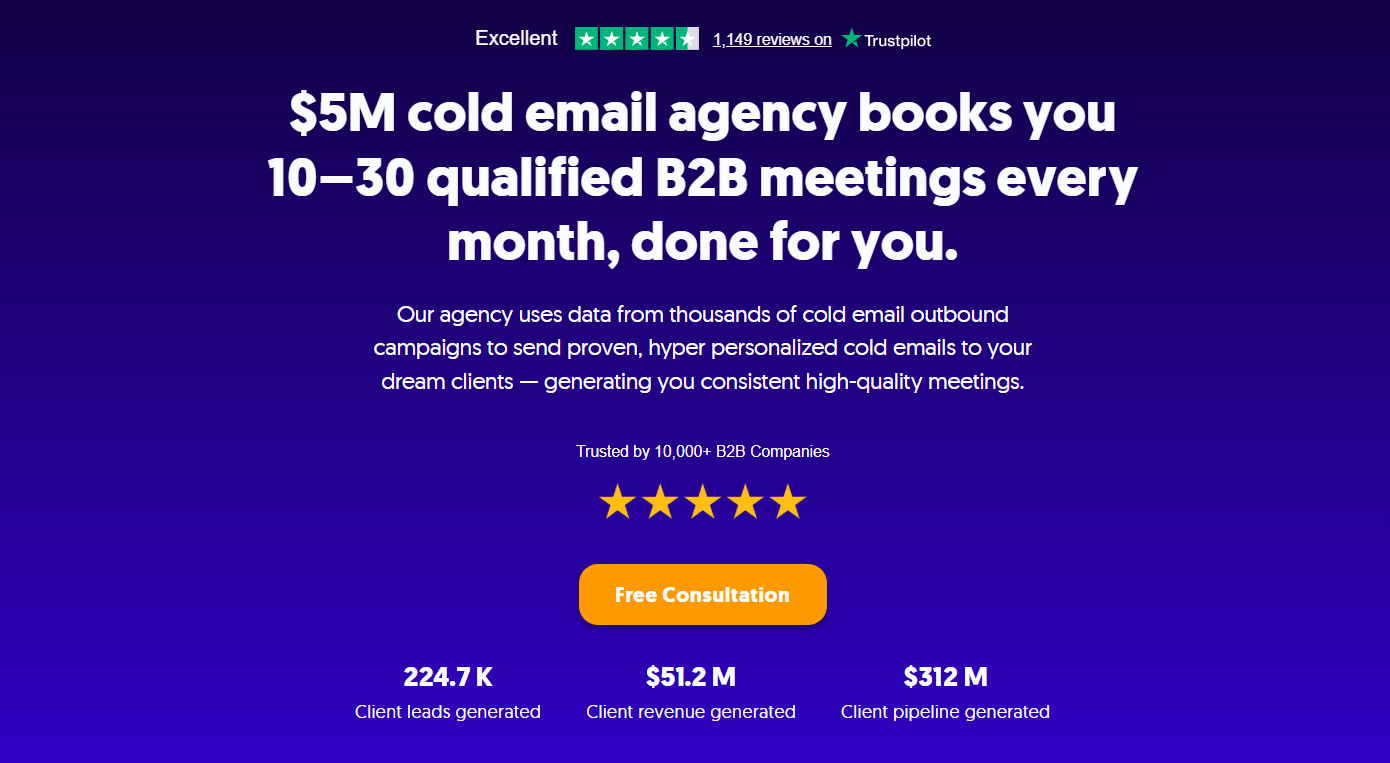
With 224.7K+ leads generated, 53,000+ meetings booked, and $312M+ pipeline, Cleverly helps B2B teams turn intent into meetings.
LinkedIn Outreach for Identified Visitors
LinkedIn fits this play well for one simple reason: you already have the exact profile URL. There's no guessing which "John Smith" is the right one.
A workable sequence shape:
- View the profile
- Send a connection request, with or without a short note
- Message after they accept
Keep the connection note free of any reference to the site visit. It's too early and too specific to bring up before someone even knows who you are. Once they accept, open the message around the problem the page they viewed actually addresses, not the fact that they viewed it.
Respect LinkedIn's connection limits and pacing. This list should be small anyway, so there's no reason to push volume through it. A little light engagement on their content before you message can also warm the relationship without saying anything about the visit at all.
Cold Email Outreach for Identified Visitors
Cold email carries most of the load in this play because it scales, it's fast, and it doesn't require anyone to accept anything first.
Keep the email short and plain text. A heavily designed template undercuts the exact feeling you're going for, which is "a real person noticed something specific about you," not "a campaign went out." Anchor the message to the problem implied by the page they were on, and make the ask small. A short question or a quick conversation works. A demo request out of the gate does not.
Verify every address before it goes into a sequence. Bounces from a small, high-value list hurt your domain reputation more than they're worth. Follow up a couple of times with a new angle each time, not a reminder that repeats the first email.
Generic template:
"Hi [Name], I wanted to reach out because I think [Company] could benefit from our solution..."
Signal-informed version:
"Hi [Name], most teams evaluating [category] run into [specific problem] around [stage]. Curious if that's on your radar right now."
The second one doesn't mention the visit. It just happens to speak directly to the exact page they were looking at.
Transparent vs Silent Signal: What to Say About the Visit
This section decides whether the whole play works, so it earns real space.
Transparent approach: You reference the visit directly. "Noticed you checked out our pricing page." This builds instant context and can feel sharp when timed well. It also risks feeling intrusive if you're too specific about the timestamp, the session, or the exact page.
Silent approach: You use the visit only to inform timing and topic, never mentioning it outright. This scales more comfortably across a wider audience and avoids the creep factor entirely.
If you go transparent, keep it general. Mention the site broadly, not the specific page, the exact time, or session-level detail. That's the line between "relevant" and "unsettling."
For most audiences, and especially for more senior titles, silent is the safer default. Senior buyers tend to be more sensitive to feeling tracked.
The honest answer is you should split test both and let reply rates decide instead of guessing which your audience prefers. The underlying principle either way: relevance and timing are what make outreach feel welcome. The reveal itself rarely is.
Compliance and Privacy Considerations
Update your privacy policy to disclose visitor identification before the script goes live, not after someone asks. US person-level identification is workable when your privacy policy is current and your outreach follows CAN-SPAM rules.
Person-level identification of EU visitors is a different legal question entirely, which is a big part of why RB2B geofences EU traffic out of that feature. Company-level identification is generally viewed as more defensible under GDPR, since it doesn't tie behavior to a named individual.
A few non-negotiables regardless of geography:
- Honor opt-outs and suppression requests immediately and permanently.
- Keep your messaging away from anything that implies surveillance-level detail.
- When in doubt about a jurisdiction, don't run person-level outreach there.
Metrics to Track
Match rate is a vanity metric next to ICP-matched meetings booked. A high match rate on the wrong visitors doesn't move the pipeline. Benchmark this channel against your other outbound motions rather than judging it in isolation, since it's a supporting play, not a standalone one. And watch for negative signals too. Unsubscribes and spam complaints usually mean the messaging crossed a line before the metrics caught up.
How Cleverly Runs Website Visitor Outreach End to End
The stack itself is the easy part. Installing a script and connecting Slack takes an afternoon. The discipline to filter hard, route correctly, and act within days, every single day, is what most internal teams can't sustain past the first few weeks.
That's the honest constraint with visitor data. It's a supporting signal, and it only pays off when someone owns the follow-up daily, not when it's convenient.
We run this end to end for clients: script setup, enrichment and ICP filtering, channel routing, and messaging across LinkedIn, cold email, and calling, all the way through reply handling to a booked meeting.
Our own Website Visitor Outreach playbook reflects the same approach outlined here: tight ICP filtering first, channel priority routing second, and split testing transparent messaging against silent messaging rather than picking one on instinct.
What we optimize for is ICP-matched meetings booked, not the size of the identified-visitor list, which is a very different number.
Already have traffic you're not converting? Get a free consultation and we'll map the visitor outreach play for your site.
Conclusion
RB2B makes anonymous traffic reachable. Reachable isn't the same as ready to buy, and that distinction is where most visitor-identification plays either earn their keep or turn into a source of awkward, low-reply outreach. The play lives or dies on filtering, since most page views aren't buying signals and shouldn't trigger a message at all.
If you're just getting started, install the script, give it time to build a real sample, and only contact the visitors who are both ICP-matched and clearly high intent. Default to the silent signal approach until you have enough data to test transparent messaging against it.
Treat this as a channel that sharpens the timing of your existing outbound, not a replacement for the outbound you're already running.
Frequently Asked Questions
Free Resource
How to Scale a Profitable Cold Call System
Get the complete guide — download it instantly now.

Free Ebook
Download the Free Guide
Enter your details to get instant access.
You're all set! 🎉
Your ebook is downloading now.
Click below if the download didn't start automatically.


