Table of Contents
What Is LinkedIn Automation — and Why Do Companies Use It?
Why LinkedIn Automation Tools Get Your Account Banned
How LinkedIn Detects Automation Activity
Warning Signs Your LinkedIn Account Is at Risk
What Happens When Your LinkedIn Account Gets Restricted
Is There a "Safe" Way to Use LinkedIn Automation?
LinkedIn Outreach Without Getting Banned — What Actually Works
LinkedIn Automation Alternatives Worth Knowing
Working with Cleverly for LinkedIn Outreach
Conclusion
Frequently Asked Questions
Modified On :
September 15, 2026
Key Takeaways
- LinkedIn explicitly prohibits all third-party automation tools under its User Agreement — no exceptions.
- Detection rates increased 340% between 2023 and 2025, and major platforms like Apollo.io and Seamless.ai were officially banned by LinkedIn in 2025.
- Testing across 50 accounts shows a 23% restriction rate within 90 days when using automation tools.
- Tier 3 permanent bans have less than 15% recovery success rates even with professional appeals.
- The safest path to consistent LinkedIn pipeline is human-led outreach — or a managed service that operates entirely within LinkedIn's guidelines.
One reality most people don't want to hear: the LinkedIn automation playbook that worked in 2022 is actively getting accounts banned in 2026.
Apollo.io and Seamless.ai were officially banned by LinkedIn in 2025 — tools that sales teams had relied on for years triggered instant restrictions overnight.
If you're still running automation on your LinkedIn account without understanding what you're risking, this guide is for you.
A LinkedIn automation account ban isn't just a temporary inconvenience. It can mean losing your entire professional network, cutting off active prospect conversations, and starting from zero — sometimes permanently.
The stakes are higher than most teams realize until it happens to them.
This guide covers exactly why automation triggers bans, how LinkedIn's detection systems actually work, what the early warning signs look like, and what safer alternatives actually move the needle for B2B pipeline.
What Is LinkedIn Automation — and Why Do Companies Use It?
LinkedIn automation refers to any third-party software, browser extension, or bot that performs actions on LinkedIn on your behalf — sending connection requests, messaging prospects, viewing profiles, liking posts, or scraping data — without you manually doing it.
The appeal is obvious. You can theoretically reach hundreds of prospects a day without lifting a finger.
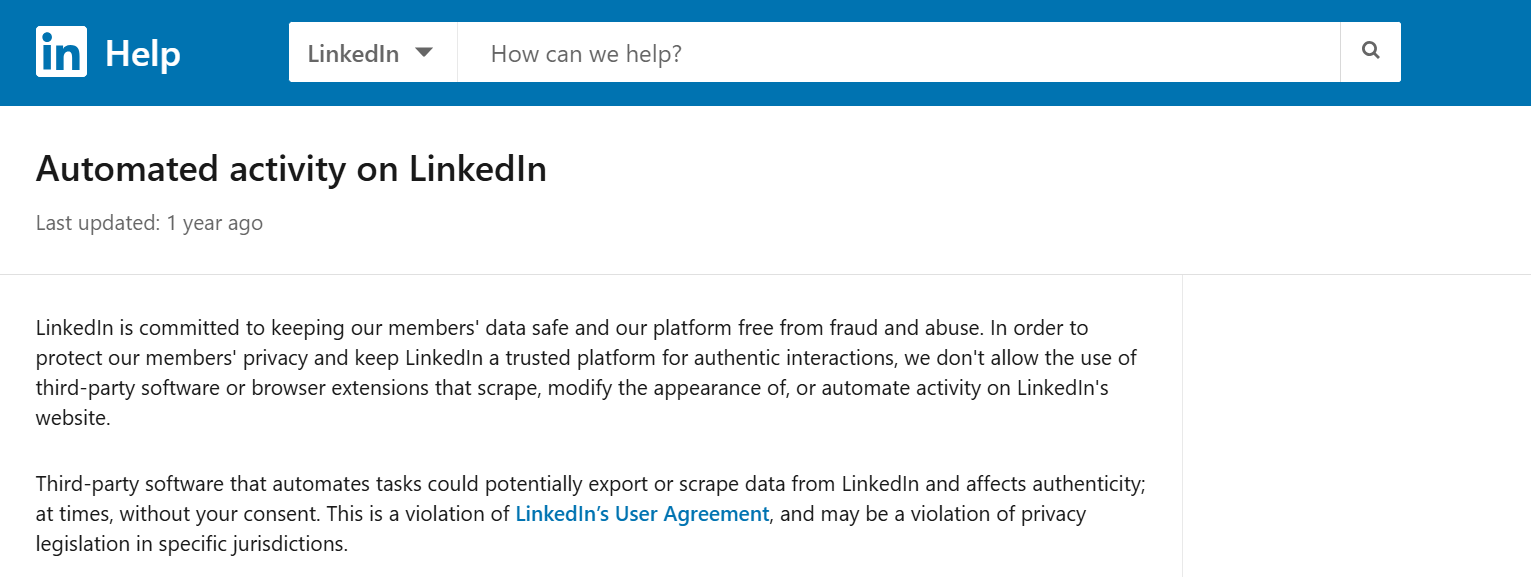
The issue is LinkedIn's position on this is completely unambiguous.
LinkedIn's User Agreement explicitly prohibits the use of any third-party software that automates actions or scrapes data, including "headless browsers" or detectable Chrome extensions. LinkedIn continually monitors behavior and bans profiles for spam and bot activity.
There's no grey area at the policy level. The grey area only exists in how aggressively LinkedIn enforces it at any given time — and in 2025 and 2026, they've made clear they're enforcing it hard.
Why Companies Still Use It
Despite the risk, companies keep using automation tools for a few reasons:
- Scale: Manual outreach maxes out at maybe 30 to 50 messages a day. Automation promises multiples of that.
- Cost perception: Paying $100/month for a tool feels cheaper than hiring an SDR or engaging a managed service.
- Precedent: Teams that used automation without consequences in 2021 or 2022 assume nothing has changed.
That cost-benefit calculation has shifted significantly. The risk today is not hypothetical.
🚀 Automation Is Cheap. Losing Your Account Isn’t.
We run safe, human-like LinkedIn outreach that actually books meetings. Done-for-you starting at just $397/mo.
Why LinkedIn Automation Tools Get Your Account Banned
This isn't about bad luck or using the wrong settings. The reasons LinkedIn automation risks are so real in 2026 come down to a few consistent patterns.
High-Velocity Activity
Many LinkedIn automation tools allow users to scrape data unnaturally — for instance, by pulling 2,500+ profiles instantly.
This type of mass, high-velocity data retrieval creates a massive red flag for LinkedIn, often resulting in account restrictions.
The same applies to connection requests and messages. Sending 200+ connection requests in a single day, or messaging 100 people within a few hours, produces an activity pattern no human could replicate. LinkedIn's systems flag this immediately.
Robotic Timing Patterns
Humans don't operate like machines. We take breaks, switch between tasks, get distracted, and come back. Automation tools don't do any of that.
LinkedIn has started using machine learning to detect automation — analyzing behavior patterns, timing, content relevance, device and location consistency. Erratic or overly precise behavior can raise red flags.
Identical intervals between actions, 24/7 activity with zero natural pauses, and sessions that never deviate from a set pattern are all behavioral fingerprints that LinkedIn's algorithms flag almost instantly.

Negative Feedback from Recipients
This is the one most people underestimate. When someone marks your connection request as spam or reports your message, that feedback doesn't just disappear.
Prospects often report irrelevant or poorly targeted outreach, sending a critical signal directly to LinkedIn's security. This negative feedback quickly escalates the risk of an account ban.
Every spam report adds penalty weight to your account risk score. Enough of them, and LinkedIn's trust team takes notice — regardless of your sending volume.
It's also worth knowing that browser extensions carry 60% higher detection risk than cloud-based tools.
If you're running a Chrome extension like the older version of LinkedHelper or similar tools, you're in the highest-risk category.

How LinkedIn Detects Automation Activity
LinkedIn's detection isn't a single system — it operates across multiple layers simultaneously. Understanding how it works explains why even "careful" automation use isn't as safe as tool vendors suggest.
Pattern and velocity analysis is the first layer
LinkedIn's algorithm compares your activity against baseline behavior for accounts of your type. If you're a standard LinkedIn member sending 150 messages in a day, the system flags it immediately because it falls orders of magnitude outside normal usage.
Behavioral fingerprinting is the second layer
Human users have natural variability in how they use LinkedIn — scroll speed, click patterns, time between actions, session lengths. Automation creates robotic consistency that algorithms flag instantly. LinkedIn uses machine learning to analyze behavior patterns, timing, content relevance, device and location consistency.
Browser fingerprinting catches extension users
Extensions leave forensic traces — missing browser signatures, DOM manipulation patterns, and API call sequences that don't match native LinkedIn behavior. LinkedIn's automation prohibition includes "headless browsers" or detectable Chrome extensions.
API monitoring tracks unusual call patterns
When third-party tools interact with LinkedIn's backend, they generate API call sequences that differ from how LinkedIn's own interface behaves. This mismatch is detectable and logged.
Geographic and IP anomalies flag proxy use
If your account suddenly appears to be logging in from multiple locations or through poorly configured proxies, LinkedIn treats this as a suspicious access event. Running a quick VPN test can help ensure your IP address isn't rapidly fluctuating and triggering these security flags.
Message similarity detection catches templated outreach at volume
When LinkedIn sees near-identical messages being sent in high quantities from a single account, spam filters activate.
All of these systems run simultaneously. That's why you can't just "be careful" and assume you're safe — the detection doesn't work on a single trigger. It accumulates.
💼 Stop Gaming LinkedIn. Start Using It Properly.
10,000+ clients trusted Cleverly for outbound growth. We handle outreach, replies & booking—you close.
Warning Signs Your LinkedIn Account Is at Risk
If you're currently running linkedin automation, these are the signals that your account is moving toward restriction. Catching them early gives you a window to stop the damage before it escalates.
In-app warning banners are the most direct signal. Messages like "Your account has been temporarily restricted as a precaution" or "We've detected unusual activity" mean LinkedIn has already flagged you. This is not a false alarm.
Connection request limits hit mid-session. If LinkedIn is cutting off your connection requests before you hit your daily cap, the system is throttling your account proactively.
Unexplained drops in message delivery or acceptance rates
If your reply and acceptance rates suddenly tank without any change in your messaging, it may mean your outreach is being filtered or suppressed.
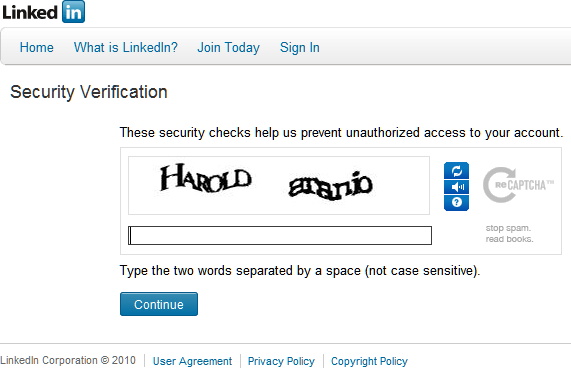
Increased CAPTCHA challenges
If you're being asked to verify you're human more frequently than usual during normal browsing, LinkedIn's trust systems have you flagged.
Sudden feature unavailability
Access to certain functions disappearing without explanation is a common early sign of an escalating restriction.
More frequent identity verification prompts
Being asked to verify via phone or email more often than normal is LinkedIn's way of checking whether a human is actually operating the account.
What to do immediately if you see any of these:
- Pause all automation and disconnect every third-party tool.
- Stop all scheduled sequences immediately.
- Do not attempt to log back in repeatedly — attempting to log in repeatedly during a restriction can escalate a temporary ban into a permanent one.
- Begin demonstrating natural, compliant behavior before attempting an appeal.
What Happens When Your LinkedIn Account Gets Restricted
The consequences of a linkedin account restricted automation violation vary based on severity — but none of them are good.
Tier 1 restrictions temporarily disable features for 1 to 24 hours.
Tier 2 restrictions lock accounts for 3 to 14 days, requiring ID verification to restore access.
Tier 3 permanent bans have less than 15% recovery success rates even with professional appeals.
For most sales professionals, a temporary restriction is disruptive. For others, the timing is catastrophic — mid-conversation prospects get cut off, active deals stall, and your ability to do any LinkedIn outreach goes to zero until you resolve it.
The escalation happens fast. The first warning appears as limited feature access. The second warning requires immediate verification. The third warning results in permanent account loss plus potential IP blacklisting, preventing new account creation from the same network.
If you reach Tier 3, a permanent ban means losing everything: your entire connection history, message threads with prospects, years of relationship-building, and all active pipeline conversations.
In 2026, LinkedIn often requires identity verification — uploading a driver's license or passport — to unlock a restricted account.
The recovery path if you've been restricted:
- Pause all automation immediately and disconnect every third-party tool.
- Complete LinkedIn's identity verification process.
- Allow 48 hours before attempting to log back in or make an appeal.
- Demonstrate compliant behavior for several weeks before resuming any outreach.
- Submit an appeal through LinkedIn's official process — be concise, polite, and do not admit to using automation.
The hard truth is that if you've violated LinkedIn's policies severely or repeatedly, there may be no appeals path that restores your account.
Is There a "Safe" Way to Use LinkedIn Automation?
This is the question everyone asks. Here's an honest answer.
Safe daily limits in 2026 include connection invitations to no more than 3% of your total connections per day, and messages capped at 50 per day for free accounts, 75 for Premium, 250 for Sales Navigator, and 300 for Recruiter.
Cloud-based LinkedIn platforms carry meaningfully less risk than browser extensions.
But here's what even the most responsible automation tools can't protect you from:
- Negative feedback. If your messages aren't resonating, spam reports from recipients will accumulate regardless of your sending pacing.
- Policy changes. Tools your team used 18 months ago may now trigger instant restrictions after policy updates. LinkedIn's enforcement posture can shift at any time.
- Retroactive algorithm updates. Detection models that weren't catching your tool last quarter may catch it next quarter.
Even cloud-based tools operate in a grey area. The risk-reward calculation has shifted — and it's shifting further against automation users every quarter LinkedIn tightens its systems.
If you're going to use automation at all, new account warm-up is non-negotiable: at least two weeks of manual-only activity before introducing any automation, followed by a four-week gradual ramp in volume.
Skipping this is one of the most common reasons accounts get flagged fast.
LinkedIn Outreach Without Getting Banned — What Actually Works
If you need predictable linkedin outreach without getting banned, the answer isn't finding a better tool. It's changing the approach.
Manual, human-led outreach carries zero ban risk
If someone is physically sending connection requests and messages on LinkedIn during normal business hours, there's nothing for LinkedIn to flag.
For high-ticket sales with a small target account list, this is still the cleanest approach. The limitation is obvious — one person can only do so much volume per day.
First-party LinkedIn tools are fully compliant by definition
Sales Navigator is LinkedIn's own product built for prospecting — ICP targeting, advanced search filters, lead list building. Using it for research and list-building, then messaging manually, is the approach that never puts your account at risk.
Hybrid approach
Use automation tools only for list-building and data enrichment. Keep all actual messaging manual and personalized. This reduces your automation footprint to the least-detectable activity while preserving your ability to message at a human pace.
Content-led outreach
When your LinkedIn content consistently reaches your ICP — through posts, comments, and thought leadership — you start getting inbound connection requests and DMs from people who already know who you are. Those conversations convert at a much higher rate than cold outreach.
Managed Linkedin outreach services are where most companies land after getting burned by automation. A specialist team operates outreach using human-operated processes — no bots, no extensions, no ToS risk.
The volume is lower than pure automation, but the account stays protected, the messaging is better, and the meetings that get booked are actually qualified.
The core distinction between safe and risky is simple: human timing, genuine personalization, and authentic engagement signals. Any approach that doesn't have all three is operating in dangerous territory in 2026.
LinkedIn Automation Alternatives Worth Knowing
If you're moving away from automation tools, here are the LinkedIn automation alternatives that actually hold up in 2026.
LinkedIn Sales Navigator
It's LinkedIn's native prospecting tool, fully compliant, and genuinely powerful for ICP targeting. Boolean search, lead and account lists, intent signals, job change alerts — it gives you everything you need to build a quality prospect list without touching any third-party tool. Zero ban risk.
LinkedIn InMail
It gives you paid direct access to any LinkedIn member without a connection request first. For accounts that have hit their connection limits, or for reaching senior buyers who are selective about who they connect with, InMail bypasses the connection request entirely and lands directly in the prospect's primary inbox.
Cold email outreach
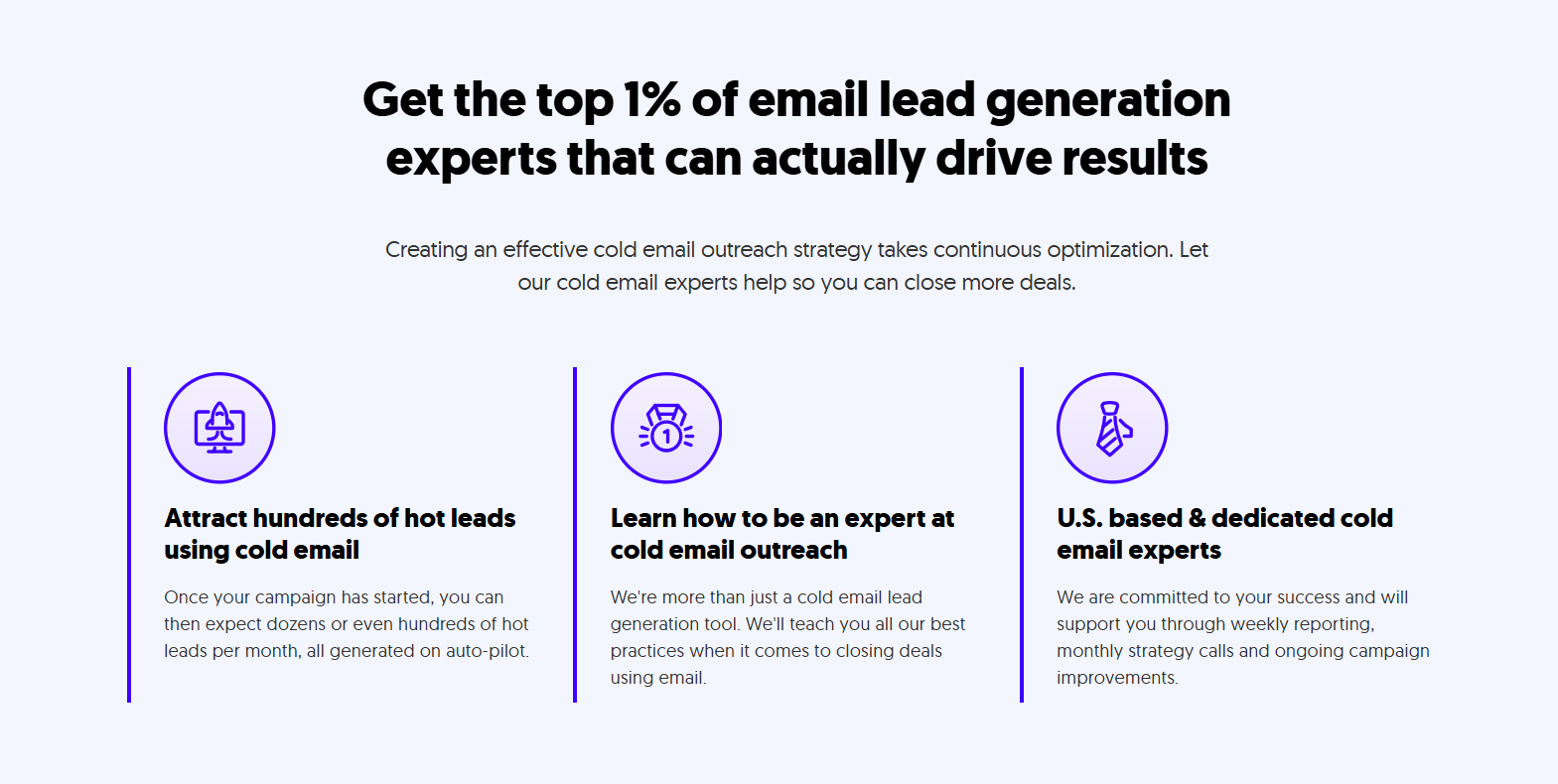
This method reaches the same B2B professionals in their work inbox instead of on LinkedIn. Because it operates on a completely separate channel, your LinkedIn account is never at risk. Cold email also gives you more flexibility in message length, formatting, and follow-up cadence.
At Cleverly, our cold email service clients pay only for meeting-ready leads — which keeps the accountability high on our side.
Content-led outreach
Warm, signal-based outreach converts better than cold DMs in most cases. When a prospect has already seen your posts, engaged with your content, or is familiar with your point of view, a direct message from you doesn't feel cold. The reply rates reflect that.
Done-for-you managed LinkedIn outreach
This is the option most growing B2B teams choose after realizing the operational overhead of managing safe automation — or after getting burned by unsafe tools.
A managed service handles targeting, messaging, follow-up, and optimization, with human operators running every action on LinkedIn. No automation footprint, no ban risk, no compliance exposure.
Working with Cleverly for LinkedIn Outreach
At Cleverly, our LinkedIn outreach is 100% human-managed. No bots, no browser extensions, no third-party tools that put your account at risk.
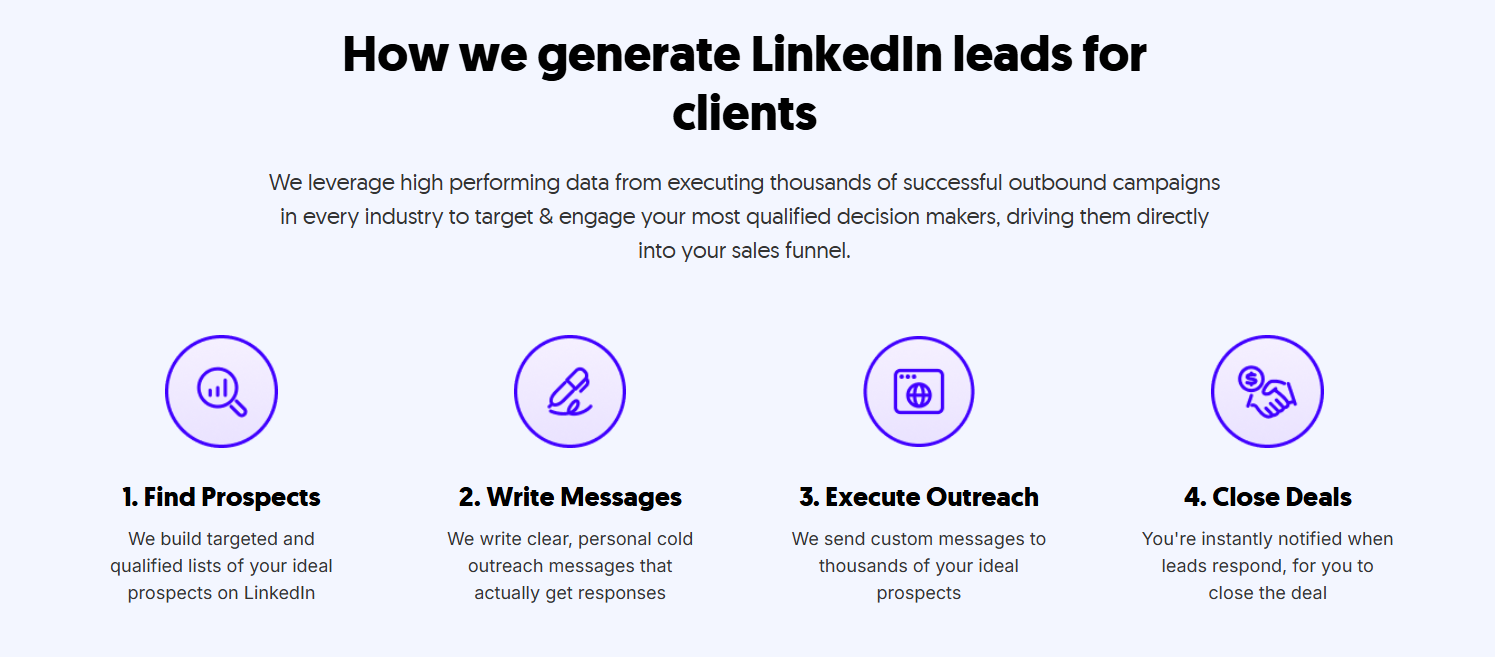
We handle everything: ICP targeting through Sales Navigator, personalized messaging written by our team, and follow-up sequences managed by trained specialists.
Because there's zero automation footprint on your profile, there's zero penalty score accumulating, and zero risk to a LinkedIn presence you've spent years building.
We've helped 10,000+ B2B companies generate qualified pipeline — including teams at Amazon, Google, Uber, Slack, PayPal, and Spotify.
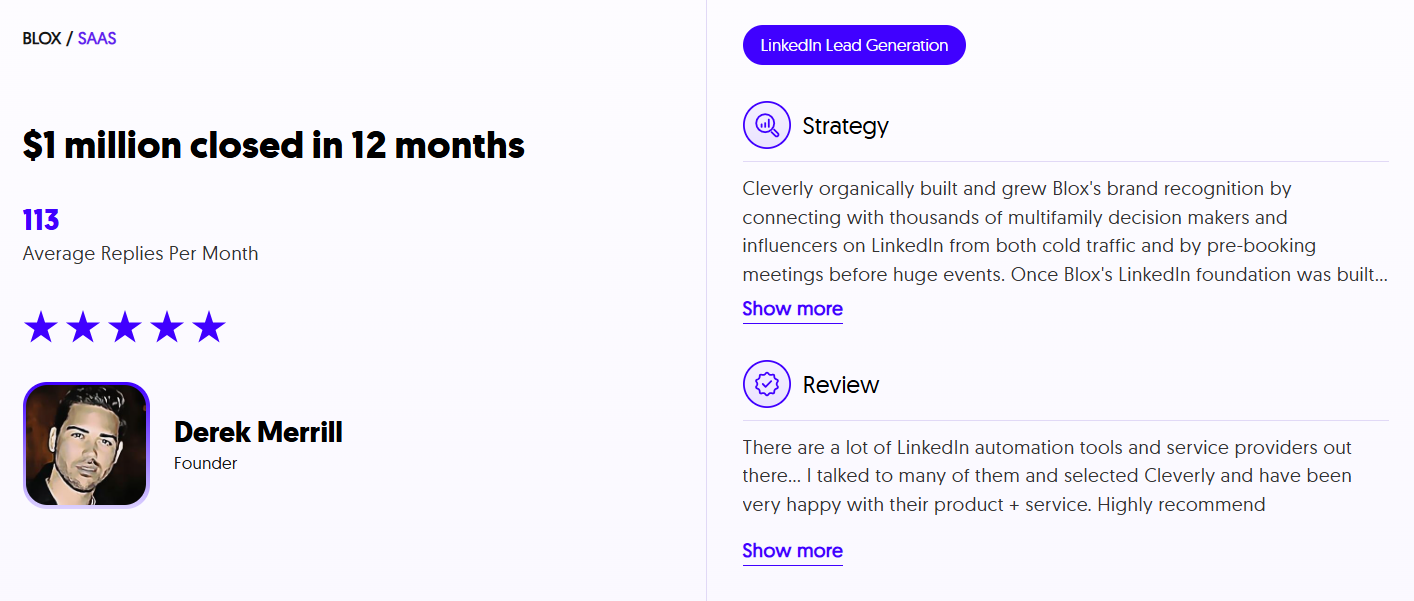
That's resulted in over $312M in pipeline revenue and $51.2M in closed revenue through LinkedIn outreach alone. LinkedIn services start at $397/month, with no long-term contracts.
If you want LinkedIn outreach that fills your pipeline without putting your account on the line, book a strategy call with Cleverly.
Conclusion
LinkedIn automation tools promised scale. For a while, they delivered it. In 2026, they're increasingly delivering something else — restrictions, bans, and lost pipeline.
LinkedIn's detection systems are only getting smarter. The tactics that worked in 2023 are getting flagged today, and the enforcement trajectory is clearly moving toward tighter restrictions, not looser ones.
The answer isn't finding a "safer" tool. It's building outreach on a foundation that doesn't require gambling your LinkedIn account every month.
Human-led outreach, first-party LinkedIn tools, and managed services that operate within the platform's guidelines are the approaches that hold up — now and as LinkedIn's policies continue to evolve.
Frequently Asked Questions
Free Resource
How to Scale a Profitable Cold Call System
Get the complete guide — download it instantly now.

Free Ebook
Download the Free Guide
Enter your details to get instant access.
You're all set! 🎉
Your ebook is downloading now.
Click below if the download didn't start automatically.