Table of Contents
What Is LinkedIn Automation for B2B?
How LinkedIn Automation Works Step by Step
What Can (and Can't) Be Automated on LinkedIn
LinkedIn Automation Tips for B2B Sales Teams
LinkedIn Automation Safety: How to Avoid Account Restrictions
How Cleverly Runs LinkedIn Automation to Drive Qualified B2B Meetings
Conclusion
Frequently Asked Questions
Modified On :
May 21, 2026
Key Takeaways
- LinkedIn automation for B2B uses software to handle connection requests, follow-up sequences, and reply detection — so reps spend time on conversations, not admin work.
- LinkedIn DMs driven by automation achieve a 10.3% response rate, nearly double that of cold email outreach — making it the highest-performing B2B channel.
- Modern LinkedIn automation is no longer just a "connector bot" — it's a trigger-driven, signal-based prospecting system with CRM sync, conditional logic, and AI-assisted personalization.
- Safety isn't optional: LinkedIn rolled out full device fingerprinting and AI-content classifiers in 2025 — generic automated openers now pattern-match instantly and reduce reach.
- The biggest mistake teams make is treating automation as a volume shortcut rather than a system — precision targeting and relevant messaging are what make it work.
- Automation handles the reach. Relationships close the deal. The teams winning in 2026 combine signal-based targeting, compliant sending, and strong human follow-up.
Manual LinkedIn prospecting doesn't scale. You already know that.
Copying and pasting connection requests, tracking follow-ups in a spreadsheet, losing hot leads because someone forgot to reply on time — it's a grind that eats hours and produces inconsistent results.
The good news? LinkedIn automation for B2B has matured significantly.
The LinkedIn automation tools market has reached an estimated $850 million in 2026, growing 42% year-over-year — which tells you how many B2B teams have already moved past the "should we automate?" conversation.
But here's the problem: most teams either avoid automation out of fear of getting their accounts restricted, or they use it wrong and actually do get restricted.
This guide covers exactly how LinkedIn automation works, what to automate safely, practical tips for better results, and what a proper LinkedIn outreach system looks like in 2026.
This is for B2B sales teams, SDRs, founders, and growth marketers who want to scale outreach without burning their LinkedIn accounts.
What Is LinkedIn Automation for B2B?
LinkedIn automation for B2B means using software to handle the repetitive tasks in your outreach workflow — connection requests, follow-up messages, profile visits, InMails — without doing each one manually.
What it is not is blasting hundreds of strangers with the same generic pitch. That's how accounts get restricted, and it's not what modern LinkedIn automation looks like.
The shift in 2025 - 2026 is meaningful. Automation has evolved from simple connector bots into trigger-driven, signal-based prospecting infrastructure. The tools today don't just send messages — they source prospects, detect replies, pause sequences automatically, sync to your CRM, and personalize outreach at scale using live buying signals.
What a modern lead automation on LinkedIn system covers end-to-end:
- ICP-based prospect sourcing and list building
- Automated connection requests with personalized notes
- Multi-step follow-up sequences with conditional logic
- Reply detection and automatic sequence pausing
- CRM sync and qualified lead handoff
Why does this matter? Because automation removes the routine so reps can focus on the conversations that actually convert — not the admin work that precedes them.
🚀 Automation Without Strategy Gets You Banned
We run safe, human-like LinkedIn outreach that books meetings. Done-for-you starting at just $397/mo.
How LinkedIn Automation Works Step by Step
Here's the full picture of how a properly built lead automation on LinkedIn system runs from list to meeting.
Step 1 — Define Your ICP and Build a Targeted Prospect List
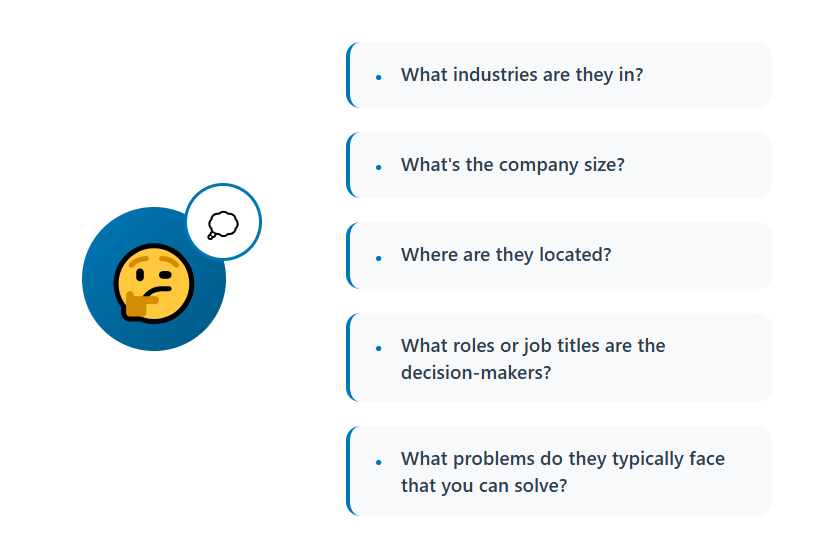
Everything starts with who you're reaching. Use LinkedIn Sales Navigator filters — role, seniority level, industry, company size, geography, funding stage — to build a precise prospect list.
Quality of targeting determines quality of results. Automation amplifies your list, for better or worse. A sloppy list produces sloppy outcomes no matter how good your sequencer is.
Once the list is built, import it into your automation tool via Sales Navigator or CSV. This becomes the foundation on which every subsequent step of your LinkedIn prospecting workflow runs on.
Step 2 — Set Up Your Outreach Sequence
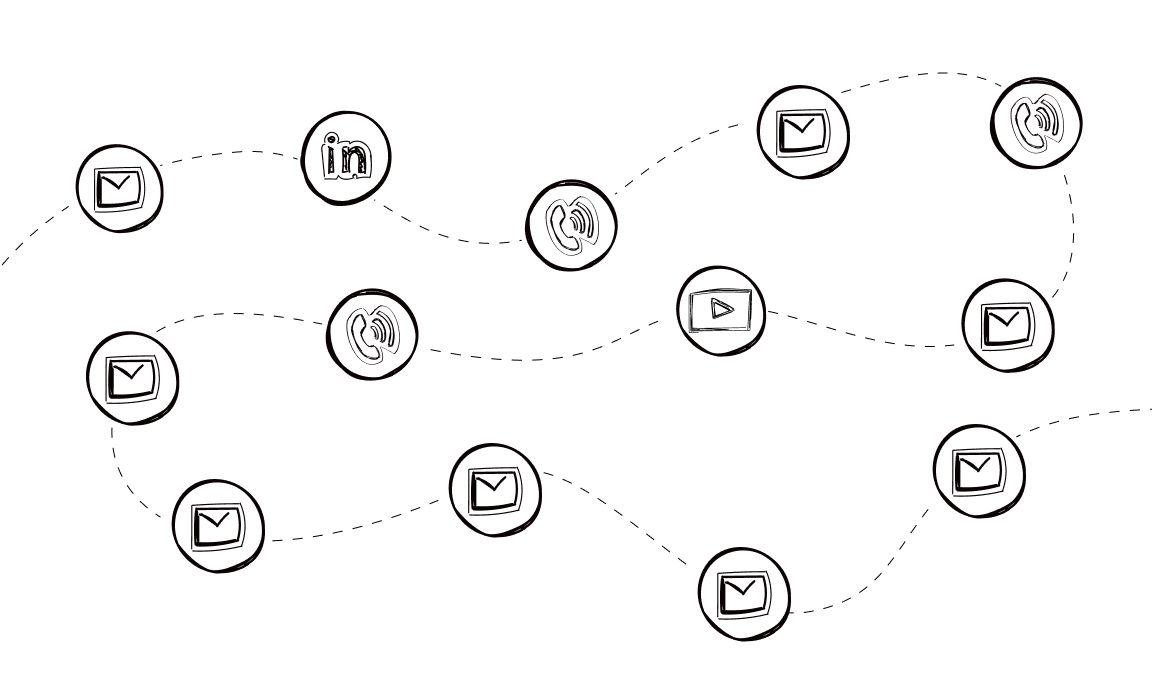
A proper sequence is multi-touch and behavior-driven, not a single message blast. A standard structure looks like this:
- Profile visit (warm signal before the request)
- Connection request with or without a personalized note
- Follow-up message 1 after acceptance
- Follow-up message 2 if no reply to the first
Add conditional logic on top: if accepted but no reply → send follow-up; if request goes unaccepted after X days → route to cold email or InMail. Keep every message short, relevant, and human-sounding.
Step 3 — Personalize at Scale
Dynamic variables are the baseline — first name, company name, job title. But the teams getting strong reply rates in 2026 are going further.
Reference ICP-specific pain points instead of generic openers. Use AI-assisted message generation to create natural-sounding variations that avoid LinkedIn's algorithmic detection. Generic AI-drafted openers pattern-match instantly and reduce reach — so the writing needs to feel specific, not templated.
Personalizing connection requests drives 40% better acceptance rates, which means this step directly impacts everything downstream.
Step 4 — Launch Within Safe Volume Limits
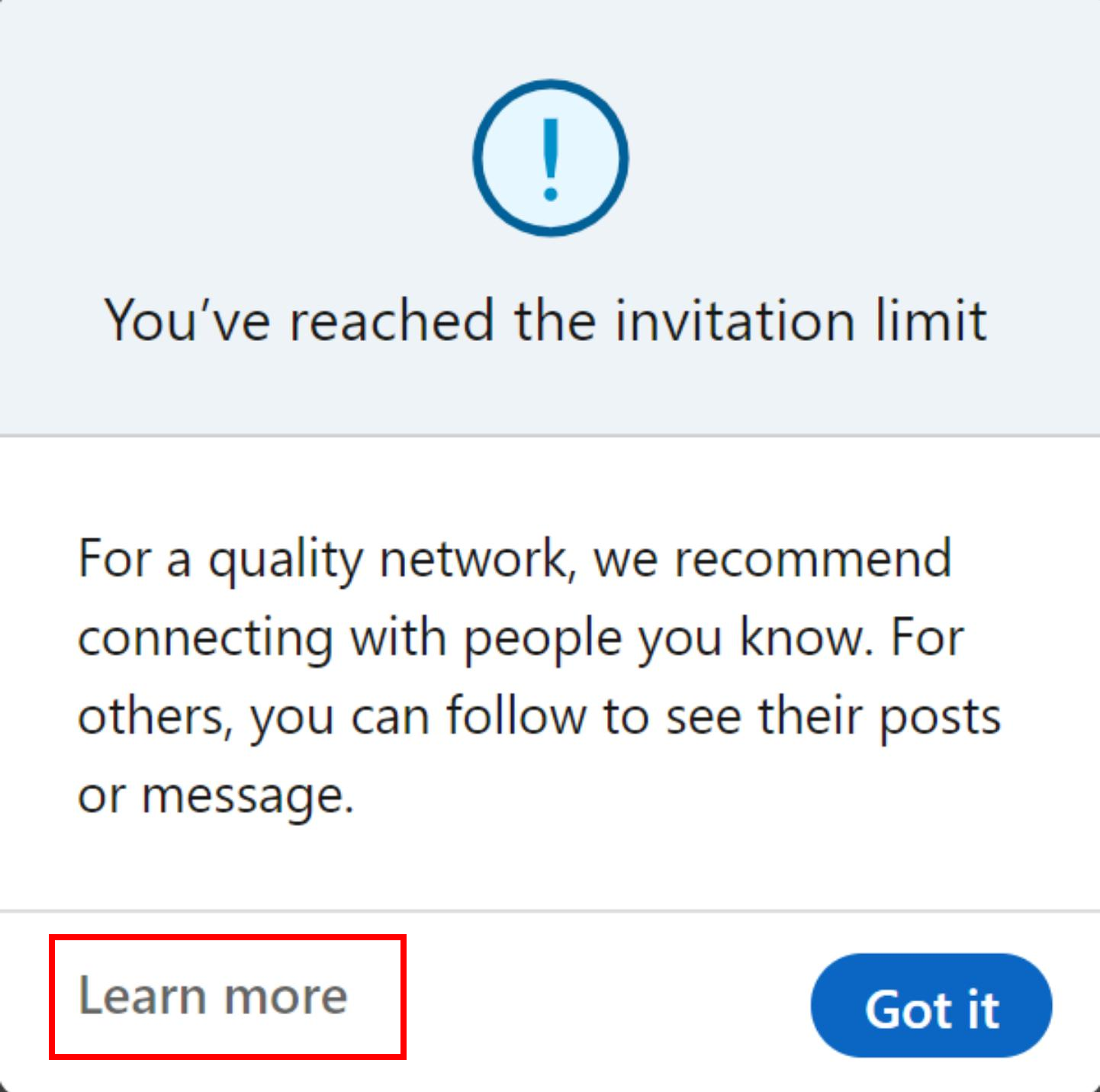
LinkedIn enforces weekly connection request caps — typically 100–200 per week depending on your account type and Social Selling Index (SSI) score.
Good automation tools throttle sending to mimic human behavior: random delays between actions, defined activity windows, gradual ramp-up over the first few weeks. Cloud-based tools operating on residential IPs are significantly safer than browser extensions tied to data-center IPs, which are easier for LinkedIn to detect and flag.
Step 5 — Monitor Replies and Route Hot Leads
When a prospect replies, the sequence pauses automatically. That's non-negotiable — double-messaging someone who already responded is one of the fastest ways to kill a conversation.
A unified smart inbox aggregates all replies across accounts and campaigns. Positive replies get flagged and routed to the sales rep for human follow-up and meeting booking. The automation hands off; the human takes over.
Step 6 — Sync Data Back to Your CRM
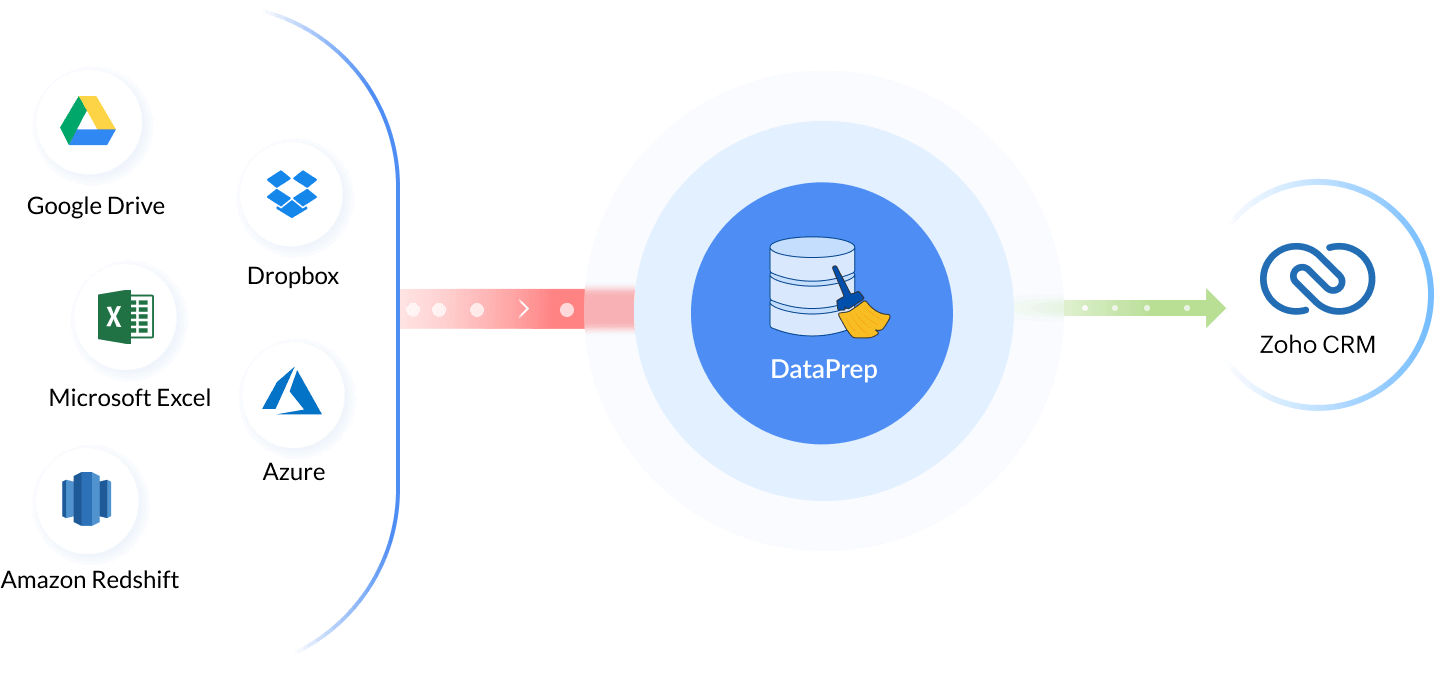
Every activity — sent, accepted, replied, bounced — syncs automatically to HubSpot, Salesforce, Pipedrive, or whichever CRM you're running. Enriched contact data gets appended to each record so reps have full context before they pick up the phone or reply.
This is what separates a LinkedIn automation setup from a LinkedIn automation system. Without CRM sync, you're just generating untracked conversations.
What Can (and Can't) Be Automated on LinkedIn
Knowing the boundaries here matters — both for safety and for results. Here's the honest breakdown.
✅ What you CAN automate effectively:
- Connection request sending with personalized notes
- Sequential follow-up messages based on prospect behavior
- Profile visits and post engagements as warm-up signals before outreach
- InMail campaigns for 2nd and 3rd-degree connections
- Lead list building from Sales Navigator
- Reply detection and automatic sequence pausing
- CRM data sync and lead enrichment
❌ What you CANNOT (and should not) automate:
- The actual sales conversation once a prospect replies — that requires human judgment
- Deep individual research beyond dynamic variable substitution
- Relationship nurturing with warm connections who aren't ready to buy yet
- Content publishing and thought leadership — semi-automated is fine, full-auto is a reputational risk
The principle is simple: automate the repetitive infrastructure, not the human judgment. The moment automation replaces real thinking is the moment reply rates drop and accounts get flagged.
💼 Don’t Automate Noise. Automate Pipeline.
10,000+ clients generated leads with Cleverly. We handle outreach, replies & booking—you close.
LinkedIn Automation Tips for B2B Sales Teams
These LinkedIn automation tips for B2B sales are the difference between a campaign that compounds over time and one that gets restricted in week two.
✅ Tip 1: Start slow, ramp up gradually.
Jumping from zero to 50+ connection requests overnight triggers LinkedIn's detection. Grow volume progressively over 2–3 weeks, treating it like a warm-up for the account itself.
✅ Tip 2: Never send identical messages in bulk.
Use spintax, AI-generated openers, and dynamic variables to create natural variation across your sequences. Repetition is a red flag to LinkedIn's content classifiers.
✅ Tip 3: Match sending activity to business hours.
Use time-zone aware scheduling so messages arrive when your prospects are actually at their desk — not at 3 AM their time.
✅ Tip 4: Keep connection request notes under 300 characters and lead with value.
Don't pitch in the first message. Make it relevant, make it short, make it about them. Pitching on the first touch is the fastest way to get ignored or reported.
✅ Tip 5: Use a cloud-based tool, not a browser extension.
Cloud platforms with residential IPs are significantly harder for LinkedIn to detect and flag than Chrome extensions tied to data-center IPs. This is one of the highest-leverage decisions you'll make in your setup.
✅ Tip 6: Optimize your LinkedIn profile before launching.
A strong SSI score, professional headline, clear value prop, and a complete profile improve connection acceptance rates meaningfully. Your profile is the landing page for every connection request you send.
✅ Tip 7: Layer intent signals into targeting.
Prioritize prospects showing buying signals — recent job changes, company growth, tech stack additions, LinkedIn activity spikes. Higher signal = higher reply rate.
✅ Tip 8: Set reply detection rules correctly.
Make sure sequences pause the moment a prospect responds. One awkward double-message after a positive reply can lose a deal that was already moving.
LinkedIn Automation Safety: How to Avoid Account Restrictions
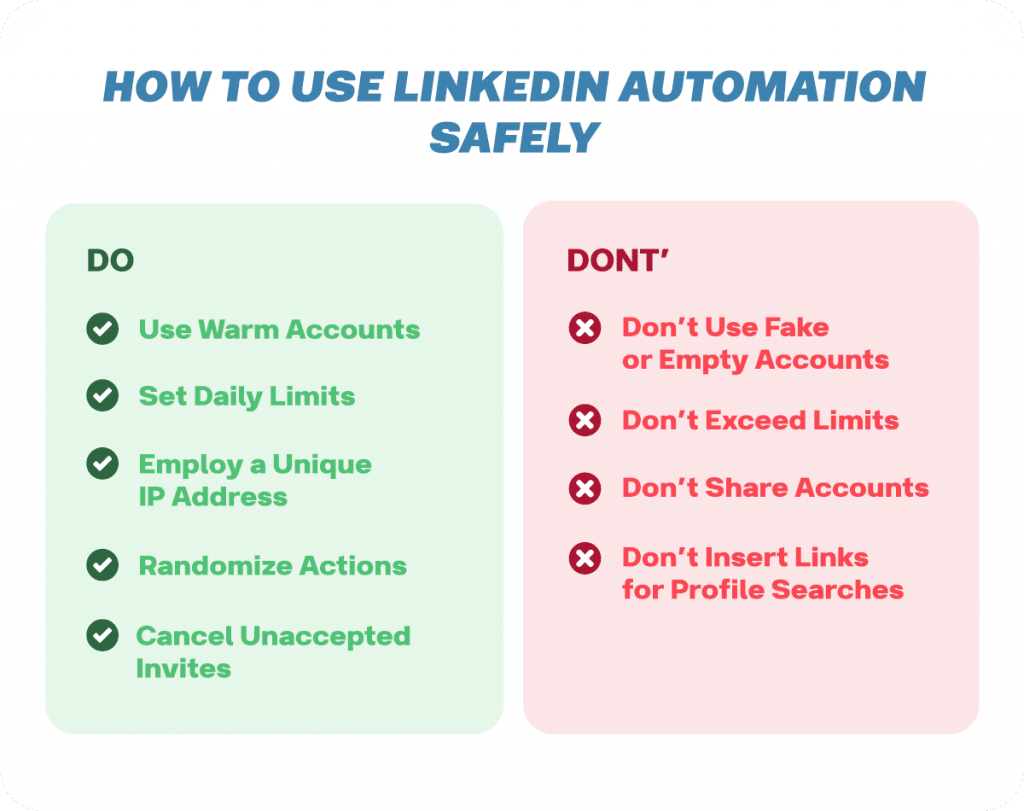
This is where most teams cut corners — and pay for it. LinkedIn's detection capabilities have evolved significantly in 2025 and 2026.
LinkedIn's detection stack evolved from simple rate-limiting to full device fingerprinting. The platform now uses AI-content classifiers on connection request notes and InMails. Generic template automation acceptance collapsed from 35–40% in 2022 to 10–15% in 2026. The survivors are signal-driven, specific, and visibly human.
Safety rules to follow:
- Stay within weekly invite caps — 100–200 max depending on account health and SSI score.
- Never log into LinkedIn from a different location while automation is running — a fingerprint mismatch (login from one city, automation running from another IP) is a restriction trigger.
- Avoid free VPNs or data-center IPs with automation tools.
- Warm up new LinkedIn accounts before running full campaigns — treat a new account like a new cold email inbox.
- Rotate message templates regularly to avoid repetition flags from LinkedIn's content detection.
If you do get restricted, LinkedIn has a tiered system: warning → connection cap reduction → temporary block → permanent ban. Most first-time restrictions are recoverable with a 24–72 hour pause and a cleanup of your sending patterns. Permanent bans typically follow repeated violations or severe abuse of the platform's terms.
The safest approach? Treat compliance as a feature, not a constraint. Accounts with strong SSI scores and clean sending histories get more latitude from LinkedIn's algorithm.
How Cleverly Runs LinkedIn Automation to Drive Qualified B2B Meetings
LinkedIn automation for B2B without strategy, clean data, and tested messaging still underperforms. The tool is only as good as the system around it — and most teams don't have the bandwidth to build that system properly while also running a business.
That's exactly where Cleverly comes in.
Our done-for-you LinkedIn lead generation starts before a single message goes out — with ICP-aligned targeting, Sales Navigator list building, and profile optimization to maximize acceptance rates before campaigns even launch.
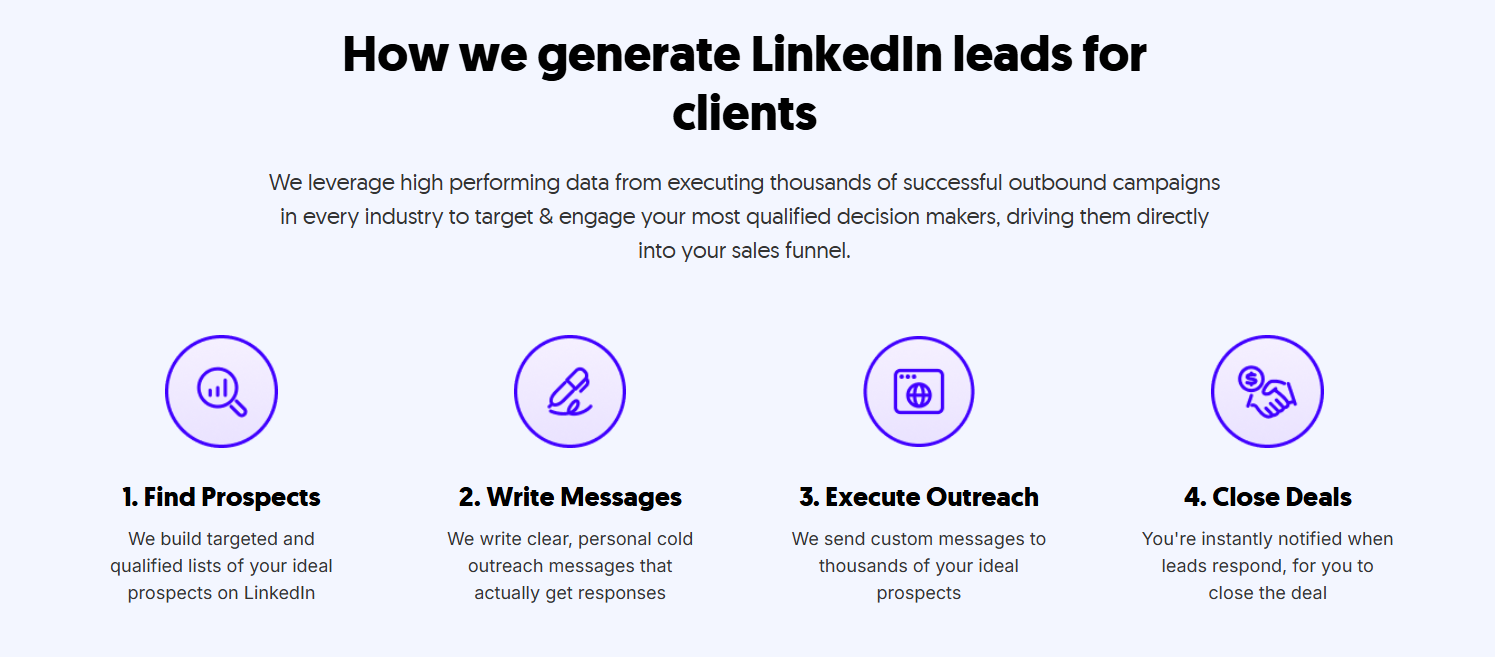
We don't chase connection volume. We optimize for qualified conversations and booked meetings — because that's what actually moves pipeline.
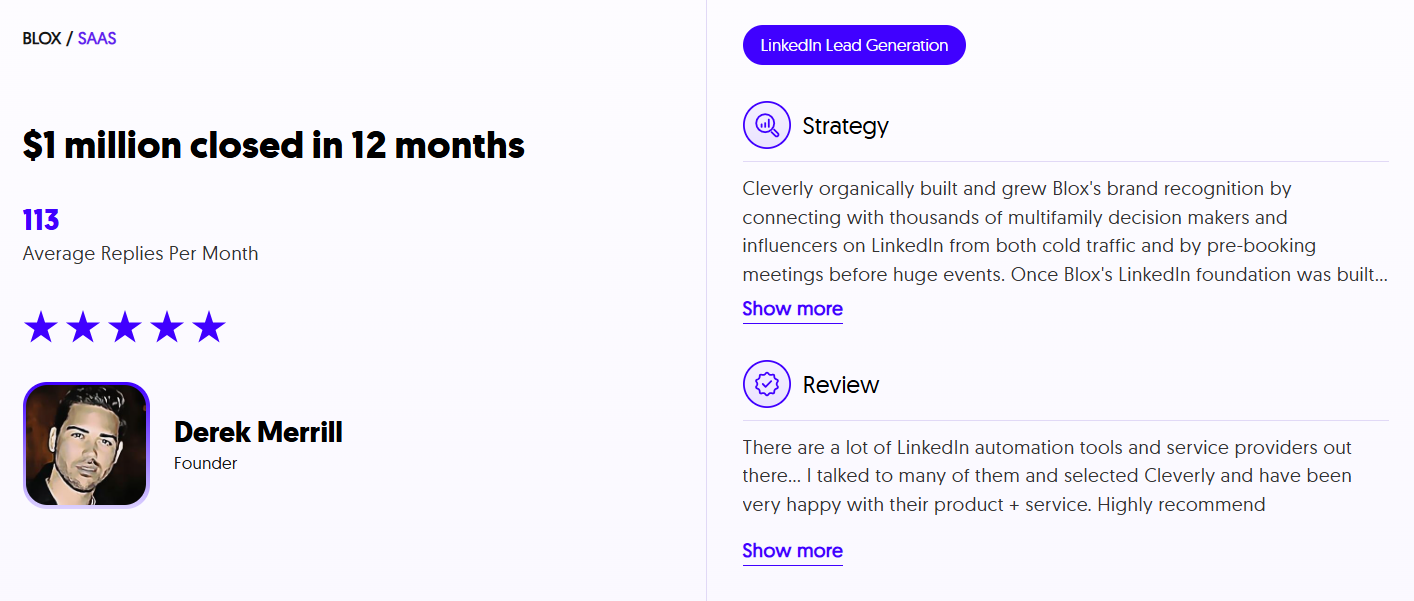
Cleverly has helped 10,000+ B2B companies generate $312M in pipeline and set 53,000+ appointments, and every one of those results started with the same thing: a properly built LinkedIn outreach system.
Want LinkedIn outreach handled end-to-end by a team that lives in this space?
🔥 Book a free strategy call with Cleverly and we'll show you exactly how we'd run outreach for your ICP.
Conclusion
LinkedIn automation for B2B works when it's built around precision targeting, relevant messaging, and safe execution — not volume alone.
The biggest mistake teams make is treating automation as a shortcut rather than a system. The teams winning in 2026 are the ones combining signal-based targeting, AI-assisted personalization, and compliant automation with strong human follow-up on every positive reply.
Automation handles the reach. Relationships close the deals.
Frequently Asked Questions
Free Resource
How to Scale a Profitable Cold Call System
Get the complete guide — download it instantly now.

Free Ebook
Download the Free Guide
Enter your details to get instant access.
You're all set! 🎉
Your ebook is downloading now.
Click below if the download didn't start automatically.