Table of Contents
Why Fully Automated AI Messaging Backfires
The Human-in-the-Loop Model for AI Personalization at Scale
How to Personalize LinkedIn Messages with AI (Step by Step)
LinkedIn Outreach Tools for AI-Assisted Personalization
Safe Sending Limits and Compliance Considerations
Common Mistakes When Using AI for LinkedIn Outreach
How Cleverly Personalizes LinkedIn Outreach at Scale for Clients
Conclusion
Frequently Asked Questions
Modified On :
September 17, 2026
Key Takeaways
- True personalization at scale requires a human-in-the-loop process, not full automation. AI drafts, a person reviews, then it sends.
- Swapping in a first name token isn't personalization. LinkedIn's detection systems and your prospects can both spot it instantly.
- The highest-performing 2026 outreach pulls real signal (recent posts, job changes, company news) instead of just profile basics.
- Structural variation matters as much as message content. Sending the same template with different names swapped in is still a detectable pattern.
- Pacing your sends (roughly 15-25 connection requests a day, staying under 100 a week) protects your account even when your message quality is strong.
"Personalization at scale" used to be a contradiction. True 1:1 personalization meant trading off volume, and volume meant generic templates. LinkedIn AI messaging has changed that math, but only when it's built on a real process.
Here's why it matters right now. Personalized connection requests see roughly a 48% acceptance rate compared to 26% for blank ones, and deep personalization can push reply rates as much as 142% higher than generic templates.
At the same time, 84% of B2B prospects say they can immediately tell when a message is a mass template. The gap between what gets ignored and what gets a reply has never been wider.
A bad AI workflow doesn't close that gap. It just produces generic messages faster. This guide covers how to actually use AI to personalize LinkedIn outreach at volume, where fully automated approaches backfire, and the tools and processes that make it work without triggering spam detection or account restrictions.
Why Fully Automated AI Messaging Backfires
LinkedIn's systems are built specifically to catch generic, repetitive outreach. Send the same template to fifty people in an afternoon, and the platform's detection flags the pattern long before any human notices.
Here's the part a lot of teams miss: a [First Name] token isn't real personalization. LinkedIn's algorithms and the person reading your message can both tell the difference between a message written for them and a message written for anyone.
Speed compounds the problem. Sending 100 connection requests in two hours reads as automated in a way that spreading that same volume across a full day doesn't. LinkedIn is watching behavior patterns, not just content.
The core issue is that full automation optimizes for one thing: message volume. But volume and quality aren't the same goal, and chasing one usually costs you the other.
🤖 Personalize at Scale
Cleverly combines AI with human-led strategy to help 10,000+ businesses generate qualified B2B leads through done-for-you LinkedIn outreach.
The Human-in-the-Loop Model for AI Personalization at Scale
The most effective workflow in 2026 looks like this: AI pulls a prospect's profile data and recent activity, drafts a message around a specific hook, and a person reviews it before it goes out.
This setup lets one person send dozens of genuinely personalized messages an hour, instead of a handful written manually or hundreds of generic ones blasted out automatically. Neither of those extremes works anymore.
Why the review step matters
That 10-15 second human check is what catches:
- Tone mismatches that would read as tone-deaf or oddly formal.
- Factual errors AI can quietly introduce (wrong job title, outdated company info).
- Phrasing that sounds obviously AI-generated.
This model balances the scale AI makes possible with the specificity that actually drives replies. Skip the review step, and you're back to gambling on generic outreach with extra steps.
How to Personalize LinkedIn Messages with AI (Step by Step)
This is a repeatable process, not a single prompt or a tool setting you flip once and forget. Treat it like a pipeline: signal in, draft out, human check, send. Skip a stage and the whole thing degrades back into generic outreach with extra steps.
Step 1: Pull Real Signal, Not Just Profile Basics
Name, title, and company aren't enough anymore. Every LinkedIn automation tool on the market can pull those three fields. What separates a message that gets read from one that gets ignored is the signal underneath it.
Look for:
- A post the prospect published or commented on in the last two to four weeks.
- A recent job change, promotion, or new hire on their team.
- A funding round, product launch, or public news mention about their company.
- A shared connection, group, or event you can both point to honestly.
A message that references a prospect's actual recent activity reads as genuinely personalized. One that only swaps in their name doesn't, no matter how polished the rest of the copy is. If your AI tool can't pull at least one of these signals per prospect, you're feeding it the wrong inputs before it even starts writing.
Example of the difference:
Generic: "Hi Sarah, I help companies like yours improve sales efficiency."
Signal-based: "Hi Sarah, saw your post on the SDR ramp-time problem last week. We ran into the exact same wall with a client in fintech."
The second version could only have been sent to one person. That's the bar.
Step 2: Draft Around a Specific Hook, Not a Generic Template
Give the AI a specific angle to write from: a shared connection, a recent post, a company trigger event. Not a vague "write a LinkedIn outreach message" prompt.
A useful way to think about this is one hook, one message. Don't ask the AI to write something that could theoretically apply to anyone in the prospect's industry. Ask it to write something that only makes sense because of the one specific thing you found in Step 1.
Specific hooks produce messages that don't read identically to every other message sent that day, which also reduces detection risk.
As a practical check: if you removed the prospect's name and company, could this message still be sent to five other people without editing it? If yes, the hook wasn't specific enough.
Step 3: Review Every Draft Before Sending
This is the step teams skip when they're in a hurry, and it's the one that matters most. A brief human review, realistically 10 to 15 seconds per message, catches:
- Tone mismatches — a message that reads too casual for a CFO or too stiff for a founder.
- Factual errors — AI models occasionally misread a job title, get a company name slightly wrong, or reference outdated information.
- AI tells — phrasing patterns that read as generated rather than written, like overly symmetrical sentence structure or unnatural enthusiasm.
This step is what separates a real scaled personalization workflow from a fully automated one that risks poor replies and account restrictions at the same time. If you're managing volume across a full pipeline, build the review into your process as a hard gate, not an optional pass.
Step 4: Vary Message Structure Across Sends
Don't reuse the same structural skeleton even when you swap in different personalization details. Structural repetition is its own detectable pattern, both to LinkedIn's systems and to prospects who compare notes.
Have your AI generate variation in phrasing and structure across a batch, not just variation in the personalized details buried inside a fixed template. Practical ways to build in variation:
- Alternate between opening with the hook versus opening with a question.
- Vary sentence length and message length across a batch (don't send the same three-sentence structure fifty times).
- Rotate your call to action between a direct ask, a soft ask, and no ask at all in the first touch.
Step 5: Pace Sending Like a Human Would
Spread messages and connection requests across the day instead of firing them off in bursts. A person doing outreach manually doesn't send 40 connection requests in ten minutes, and your outreach shouldn't look like it does either.
Most current benchmarks put safe volume around 15 to 25 connection requests a day, staying under roughly 100 a week on a rolling basis, with messaging up to about 50 a day before spam-flag risk climbs meaningfully.
Build pacing into your workflow the same way you built in the review step: as a rule, not a suggestion you'll get around to eventually.
🚀 Turn Messages Into Meetings
With 224.7K+ leads generated and 53,000+ meetings booked, Cleverly helps B2B teams turn targeted LinkedIn outreach into real sales conversations.
LinkedIn Outreach Tools for AI-Assisted Personalization
The market for AI-assisted LinkedIn tools has grown fast, and most of them claim "AI-powered personalization." Not all of them mean the same thing. Some pull real signals and draft genuinely tailored messages.
Others just run variable substitution on a template and call it AI. Here's how a few of the current tools actually differ, with pricing accurate as of publication. Verify current pricing directly with each vendor before you commit, since these shift often.
Expandi
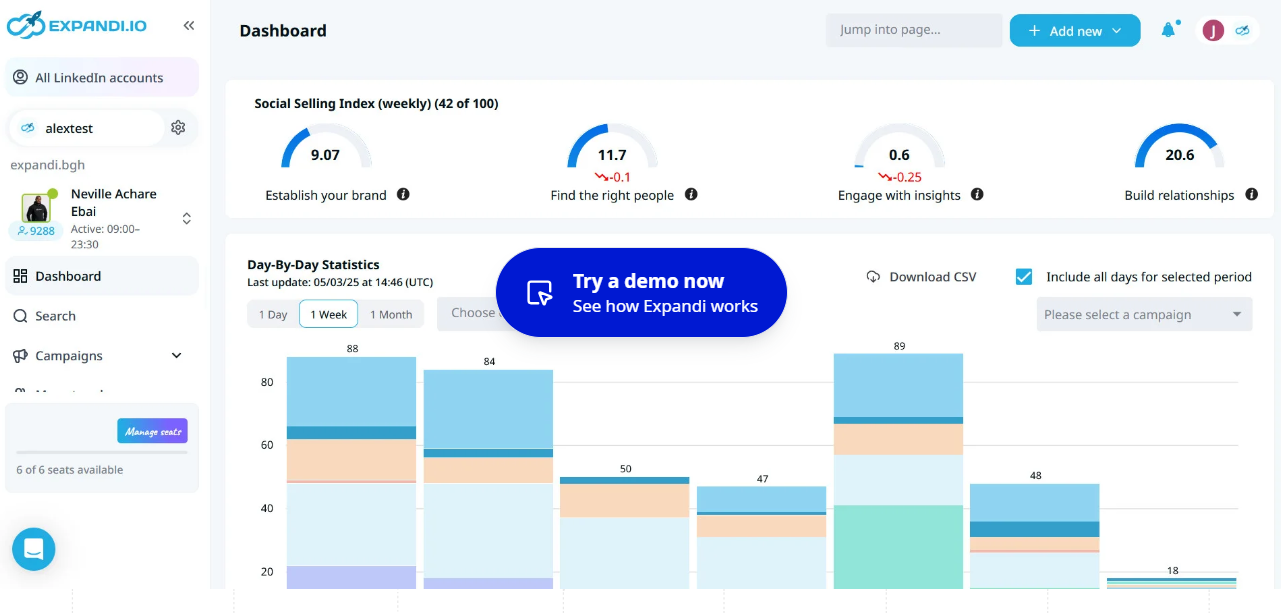
One of the more established players for pure LinkedIn automation. Strong on sequencing and safety infrastructure (dedicated IPs, smart limits, auto-warm-up), but its AI personalization is thinner than newer entrants. Messages can still feel templated unless you invest real setup time in building custom variables.
- Best for: Teams that want mature, reliable LinkedIn-specific automation and are comfortable doing more of the personalization work themselves.
- Pricing: Business plan around $99/month per seat.
Lemlist
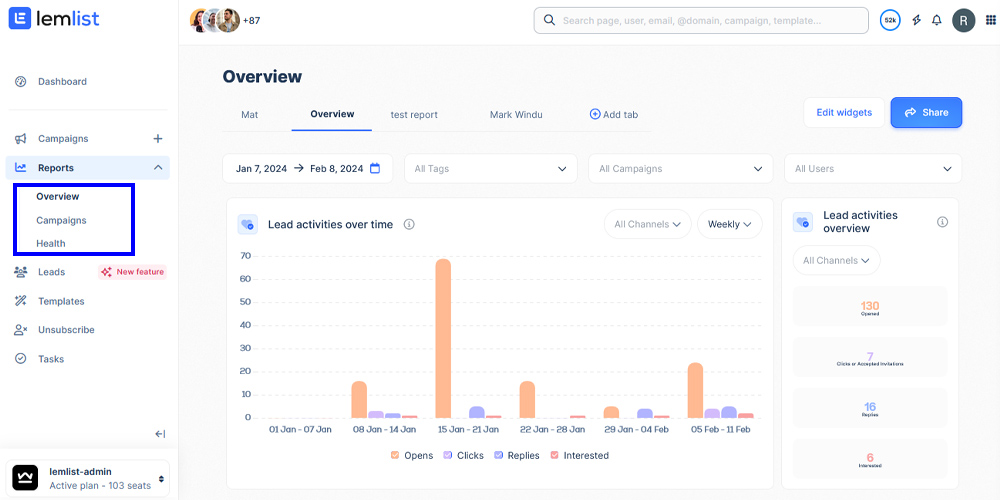
Built around multichannel sequencing that combines LinkedIn steps with email and manual tasks. Its AI scans profiles and recent posts to generate opening lines, which is a genuine step up from name-token personalization.
- Limitation worth knowing: the AI personalization is strongest on the first touchpoint. Follow-up messages in the sequence tend to fall back to more templated copy.
- Best for: Teams running LinkedIn and email together in one sequence.
- Pricing: Starts around $69/month for email; LinkedIn automation requires a higher tier, roughly $99+/month.
HeyReach
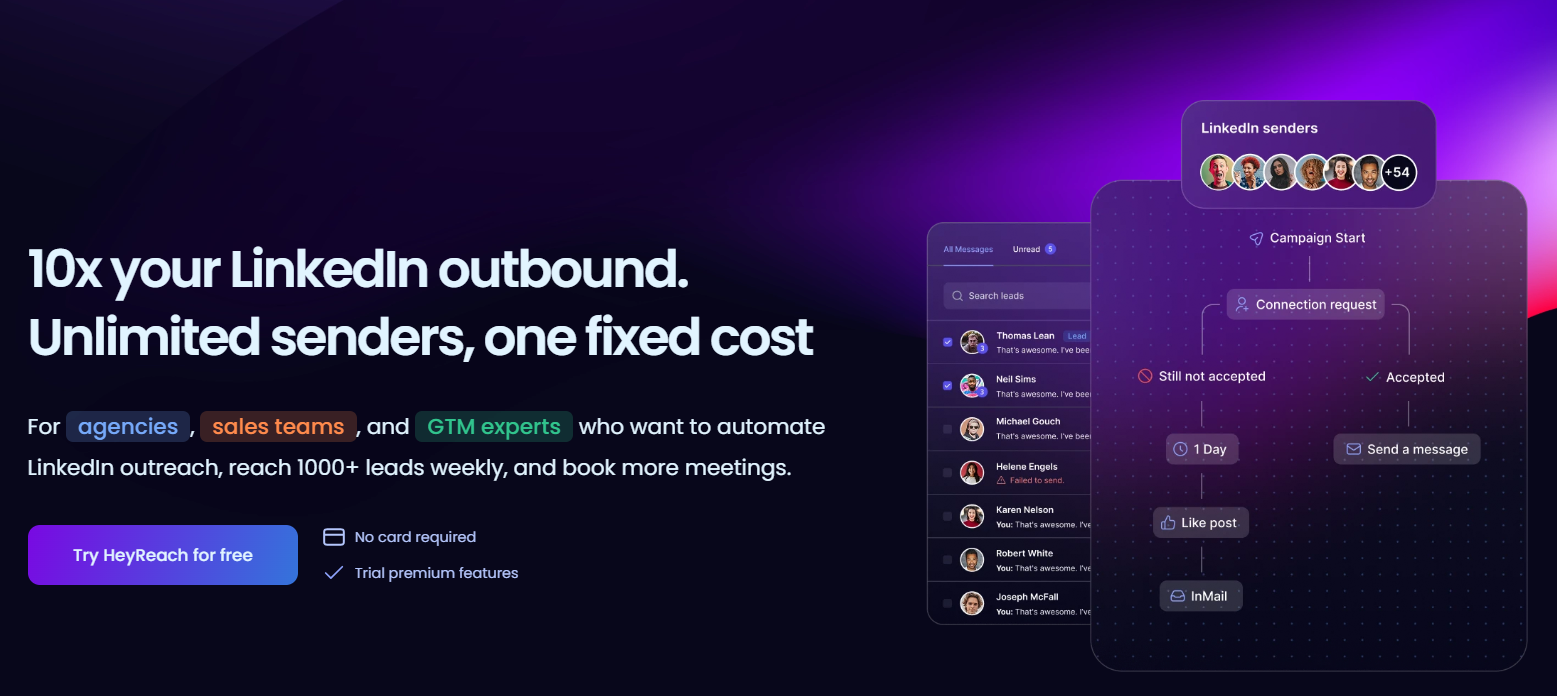
Built specifically for agencies and teams managing multiple LinkedIn sender accounts at once. Its differentiator is multi-account orchestration rather than personalization depth on its own, so it's often paired with a separate AI drafting layer.
- Best for: Agencies running outbound across many client LinkedIn accounts simultaneously.
- Pricing: Scales with the number of connected accounts, generally in the $79 to $150+/month range depending on volume.
Salesforge
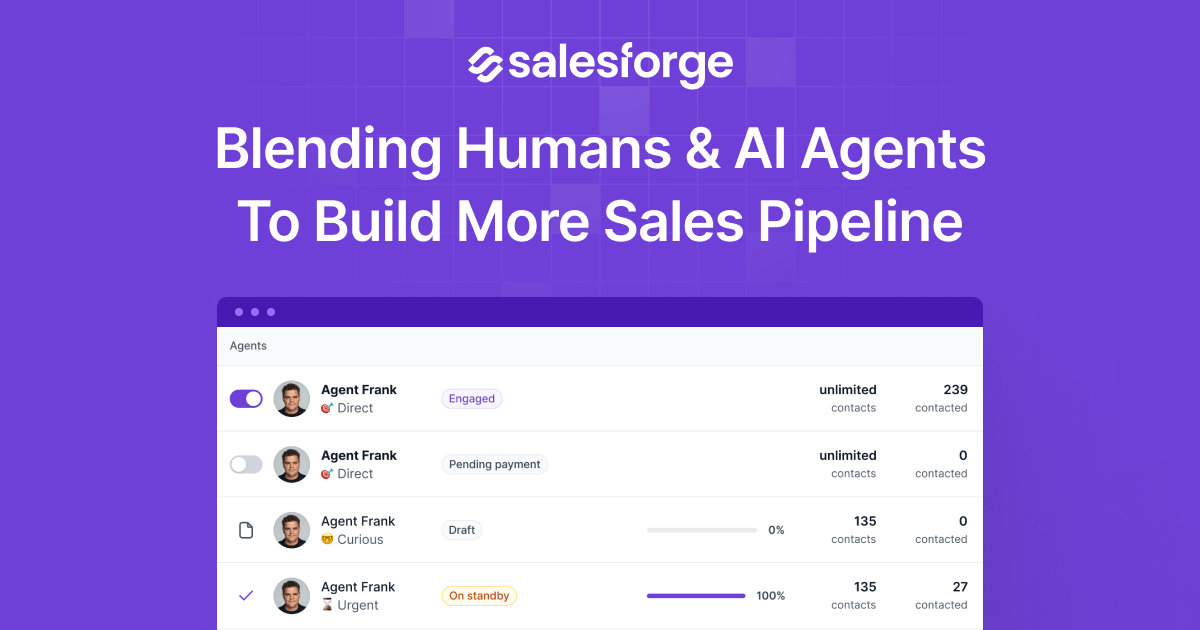
A multichannel platform that leans further into AI-generated personalization across LinkedIn and email from one flat-fee structure rather than per-seat pricing. It includes an optional autonomous AI SDR feature for teams that want to push further toward automation, which is worth approaching carefully given the account risk that comes with reduced human review.
- Best for: Teams wanting deeper AI-personalized outreach across multiple channels without per-seat cost scaling.
- Pricing: Flat-fee model, typically starting in the low hundreds per month depending on the plan.
What to actually look for
Regardless of which tool you evaluate, the feature that predicts whether it will help or hurt you is the same one every time: does it support a review step before sending, or does it send AI drafts straight through?
Platforms built around review-then-send consistently outperform fully autonomous send tools on both reply quality and account safety. Treat that as your first filter, and treat personalization depth and pricing as secondary questions after that.
Safe Sending Limits and Compliance Considerations
LinkedIn doesn't publish exact numbers, but consistent data across current benchmarks points to:
These aren't hard technical limits. They're behavioral thresholds LinkedIn's detection systems watch for. Going over them, especially in short bursts, is what triggers a review or a temporary feature restriction.
One thing worth knowing upfront: LinkedIn's User Agreement prohibits third-party automation tools outright. Using them, even well-configured ones, carries some inherent account risk regardless of how good your message quality is.
That's exactly why pacing and personalization discipline matter as risk mitigation, not just as a performance lever.
Common Mistakes When Using AI for LinkedIn Outreach
Relying Only on Basic Tokens Instead of Real Signal
Plenty of teams think they're personalizing because their tool inserts a first name and company automatically. That's not personalization, it's mail merge with a LinkedIn interface. Prospects have seen enough of these to spot the pattern instantly, and LinkedIn's own detection systems are tuned to catch exactly this kind of low-effort variable substitution.
The fix: don't move to Step 2 of your drafting process until you have at least one real signal (a post, a job change, a company event) for each prospect. If your list doesn't have that signal available, that's a data problem to solve before you write a single message.
Skipping the Human Review Step
This is the mistake with the highest cost. Teams that get AI drafting working well often get overconfident and start sending drafts straight through without review, especially once volume climbs and reviewing every message starts to feel like a bottleneck.
The problem is that AI drafting quality is inconsistent even with good inputs. One in ten messages might reference outdated information, misjudge tone, or read as obviously generated. At low volume that's a minor annoyance. At scale, it's the difference between a campaign that builds trust and one that quietly damages your account's reputation and your prospects' perception of your brand.
The fix: treat the review step as non-negotiable, and if volume genuinely makes that impossible for your team, that's a signal you need more reviewers, not less review.
Sending at a Pace No Real Person Would
Even well-personalized messages get flagged if they're sent in a pattern that doesn't look human. A burst of 40 connection requests in a ten-minute window looks automated to LinkedIn's systems regardless of what the messages actually say.
This mistake often comes from teams treating pacing as a technical setting to configure once, rather than an ongoing constraint on how they operate. New tools, new team members, or a push to hit a monthly outreach target can all quietly override sensible pacing without anyone deciding to do it on purpose.
The fix: build pacing limits into your process as a hard rule enforced by whatever tool or workflow you use, not as a guideline someone remembers to follow.
Reusing the Same Message Structure Repeatedly
Swapping personalized details into an otherwise identical message structure feels like personalization, but the underlying pattern is still visible, both to detection systems and to prospects comparing notes with colleagues who got a similarly-structured message.
This mistake is sneaky because it's easy to convince yourself you're personalizing when you're really just running a smarter version of mail merge. The signal changes message to message; the skeleton doesn't.
The fix: vary sentence structure, message length, and call-to-action phrasing across batches, not just the personalized facts inside a fixed template.
Treating AI Outreach as a One-Time Setup
Teams often build a solid AI-assisted workflow, get good early results, and then leave it running unchanged for months. LinkedIn's detection patterns evolve, prospect expectations shift, and what worked as a hook six months ago (referencing a specific post format, for example) can lose effectiveness or even start looking dated.
The fix: review performance monthly. Watch reply rates, acceptance rates, and any account warnings closely enough to catch drift before it becomes a real problem, and be willing to adjust hooks, pacing, and message structure as conditions change.
How Cleverly Personalizes LinkedIn Outreach at Scale for Clients
AI can speed up the drafting side of outreach, but scaling genuine personalization safely still comes down to the review process, the pacing discipline, and the account management most internal teams don't have the bandwidth to maintain week over week.
That's the gap Cleverly's LinkedIn outreach service is built to close. We combine AI-assisted drafting with human review and careful account management to run personalized campaigns at scale, without the detection and restriction risk that comes with fully automated sending.
The difference between AI-assisted outreach that converts and AI outreach that gets flagged comes down to exactly the process discipline covered in this guide. Most teams underestimate how much ongoing attention that actually takes, especially once volume climbs.
Our LinkedIn lead generation services handle personalized messaging built on real prospect signal, safe sending pacing, and full campaign management, with plans starting at $397/month.
If you want the results of AI-scaled LinkedIn personalization without owning the compliance risk yourself, book a strategy call with Cleverly.
Conclusion
AI makes genuine personalization at scale possible, but only when it's paired with a human-in-the-loop review process. Full automation on its own just produces generic messages faster, and prospects can tell the difference almost instantly now.
Real personalization means referencing something specific and current about the prospect, not swapping a name into a fixed template. Combine that with sensible sending pace, and you avoid the two things that quietly kill most LinkedIn outreach programs: detection and disengagement.
The goal was never to send more messages. It's to send messages that read like they took real thought, without the process breaking down the moment you try to scale it.
Frequently Asked Questions
Free Resource
How to Scale a Profitable Cold Call System
Get the complete guide — download it instantly now.

Free Ebook
Download the Free Guide
Enter your details to get instant access.
You're all set! 🎉
Your ebook is downloading now.
Click below if the download didn't start automatically.