Table of Contents
What Is a Disposable Email Address?
Why Disposable Emails Are a Problem for Marketers
How to Manually Spot a Disposable Email Address
How to Detect Disposable Emails at Scale
How to Block Disposable Emails Before They Enter Your List
Common Mistakes When Filtering Disposable Emails
How Cleverly Protects List Quality in Cold Email Campaigns
Conclusion
Frequently Asked Questions
Modified On :
August 18, 2026
Key Takeaways
- Disposable email addresses come from real, working inboxes built to expire, so they slip past simple syntax checks and only show up once your bounce rate spikes.
- Manual domain checks work fine for one-off verification, but they don't scale. Anything beyond a handful of contacts needs automated, real-time detection.
- Blocking disposable signups at the point of capture protects your sender reputation permanently, while cleaning a list after the damage is done only stops the bleeding.
- Static blacklists lose the fight against hyper-disposable domains that rotate every few days, which is why behavioral signals and live API checks matter just as much as domain lists.
- List hygiene isn't a one-time project. New disposable domains launch constantly, so detection has to run continuously, not as an occasional cleanup sprint.
Temporary email signups now make up 12% of all form registrations, which means more than 1 in 8 "leads" hitting your CRM were never going to become real contacts. Zoom out further and the picture gets worse.
About 22% of emails submitted through online forms turn out to be incorrect, and U.S. businesses collectively lose more than $164 million a day to undelivered email, according to Mailtrap's deliverability research.
Every disposable address that makes it into your list does damage quietly at first. It inflates your subscriber count, distorts your open and click rates, and then eventually bounces hard once the inbox expires, usually within hours or days of being created.
That bounce doesn't just cost you one contact. It chips away at your sender reputation, and providers like Gmail and Microsoft remember.
This guide covers what disposable email addresses actually are, how to spot them manually when you're spot-checking a handful of contacts, how to catch them at scale with automation, and how to stop them from ever landing in your list in the first place.
Whether you're running lifecycle email, managing list hygiene for outbound campaigns, or just tired of watching your bounce rate creep up, this is the practical version.
What Is a Disposable Email Address?
A disposable email address is a temporary inbox created to receive one email, or a small handful, before it expires or gets abandoned entirely. People use them for a few predictable reasons:
- Avoiding spam after signing up for something they'll only use once.
- Bypassing a "verify your email" gate without giving up a real inbox.
- Protecting a primary email account from being sold to a third party or leaked in a breach.
Important distinction: a disposable address is not the same as a typo or an invalid email. The domain is real, and the inbox genuinely works, at least for a little while. It's simply built to be thrown away. That's exactly why disposable addresses are trickier to catch than a misspelled Gmail address. They pass syntax checks and even initial MX record lookups because the infrastructure behind them is functional, just short-lived.
Some of the most well-known disposable email providers include Mailinator, Temp-Mail, Guerrilla Mail, 10 Minute Mail, and YOPmail. New ones launch constantly, and some rotate their domains every few days specifically to dodge blacklists.
📧 Clean Lists. Better Deliverability. More Replies.
Our cold email campaigns generate 15–30 qualified meetings every month with clean data, smart targeting, and personalized outreach.
Why Disposable Emails Are a Problem for Marketers
A disposable address in your database isn't a neutral, harmless entry. It actively works against you in a few specific ways.
It inflates your list size with contacts who will never engage. You're paying to store, send to, and sometimes nurture people who never intended to become customers.
It drives up your bounce rate. Once a disposable inbox expires, which can happen in minutes for services like Guerrilla Mail, any future email you send to it bounces hard. Mailbox providers track this closely. Cross a 2% bounce rate and you'll likely trigger automated reviews. Cross 5% and you risk your sending infrastructure getting flagged entirely.
It skews your engagement and segmentation data. If 12% of your list was never real to begin with, your open rates, click rates, and lead scoring are all measuring against a distorted baseline. Campaigns can look like they're underperforming when the real issue is list quality, not messaging.
It wastes real budget. You're paying for sending volume, email verification tools, and CRM seats to manage contacts that were dead on arrival.
The financial impact adds up fast across the industry. As mentioned above also, businesses in the U.S. lose an estimated $164 million a day from undelivered email, and disposable addresses are a direct and growing contributor to that number.
How to Manually Spot a Disposable Email Address
Manual checks are useful when you're spot-checking a handful of contacts, maybe verifying a lead before a sales call or reviewing a suspicious signup. They don't scale to a full list, but they're worth knowing.
Check the Domain Against Known Disposable Providers
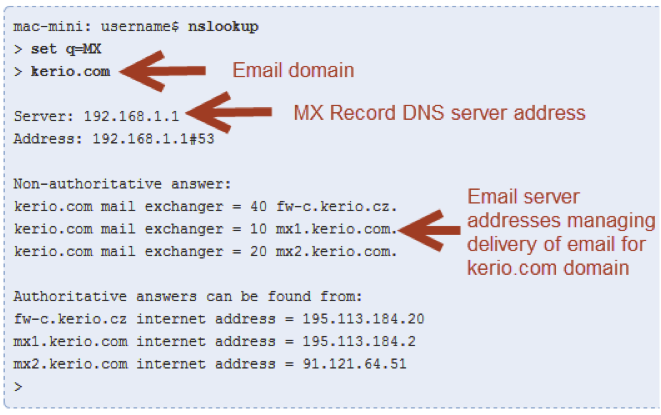
Cross-reference the domain against public lists of known throwaway providers. Several open-source GitHub repositories track large sets of disposable domains, some covering more than 100,000 entries, and they're free to reference. Watch for domain names that sound obviously temporary or generic, things like "tempmail," "10minutemail," "guerrillamail," or "trashmail." If the domain name is doing the marketing for you, that's your answer.
Check the Domain's MX Records and Age
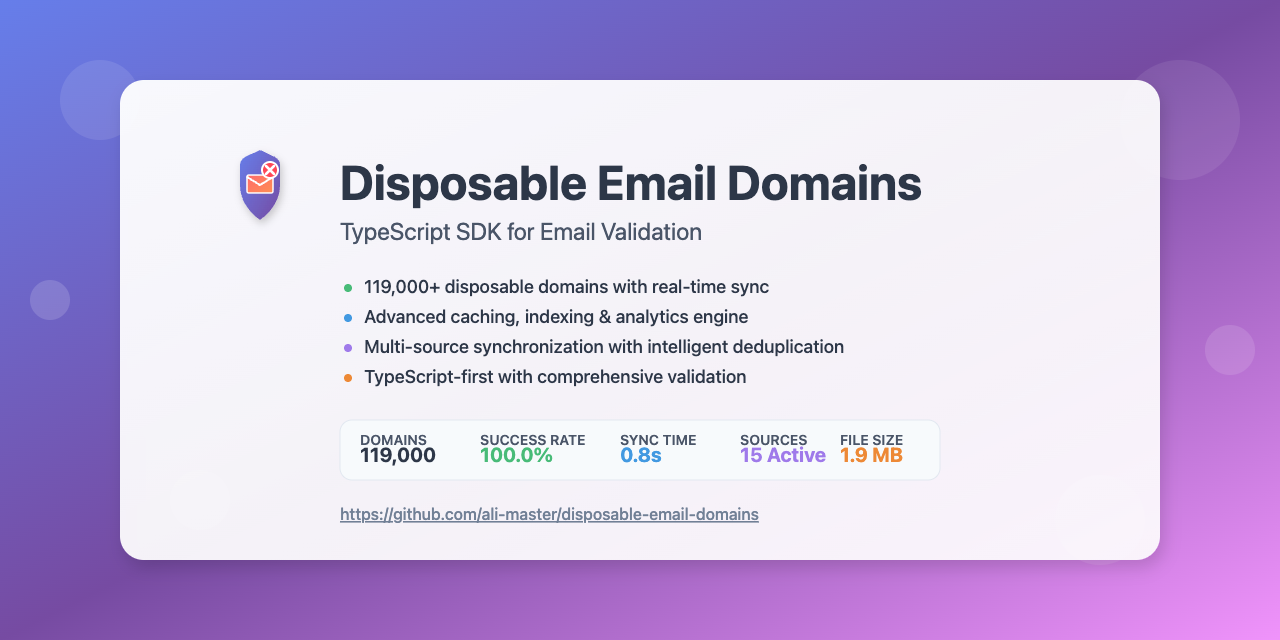
Disposable domains often run minimal or unusual MX record setups compared to established email providers like Google Workspace or Outlook. A quick domain age lookup can also flag recently registered domains, since new registrations correlate strongly with disposable and throwaway services that spin up and disappear within weeks.
These checks work fine for one-off verification. They're not practical for cleaning a list with thousands of contacts, which is where automation takes over.
Look for Suspicious Patterns in the Address Itself
A few red flags to watch for before the @ symbol:
- Random strings of letters and numbers with no resemblance to a real name.
- An address that doesn't match the name, company, or context provided elsewhere on the form.
- A domain with little to no online footprint, which often points to a newly registered throwaway service.
🚀 Protect Your Inbox. Grow Your Pipeline.
With 53,000+ meetings booked and $312M+ in pipeline generated, Cleverly helps 10,000+ businesses turn cold email into predictable revenue.
How to Detect Disposable Emails at Scale
Once you're past spot-checking and into managing a real list, manual lookups stop being realistic. Scale requires automation.
Use a Real-Time Email Verification API
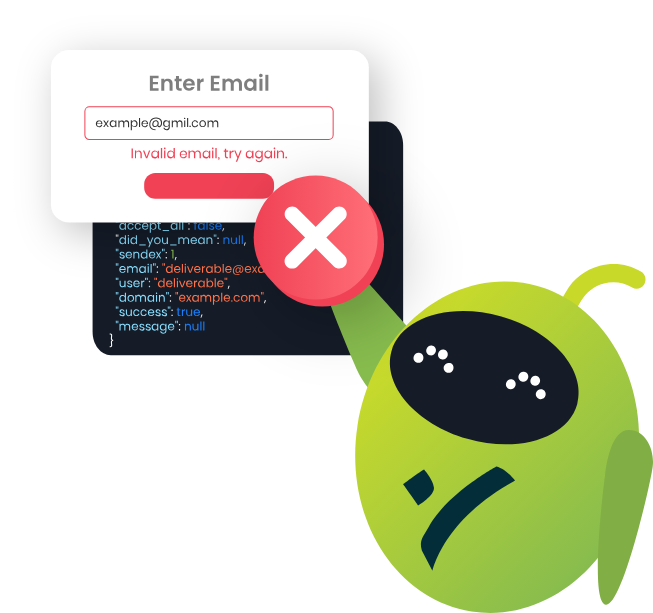
Verification tools flag disposable domains instantly at the point of signup, checkout, or lead capture. Under the hood, these checks combine domain blacklists, MX record validation, and syntax analysis into a single pass that runs in milliseconds.
Done right, this stops disposable addresses before they ever enter your CRM or email list, which is a fundamentally stronger position than trying to clean them out later.
Run Existing Lists Through a Bulk Email Checker
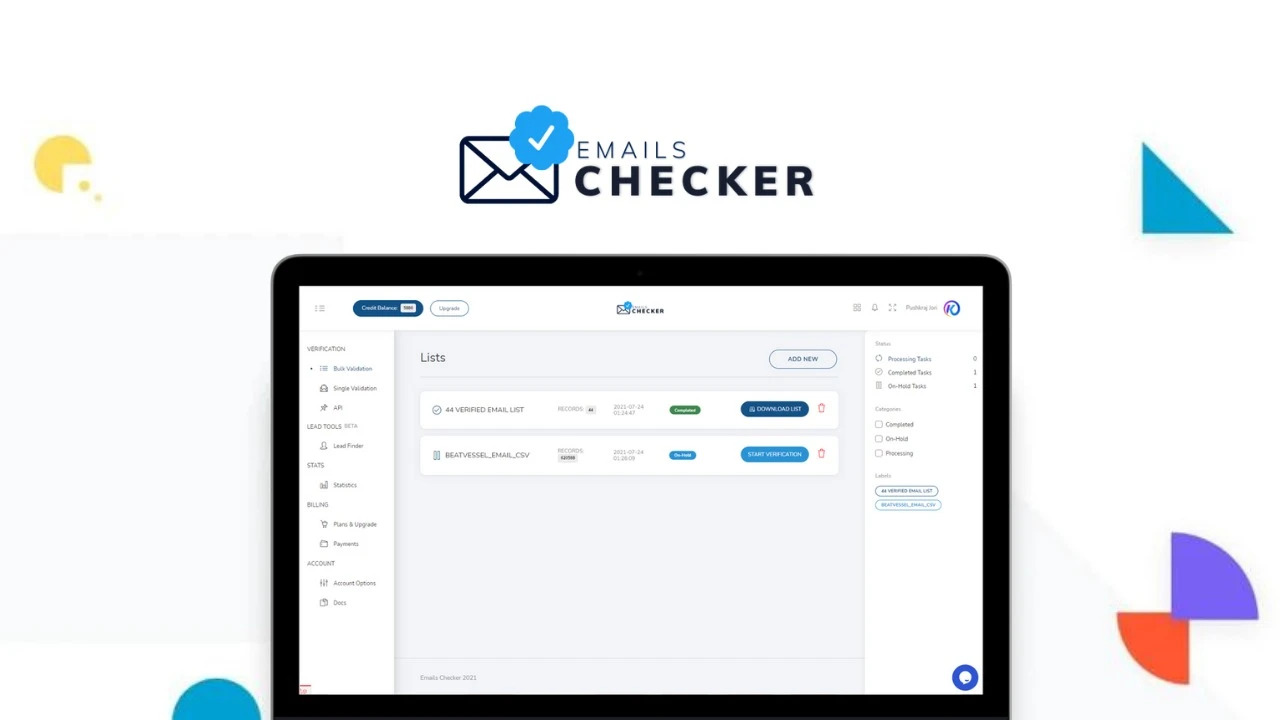
If you're sitting on a legacy list that's never been verified, bulk email checkers can scan the entire thing and flag disposable, invalid, and risky addresses in one pass. This is especially useful before a re-engagement campaign or a CRM migration, since you don't want to carry years of accumulated bad data into a fresh system.
Removing flagged contacts before you send reduces your bounce rate and protects your sender reputation ahead of the campaign, not after it's already taken a hit.
Apply Behavioral Signals as a Secondary Filter
Domain checks aren't the only signal worth watching. Zero opens, zero clicks, and immediate bounces right after signup are classic disposable-address behavior. A single-use signup with no follow-up engagement is a useful secondary flag, especially alongside domain-based detection.
Pro tip: Behavioral signals matter most for catching what blacklists miss. Newer or unlisted disposable domains won't show up on any static list yet, but they'll still behave like disposable addresses, no opens, immediate silence, or a hard bounce within days.
How to Block Disposable Emails Before They Enter Your List
Detection matters, but prevention is where you actually protect your sender reputation long term.
- Add real-time API verification directly on signup forms, checkout pages, and lead capture forms, so addresses get checked before they're ever stored.
- Pair domain blacklist checks with MX record validation to catch both known disposable domains and newly spun-up ones that haven't hit a blacklist yet.
- Require double opt-in for email list signups. This naturally filters out throwaway addresses, since most disposable inboxes can't complete a confirmation step before expiring.
- Re-verify your list periodically. Disposable domains rotate constantly. A verification pass you ran six months ago tells you nothing about what's sitting in your list today.
Common Mistakes When Filtering Disposable Emails
A few patterns show up again and again in teams that think they've solved this problem and haven't:
- Relying only on a static blacklist. New disposable domains launch weekly, and a blacklist that isn't updated constantly falls behind fast.
- Blocking based on syntax alone. This creates false positives on legitimate but unusual-looking addresses, which means you're rejecting real prospects along with the fake ones.
- Cleaning the list once and assuming it stays clean. Disposable signups happen continuously, not in a single batch.
- Treating this as a one-time IT task. List hygiene needs to be an ongoing part of how you manage data, not a project you check off and forget.
How Cleverly Protects List Quality in Cold Email Campaigns
A cold email campaign is only as strong as the list behind it. Disposable and invalid addresses quietly tank deliverability long before a single reply comes in, and by the time you notice the bounce rate, the sender reputation damage is already done.
As a cold email outreach agency, this is exactly the kind of problem we build our process around at Cleverly. Every campaign starts with a prospect list we build and verify ourselves, filtering out disposable, invalid, and catch-all-risk addresses before a single message goes out.
We're not writing a good copy and hoping the list holds up. The data hygiene happens first.
This matters because sender reputation is cumulative. A list full of throwaway addresses doesn't just hurt the current send, it damages deliverability for every campaign that follows.
We've generated $312M in pipeline for clients across cold email and LinkedIn outreach, and that kind of scale only works if the underlying data is clean from the start.
If you're running cold email outreach and want inbox placement protected by verified data instead of just good subject lines, book a strategy call with Cleverly to see how we handle it end to end.

Conclusion
Disposable emails aren't invalid addresses. They're real, working inboxes built specifically to be thrown away, which is exactly why they behave differently in your data than a simple typo would.
Manual checks work fine when you're spot-checking a handful of contacts, but anything at scale needs real-time verification and bulk checking to actually catch what's hiding in your list.
The bigger mindset shift is that this isn't a cleanup project you finish once. New disposable domains launch every week, which means filtering has to run continuously.
Protecting your list quality at the point of capture will always be cheaper than repairing a damaged sender reputation after the fact, so the earlier you build detection into your signup flow, the less cleanup you'll be doing six months from now.
Frequently Asked Questions
Free Resource
How to Scale a Profitable Cold Call System
Get the complete guide — download it instantly now.

Free Ebook
Download the Free Guide
Enter your details to get instant access.
You're all set! 🎉
Your ebook is downloading now.
Click below if the download didn't start automatically.