Table of Contents
What Is an Email Scraper?
What to Look for in the Best Email Scraping Tools
10 Best Email Scraping Tools in 2026
Free Email Scraper Tools — What You Can (and Can't) Expect
Best Email Scraper Chrome Extensions for Fast Prospecting
Is Email Scraping Legal? What SDRs Need to Know in 2026
How Cleverly Uses Email Scraping to Build Outreach-Ready Lead Lists
Conclusion
Frequently Asked Questions
Modified On :
April 9, 2026
Key Takeaways
- Email addresses decay at over 20% annually — the quality of your email scraper is directly tied to your campaign results.
- The best tools combine finding, verification, and enrichment in one workflow rather than just collecting raw addresses.
- Accuracy and bounce rate matter more than database size — one clean, verified list outperforms ten unverified ones every time.
- Chrome extensions are the fastest path to LinkedIn prospecting, but bulk scraping tools beat them on volume and list quality for larger campaigns.
- The most effective outbound teams pair the right scraper with verified, ICP-aligned lists built for campaign-ready outreach — not just raw data exports.
A cold truth: your cold email campaign can fail before you write a single word. Bad lead data is one of the top reasons outbound falls flat.
According to ZeroBounce's analysis of over 11 billion emails, roughly 37% of email addresses change every year. That means if you're working with a list that's six months old, a significant portion of it is already dead weight.
The fix isn't a better copy. It's better data — and that starts with the right email scraper.
Modern email scraper tools go far beyond collecting addresses from websites. The best ones find contacts across LinkedIn and proprietary databases, verify deliverability in real time, enrich prospect records with firmographic data, and push everything directly into your outreach stack.
The difference between a raw email list and a campaign-ready one isn't just accuracy — it's the difference between burning your domain and booking meetings.
This guide covers the 10 best email scraping tools in 2026 (free and paid) broken down by features, pricing, what they're best for, and what real users are saying.
Whether you're an SDR building pipeline, a founder doing your own prospecting, or a cold email agency managing multiple clients, there's a right tool on this list for your workflow.
What Is an Email Scraper?
An email scraper tool is software that extracts email addresses from websites, databases, LinkedIn profiles, and other online sources — and packages them into usable lead lists for outreach.
How Email Scrapers Actually Work
Under the hood, different tools use different methods. Pattern-based prediction guesses likely email formats (firstname@company.com) based on known structures for a domain.
Web crawling + regex scans publicly indexed pages for email strings. API-based database lookups query large proprietary contact databases built from aggregated sources. LinkedIn extension scraping extracts contact data from profile pages as you browse.
Most modern tools combine two or more of these approaches to improve find rates.
Email Scraper vs. Email Finder vs. Email Verifier — The Difference
These three terms get used interchangeably, but they solve different problems.
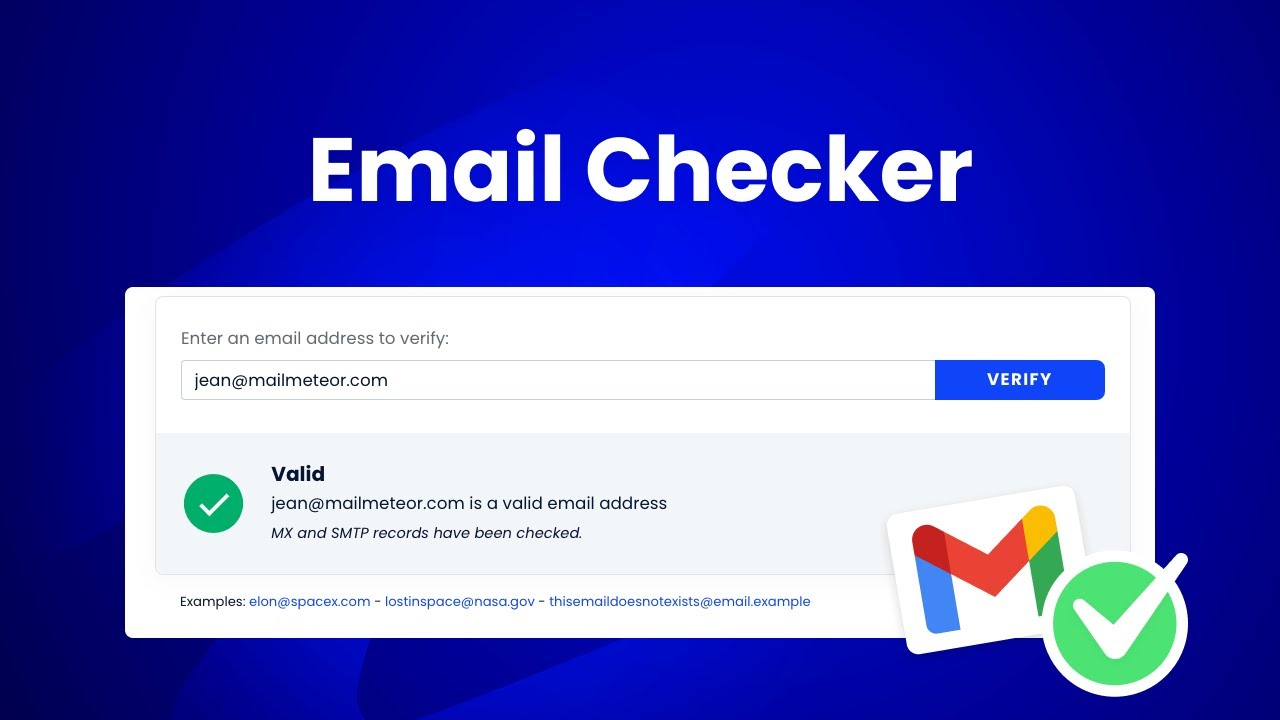
An email scraper extracts addresses, often from public web pages or social profiles. An email finder searches a database or uses pattern-based algorithms to surface a specific person's address using their name and company. An email verifier checks whether an existing address is deliverable without bouncing.
The best tools on this list do all three. If yours only does one, you'll need to fill the gaps elsewhere — which adds friction and cost to your workflow.
🤖 Stop Scraping. Start Closing.
Our cold email system sends meeting-ready leads straight to your calendar. You only pay for qualified meetings we deliver.
What to Look for in the Best Email Scraping Tools
Not all tools are created equal, and the wrong pick can quietly tank your deliverability before you realize it. Here's what separates the best email scraping tools from everything else:
✅ Email find rate and verification accuracy
The only number that matters is how many verified, deliverable emails you get per credit spent. Tools that charge credits for unverified results will drain your budget fast.

✅ Data sources
Where the data comes from determines how fresh it is. LinkedIn-based tools are strong for current roles. Proprietary databases vary widely. The best tools layer multiple sources or use waterfall enrichment to maximize coverage.
✅ Built-in email verification
If the tool doesn't verify, you need a separate tool in your stack. Always prefer tools with verification baked in — it keeps bounce rates under 2%, which is the safe threshold for protecting your sender reputation.

✅ CRM and outreach tool integrations
Native integrations with HubSpot, Salesforce, Instantly, Smartlead, and Clay determine how much manual CSV shuffling you're doing. Fewer handoffs = faster time to outreach.
✅ Chrome extension availability
For LinkedIn-first prospecting, a solid Chrome extension speeds up individual lookups dramatically. The best ones push contacts straight to your CRM or sequence without extra steps.
✅ Pricing model clarity
Credit-based, subscription, and pay-as-you-go models all work — but the gotchas matter. Watch for: credits that expire monthly with no rollover, separate credit pools for email vs. phone, and hidden per-seat pricing that compounds with team size.
✅ Free tier quality
A good free tier lets you actually test the tool's data accuracy on your ICP before committing. If it's too limited to run a real evaluation, it's not really free — it's just a teaser.
✅ GDPR and CAN-SPAM compliance posture
If you're prospecting into EU markets, the tool's compliance posture matters. Kaspr's €240K CNIL fine in 2024 is the clearest signal yet that regulators are watching how contact data is collected and used.
10 Best Email Scraping Tools in 2026
This list is built around accuracy, use-case fit, pricing transparency, and real user feedback — not just feature checklists.
1. Saleshandy
G2 Rating: 4.6/5 (750+ reviews)
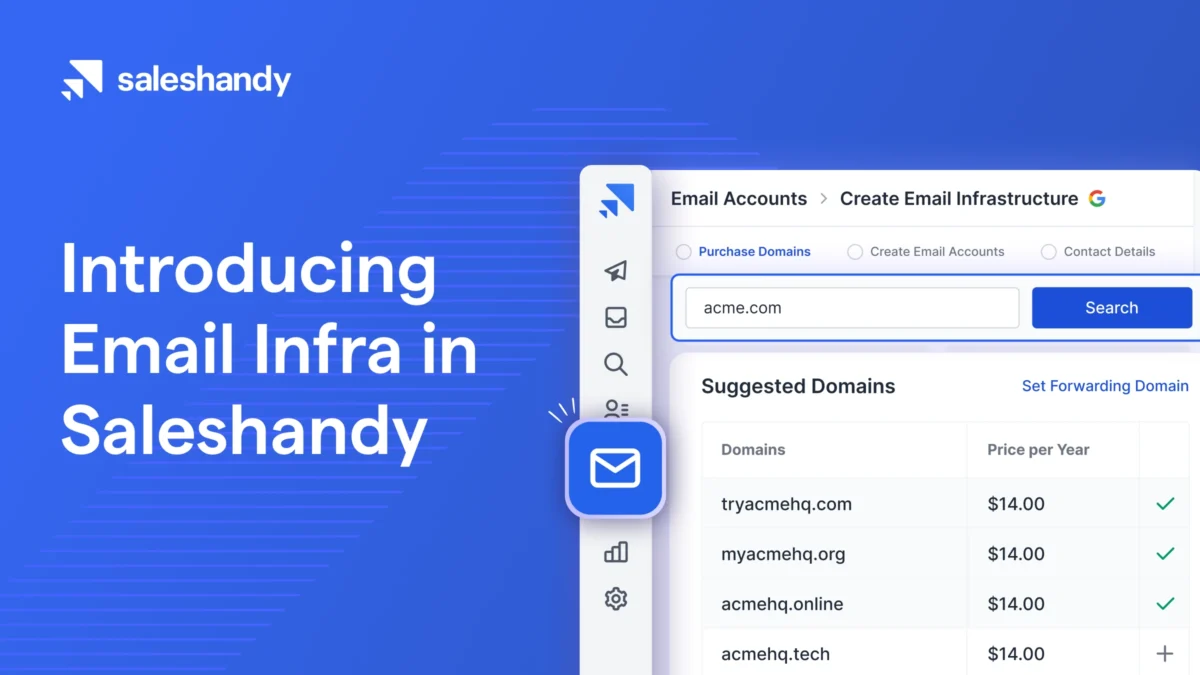
Saleshandy has evolved from a basic email tracking tool into a full cold outreach platform with an integrated B2B lead database. It combines a 700M+ contact database, real-time email verification, multi-step cold email sequences, unlimited email accounts, and automated warmup — all under one roof.
Key Features:
- AI Lead Finder with 700M+ B2B contacts, searchable by title, company size, industry, location, and technology.
- LinkedIn Chrome extension to find and push contacts directly into email sequences.
- Unlimited email accounts on every plan, with automatic sender rotation.
- AI Sequence Copilot that writes and edits cold email messaging.
- Unified inbox with AI reply intent detection (Interested, Meeting Booked, etc.).
- White-label agency workspaces for teams managing multiple clients.
Pricing: Outreach Starter at $25/month (annual). Lead Finder starts at $24/month for 1,000 credits. Inbox Placement Testing available from $34/month. The base plan looks affordable, but real working cost rises to ~$83/month once you add Lead Finder and inbox placement testing.
Free Tier: 7-day free trial with 5 lead finder credits. No permanent free plan for outreach.
Pros:
✅ One platform for data, sequences, and deliverability — no tool juggling.
✅ Unlimited email accounts is a standout for agencies running multiple sending domains.
✅ AI Lead Finder only charges for verified contacts found — no wasted credits.
Cons:
❌ TrulyInbox warmup analytics have drawn 54 G2 complaints for limited tracking accuracy.
❌ Advertised price ($25/mo) climbs significantly once you add the features you actually need.
❌ CRM integrations locked behind the $74/month Pro plan.
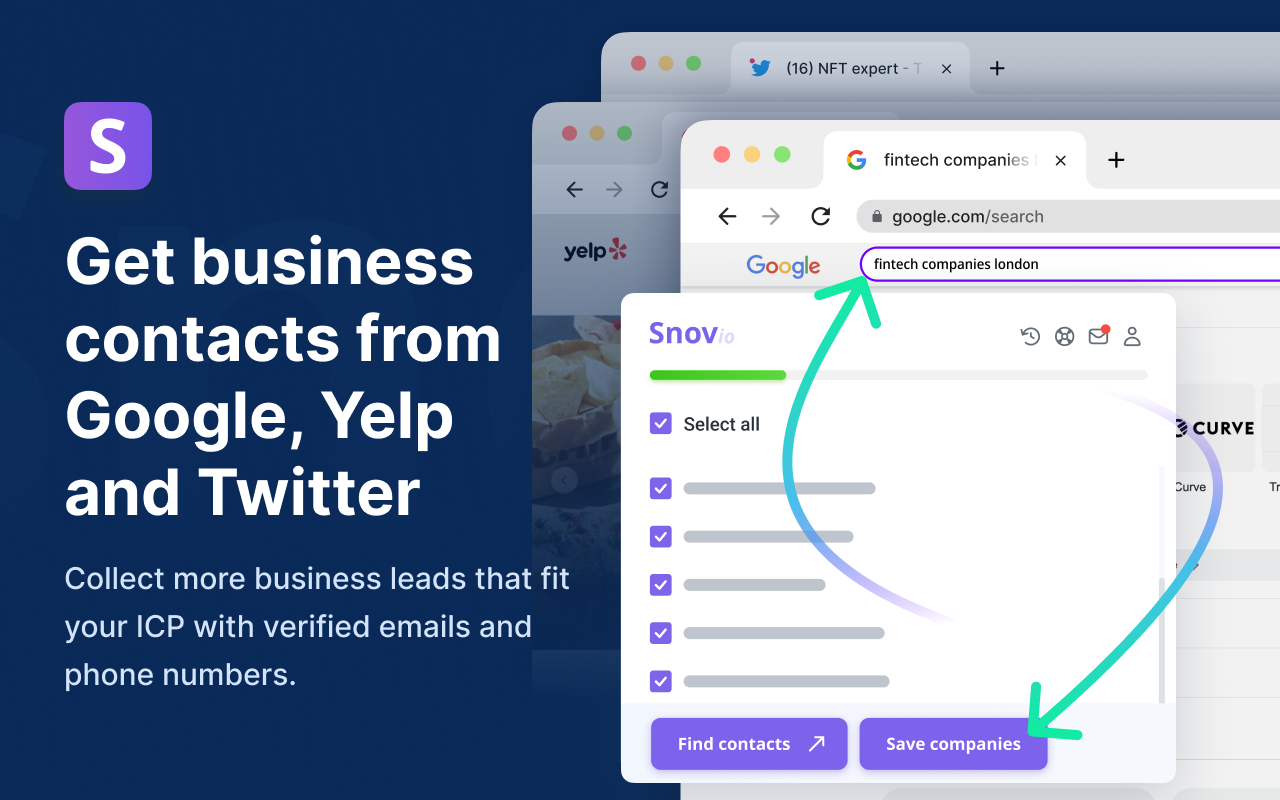
2. Snov.io — Best for Bulk Email Scraping with Multi-Tier Verification
G2 Rating: 4.5/5 (500+ reviews)
Snov.io is a comprehensive sales automation platform that handles lead generation, email verification, drip campaigns, and CRM in one place. Its 7-tier email verification system is one of the most rigorous on this list — checking syntax, MX records, SMTP responses, and disposable email detection before marking an address as valid.
Key Features:
- 200M+ contact database searchable with filters for location, company size, industry, and technology.
- 7-tier verification system that bypasses gray-listing issues to improve deliverability.
- Built-in email drip campaigns with multichannel support (email, LinkedIn, calls).
- CSV enrichment for existing lists — upload and fill in missing firmographic data.
- Native integrations with HubSpot, Pipedrive, and Salesforce.
Pricing: Starter plan at $29.25/month (annual) for 1,000 credits. Pro at $74.25/month for 5,000 credits. Users report that real costs run 2–3x the base price once LinkedIn automation and higher send volumes are added.
Free Tier: 50 credits per month, 100 email recipients, and one mailbox warmup. Renews every 30 days — genuinely useful for ongoing light testing.
Pros:
✅ 7-tier verification is best-in-class for reducing bounces on found emails.
✅ All-in-one coverage from prospecting to email campaigns without platform switching.
✅ Strong for international prospecting, especially EU and APAC markets where Hunter underperforms.
Cons:
❌ Advertised pricing doesn't reflect real cost once automation features are unlocked.
❌ Interface can feel cluttered; some users report a learning curve navigating all features.
❌ Credits on lower tiers do not roll over, which frustrates teams with uneven monthly volume.
3. Hunter.io
G2 Rating: 4.4/5 (600+ reviews)
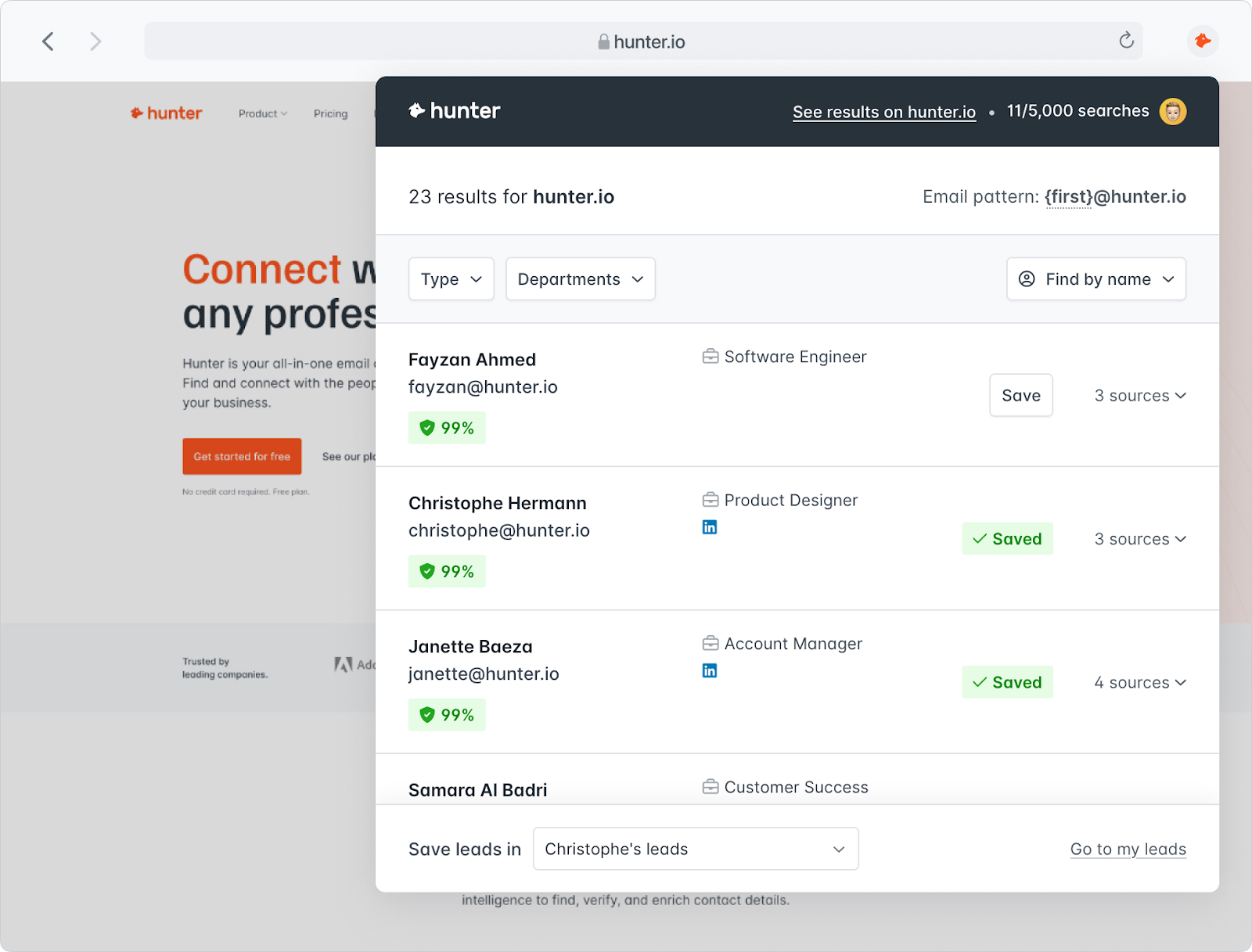
Hunter.io is one of the most recognizable names in the email scraper space, built specifically around domain-based email discovery and verification. Enter a company's website domain and Hunter returns every publicly associated professional email address, along with confidence scores and verification status.
Key Features:
- Domain Search — pulls all known email addresses for any domain.
- Email Finder — finds a specific person's address using name + company.
- Email Verifier — flags addresses as Valid, Invalid, or Accept-all with confidence scores.
- Chrome extension with 600,000+ users for on-page prospecting.
- Basic cold email campaign functionality built into the platform.
Pricing: Free plan available. Paid plans start at $49/month for 500 searches (monthly billing). Annual billing offers modest savings.
Free Tier: 50 searches per month. Enough to test quality but not enough for active outbound at any real volume.
Pros:
✅ The simplest and fastest domain search experience on this list.
✅ Trusted verification — G2 reviewers consistently praise accuracy for finding publicly listed emails.
✅ No learning curve. Small teams and solo users can get running within minutes.
Cons:
❌ No phone numbers — if direct dials are part of your outreach motion, you'll need a second tool.
❌ Chrome extension doesn't work on LinkedIn, limiting its usefulness for LinkedIn-first prospectors.
❌ Coverage is weak for smaller companies that don't publish employee emails publicly.
4. Apollo.io
G2 Rating: 4.7/5 (9,000+ reviews)
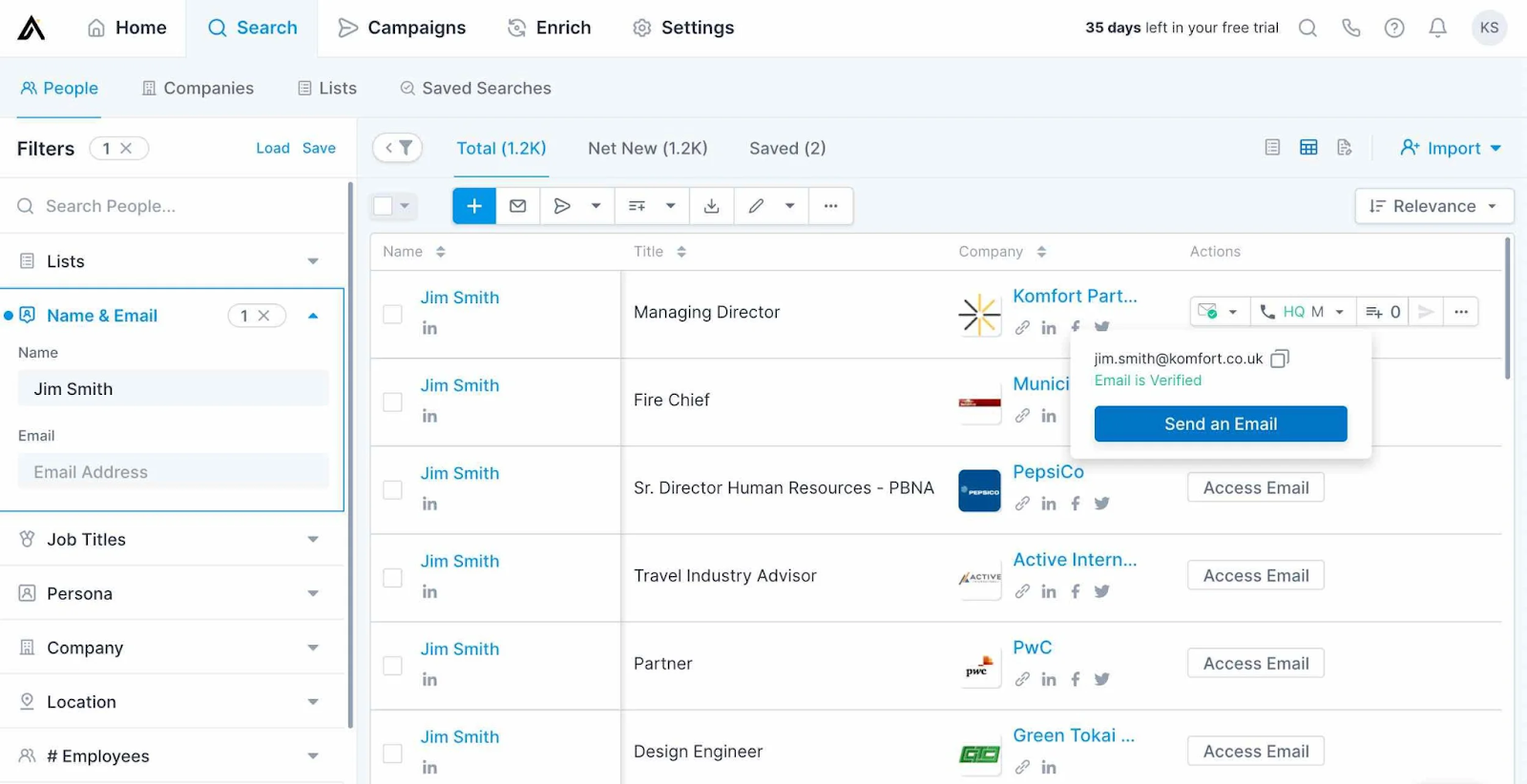
Apollo.io is the all-in-one platform that combines a 275M+ contact database with built-in email sequences, a dialer, intent data, and an AI assistant — making it the dominant choice for SMBs and early-stage teams that want one consolidated platform instead of stitching together multiple tools.
Key Features:
- 275M+ contact database searchable with 65+ filters including funding stage, tech stack, and buying signals.
- Native email sequencer with A/B testing built in.
- Built-in dialer (Professional plan and above) with parallel dialing.
- Intent data and buying signals for prioritizing high-fit accounts.
- AI Assistant (launched March 2026) that executes outbound workflows via natural language prompts.
Pricing: Free plan available. Basic at $49/user/month (annual). Professional at $79/user/month. Organization at $119/user/month (3-seat minimum). Per-seat pricing compounds quickly for larger teams.
Free Tier: 75 email credits per user per month. Full database access and 2 active sequences. One of the most generous free tiers in this category.
Pros:
✅ Nothing at this price point matches Apollo's feature breadth — database, sequences, dialer, intent, and AI in one platform.
✅ Fast list building: 65+ filters, saved personas, and a Chrome extension make it easy to go from ICP to a working list within a day.
✅ Generous free tier for testing before committing to paid.
Cons:
❌ Email accuracy sits around 79% by real-world user benchmarks, with bounce rates reported at 15–35% depending on geography and industry.
❌ Shared sending infrastructure means your deliverability is partially tied to other users' behavior.
❌ Credit system — no rollover, separate pools for email/mobile/export — creates surprise costs.
5. Kaspr
G2 Rating: 4.4/5 (831 reviews)
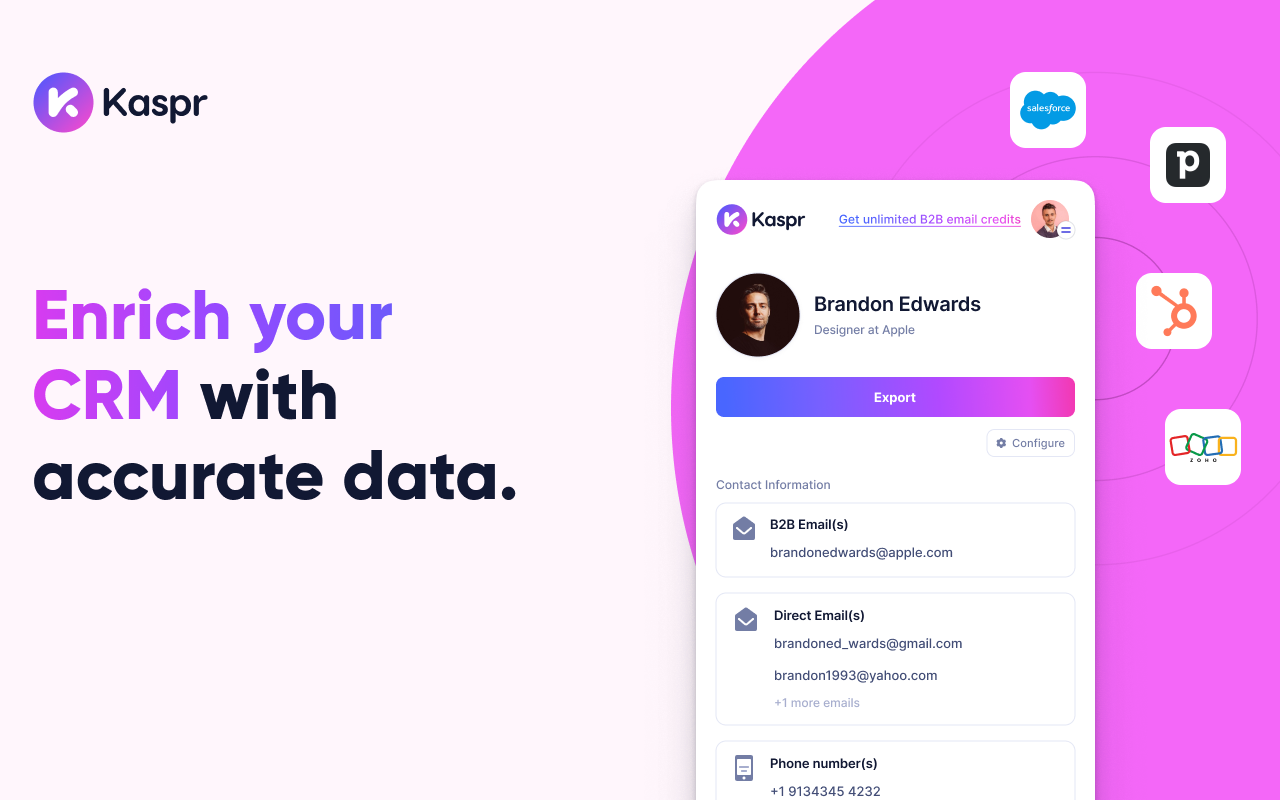
Kaspr is a LinkedIn Chrome extension purpose-built for fast contact enrichment directly on profile pages. It's particularly strong for European B2B data — with access to 120M+ European contacts and 500M+ phone numbers and emails globally — making it the go-to tool for EU-focused SDR teams.
Key Features:
- Chrome extension that overlays verified contact data directly on LinkedIn profiles, Sales Navigator, and Recruiter Lite.
- Captures both professional B2B emails and direct personal emails.
- One-click CRM export to HubSpot, Salesforce, Pipedrive, and others.
- Bulk enrichment for CSV uploads and LinkedIn group scraping.
- API access for custom data enrichment workflows.
Pricing: Free plan available. Paid plans start at €45/month (Starter) and scale to €79/month (Business). Annual billing provides savings but comes with strict cancellation terms — monthly plans require 48-hour notice to cancel; annual plans require a full month's advance notice.
Free Tier: 5 phone credits and 15 B2B email credits per month.
Pros:
✅ Best-in-class for European contact data with 90%+ accuracy on EU-based contacts.
✅ Chrome extension is fast, intuitive, and highly rated for LinkedIn workflow integration.
✅ Strong for direct phone numbers alongside emails.
Cons:
❌ North American data quality drops noticeably compared to EU coverage.
❌ CNIL fine: In December 2024, French regulators fined Kaspr €240,000 for GDPR violations related to scraping contact data from LinkedIn users who had restricted their visibility settings. Teams with active GDPR compliance requirements should factor this into their vendor evaluation.
❌ Trustpilot sits at 1.6/5 (85 reviews), with complaints centered on auto-renewal billing and difficulty canceling annual contracts.
6. Skrapp.io
G2 Rating: 4.0/5 (80+ reviews)
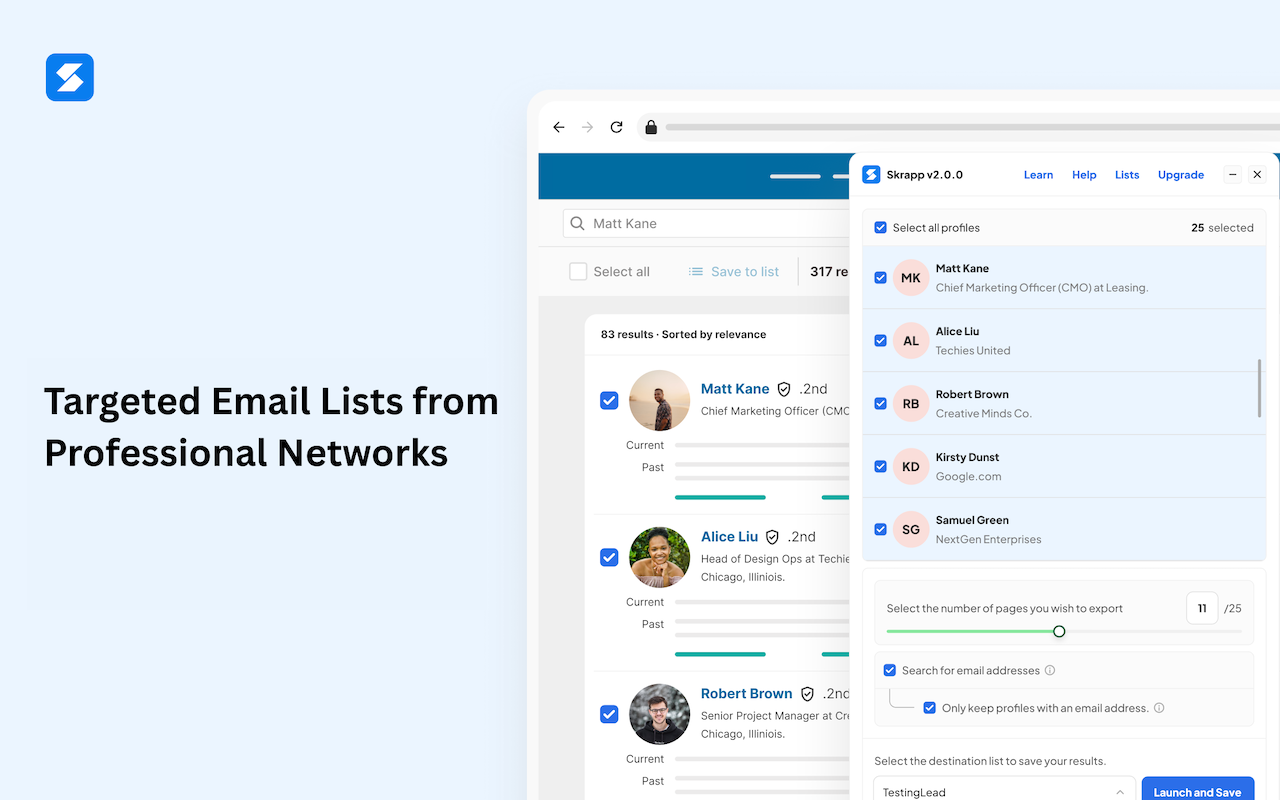
Skrapp.io is a B2B email finder built specifically for LinkedIn-based prospecting. It processes 5 million searches daily and claims a 92% success rate on email discovery, making it a focused alternative for teams whose prospecting workflow lives primarily on LinkedIn and Sales Navigator.
Key Features:
- Chrome extension that integrates directly with LinkedIn, Sales Navigator, and LinkedIn Recruiter.
- Bulk email finding from uploaded CSV contact lists.
- Company and domain search for mapping full organizations.
- Auto-connect and auto-follow LinkedIn features built into the extension.
- GDPR-compliant data handling for EU prospecting.
Pricing: Free plan with 100 email credits per month (with rollover). Paid plans start at $39/month for 1,000 credits with 2 user seats. Unused credits roll over — a meaningful differentiator over tools with monthly expiration policies.
Free Tier: 100 credits per month with rollover capability. More generous than Hunter (50) or Snov.io (50) on the free tier.
Pros:
✅ Credit rollover on all plans, including the free tier — rare among email scrapers.
✅ GDPR-compliant data approach with no personal data stored beyond processing.
✅ Strong for LinkedIn-first teams that don't need a full all-in-one platform.
Cons:
❌ Smaller database than Apollo or Saleshandy — coverage drops for niche industries or smaller companies.
❌ No phone numbers, so direct dial prospecting requires a separate tool.
❌ Limited outreach automation compared to full-stack platforms.
7. Lusha
G2 Rating: 4.3/5 (1,619 reviews)
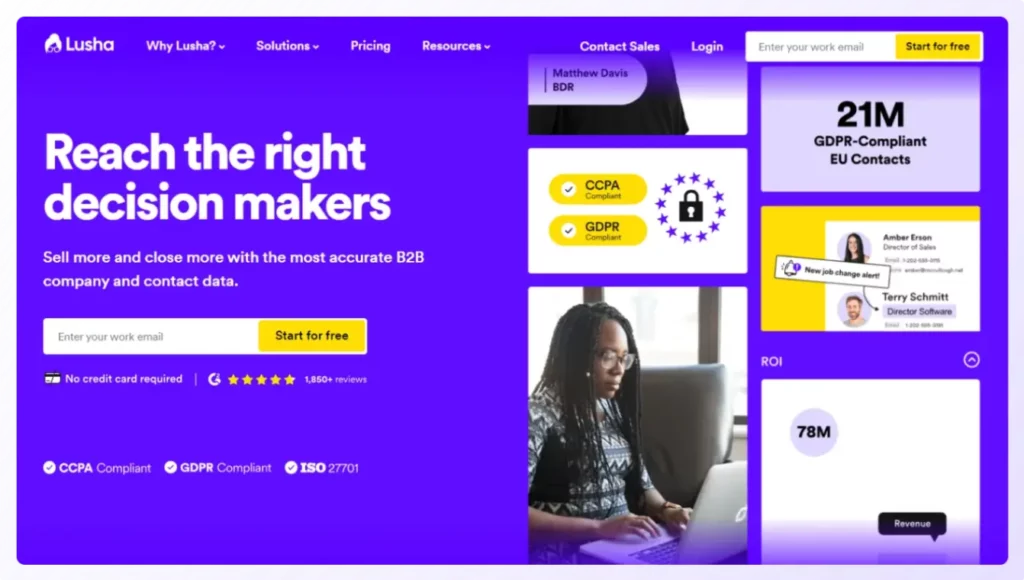
Lusha is a B2B enrichment platform built around speed and integrations. The Chrome extension overlays contact data on LinkedIn and company websites, and its native connections to Salesforce, HubSpot, Outreach, Salesloft, Pipedrive, Zoho, Chili Piper, Workato, n8n, and Zapier make it one of the easiest tools to slot into an existing sales stack without any workflow disruption.
Key Features:
- Chrome extension for real-time contact enrichment directly on LinkedIn profiles and company websites.
- Direct phone numbers and business email addresses with confidence scoring.
- 36M+ C-level profiles and 100M+ business profiles in its database.
- Bulk CSV enrichment for large prospect lists.
- CRM auto-enrichment to keep Salesforce and HubSpot data clean.
Pricing: Free plan with 70 credits per month. Paid plans start at ~$29–$39/user/month (Pro), scaling to ~$52–$70/user/month (Premium). Lusha doesn't publish paid pricing publicly — it requires a sales conversation to confirm tier details.
Free Tier: 70 credits per month — among the more generous free tiers on this list for testing accuracy.
Pros:
✅ Integrates natively with virtually every major CRM and outreach tool — zero friction for teams with existing stacks.
✅ Strong for direct phone number enrichment alongside B2B emails.
✅ Fast Chrome extension workflow that requires minimal behavior change for SDR teams.
Cons:
❌ Phone numbers cost 10 credits each — a phone-heavy month burns through your credit allocation fast.
❌ Third-party benchmark testing reported bounce rates of 22–28% after send-level verification, raising questions about data freshness at scale.
❌ Pricing is not publicly listed for paid tiers — creates friction when building a business case or comparing at-scale costs.
8. Evaboot
G2 Rating: 4.6/5 (81 reviews)
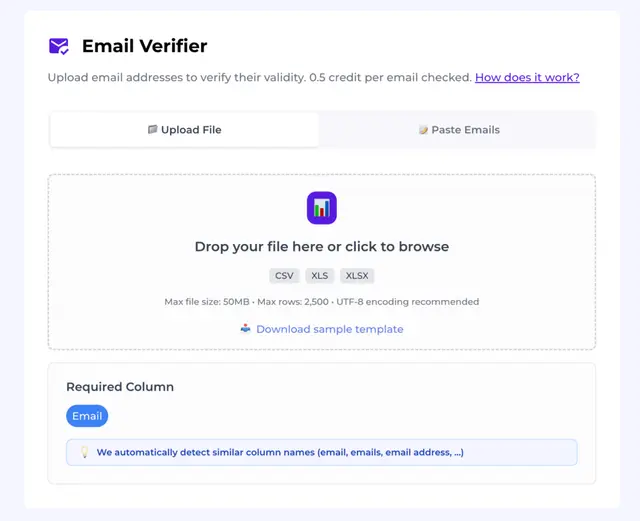
Evaboot is a Chrome extension purpose-built for one thing: exporting clean, verified lead data from LinkedIn Sales Navigator in one click. What makes it stand out isn't just the export — it's the automatic data cleaning that strips formatting errors, flags false positives, and removes leads that don't actually match your search filters.
Key Features:
- One-click export of Sales Navigator searches, lead lists, and saved searches.
- Automatic data cleaning — fixes names, company names, and special characters, and flags results that don't match your filter criteria.
- Email finder and verifier built into the export workflow.
- 35 data points per exported lead, including LinkedIn profile URL, company domain, and Open Profile status.
- Credit rollover from month to month while subscription is active.
Pricing: Credit-based with a single plan and all features included at every tier. Starts at $9/month for 100 credits. The catch: Evaboot uses 2 credits per complete lead (1 scrape + 1 email finder), so 100 credits = 50 complete leads. An active LinkedIn Sales Navigator subscription ($99/month) is required separately.
Free Tier: No free plan. No trial. You need to purchase credits to start.
Pros:
✅ Best data cleaning in the LinkedIn scraper category — catches the false-positive rate that native Sales Navigator searches miss.
✅ Simple, focused product with virtually no learning curve.
✅ Third-party benchmarks report a 2% bounce rate, placing it among the top performers on deliverability.
Cons:
❌ Requires LinkedIn Sales Navigator ($99/month) — the real entry cost is $9 + $99 = ~$108/month minimum.
❌ No CRM integration — you export to CSV and import manually.
❌ Email enrichment accuracy leaves gaps; some G2 reviews flag empty email fields on a portion of exported leads.
9. Prospeo
G2 Rating: 4.5/5 (89+ reviews)
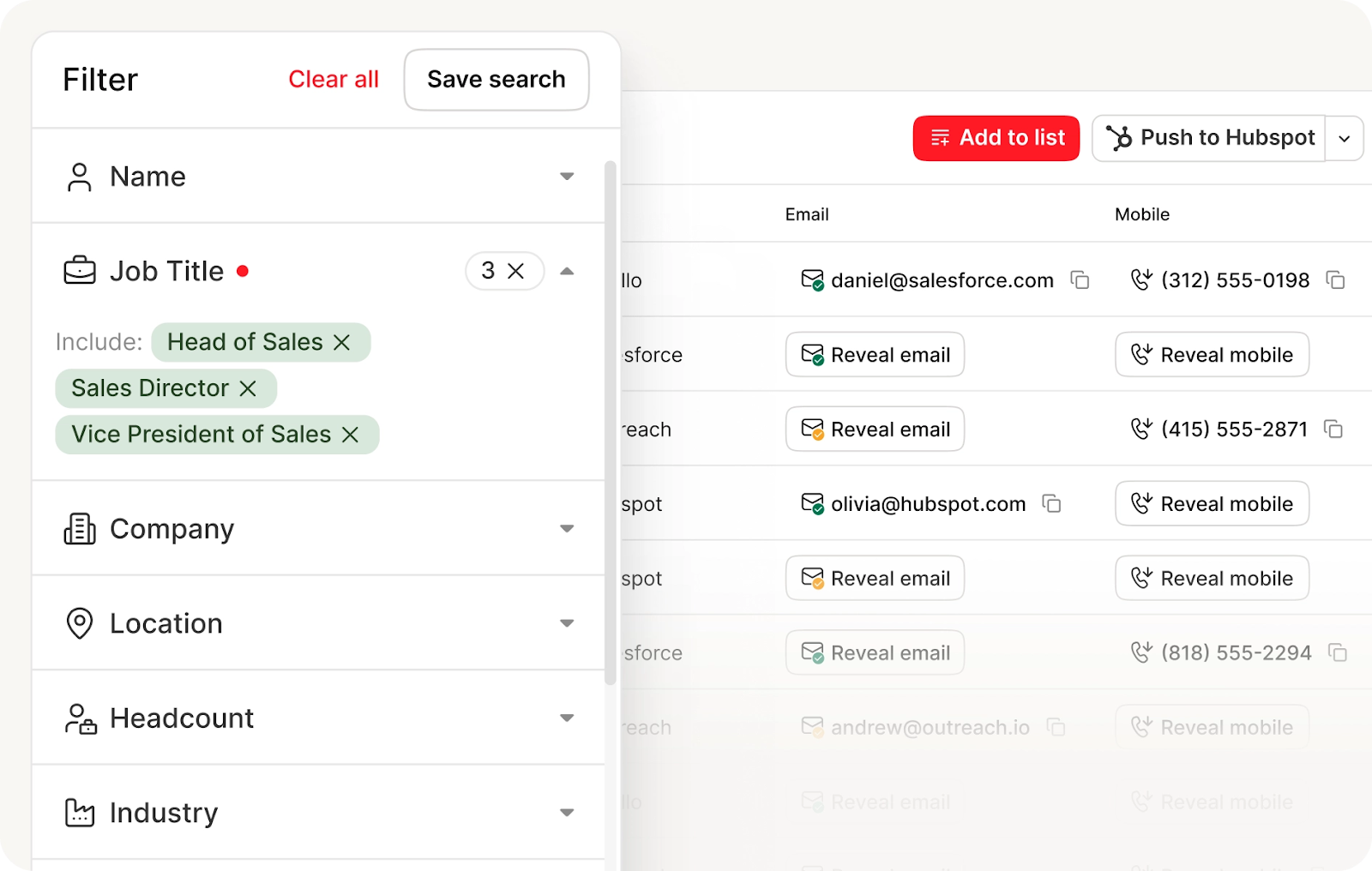
Prospeo is a modern B2B data platform built for accuracy-first email enrichment. It maintains a 300M+ profile database refreshed on a weekly 7-day cycle — significantly faster than the monthly or quarterly refresh typical of legacy platforms — which directly impacts how many emails are still valid when you send.
Key Features:
- 300M+ B2B profiles with a 7-day data refresh cycle for email freshness.
- LinkedIn email finder Chrome extension with real-time verification on profile pages.
- Domain Search — pull all emails associated with a company domain.
- Bulk CSV processing for mass enrichment.
- Native integrations with HubSpot, Salesforce, Clay, Zapier, Instantly, and Lemlist.
Pricing: Free plan with 75 verified emails per month. Starter at $39/month for 1,000 credits. Growth at $99/month for 5,000 credits. Per-email cost runs approximately $0.01 at scale — among the most competitive on this list.
Free Tier: 75 verified emails per month with no credit card required. One of the few free tiers that allows a real accuracy evaluation before committing.
Pros:
✅ 7-day database refresh cycle is the fastest on this list — directly lowers bounce rates on new exports.
✅ Free tier of 75 emails/month lets you genuinely test accuracy on your ICP before paying.
✅ Very competitive per-email economics (~$0.01/email at scale).
Cons:
❌ Bulk processing has a documented limitation: some users report importing large LinkedIn lists and getting a low email match rate while consuming all credits.
❌ No built-in outreach — Prospeo is a data tool only. You'll need a separate sequencer.
❌ Customer support responsiveness has drawn criticism in some G2 and Chrome Web Store reviews.
10. Findymail
G2 Rating: 4.9/5 (56 reviews)
Findymail is built around a single obsession: don't return an email unless it's verified. The platform uses strict binary verification — an email is either valid or it isn't returned — and only charges a credit when it finds a verified result. That verified-only billing model is the most user-friendly in this category, and it's the primary reason Findymail holds a near-perfect G2 score.
Key Features:
- Verified-only billing — no credits charged for emails Findymail can't confirm.
- Intellimatch — AI feature that interprets plain-English queries to surface matching contacts.
- Datacare — CRM cleaning module that re-verifies existing contact records on a schedule.
- Chrome extension for LinkedIn and company website prospecting.
- API access with Clay-native integration for data enrichment pipelines.
Pricing: Basic plan at $49/month for 1,000 finder credits. Starter at $99/month for 5,000 finder + 5,000 verifier credits. Annual billing brings effective monthly costs down by roughly 17%. Phone lookups cost 10 credits each — budget accordingly for call-heavy campaigns.
Free Tier: 10 finder credits + 10 verifier credits with no credit card required. Enough to test accuracy, not enough to benchmark at campaign scale.
Pros:
✅ Verified-only charging model — you only pay for results that are actually good.
✅ Independent benchmarks put Findymail's hard bounce rate at 1.1% on 20,000 contacts — top-tier accuracy.
✅ Unused credits roll over month to month (capped at 2x your monthly plan).
Cons:
❌ Enrichment rate of ~40% on bulk imports — roughly 6 out of 10 submitted contacts come back empty when submitting name + company only.
❌ Phone enrichment is US-only — no EU or APAC mobile coverage.
❌ All paid plans cap at 10 users, making it impractical for larger sales teams.
📩 Turn Email Data Into Real Sales Calls
Let Cleverly run your cold email outreach end-to-end. More replies, more meetings, zero extra work for your team.
Free Email Scraper Tools — What You Can (and Can't) Expect
Most email scraper tools offer some version of a free tier in 2026. Here's what those free plans actually look like across the top tools:
When a Free Email Scraper Is Enough
Free tiers work well for testing data accuracy on your specific ICP before committing to a paid plan. Prospeo (75/month), Lusha (70/month), and Skrapp.io (100/month with rollover) are the most useful for real evaluation.
Free plans are not enough for: active outbound prospecting at any meaningful volume, campaigns targeting multiple personas or geographies, or teams that need phone numbers alongside emails.
The Hidden Cost of Inaccurate Free Data
Cheap or free data that isn't verified carries a real downstream cost. A 15% bounce rate on a 500-contact sequence can trigger spam filters, damage your domain reputation, and require weeks of inbox repair.
One clean, verified list of 200 contacts will outperform a raw unverified list of 2,000 every time — both in deliverability and in time spent troubleshooting.
Best Email Scraper Chrome Extensions for Fast Prospecting
Chrome extensions are the fastest path to building prospect lists while you're already browsing LinkedIn or company websites. Here's how the top extensions compare in 2026:
- Hunter.io — Best for domain-based discovery on company websites. 600,000+ users. Doesn't work on LinkedIn, which is its biggest limitation.
- Kaspr — Best Chrome extension for LinkedIn specifically, especially for European contacts and phone numbers. Fast, intuitive, and pushes directly to CRM.
- Lusha — Most integration-rich extension. Works across LinkedIn and company websites, and syncs natively to virtually every major CRM.
- Skrapp.io — Clean LinkedIn extension with auto-connect and auto-follow built in. Strong for GDPR-conscious teams.
- Snov.io — Works across LinkedIn and websites. Adds the ability to push contacts directly into email drip campaigns from the same platform.
- Apollo.io — Broad coverage across LinkedIn and company websites. Less accurate than specialized enrichment tools but unmatched in feature breadth.
What to Look for in a Prospecting Extension
Real-time verification is non-negotiable. An extension that returns unverified emails wastes clicks. One-click CRM push eliminates manual CSV workflows. LinkedIn compatibility is table stakes in 2026. And data accuracy on your specific ICP matters more than database size claims.
Extensions vs. Bulk Scraping Tools
Extensions are fast for individual or small-batch prospecting. For building lists of 500+ contacts, bulk scraping tools and database platforms consistently outperform extensions on efficiency, volume, and verification quality. Most serious outbound teams use both: extensions for real-time individual lookups and bulk tools for systematic list building.
Is Email Scraping Legal? What SDRs Need to Know in 2026
Email scraping sits at the intersection of data privacy law, platform terms of service, and deliverability policy — and the compliance landscape tightened significantly in 2024 and 2025.
CAN-SPAM (United States)
CAN-SPAM governs commercial email outreach in the US and doesn't prohibit cold email to scraped contacts — but it does require: a clear sender identity, a physical mailing address, a working opt-out mechanism in every message, and no deceptive subject lines or headers. Violation can result in fines of up to $51,744 per email.
GDPR (European Union)
GDPR is more restrictive. Collecting personal data requires a lawful basis. For B2B cold email prospecting, the most commonly used basis is legitimate interest — but it requires that the contact's role is genuinely relevant to your offer, that the outreach is proportionate, and that recipients can easily opt out. The CNIL's €240,000 fine against Kaspr in December 2024 is the clearest precedent: collecting contact data from users who had restricted their LinkedIn visibility settings was ruled unlawful, regardless of where the data technically appeared online. The takeaway for SDRs: "publicly accessible" does not equal "freely usable for prospecting."
CCPA (California)
California's CCPA gives residents the right to know what data you've collected, opt out of its sale, and request deletion. For B2B outbound teams, the key obligation is honoring deletion requests promptly and providing a clear opt-out path.
LinkedIn v. hiQ Labs
The 2022 ruling confirmed that scraping publicly available LinkedIn data is generally permissible under the Computer Fraud and Abuse Act. But GDPR still applies to how that data is used in EU markets — so the ruling doesn't resolve the compliance question for European prospecting.
Practical Compliance Checklist for B2B SDR Teams
Before launching a campaign on scraped or database-sourced lists, run through these:
✅ Include a clear opt-out link in every email and honor it within 10 business days.
✅ Identify yourself and your company clearly in the From field and message body.
✅ For EU contacts, document your legitimate interest basis — relevance of role and proportionality of outreach.
✅ Only use data from tools that have a clear, documented compliance posture.
✅ Verify emails before sending — unverified scraped lists generate higher complaint rates that trigger inbox provider filters.
✅ Avoid scraping data that users have explicitly restricted — Kaspr's fine makes this principle concrete.
How Cleverly Uses Email Scraping to Build Outreach-Ready Lead Lists
Most SDRs discover the hard way: a list of scraped emails is not a campaign-ready list. Raw data from even the best email scraper still needs ICP alignment, verification, enrichment, and sequence mapping before it converts.
At Cleverly, we've run thousands of outbound campaigns across every B2B vertical. Before a single cold email goes out, our process starts with ICP definition — who exactly we're targeting, what their role signals, and what's going to make them respond. From there, we build prospect lists using multiple verified data sources, not a single scraper, to maximize both coverage and accuracy. Every list goes through verification and enrichment before it's mapped to messaging.
The result is a meaningful difference in outcomes. Clean, enriched, ICP-aligned data directly improves deliverability, increases reply rates, and generates higher-quality meetings. Our cold email outreach clients don't just get emails delivered — they get emails read by the right people at the right companies.
This is why B2B teams increasingly outsource their list building and outreach to a cold email marketing agency rather than managing tools, verification, and data ops in-house. The tool stack is one part of it.
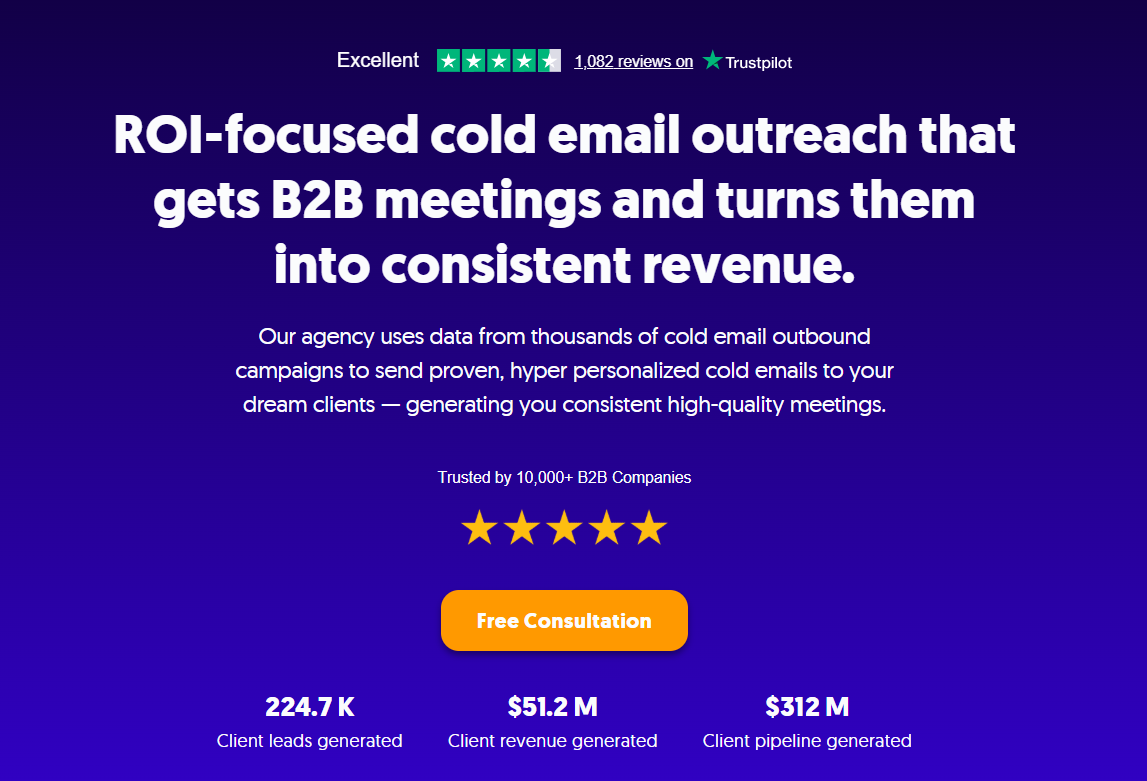
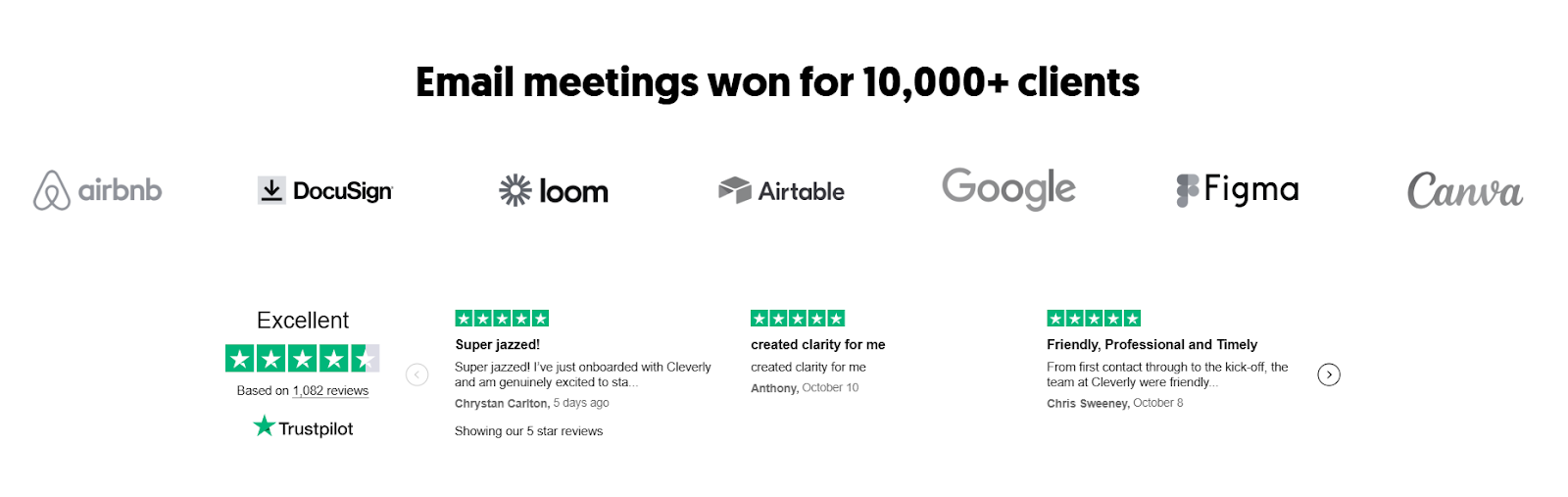
The expertise to operate it well is the other. Together, we've helped 10,000+ clients generate $312M in pipeline and over 224,700 leads across LinkedIn, cold email, and cold calling — and if you want that kind of output without owning the infrastructure, let's talk.
Conclusion
The right email scraper is the one that fits your ICP, volume, and outreach workflow — not the one with the biggest database claim on its homepage. Accuracy and verification matter more than raw email count. A single bounce-free list of 300 verified contacts will consistently outperform an unverified list of 3,000 in both deliverability and meetings booked.
Start with a free tier to test data accuracy against your real target personas, then invest in the tool that matches your outreach scale. And remember: the email scraper gets you the data. What you do with it — the targeting, the copy, the sequence strategy — is what actually drives pipeline.
Frequently Asked Questions
Free Resource
How to Scale a Profitable Cold Call System
Get the complete guide — download it instantly now.

Free Ebook
Download the Free Guide
Enter your details to get instant access.
You're all set! 🎉
Your ebook is downloading now.
Click below if the download didn't start automatically.