Modified On :
July 17, 2026
Key Takeaways
- Data decay isn't a one-time problem you clean up and move past — it's constant, and it compounds the longer a record goes untouched.
- There are two different problems hiding under one label: natural decay (people and companies changing) and mechanical decay (your own systems creating errors). Fixing one doesn't fix the other.
- Not all contacts decay at the same speed. Match your refresh cadence to how fast your specific industry and ICP actually move, instead of applying one blanket schedule to everything.
- The real fix isn't a cleanup project. It's a system — validation at entry, scheduled refreshes, trigger-based enrichment, and someone accountable for all of it.
- Before you invest in any tool or process, audit your own database first. The size of your problem is specific to you, not the industry average.
70.8% of B2B business contacts go through at least one data change within 12 months. That means the CRM your sales team is pulling from right now is already going stale, and most of those changes happen quietly, with nobody flagging them.
Data decay is the reason a rep dials a number and gets someone who left the company in March. It's why 30% of your carefully built sequence bounces before a single reply comes in. And it's expensive: poor data quality costs U.S. businesses an estimated $3.1 trillion a year, with individual companies losing anywhere from $12.9M to $15M annually in wasted spend and missed pipeline.
We work inside B2B outbound data every day, and we've watched clean lists turn into liabilities in a matter of weeks.
This guide breaks down what data decay actually is, how fast it moves across different industries, what's driving it, what it costs you, and a real framework for fixing it. If you own pipeline quality — in RevOps, marketing, or sales — this is for you.
What Is Data Decay?
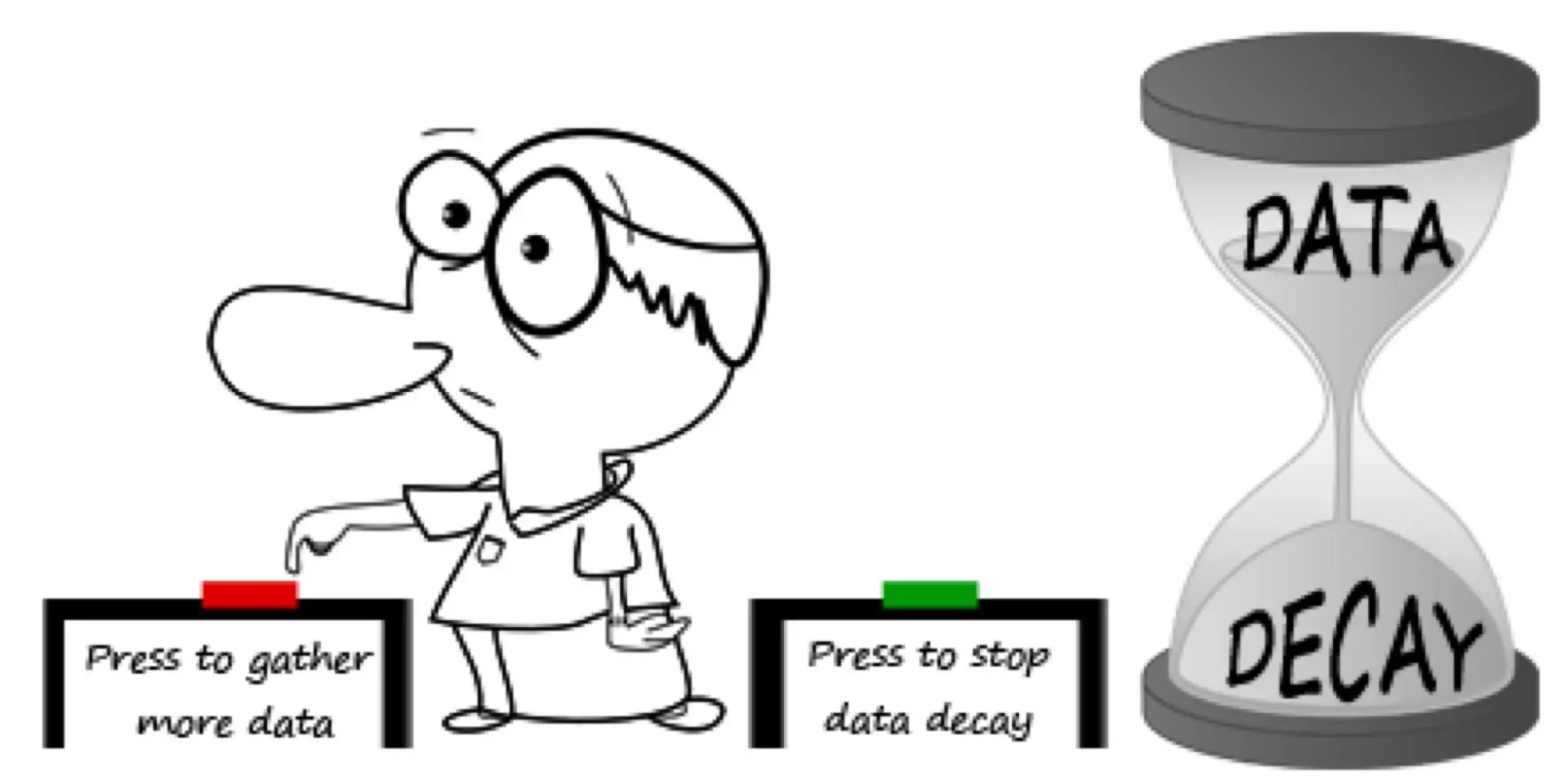
Data decay is the slow erosion of accuracy in your contact database. A record that was 100% correct the day you captured it doesn't stay that way. People switch roles. Companies get acquired. Email addresses go dead. Phone numbers get reassigned to someone else entirely. None of this shows up in your CRM automatically, so the gap between "what your database says" and "what's actually true" keeps widening.
This isn't a one-time event you can fix and forget. It's continuous. The longer a record sits untouched, the more likely it's wrong, and the effect compounds month over month.
There are two distinct types of decay at play, and confusing them is where most data hygiene programs go wrong.
Natural Data Decay vs. Mechanical Data Decay
Natural decay comes from real-world change you can't control. Someone gets promoted. A company merges with another and shuts down its old domain. A VP leaves and their corporate email gets deactivated within days. This is happening to your database whether you touch it or not.
Mechanical decay is self-inflicted. It comes from failed tool integrations, rushed CRM migrations that drop fields, inconsistent data entry across reps, and duplicate records nobody ever merged. This kind of decay doesn't happen to your data — your systems cause it.
Natural decay requires continuous enrichment, because you're chasing a moving target. Mechanical decay requires process and governance fixes, because you're closing a hole your own systems created. Most companies only address one of these and wonder why their bounce rate never improves.
📊 Bad Data Doesn't Book Good Meetings
We enrich, verify, and maintain prospect data to generate 15–30 qualified meetings every month through high-quality outbound.
How Fast Does B2B Data Decay?
Average B2B Data Decay Rate
The benchmark figure you'll see cited most often, originally from MarketingSherpa and validated through HubSpot's own decay modeling, puts B2B contact data decay at about 2.1% per month, which compounds to roughly 22.5% annually.
In practice, the real range runs wider — anywhere from 22.5% up to 70.3% a year, depending on how many fields you're tracking and which industries you're targeting.
Email specifically has gotten worse. As of late 2024, email decay accelerated to 3.6% per month, and that's held as the standard benchmark heading into 2026.
Put that in real terms: a list of 10,000 contacts you build today will have roughly 2,250+ inaccurate records within 12 months if nobody touches it. And that's the average case, not the worst one.
B2B Data Decay Rates by Industry
Decay speed isn't uniform. It tracks almost directly with how often people in an industry change jobs.
If your ICP lives in tech or SaaS, you need a meaningfully more aggressive refresh cadence than a team selling into government or manufacturing. Treating every list the same is how teams end up under-maintaining their fastest-decaying segments.
Which Data Fields Decay the Fastest?
Not every field rots at the same speed:
- Job titles — 65.8% change annually. This is the single fastest-decaying field in any B2B database.
- Direct emails — decay at 3.6% monthly, especially role-based addresses tied to a specific person at a specific company.
- Phone numbers — reassigned or deactivated constantly when people leave.
- Firmographics (revenue, headcount, HQ location) — move slower, but shift hard after M&A, funding rounds, or restructuring.
- LinkedIn URLs — the most stable field, though name changes and account deletions do happen.
Tracking more fields doesn't just give you more data coverage. It gives you more surface area for decay. Every additional field you track is one more thing that can go wrong.
What Causes B2B Data Decay?
Job Changes and Role Transitions

This is the single biggest driver. People change roles, get promoted, switch departments, or leave companies constantly — the average B2B buyer changes jobs every 2–3 years, and in high-growth tech, it's often under two.
When someone leaves, their company email typically deactivates within 30–90 days. That's a live hard-bounce risk sitting in your active sequences right now, and you probably don't know which contacts are already ticking down to it.
Company Restructuring, M&A, and Closures
Mergers and acquisitions blow up contact data fast. Email domains change, whole departments disappear, and reporting lines get redrawn overnight. Layoffs — common in tech cycles — can invalidate large chunks of a list simultaneously. Company shutdowns and expired domains make contacts permanently unreachable, not just temporarily wrong.
This hits enterprise-focused outbound teams especially hard, since larger organizations go through restructuring more often than you'd think.
Outdated CRM Data Entry and Bad Imports

A lot of decay is self-inflicted before it ever has a chance to age naturally. Manual data entry introduces typos, missing fields, and inconsistent formatting from day one. CRM migrations between platforms routinely drop enrichment data or create field mismatches. Purchased or imported lists often arrive with pre-existing inaccuracies baked in.
Without a standard for how data gets entered, the same contact can end up living in your CRM three different ways.
Siloed Systems and Poor Integration
When your CRM, marketing automation, outreach tool, and data enrichment platform don't sync in real time, the same contact starts to diverge across systems. An update made in one tool doesn't propagate to the others.
Reps end up working from a stale CRM record while marketing has a newer one sitting in their automation platform, or the reverse. Nobody's wrong, exactly — the systems just stopped agreeing with each other.
🚀 Better Data. Better Targeting. Better Pipeline.
With 53,000+ meetings booked and $312M+ in pipeline generated, Cleverly turns accurate B2B data into predictable revenue.
What Does B2B Data Decay Actually Cost?
The costs stack on top of each other:
- Direct costs — money burned on bounced emails, failed calls, and sequences sent to dead contacts.
- Deliverability costs — every bounce from decayed data chips away at your sender reputation, which hurts inbox placement for every campaign after it, not just the one that bounced.
- Pipeline costs — clean data correlates directly with better outcomes: 20% better campaign response rates, 15% higher close rates within six months, and 12% higher conversion rates.
- Operational costs — reps spending time manually researching corrected contact info instead of selling.
- Trust costs — reaching out to someone who left a company eight months ago tells the actual decision-maker your team didn't do its homework before it does anything else.
One benchmark worth anchoring to: cleaning your database every 90 days reduces bounce rates by up to 37%. That's the tangible cost of skipping hygiene, measured in a number you can actually plan around.
How to Fix B2B Data Decay
Step 1 — Run a Data Audit to Understand Current Health
Pull a random sample of 500–1,000 contacts that have been sitting in your CRM for 6+ months. Run them through an email verifier — ZeroBounce and NeverBounce both work well for this. Then cross-check 20–30% of job titles against LinkedIn to see how many people have actually changed roles or companies since you captured them.
This gives you a baseline decay rate specific to your database and industry mix, not the industry average. Use that number to decide your cleaning frequency going forward.
Step 2 — Implement Real-Time Validation at Entry
Stop bad data from getting in at the source. Validate emails at form submission and at list import, before any record ever enters your CRM. Use API-based verification that checks syntax, domain validity, MX records, and SMTP response in real time. Set required-field standards so job title, company name, and verified email are mandatory at record creation.
The payoff: new records start with a lower decay rate and stay useful for meaningfully longer.
Step 3 — Set a Regular Data Refresh Cadence
A workable cadence looks like this: real-time validation at entry, weekly refresh for anything sitting in an active sequence or open opportunity, and quarterly re-verification for the full database.
If you're selling into tech or SaaS, tighten that to a 30–45 day refresh on active prospect lists given how fast those contacts move. Manufacturing and government targets can usually get away with a quarterly cycle.
Build in suppression logic too — any contact that hard bounces or replies with "wrong person" should get flagged for immediate re-enrichment, not just quietly suppressed and forgotten.
Step 4 — Use Trigger-Based Enrichment
Set up automated triggers that fire on specific signals: a hard bounce comes back, someone replies "not the right person," LinkedIn shows a job change, or a domain change gets detected. Trigger-based enrichment keeps your active pipeline current without anyone doing manual research.
Tools like Clay, Apollo, and Cognism support webhook or API-based triggers that update CRM records automatically the moment a change is detected.
Step 5 — Build Data Ownership and Governance
Assign someone in RevOps to actually own data quality — bounce rate, email validity rate, field completeness score, all of it. Document your data entry standards and make them mandatory across every team touching the CRM. Set clear SLAs: who refreshes what, how often, with which tools, and what quality threshold has to be hit before a list goes into an active campaign.
Run quarterly reviews to check database health, flag decay hotspots by segment or region, and adjust where your enrichment budget goes next.
Best Tools for Managing B2B Data Decay
1. Apollo runs a 230M+ person database with CRM-connected enrichment that auto-updates contact and account records as changes get detected. It's particularly strong on job title and company-level refresh at scale. Best for sales teams that want enrichment built directly into prospecting and sequencing, not as a separate step.
2. Cognism specializes in GDPR-compliant B2B data with phone-verified mobile numbers. It surfaces missing details, outdated records, and coverage gaps across key personas, and it's a strong fit if you're working European or global datasets where compliance carries real weight.
3. Clay is a data orchestration platform that pulls from 75+ enrichment providers in a single workflow. Its waterfall enrichment logic automatically finds the best available source for each contact, which makes it a strong fit for ops-heavy teams that want granular control over where their data comes from.
4. Prospeo runs a 98% email accuracy rate on a 7-day data refresh cycle — meaningfully faster than the roughly six-week industry average. It covers 300M+ professional profiles, 143M+ verified emails, and 125M+ verified mobile numbers. If you're targeting fast-moving tech and SaaS lists where the six-week refresh window is already too slow, this is built for that.
5. ZeroBounce is the standard for bulk and real-time email verification. It checks syntax, domain health, MX records, SMTP responses, and spam trap databases. It's the right tool for running your initial database audit and for validating new list imports before anything goes out.
How Clean B2B Data Powers Lead Generation Results
No outbound channel works reliably on top of decayed data. Not LinkedIn, not cold email, not cold calling. Clean data is the foundation everything else sits on — correct contact information is what gets your message to the right person, at the right company, at the moment it can actually land.
This is exactly why we build and maintain our own verified contact data at Cleverly instead of relying on lists clients hand us that might already be months out of date. It removes data decay as a variable before a campaign even starts, rather than discovering it three weeks into a sequence when the bounce rate spikes.
Managing this in-house means someone owns audits, refresh cadences, trigger-based enrichment, and governance, every week, indefinitely. That's a real operational lift most internal teams underestimate until they're buried in it.
As a B2B lead generation agency, we've built contact research and list building directly into how we run LinkedIn outreach, cold email, and cold calling campaigns, so accuracy isn't a separate project bolted onto the side.
If you'd rather see what a data-first outbound campaign looks like than run this system yourself, book a strategy call and we'll walk through it.
Conclusion
Data decay isn't something you can prevent. It's something you can either manage or ignore, and the cost of ignoring it shows up everywhere from your bounce rate to your close rate.
The numbers are consistent across every source: roughly 22.5% of your database decays annually, 65.8% of job titles change every year, and teams working from clean data see 20% better response rates than teams that don't.
The fix isn't a one-time cleanup you check off a list. It's an operating model — validate at entry, refresh on a real cadence, enrich on triggers, and put someone in charge of watching it. Start with the audit. Pull 500 contacts, run them through a verifier, and let your own numbers tell you how serious the problem actually is in your database.
Frequently Asked Questions
Free Resource
How to Scale a Profitable Cold Call System
Get the complete guide — download it instantly now.

Free Ebook
Download the Free Guide
Enter your details to get instant access.
You're all set! 🎉
Your ebook is downloading now.
Click below if the download didn't start automatically.