Table of Contents
What Is Brevo and Who Is It For?
Brevo Features Breakdown
Brevo Email Marketing Pricing in 2026
Brevo Pros and Cons
What Users Say About Brevo
Can You Use Brevo for Cold Email?
Best Brevo Alternatives in 2026
How Cleverly Handles Cold Email Properly
Final Verdict: Is Brevo Worth It in 2026?
Frequently Asked Questions
Modified On :
October 22, 2026
Key Takeaways
- Brevo’s real edge is send-based pricing. You pay for what you send, so a big list you email occasionally costs far less than on contact-based tools.
- The headline price is rarely the final bill. Contact caps on small tiers, logo removal, extra seats, and message credits all change what you pay.
- Ease of use and automation depth are strong for the price. Template flexibility, support, and integrations are where it gives ground.
- Account enforcement is the biggest risk. Brevo runs on shared sending infrastructure, so it acts fast, and billing keeps running while you’re locked out.
- Brevo is built for opted-in audiences. Cold outreach needs separate domains, dedicated inboxes, and a purpose-built stack.
Brevo scores 4.5 out of 5 on G2 across roughly 2,600 reviews. On Trustpilot it drops to 3.9 across more than 7,200, and 13% of those are one-star.
That gap is the real story in any honest Brevo review.
Brevo, formerly Sendinblue, built its name on charging for emails sent instead of contacts stored. For a big list you email now and then, that makes it far cheaper than Mailchimp or ActiveCampaign.
The trade-off is enforcement.
Brevo polices complaints, bounces, and unsubscribes closely, and users describe suspensions as abrupt. Platforms get strict for a reason. Google’s sender rules tell senders to keep spam complaints under 0.10% and never reach 0.30%.
We cover features, real pricing, pros and cons, user sentiment, alternatives, and our verdict. One scope note: this is a marketing platform for people who opted in. It isn’t a cold outreach tool.
If you’re a small business, ecommerce team, or marketer weighing Brevo against Mailchimp or ActiveCampaign, this is for you.
What Is Brevo and Who Is It For?
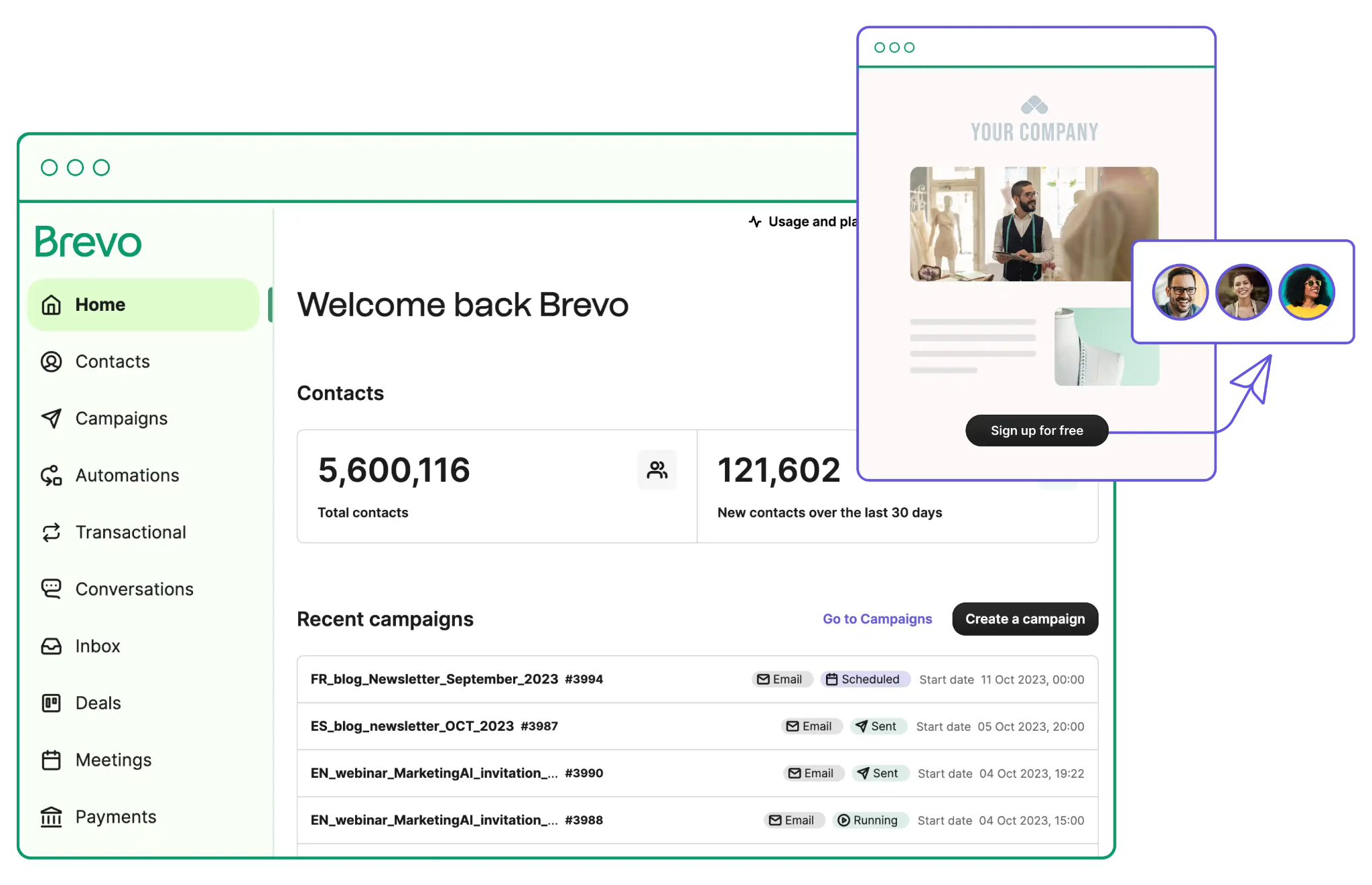
Brevo is an all-in-one marketing platform. It bundles email campaigns, SMS, WhatsApp, marketing automation, transactional email, and a light CRM in one account. The pitch is affordable breadth for small and mid-sized businesses. You get a lot of tools for little money, but none go as deep as a specialist.
Billing is what defines it. Most competitors charge by contacts stored. Brevo email marketing charges mainly by emails sent. A 40,000-person list you email once a month costs far less here than on a contact-based platform.
Who Brevo Fits
- Small businesses with large lists and modest send volume
- Ecommerce teams that want email and SMS together
- Anyone priced out of contact-based platforms
- Developers who need transactional email alongside campaigns
Who Brevo Doesn’t Fit
- Enterprise teams that need deep integrations
- Anyone doing cold outreach (more on that below)
A Quick Note on the Sendinblue Rebrand: Sendinblue became Brevo in 2023. Same company, same product. Older reviews and documentation still use the old name, so search both when you research.
📧 Email Automation Is Only Half the Battle
Reach the right buyers without copy-paste pitches. Cleverly handles targeted LinkedIn outreach with personalized messaging built around your ideal customers.
Brevo Features Breakdown
Here’s the quick view before we go feature by feature.
Email Campaigns and Editor
The editor is drag and drop and aimed at non-technical users. Reviewers praise its ease of use again and again, and Trustpilot’s summary of recent reviews calls the interface clean and intuitive. The common complaint is range. Template variety and design flexibility are narrower than at rivals like Mailchimp.
Pro tip: Build one branded master template with your header, footer, and button styles, then clone it for every campaign. It saves you from fighting the editor each time.
Marketing Automation
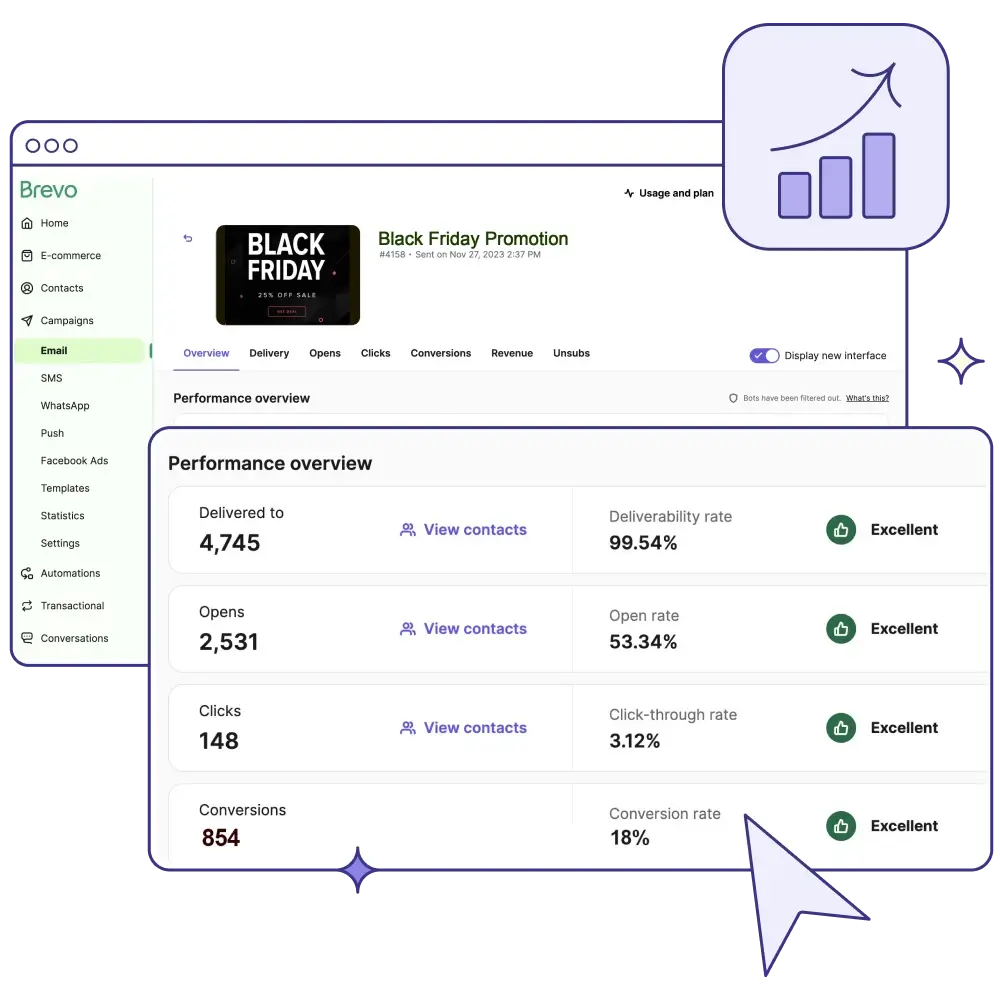
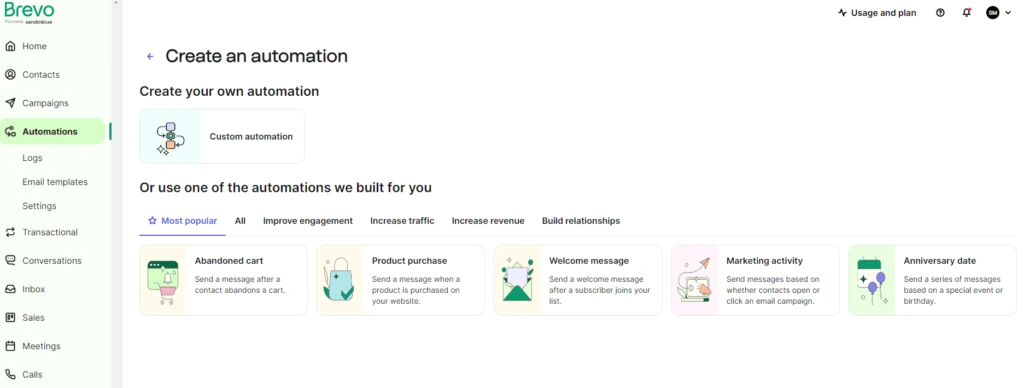
The workflow builder handles triggers (a signup, a page visit, an email open), conditions, and multi-step journeys. It’s widely cited as strong for the price. A welcome series, a re-engagement flow, or a form follow-up are all doable.
Check the limits before you rely on it. The Free and Starter plans cap automation at around 2,000 contacts, and Standard lifts that cap. Confirm the current figure on Brevo’s pricing page, because it has moved before.
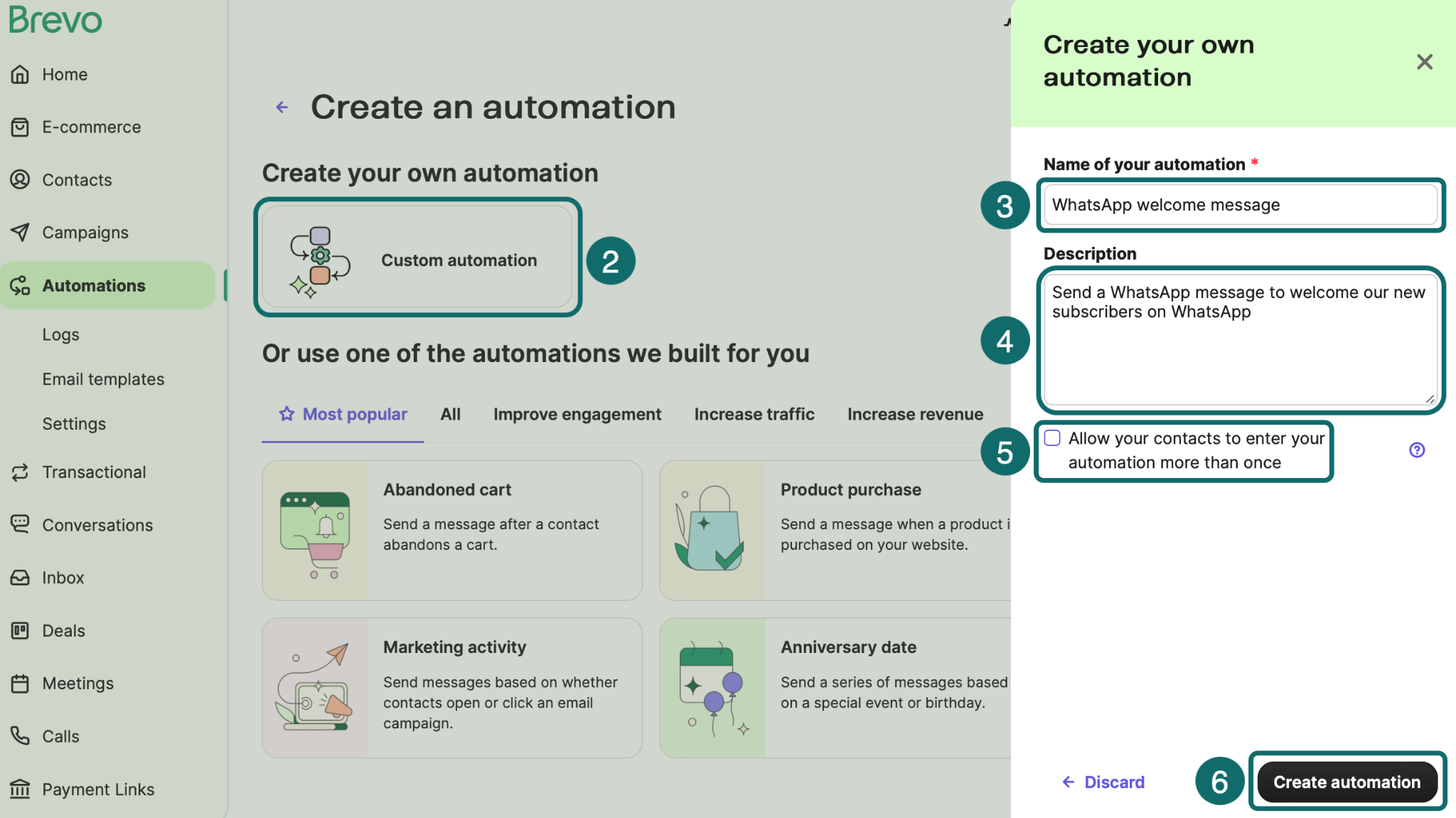
SMS and WhatsApp
Both channels are native, so you don’t need a third-party integration. You pay by prepaid credits. SMS credit prices vary by destination country, and WhatsApp credits are only available on Professional and Enterprise. That makes WhatsApp a $499-a-month decision, so budget for it.
Both work well for ecommerce (order updates, cart nudges) and appointment-driven businesses (reminders).
Transactional Email
Order confirmations, password resets, and system notifications go out via API or SMTP. Every plan includes it, and developers often choose Brevo for this alone. It’s a genuine strength.
One detail matters later. Transactional sends count toward the same monthly volume as your campaigns, and they live in the same account. Keep that in mind when we get to suspensions.
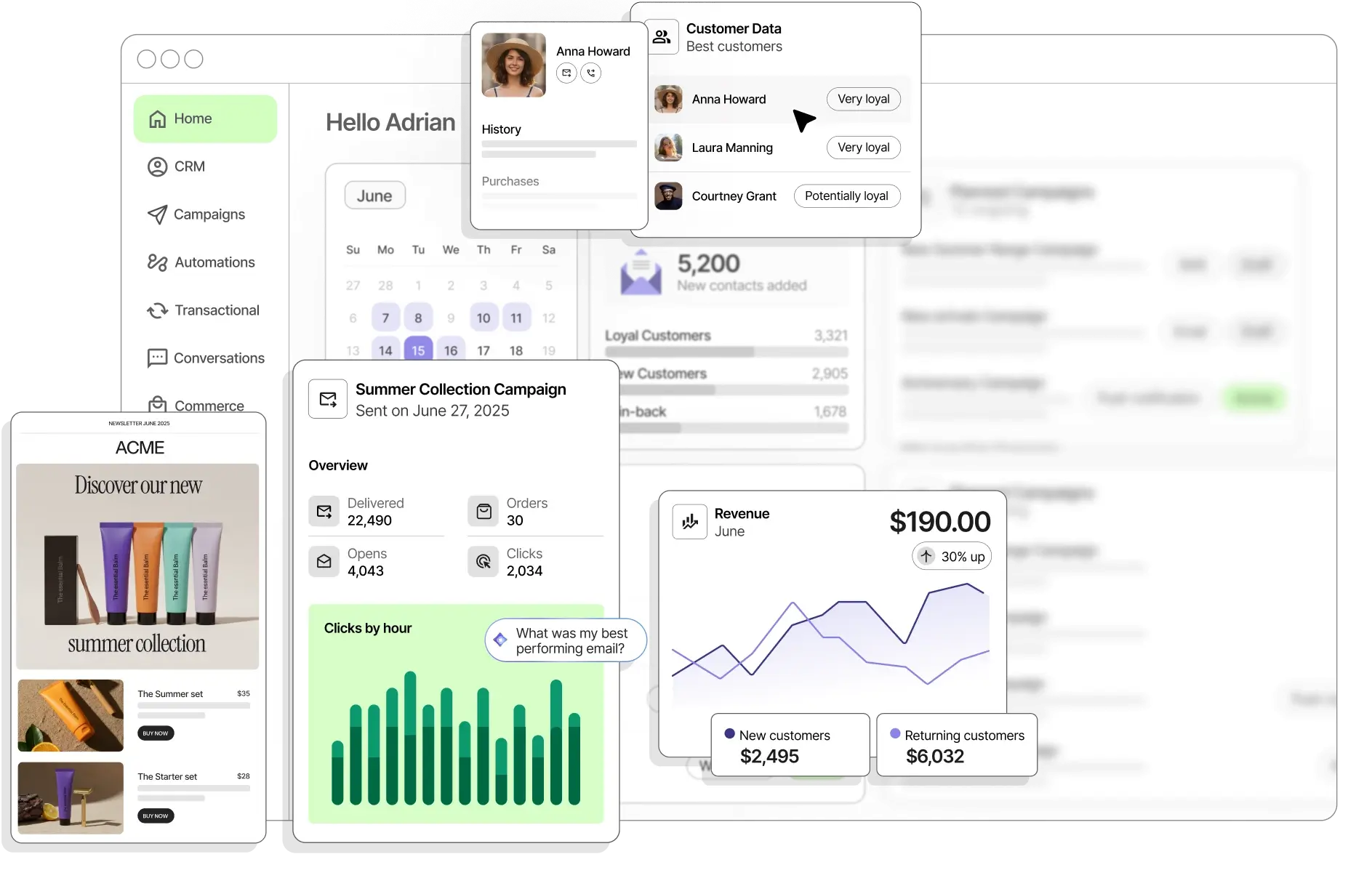
Built-In CRM
Every plan includes free sales tools: contact management, deals, a pipeline, and tasks. Paid sales packages add more. Sales Essentials is $31 per month, per Brevo’s help center.
It’s a decent starting point for a small team. It isn’t a replacement for HubSpot or Pipedrive.
Forms, Landing Pages and Chat
You get signup forms, landing pages, and live chat, depending on your tier. Standard includes a single landing page, and Professional includes more. These are handy if you want fewer tools in your stack. Each one is lighter than a specialist alternative.
Brevo Email Marketing Pricing in 2026
Brevo charges by monthly email sends, not by contacts stored. You choose a plan, then a send volume. That volume sets your price.
There’s a catch. The smallest paid tiers cap stored contacts: 500 contacts at 5,000 sends, 1,500 at 10,000 sends, and 500,000 from 20,000 sends up, per Brevo’s help center. Many older reviews say “unlimited contacts.” That’s out of date for paid plans.
You can pay monthly or yearly. Yearly billing saves 10%.
Brevo Plans at a Glance
Brevo Email Pricing by Volume
This is what the Starter and Standard plans cost at common volumes on monthly billing.
What the Free Plan Includes
The free plan has no time limit and doesn’t need a credit card. You get 300 emails per day, with no rollover for unused sends. You can store up to 100,000 contacts.
The limits show up fast:
- Send a campaign to more than 300 people and only 300 get it that day. You have to requeue the rest by hand.
- Every email carries a “Sent with Brevo” sticker you can’t remove.
- Automation is capped at a small number of contacts.
- Reporting depth is limited.
It’s a good place to test the tool. It’s not a place to run a real sending program.
Costs That Are Easy to Miss
- Logo removal on Starter: $9 per month per Brevo’s help center. Some reviewers report $12 on the live pricing page.
- Extra marketing seats: $9 per month each on Standard, up to 3 users total.
- SMS and WhatsApp credits: billed separately, on a prepaid basis.
- Sales Essentials: $31 per month for the paid CRM package.
- Dedicated IP: $251 per year, on Professional and above.
- The Standard to Professional jump: from $18-plus to $499 a month once you outgrow Standard.
Pro tip: Starter plus logo removal can cost more than Standard at the lowest tier. At 5,000 sends, that’s $18 against $18, and Standard adds the automation and A/B testing. Price the setup you’ll actually run.
Worked Example: A 10,000-Contact List
Say you have 10,000 contacts and send two campaigns a month. That’s 20,000 sends, which lands on the 20,000 tier. On Brevo, that’s $32 on Starter or $69 on Standard.
Now send weekly instead. That’s roughly 40,000 sends, or $46 on Starter and $89 on Standard.
Compare that with contact-based tools at the same list size. Recent pricing roundups put Mailchimp’s Standard plan at roughly $100 to $135 per month for 10,000 contacts. Klaviyo’s email plan runs around $150 at 10,000 profiles. Run your own numbers against your current bill. The gap is where Brevo wins.
🚀 Your Email Tool Needs a Lead-Gen Partner
Let Cleverly handle prospect lists, email copy, deliverability, and follow-ups so you can focus on closing deals.
Brevo Pros and Cons
Pros
- Send-based pricing is dramatically cheaper for large lists with moderate volume. This is the main reason people switch.
- It’s genuinely easy to use. Non-technical teams get productive quickly.
- Automation is strong for the price. You get real workflows without paying enterprise rates.
- Email, SMS, and WhatsApp live in one platform. No integrations needed to run multiple channels.
- Transactional email is solid. API and SMTP access make it popular with developers.
- The free tier is usable for very small operations. You can test with real campaigns.
Cons
- Strict account validation and anti-abuse enforcement. Users report suspensions as abrupt and hard to resolve.
- Support is a recurring complaint. Phone support is limited to Professional and above, and reviewers report an AI agent as the first line of contact.
- Template library and design flexibility are limited. Rivals offer more range.
- The interface and editor can feel slow or busy. One October 2026 Trustpilot reviewer called it complicated to navigate.
- Additional users cost extra. That pushes teams toward shared logins, which is poor practice.
- The integration ecosystem is smaller. Mailchimp and ActiveCampaign connect to more tools.
- The CRM is light. Most teams still need a separate one.
What Users Say About Brevo
G2 counts vary slightly by listing. Trustpilot figures are as of October 22, 2026. One likely reason for the gap is that Trustpilot tends to collect reviews from people at the moment something goes wrong, like billing or a lockout. That’s our read, not a measured fact.
What Users Consistently Praise
- Value for money. A website designer reviewing on Trustpilot in August 2026 called it the best-value mailing list manager she knows and recommends it to clients.
- Ease of use. Setup is quick, and the interface is approachable.
- Automation at the price. Reviewers compare it favorably with costlier tools.
What Users Consistently Criticize
- Account suspensions
- Support responsiveness
- Template limitations
The Suspension Issue Deserves Real Weight
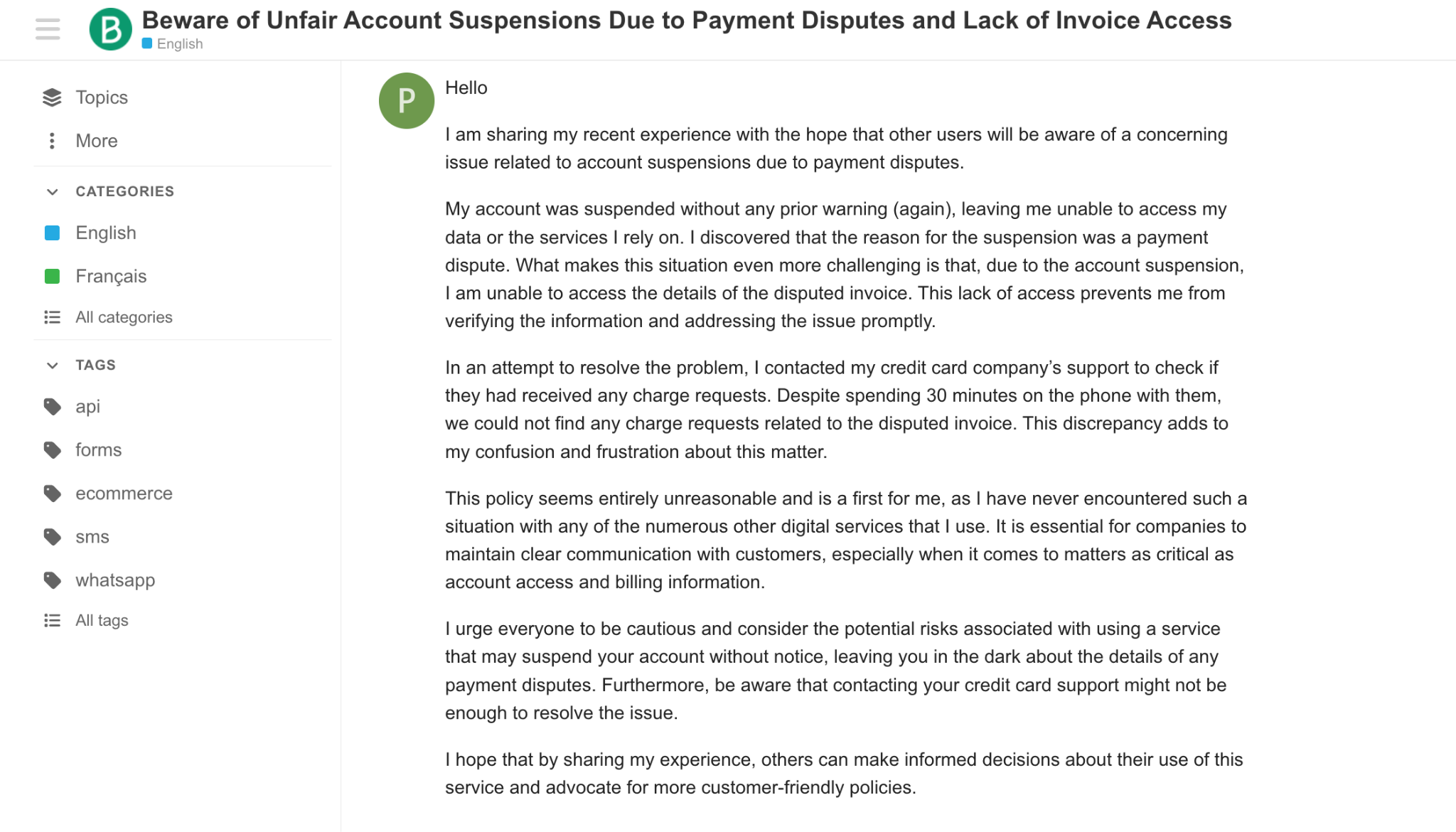
It’s the most serious recurring complaint. Users report suspensions on opt-in lists with clean metrics. One Trustpilot reviewer wrote on October 5, 2026: “Brevo suspends my account because the opening rate isn’t high enough.” Another reviewer in October 2026 said their account was suspended even though they had prepaid for three months.
Billing continuing during a suspension isn’t just a user claim. Brevo’s own help center confirms your subscription keeps running while you’re suspended.
Brevo’s Stated Position
Brevo says it monitors shared and dedicated IPs, sending quality, and compromised accounts to protect deliverability for everyone. Its replies to reviewers say suspensions happen when its system detects unusual results that affect shared IPs.
In one reply from late September 2026, Brevo said an account was suspended because the connected websites had been compromised, then revalidated shortly after review.
What’s Verified and What Isn’t
Verified from Brevo’s help center:
- Brevo checks campaigns sent in the last 24 hours, and campaigns sent to new contacts. For new contacts, it samples engagement from a random subset. Positive signals within 1 to 3 hours let the campaign continue. Negative signals suspend the campaign and the account.
- Negative results include, but aren’t limited to, hard bounces, unsubscribes, complaints, and spam traps.
- A first suspension can be reactivated by following the steps in your Deliverability Center. A second one may not be reactivated.
- Your subscription stays active during a suspension.
Not verified: any specific threshold numbers circulating online. Many come from third parties, not Brevo. Check your Deliverability Center for the exact results behind any suspension.
Can You Use Brevo for Cold Email?
This is the section most Brevo reviews skip. It’s also the most useful one if you’re a B2B reader.
The short answer is no. Trying it is the fastest way to get suspended.
Why Cold Email on Brevo Fails
Platforms like Brevo run on shared sending infrastructure. Complaint rates from one sender affect everyone on the pool. That’s why enforcement is aggressive.
Marketing platforms are built for people who opted in. Brevo’s own guidance tells senders to email only contacts who gave consent. Cold outreach produces exactly the signals that trigger suspension: low engagement, bounces, and complaints.
The Compounding Risk
A suspension stops sending from the account. Brevo’s help center says you can’t send emails until the account or campaigns are reactivated. One October 2026 Trustpilot reviewer said their website’s contact-form emails stopped, and they only found out from SMTP errors in their logs.
So a cold campaign can take down your order confirmations and your newsletter at the same time. That’s a steep price for a few hundred prospecting emails.
What Cold Outreach Needs Instead
- Separate sending domains, so your primary domain stays clean
- Dedicated inboxes
- Warm-up before you send at volume
- Verified lists
- A tool built for outbound, with deliverability monitoring
Read our guide on professional outreach without using your primary domain for the full setup.
Best Brevo Alternatives in 2026
Mailchimp

Best for teams that want the largest integration ecosystem and template library. Pricing is contact-based, which gets expensive quickly at larger list sizes. Recent roundups put Standard at roughly $100 to $135 per month for 10,000 contacts. If you’re comparing it against Brevo, expect to pay more for a similar send volume.
ActiveCampaign
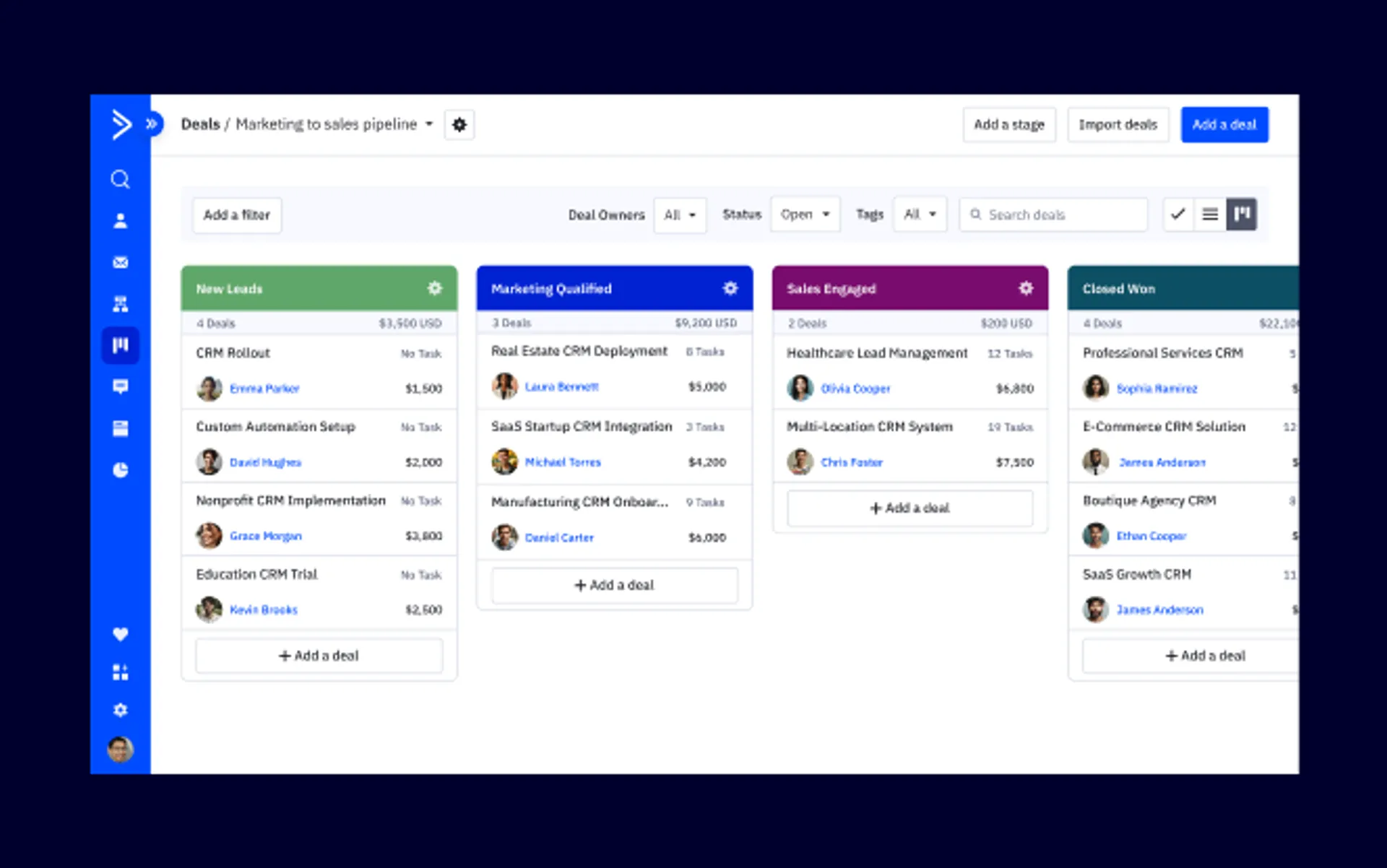
Best for advanced automation and deeper CRM capability. Entry pricing starts around $15 per month at 1,000 contacts on annual billing, with Plus and Pro tiers above that. It’s more powerful and meaningfully more expensive. Costs climb as your contact count grows.
Klaviyo
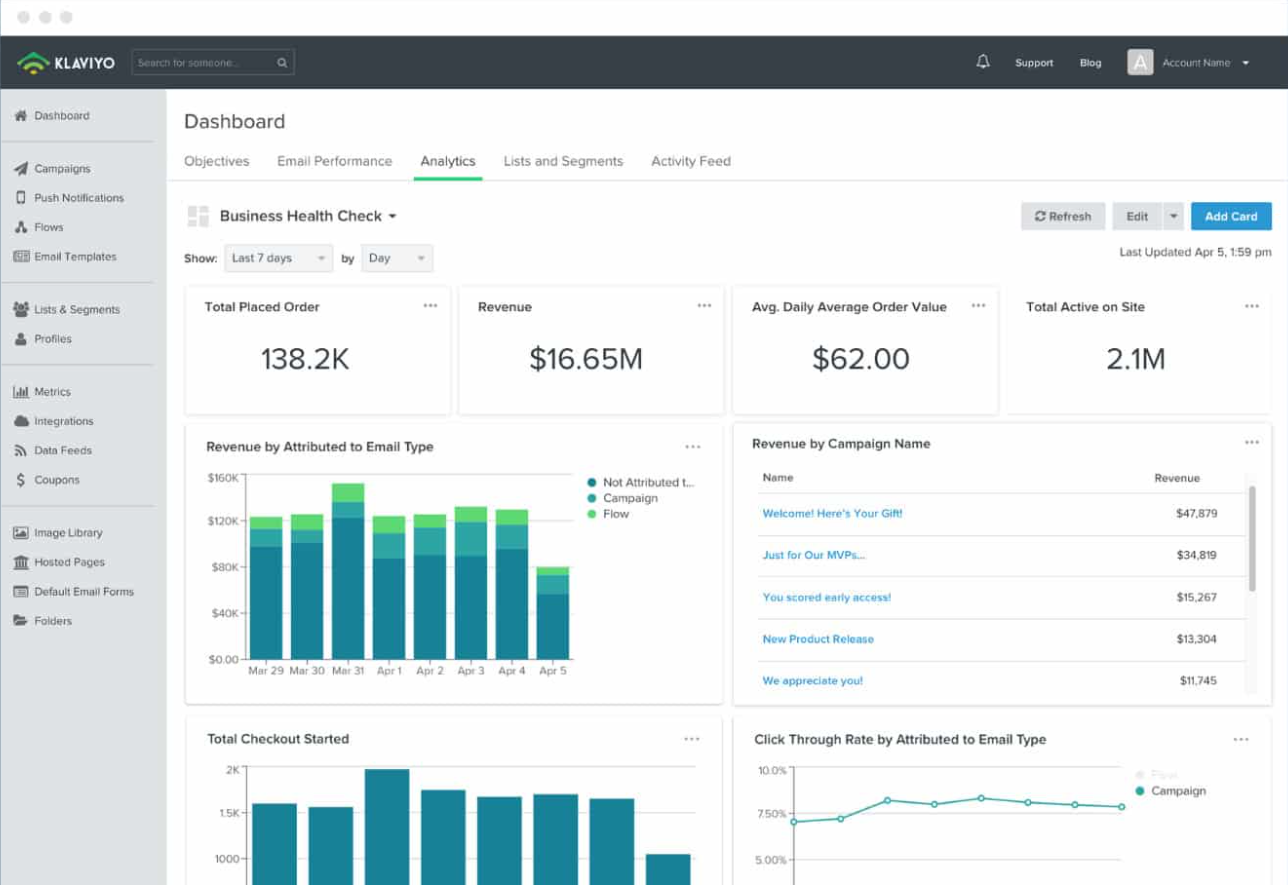
Best for ecommerce, with deep store integrations and revenue attribution. It has a free plan up to 250 active profiles, then the email plan starts at $20 per month. It’s priced for ecommerce economics and less suited to general B2B.
HubSpot Marketing Hub

Best for teams that want marketing tied into a full CRM. The CRM has a free tier. Marketing Hub Professional is around $890 per month, and costs climb sharply as hubs and contacts grow. Workflow automation sits at the Professional tier, so the free tier won’t replace Brevo’s automation.
MailerLite
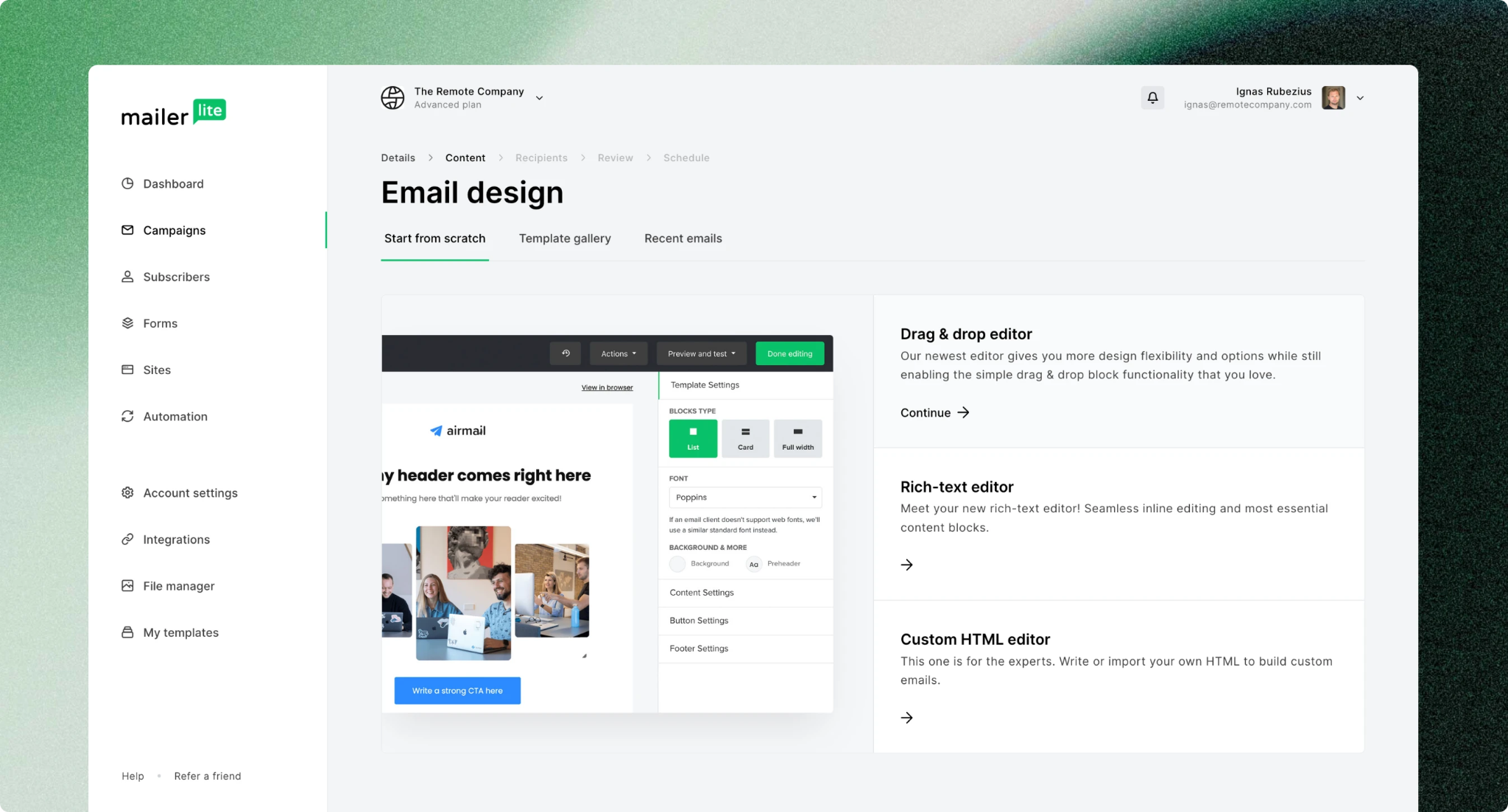
Best for very small teams that want simplicity at low cost. Paid plans start in the low double digits per month. Automation is lighter and it covers fewer channels. Its free tier and plan names have shifted in 2026, so confirm on its site.
For Cold Outreach Specifically
None of the tools above are the answer. Cold outreach needs dedicated sending infrastructure, separate domains, and a purpose-built platform such as Smartlead or Lemlist. If you go that route, our Smartlead campaign setup guide walks through it.
How Cleverly Handles Cold Email Properly
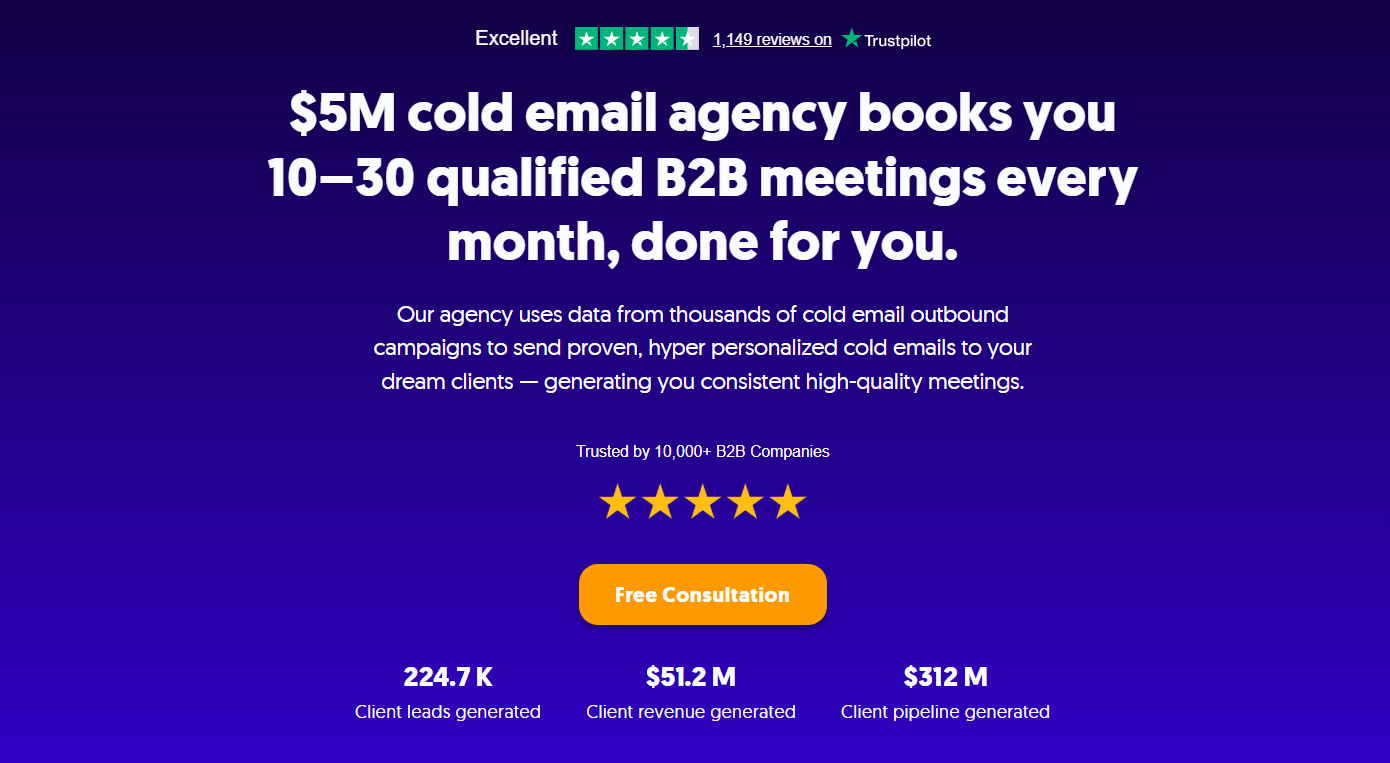
Brevo is a good fit for marketing to an opted-in list. It’s a real risk for cold outreach. Teams often learn that the hard way, after a suspension takes down their marketing and transactional email at the same time.
Cold outreach needs its own stack: separate sending domains, dedicated inboxes, warm-up, verified lists, and deliverability monitoring. That’s the part we run as a cold email agency. We define your ICP, build verified lists from multiple data sources, set up the domains and inboxes, write the sequences, manage deliverability, and handle replies through to booked meetings.
The practical benefit is simple. Your primary domain and your marketing platform stay clean, because outbound runs entirely separately on infrastructure we manage. We optimize for qualified replies and booked meetings, not send volume.
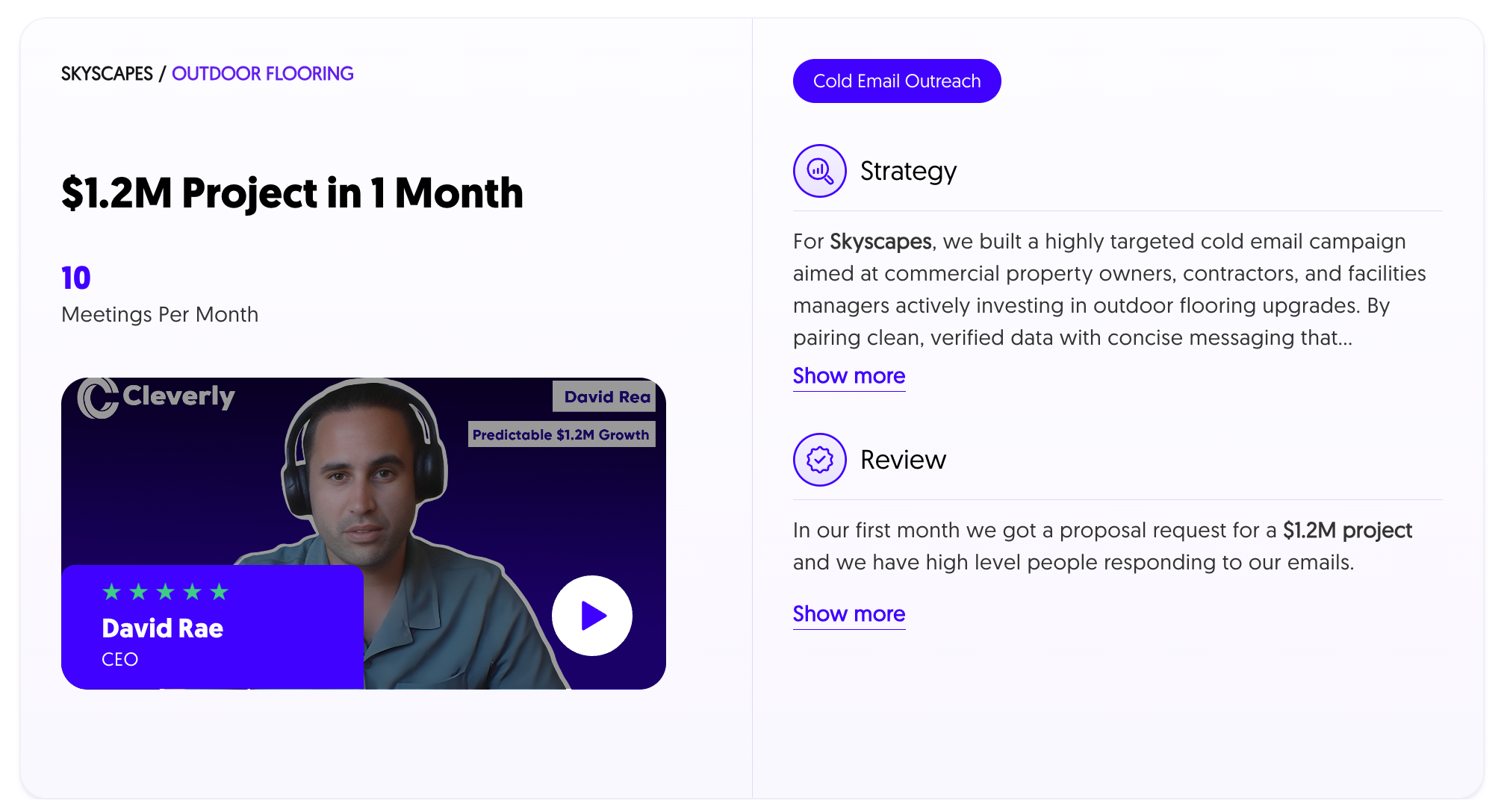
For clients, that has meant 224.7K leads and $312M in pipeline. Plans are month-to-month with no contracts, and you can choose pay per lead or a flat monthly retainer.
Need cold outreach without risking your marketing domain? Cleverly runs it on infrastructure we manage. Book a free consultation call.
Final Verdict: Is Brevo Worth It in 2026?
The honest verdict: Brevo is strong value for small and mid-sized teams sending marketing email to opted-in lists, especially those with large contact databases. It wins on send-based pricing, ease of use, and multichannel in one platform. It struggles on support, design flexibility, integration depth, and the risk of abrupt account enforcement.
Choose Brevo if you have a big list you email occasionally, want email, SMS, and transactional in one place, and keep your list clean and consented. Look elsewhere if you email a small list daily, need fast human support without paying for Professional, want deep integrations, or can’t afford a surprise lockout.
One caution to leave you with, whichever platform you pick: keep marketing and cold outreach on completely separate infrastructure. Test Brevo on the free tier with a real campaign before you commit. That’s the fastest way to judge this Brevo review against your own experience.
Frequently Asked Questions
Free Resource
How to Scale a Profitable Cold Call System
Get the complete guide — download it instantly now.

Free Ebook
Download the Free Guide
Enter your details to get instant access.
You're all set! 🎉
Your ebook is downloading now.
Click below if the download didn't start automatically.