Table of Contents
Quick Comparison of the Best Small Business Marketing Tools
Best Small Business Marketing Tools With Landing Page Builders
Best Marketing Automation Tool for Small Business Drip Campaigns
How to Set Up Your First Small Business Drip Campaign in 5 Steps
Best Marketing Tools for Small Businesses on a Tight Budget
What to Pay For First When Your Marketing Budget Is Under $200 a Month
Best Small Business & Marketing Tools on Nemin.io: What the 11 Free Calculators Do
How to Choose the Right Small Business Marketing Tools for Your Business
Common Mistakes When Buying Small Business Marketing Tools
What Marketing Tools Can't Do: How Cleverly Fills the Meeting Gap for B2B Small Businesses
Conclusion
Frequently Asked Questions
Modified On :
November 26, 2026
Key Takeaways
- Pick tools by the job they do: capture leads, nurture them, or plan the budget. One tool per job beats three overlapping suites.
- Price every plan at the contact count you will have in six months, not the one you have today.
- A bundled page builder is fine until paid traffic or page testing becomes your main lever. Then a dedicated builder pays for itself.
- A good drip campaign has one trigger, one job per email, a stop rule, and gets measured on replies and bookings, not opens.
- Marketing tools capture and nurture demand. They do not create it, so a B2B business that nobody has heard of needs outbound on top.
A small business owner is the sales team, the ops lead and the marketing department by lunchtime. That is why small business marketing tools pile up fast, and why their prices and free plans keep moving under you.
The money and time are going in. Constant Contact's Q1 2026 survey of 1,500+ small business owners across the US, Canada, UK, Australia and New Zealand found that 68% expect bigger marketing budgets and 74% expect to spend more time on marketing.
So the real question is where the next dollar goes first.
This guide covers landing pages, email and drip, social, analytics and planning. We sort 15 tools around three themes: landing pages, drip campaigns and tight budgets.
Quick Comparison of the Best Small Business Marketing Tools
If you only read one thing:
- Free all-in-one: Systeme.io.
- Paid landing pages: Unbounce for ad-heavy campaigns, Leadpages if you want testing without traffic caps.
- Ecommerce drips: Klaviyo.
🛠️ Got the Tools? Let Cleverly Handle the Outreach
Build your marketing stack without adding more work. Cleverly runs done-for-you LinkedIn, cold email, and cold calling campaigns to reach B2B prospects.
Best Small Business Marketing Tools With Landing Page Builders
There are two models. In the first, small business marketing tools with landing page builders bundle pages into an email tool. You get one login and one bill, but the builder is basic. In the second, you buy a standalone builder, which costs more but gives you real testing and control.
Standalone builders suit paid traffic and page testing. Unbounce is built for conversion campaigns, which is why it leads that category. Bundled builders suit everyone else.
1) Systeme.io
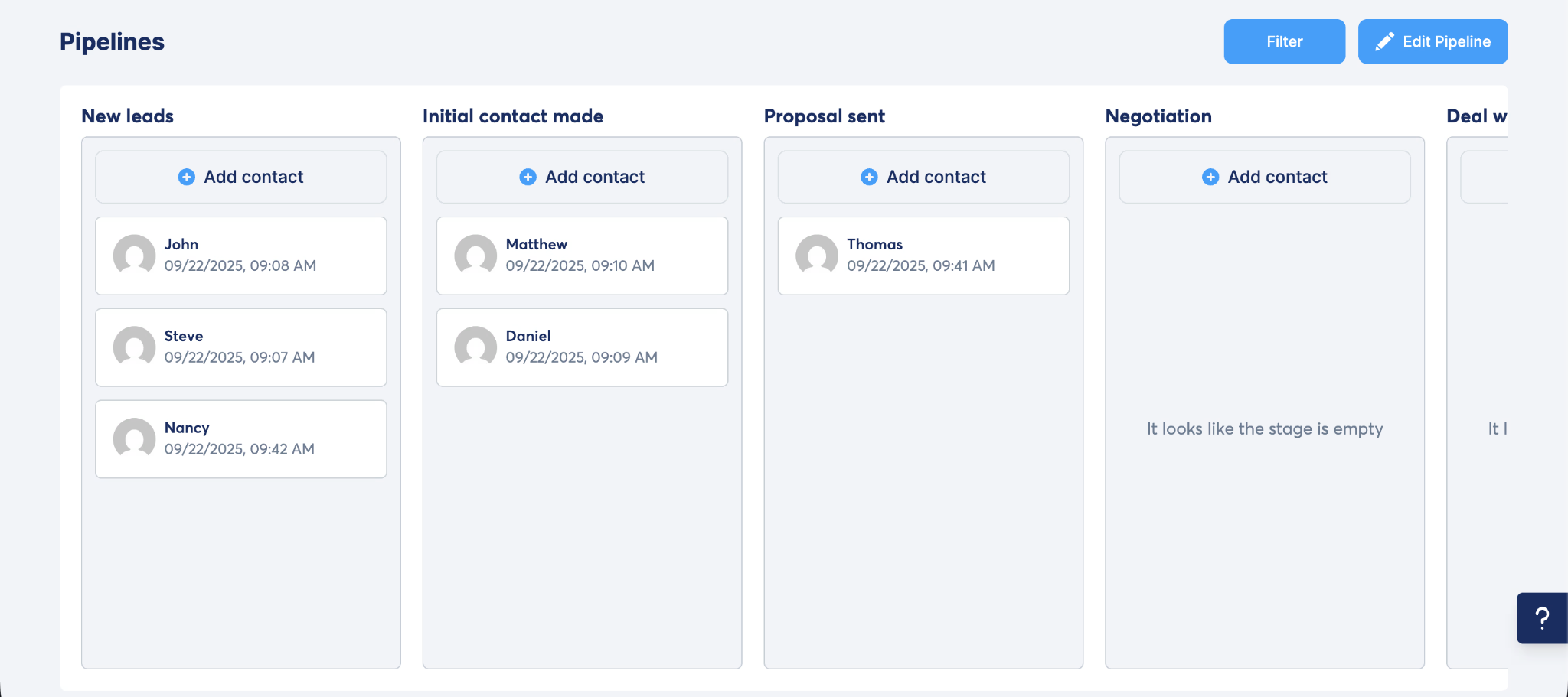
Systeme.io puts pages, funnels, email, checkout and a blog behind one login. For a solo owner who does not want to stitch four tools together, that is the fastest route to a working funnel. The Systeme.io free plan is real: unlimited email sends and room for 2,000 contacts. The catch is automation. Free allows one automation rule and one email campaign, so drip campaigns need a paid plan. Reviewers also complain about navigation. Skip it if you need a deep CRM or heavy ecommerce.
Best for: Solo owners who want pages, funnels, email and checkout in one login (Fit: both).
Key features:
- Sales funnels and a website builder with landing pages.
- Unlimited email sends on every plan.
- Automation rules and workflows.
- Online courses, a blog and a built-in affiliate program.
- 0% transaction fees and 24/7 support on all plans.
Pricing: Free is $0 (2,000 contacts, 3 sales funnels, 1 course, 1 blog, 1 custom domain, 1 automation rule). Startup is $17 a month (5,000 contacts, 10 funnels, 5 courses). Webinar is $47 (10,000 contacts, 50 funnels, 20 courses, evergreen webinars). Unlimited is $97. Some Systeme.io pricing pages show $27 for Startup on monthly billing, so check the billing toggle at checkout.
2) Kit (formerly ConvertKit)
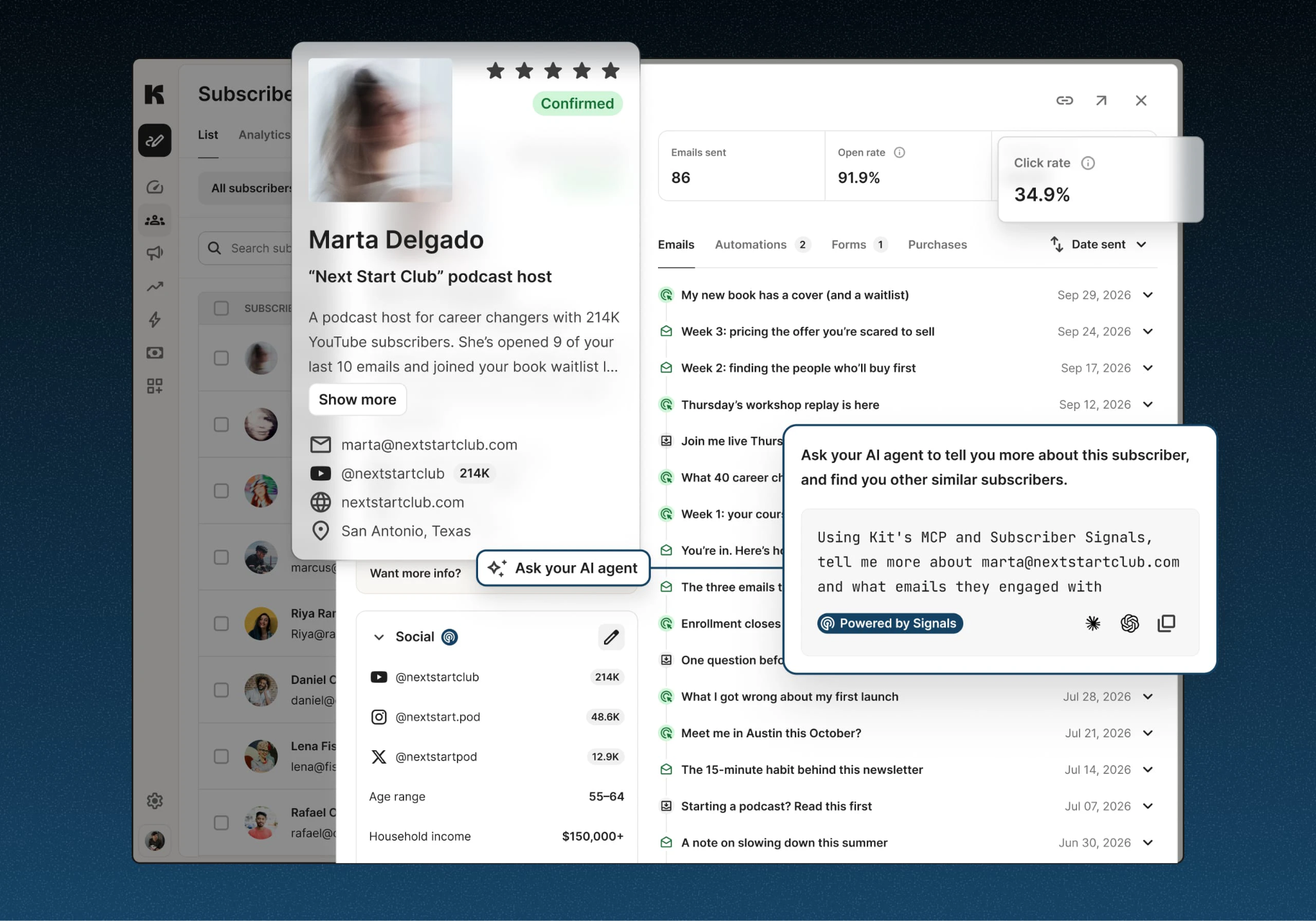
Kit is built for people who sell through an audience: coaches, consultants, writers and newsletter-led shops. The free plan covers up to 10,000 subscribers with unlimited landing pages, forms and broadcasts, which is generous. The Kit free plan does not include automations or email sequences, so any welcome series needs a paid plan. Kit branding also stays on Free. It is not a dedicated page builder, so skip it if you need advanced page testing.
Best for: Consultants, coaches and newsletter-led small businesses (Fit: both).
Key features:
- Unlimited landing pages and opt-in forms with a custom domain, even on Free.
- Tagging and segmentation.
- Sell digital products, paid newsletters and subscriptions.
- Visual automations and unlimited sequences on Creator and Pro.
- Recommendations network for new subscribers, included on Free.
Pricing: Free is $0 for up to 10,000 subscribers. Creator is $39 a month at 1,000 subscribers billed monthly. Pro is $79 a month at 1,000 subscribers. Yearly billing saves 17%. Paid plans include a 14-day free trial with no card. Kit is running a Black Friday offer of 50% off the first three months of monthly Creator, ending Dec 1.
3) Brevo
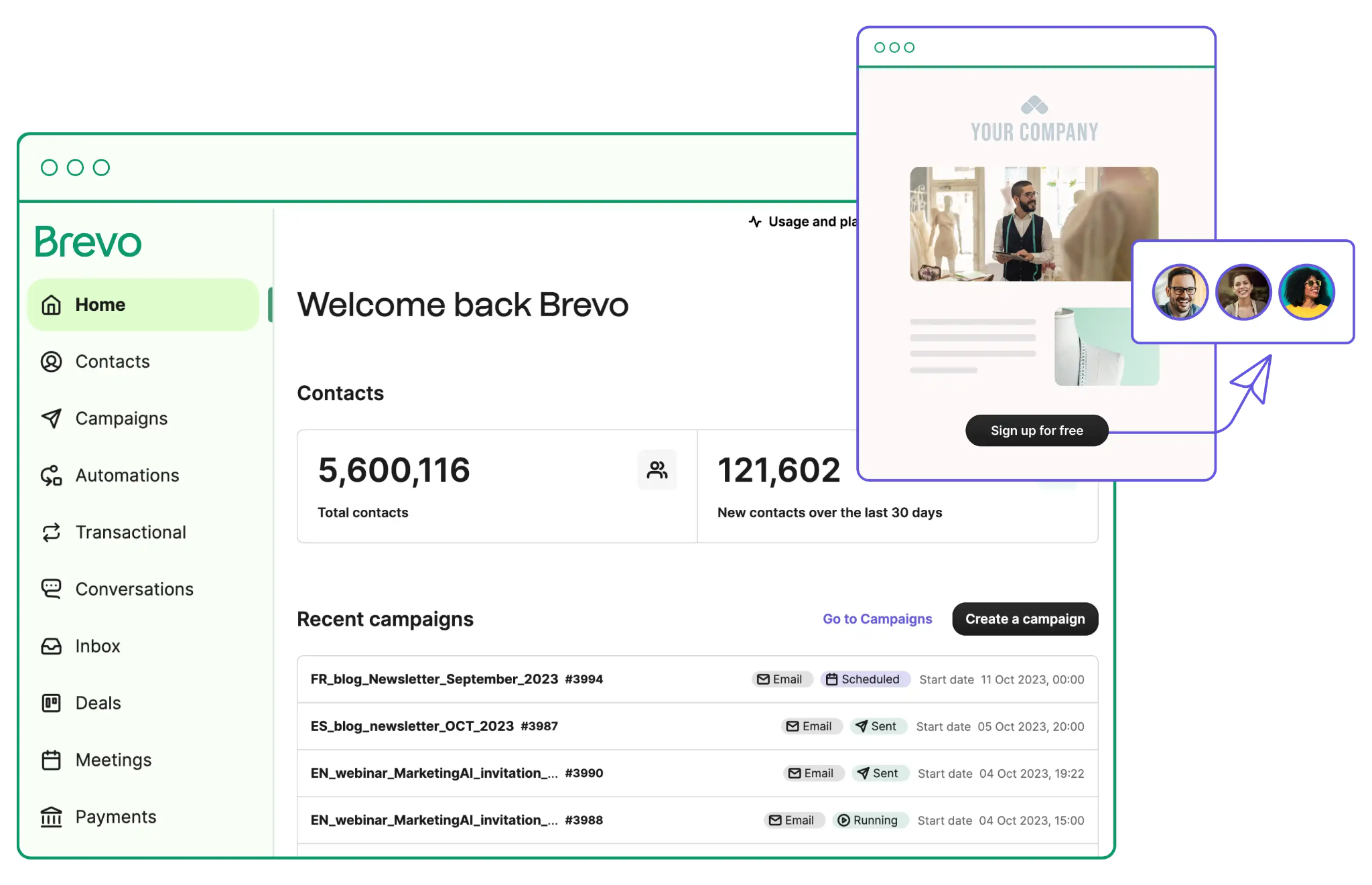
Brevo is email, SMS and a light CRM at a low entry price. The free plan sends up to 300 emails a day. For this guide, the catch is that Brevo landing pages start on the Standard plan, and that tier includes one page. If landing pages drive your revenue, Brevo is the wrong pick. If you want email plus SMS and a contact database on a small budget, it fits well. The jump from Standard to Professional is steep, so plan for it.
Best for: Email plus SMS on a small budget, with a built-in CRM (Fit: both).
Key features:
- Drag-and-drop email editor and advanced segmentation.
- Multi-step marketing automation and A/B testing from Standard.
- 1 landing page included on Standard, plus branded forms on every plan.
- CRM with free sales tools.
- Transactional email access on all plans.
Pricing: Free is $0 (300 emails a day). Starter is 9amonth(97 a year), from 5,000 emails a month, no Brevo logo. Standard is 18amonth(194 a year) and adds heatmaps, A/B testing, automation and the landing page. Professional starts at 499amonth(5,389 a year) with 150,000 emails a month, 10 seats and WhatsApp, popups and push. Price scales with email volume.
4) MailerLite
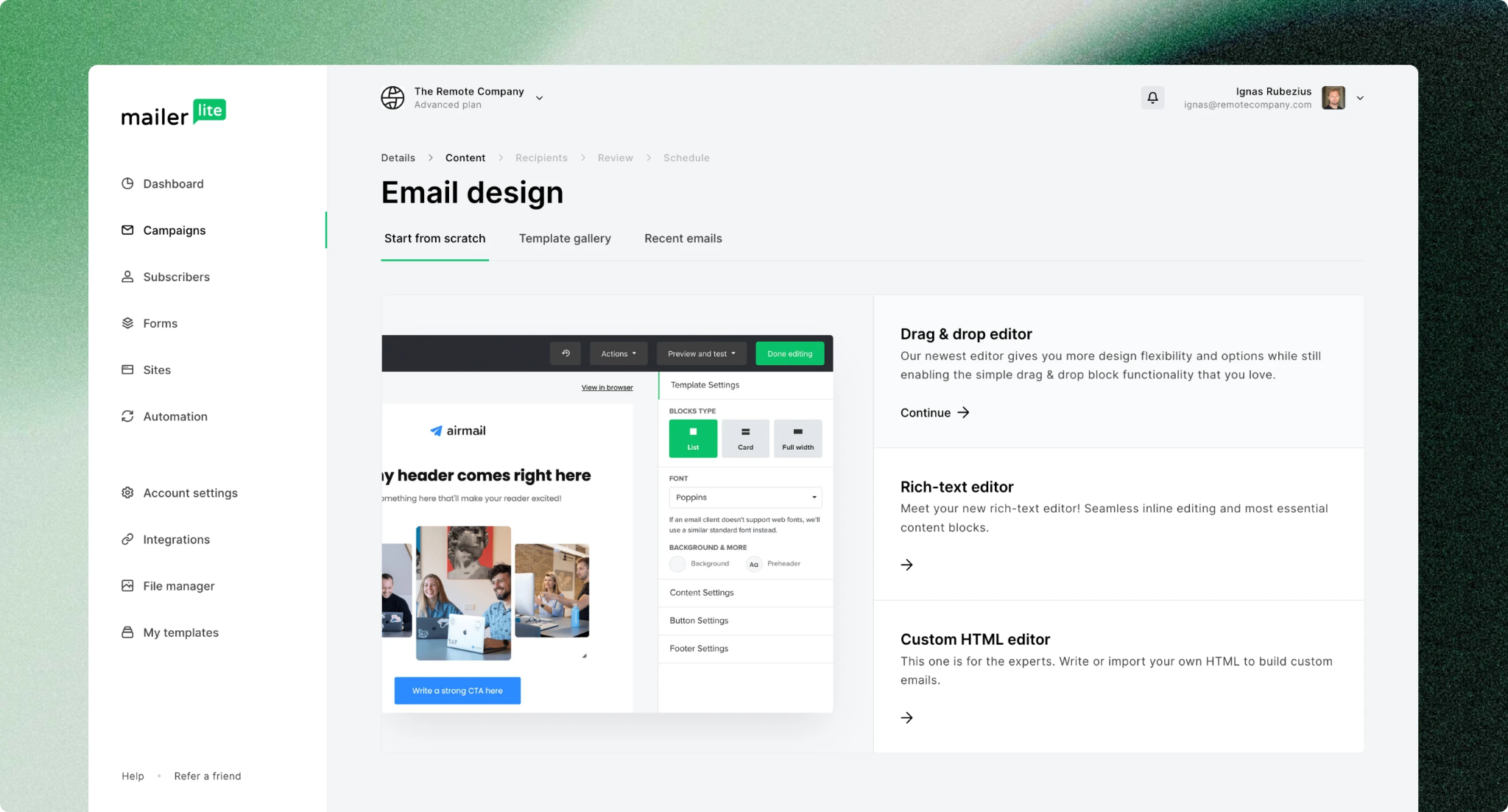
MailerLite is simple email plus pages on a tight budget. MailerLite landing pages scale from 1 on Free to 10 on Comfort to unlimited on Power. Landing page A/B testing and custom domains start on Comfort. On Free, sending locks once you pass 250 active subscribers, so you hit that wall quickly. Free also allows only 3 automations with 5 steps each. Skip it if you need multi-step branching on a low tier.
Best for: Simple email and landing pages on a tight budget (Fit: both).
Key features:
- Drag-and-drop, simple and custom HTML email editors.
- Visual automation builder: 3 on Free, 50 on Comfort, unlimited on Power.
- Landing pages, websites and signup forms.
- Landing page A/B testing and custom domains from Comfort.
- Sell digital products and bookings, plus paid newsletters on paid plans.
Pricing: Free is $0 (250 subscribers, 2,500 emails a month). Comfort starts at $12 a month at 500 subscribers ($10.80 billed annually), rising to $19 at 1,000 and $49 at 5,000. Power starts at $25 at 500 subscribers ($22.50 annually), rising to $39 at 1,000 and $69 at 5,000. New accounts get a 14-day trial of premium features.
5) Leadpages
Leadpages is a focused page builder, so you can publish and test pages without a developer. Its lineup changed in 2026, and the old Standard, Pro and Conversion tiers are gone. Publishing plans start at $29 to $49 a month. Testing and optimization plans start at $99. Check Leadpages pricing on the live page, because it moves. There is no free plan and no email automation, so pair it with an email tool. Skip it if email automation is your main need.
Best for: Owners who want a focused page builder without developer help (Fit: both).
Key features:
- Landing pages, websites and blogs with custom domains and SSL.
- Manual A/B testing from Grow.
- Dynamic text replacement to match page copy to your ad.
- Heatmaps and Smart Traffic on Optimize.
- Unlimited traffic with no caps, plus HubSpot, Salesforce, Mailchimp and Stripe integrations.
Pricing: Pro is $29 a month (publishing only, 25 pages). Business is $49 (50 pages, 2 custom domains, 2 blogs). Grow is $99 (unlimited pages, A/B testing). Optimize is $199. Enterprise starts at $399. Annual billing saves 20%. Monthly plans include a 7-day trial and require a card.
6) Unbounce
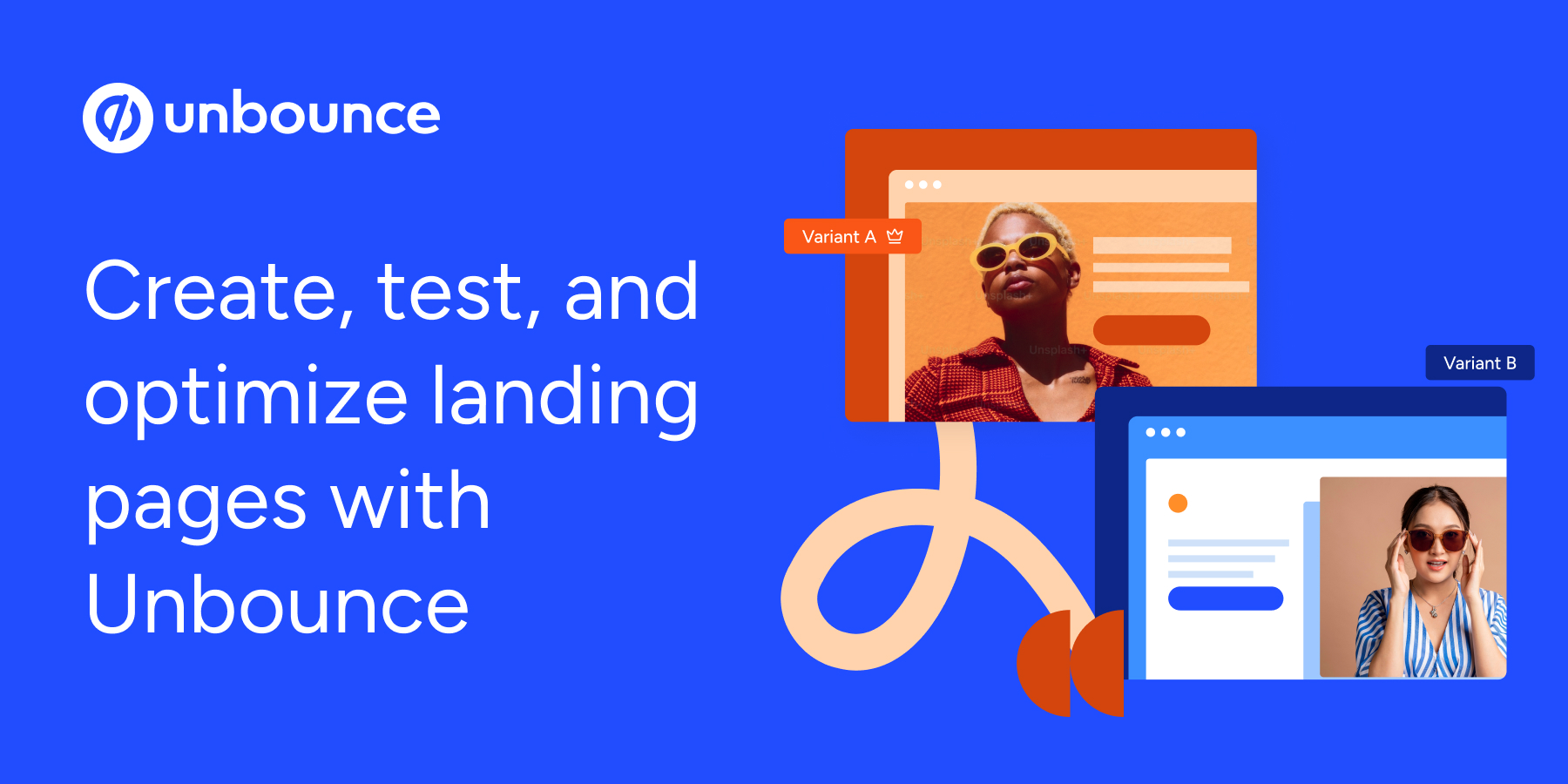
Unbounce is built for paid-ad campaigns and page testing. It is the pick when your landing pages are the revenue lever. Read the Unbounce pricing limits closely: visitor caps run from 500 on Starter to 20,000 on Build, 30,000 on Experiment and 50,000 on Optimize. If you go over, pages keep running and Unbounce bills a one-time overage fee. Every plan includes unlimited conversions. Skip it if you run only organic traffic.
Best for: Paid-ad campaigns and landing page testing (Fit: both).
Key features:
- Hybrid AI-powered builder with templates and AI copywriting.
- Unlimited A/B testing and variants from Experiment.
- AI traffic routing (Smart Traffic) on Optimize.
- Dynamic text replacement from Experiment.
- 1,000+ integrations from Build.
Pricing: Pricing: Starter is $29 a month ($22 yearly, 5 pages). Build is $99 ($74 yearly). Experiment is $149 ($112 yearly). Optimize is $249 ($187 yearly). Agency starts at $349, and Concierge is custom. The 14-day trial needs no card.
Best Marketing Automation Tool for Small Business Drip Campaigns
A drip campaign is a set of emails that send automatically, triggered by something a contact did. The best marketing automation tool for small business drip campaigns gives you:
- A visual builder
- Branching
- Real triggers
- Fair send limits
- Pricing that does not explode as your list grows
Brevo, Kit, MailerLite and Systeme.io also run drips. See entries 1 to 4 and do not buy twice. Three starter sequences cover most small businesses:
- Welcome: fires when someone joins your list.
- Post-form-fill nurture: fires when someone requests a quote or downloads something.
- Win-back: fires after a stretch of silence.
7) ActiveCampaign
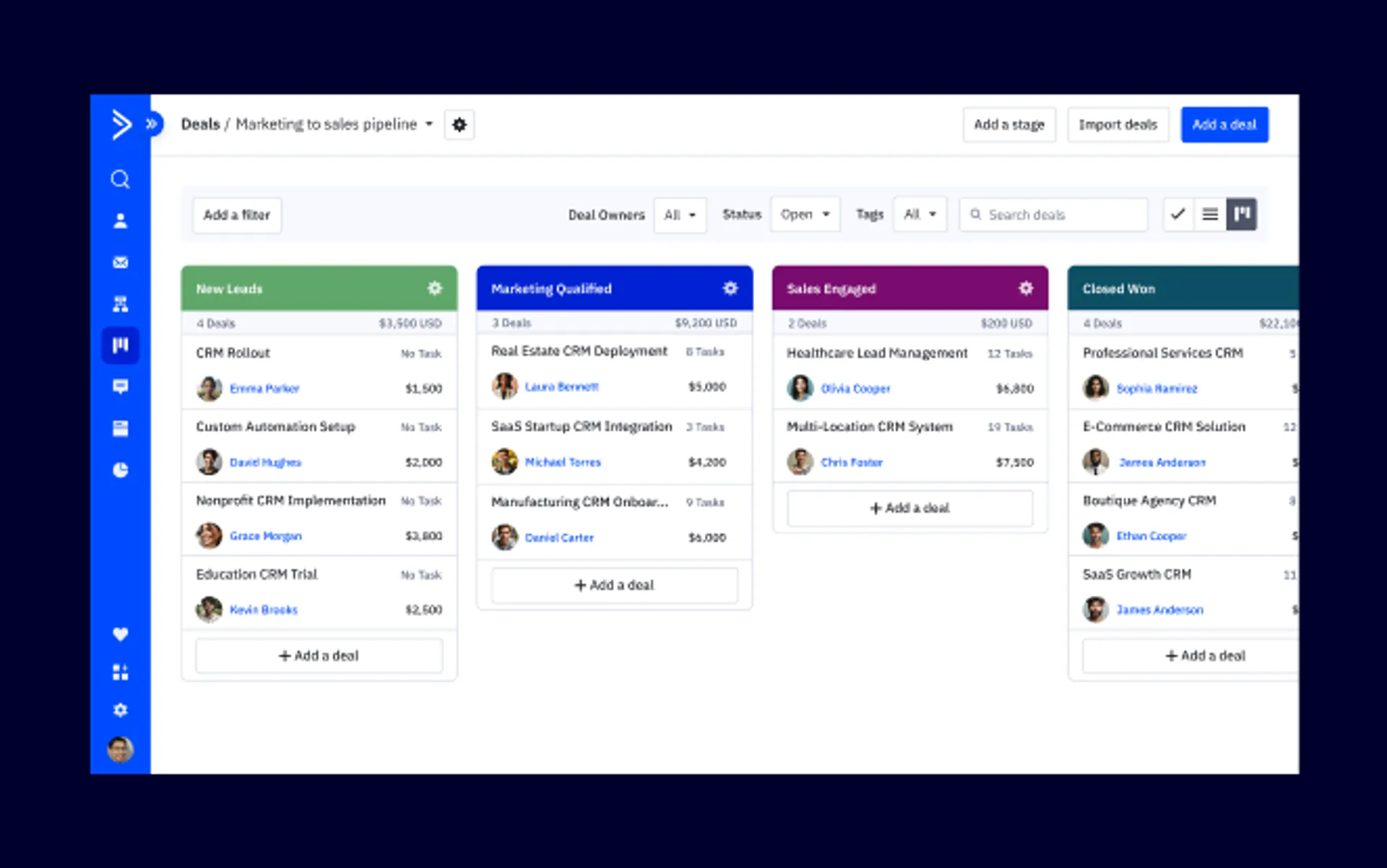
ActiveCampaign is the deepest automation tool on this list. It fits businesses that want behavior-based drips and real lead nurturing. Landing pages arrive on the Plus plan, and Starter limits each automation to 5 actions. Cost climbs as your contact list grows, since every plan is contact-based. There is no free plan, only a trial. Skip it if you need a free tier.
Best for: Behavior-based drips and lead nurturing (Fit: both).
Key features:
- Multi-step automation with 950+ prebuilt recipes.
- Segmentation, from limited on Starter to premium on Enterprise.
- Landing pages and site messages from Plus.
- 1,000+ integrations, plus optional CRM add-ons.
- Email A/B testing on every plan, and A/B testing inside automations from Pro.
Pricing: At 1,000 contacts billed yearly, Starter is $15 a month, Plus $49, Pro $79 and Enterprise $145. Monthly billing costs more, and one 2026 source lists Starter at $19. There is a 14-day free trial with no card and a 30-day money-back guarantee.
8) HubSpot (Free CRM and Marketing Hub Starter)
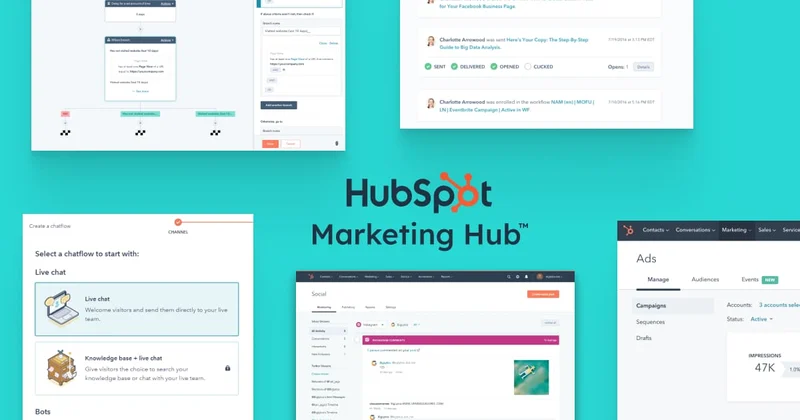
HubSpot is for owners who want CRM and marketing in one place. The free CRM covers up to 2 users, and the free marketing tools include forms and email. Starter adds simple workflows. The HubSpot free CRM marketing automation story changes at Professional, where multi-step automation lives. Professional starts at $800 a month with 3 seats, plus a required $3,000 one-time onboarding fee. Skip it if you cannot absorb that jump.
Best for: Owners who want CRM and marketing in one place (Fit: B2B-leaning).
Key features:
- Free CRM for up to 2 users.
- Forms and email on the free tools, 2,000 sends a month with HubSpot branding.
- Landing pages in the free tools (verify limits in your account).
- Starter automation capped at simple workflows, up to 10 actions.
- 2,000+ integrations.
Pricing: Free tools are $0. Starter starts at $7 per seat a month on HubSpot's pricing page, with $20 per seat shown for the other billing option, so confirm at checkout. Professional is $800 a month on annual billing ($890 monthly) with 3 core seats and 2,000 marketing contacts. Enterprise is $3,600.
9) Mailchimp
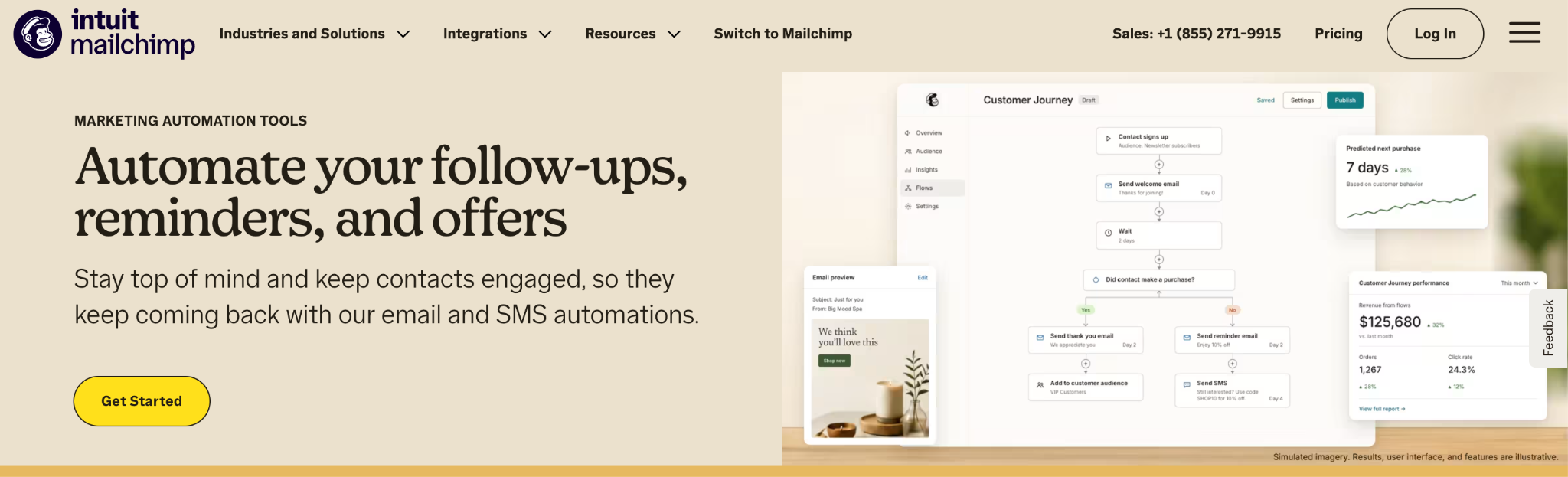
Mailchimp suits owners who already know it and want a familiar builder. The Free plan is limited to 250 contacts and 500 sends a month, and sending pauses when you pass either limit. On paid plans, Mailchimp bills overages automatically. Automation is where plans split: Essentials limits flows to 4 steps, and Standard raises that to up to 200 flows. Check Mailchimp pricing at your real contact count. Skip it if you want the cheapest drip at scale.
Best for: Owners who already know it and want a familiar builder (Fit: both).
Key features:
- Email builder with prebuilt templates.
- Marketing Automation Flows: 4 steps on Essentials, up to 200 flows on Standard.
- Email A/B testing from Essentials.
- Dynamic content and custom reports from Standard.
- 300+ integrations and an SMS add-on.
Pricing: Free is $0 (250 contacts, 500 sends a month). Essentials starts at $13 a month, Standard at $20 and Premium at $350 at the base contact tier. All rise with contacts. Standard and Essentials include a 14-day trial with a card required.
10) Klaviyo
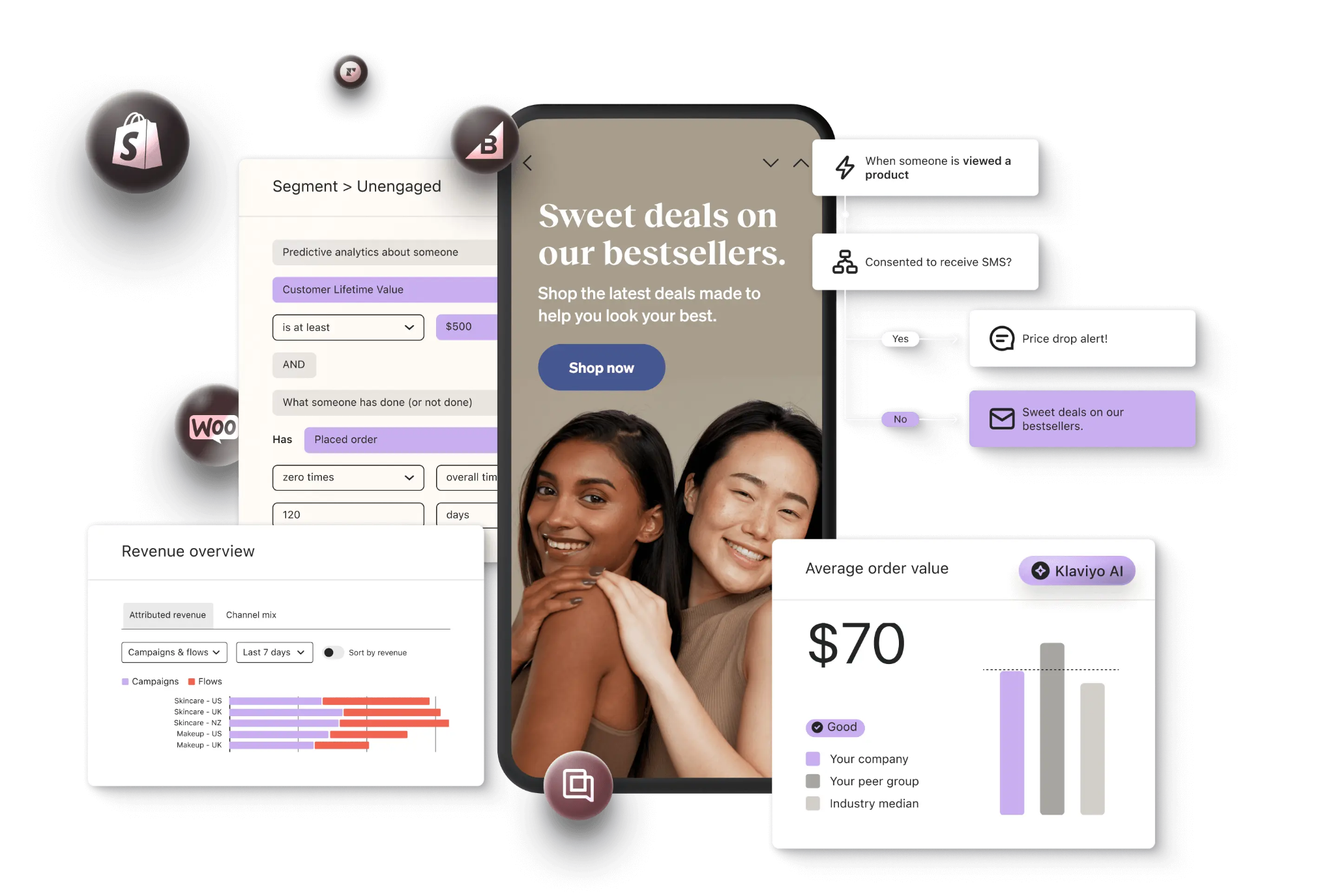
Klaviyo is built for ecommerce stores, especially on Shopify. It leans on your store data, so flows like abandoned cart and post-purchase can react to what a shopper did. The free plan covers 250 active profiles and 500 emails a month, and includes campaigns and flows. A/B testing is not on Free. Pricing follows your active profiles, so check it at your real list size. Skip it if you do not sell products online.
Best for: Ecommerce stores, especially Shopify (Fit: B2C).
Key features:
- Campaigns and flows on every plan, including Free.
- Email plus SMS and mobile app marketing
- Segmentation from your store and behavior data.
- A/B testing on paid plans.
- Reporting and revenue attribution for campaigns.
Pricing: Free is $0 (250 active profiles, 500 emails a month). Email starts at $20 a month at 500 active profiles with 5,000 emails. The Marketing plan is $25 a month, and Klaviyo is running a promo of $1 for the first month on eligible profile counts.
📅 Turn Your Marketing Efforts Into More Sales Meetings
Landing pages and drip campaigns need the right traffic. Cleverly helps B2B businesses reach decision-makers and book qualified meetings through targeted outreach.
How to Set Up Your First Small Business Drip Campaign in 5 Steps
Keep your first one small. Small business drip campaigns work when each email has one job.
- Pick one trigger. A form fill, a purchase, or 90 days of silence.
- Write 3 to 5 emails with one job each. Welcome, prove, ask.
- Set the delays. Day 0, day 2, day 5, day 9 is a good starting rhythm.
- Add an exit rule. Replies and buyers must stop getting emails.
- Track replies, clicks and bookings. Opens alone tell you very little.
Here is one original example for each starter sequence:
- Welcome (a landscaping company): Day 0, "Your spring lawn checklist." Day 2, "The mistake we fix most in April." Day 5, a before-and-after on a yard like theirs. Day 9, "Book a free quote before slots fill."
- Post-form-fill nurture (an IT support firm): Day 0, a confirmation that says what happens next. Day 2, a short client example. Day 5, one question: "What eats most of your IT time?" Day 9, a calendar link.
- Win-back (a boutique fitness studio): After 90 days of silence, day 0, "Still want to hear from us?" Day 3, one free class. Day 7, last call. Then suppress anyone who does not click.
Best Marketing Tools for Small Businesses on a Tight Budget
Start with the data. In UENI's sign-up sample of 7,413 businesses (counted August 10, 2026), 39.4% plan to spend $1 to $50 a month on marketing, 26.1% plan to spend $0, and 90.5% plan to spend under $200. That is one platform's sample of very small, new businesses, and UENI sells its own plan, so read it as a signal, not a benchmark.
The best marketing tools for small businesses on a tight budget are the ones you can use well at that level.
11) Canva
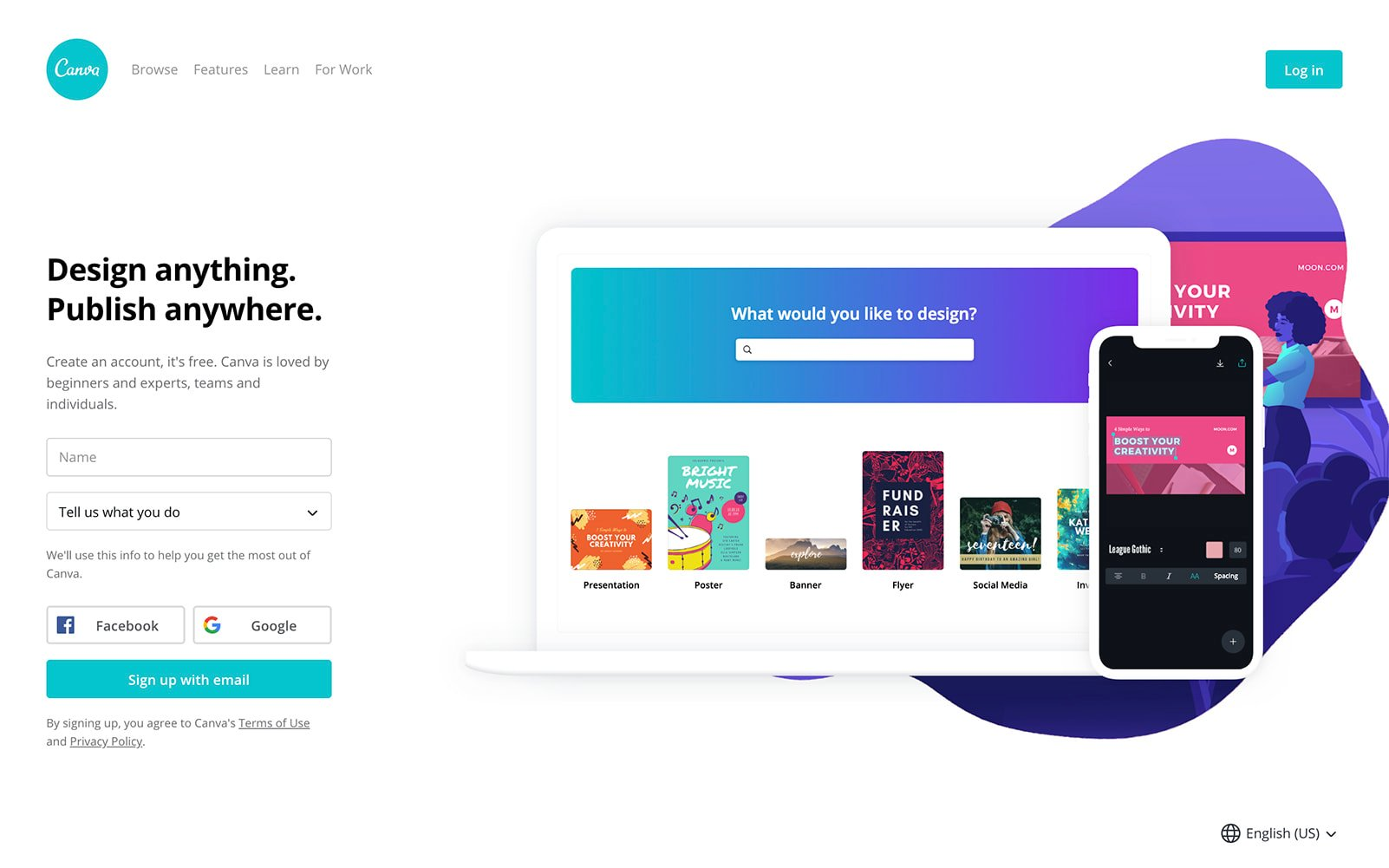
Canva gets you graphics without a designer. Free covers most basics: 1.6M+ templates and 5GB of storage. Pro adds premium templates (3.6M+), premium assets and tools like background removal and resizing. Some brand tools and premium assets sit behind the paywall. Skip it if you already have a designer. The Canva free vs Pro call usually comes down to resizing and brand kits.
Best for: Graphics without a designer (Fit: both).
Key features:
- Templates for social, print, presentations and video.
- Brand Kit (1 on Free with 3 colors, more on paid plans).
- Premium photo, video and audio library on Pro.
- Resize, translate and background removal on Pro.
- Social content scheduling on paid plans.
Pricing: Free is $0. Pro is a per-person paid plan. G2 lists it at $15 a month, and Canva's US page shows the price by billing toggle, so confirm on canva.com before you buy.
12) Buffer
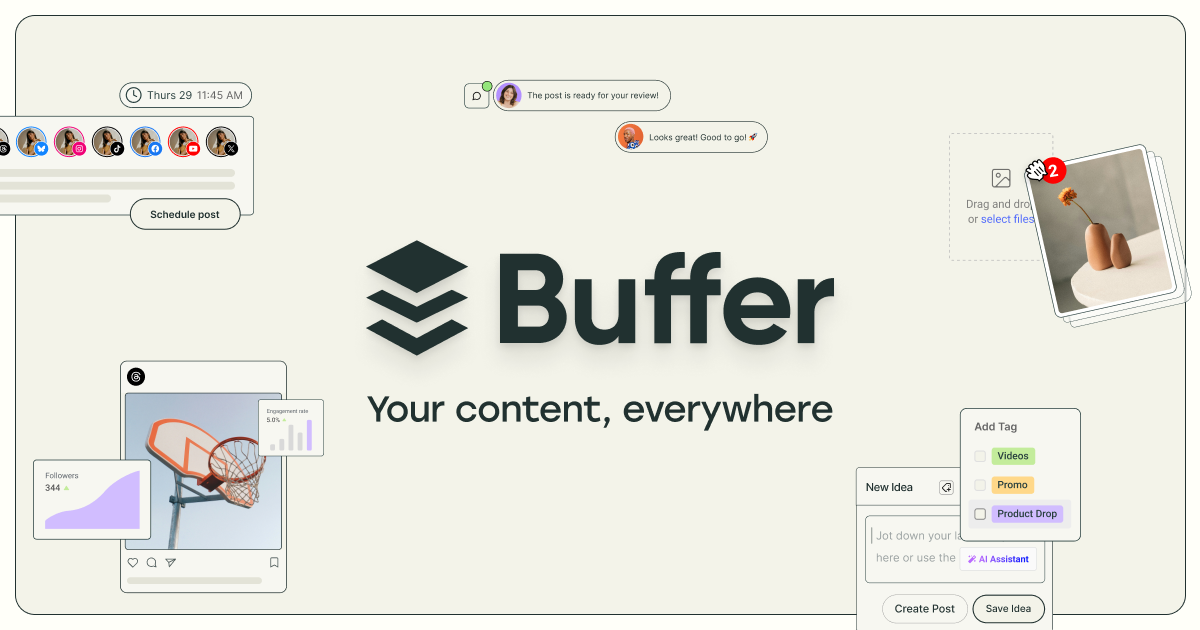
Buffer is the simple way to schedule posts across a few channels. The Buffer free plan covers 3 channels with 10 scheduled posts per channel, 100 ideas and 1 user. Paid plans bill per channel, so cost tracks how many accounts you actually run. There is no social listening. Skip it if social is not a core channel.
Best for: Scheduling posts on 1 to 3 channels (Fit: both).
Key features:
- Scheduling, queue and visual calendar.
- AI Assistant and an ideas board.
- Community inbox for replying to comments.
- Insights (30-day history on Free, unlimited on paid).
- Start Page, a simple link-in-bio landing page.
Pricing: Free is $0 for up to 3 channels. Essentials is $6 per channel a month ($5 billed annually) with unlimited scheduled posts. Team is $12 per channel monthly ($10 annually). Paid plans include a 14-day trial.
13) Google Analytics and Google Search Console
Both are free, and together they answer two questions: where visitors come from, and which searches find you. Analytics tracks traffic sources and conversions. Search Console shows impressions, queries and indexing issues. The learning curve is steep, and Search Console can overwhelm beginners. Set one thing up on day one: track form fills as conversion events, tied to your landing pages. That is free website analytics for small business that most paid tools cannot match.
Best for: Knowing where visitors come from and which queries find you (Fit: both).
Key features:
- Traffic sources and audience reports.
- Conversion events for form fills and bookings.
- Search impressions, clicks and queries.
- Indexing and page experience issues.
- No paid plan required.
Pricing: Both are free.
14) BrightLocal
BrightLocal is a local SEO tool for small business owners with a physical location or service area. It tracks local rankings, audits your Google Business Profile and monitors listings. Plans price by location count. The Track plan covers rank tracking for up to 100 keywords and four competitors per location. Skip it if you sell only online.
Best for: Businesses with a physical location or service area (Fit: local, mostly B2C).
Key features:
- Local rank tracker and local search grid.
- Citation tracker and listing audit.
- Google Business Profile audit and insights.
- Active listing sync and GBP post scheduling on Manage.
- AI visibility tracking and AI Insights.
Pricing: For one location, Track is $41 a month ($369 yearly, about $31 a month). Manage is $54 ($485 yearly, about $40 a month). Grow is $65 ($584 yearly, about $49 a month). Citation building is pay as you go.
What to Pay For First When Your Marketing Budget Is Under $200 a Month
Spend in this order:
- Analytics (free).
- One email or landing tool.
- One scheduler.
- One design tool.
- Paid page testing, last.
Fix the leak before you buy reach. If your page converts at 2% and your follow-up is slow, more traffic just burns money. Watch two traps too.
Contact-based pricing climbs as you grow, and free plans can lock sending at their cap. Set a small business marketing budget you can actually hold, and review it quarterly.
Best Small Business & Marketing Tools on Nemin.io: What the 11 Free Calculators Do
Nemin.io is a free set of browser-based calculators that needs no account. Per a third-party review published August 15, 2026, it lists 11 tools: website cost, SEO cost, Google Ads budget, freelancer hourly rate, agency retainer, ROI, profit margin, break-even, social media pricing, email campaign ROI and a word counter.
Think of these as planning calculators, not marketing execution software. They help you size a budget before you spend it.
15) Nemin.io Calculators for Marketing and Budget Planning: The 4 Worth Using First
These four are the ones most useful before you buy anything else. Nemin.io marketing calculators work best as a quick way to frame a number. Skip them if you want something that runs campaigns.
Best for: Sizing a marketing budget before you spend it (Fit: both).
Key features:
- Google Ads Budget Calculator: desired leads, landing page conversion rate, average CPC and management fee.
- SEO Cost Calculator: target keywords, campaign type, site size, posts per month, locations and growth goal.
- Email Campaign ROI Calculator: list size, open rate, CTR, conversion rate, order value and campaign cost.
- ROI Calculator: revenue against total cost.
Pricing: Free, with no sign-up needed to use the tools.
A quick worked example, using the Google Ads inputs. This is our own arithmetic with sample numbers, not Nemin.io's output.
Say you want 20 leads a month, your landing page converts at 8% and your average CPC is $4. You need 250 clicks (20 divided by 0.08), so ad spend is $1,000. Add a 15% management fee and the total is $1,150. If 25% of those leads close at $1,500 each, that is 5 customers and $7,500 in revenue. Your ROI is about 552%, or $6,350 on $1,150.
Limits to Know Before Using Nemin.io Numbers
Be honest about what is verified and what is not. A Nemin.io review from August 2026 found that several public tool pages show their inputs but not the formulas, weighting or benchmark data behind the estimates. The same review notes the privacy policy allows analytics, cookies and advertising technologies, even though no sign-up is needed. Check the live policy yourself.
Treat the results as scenario planning. Check them against vendor data and real quotes before you commit money.
How to Choose the Right Small Business Marketing Tools for Your Business
Here is how to choose marketing tools for small business without overbuying. Start from your business type:
Then follow these rules:
- Start with one or two tools. Three to four is a sensible ceiling.
- Run a 14-day trial by building one live campaign. Kit, Unbounce, ActiveCampaign and Mailchimp all offer 14 days. Leadpages offers 7 and requires a card.
- Check what the plan costs at 5,000 contacts, not 500. MailerLite Comfort goes from $12 at 500 subscribers to $49 at 5,000.
- Audit tools quarterly. Look at usage, leads sourced and cost.
If you are weighing agency help instead of more software, read our full-funnel agencies guide first.
Common Mistakes When Buying Small Business Marketing Tools
The small business marketing tools mistakes we see most often:
- Buying overlapping tools. Two email platforms or two schedulers means paying twice for one job.
- Ignoring contact-based pricing. MailerLite Comfort moves from $12 to $49 between 500 and 5,000 subscribers. ActiveCampaign prices by contact band, and Mailchimp bills overages automatically on paid plans.
- Trusting a free plan that locks at its cap. MailerLite Free locks sending past 250 active subscribers. Mailchimp Free pauses sending at its limits.
- Relying on stale review pricing. Leadpages replaced its old tier names this year. Systeme.io and Kit prices differ by page and billing option. Always check the vendor page.
- No owner for each tool. If nobody owns it, nobody cancels it.
- Treating tools as lead sources. They are not. They convert and nurture the demand you already have.
What Marketing Tools Can't Do: How Cleverly Fills the Meeting Gap for B2B Small Businesses
Landing pages and drip campaigns work on people who already found you. If you sell to other businesses, you also need meetings with buyers who have never heard of you. No tool on this list closes that gap, and it is the gap our cold email lead generation service exists to close.
We run it done-for-you: list building and verification, copy, inbox and domain setup, deliverability, A/B testing and a dedicated account manager. It is month to month with no contracts, on either a pay-per-meeting-ready-lead model or a flat monthly retainer, and we aim for 10 to 30 qualified meetings a month.
One construction client booked 10 meetings in a month and landed a $1.2M project. Across our clients we have helped generate $312M in pipeline.
Meetings route into your CRM, so the drip tools above can take over the nurture. If you also have form fills sitting untouched in your CRM, our appointment setting service works those leads too.
We only work with B2B companies. If you sell to consumers, the tools above are your best route. Selling to other businesses? Book a free strategy call with Cleverly.
Conclusion
Match the pick to the situation. A free all-in-one fits solo owners. A bundled page builder fits email-first businesses. A dedicated builder fits paid-ad campaigns. Klaviyo fits online stores, and HubSpot fits owners who want a CRM from day one.
Do three things this week. Pick one landing and email tool, add free analytics, and put a quarterly price review on your calendar. Plans and prices moved a lot across small business marketing tools in 2026, so check the live page before you pay.
Frequently Asked Questions
Free Resource
How to Scale a Profitable Cold Call System
Get the complete guide — download it instantly now.
Free Ebook
Download the Free Guide
Enter your details to get instant access.
You're all set! 🎉
Your ebook is downloading now.
Click below if the download didn't start automatically.