Table of Contents
What Conversation Intelligence Software Actually Does
The Two Tiers of Conversation Intelligence
What to Evaluate Before Choosing Conversation Intelligence Tools
10 Best Conversation Intelligence Tools in 2026
Free and Low-Cost Conversation Intelligence Options
Recording Consent and Compliance
How to Choose the Right Conversation Intelligence Tools for Your Team
How Cleverly Fills the Calendar These Tools Analyze
Conclusion
Frequently Asked Questions
Modified On :
October 23, 2026
Key Takeaways
- The real decision is which tier you need, not which brand is best. Notetakers and full revenue intelligence platforms solve different problems, and the price gap runs from free to five figures.
- Analytics need volume to mean anything. Below roughly ten reps, a notetaker usually delivers most of the value at a fraction of the cost.
- Reps value automatic notes and reliable CRM sync every day. The analysis features are what sell the tool, but sync is what keeps it in use.
- A tool cannot create a coaching habit. Prove that managers actually review calls on a free tier before you pay for analytics.
- Recording is a legal act. Set consent, retention, and storage rules before rollout, not after a complaint.
Your sales calls hold better market research than any survey you will ever run. Almost nobody reviews them in a structured way.
Salesforce’s 2026 State of Sales report puts active selling at about 40% of a rep’s time, so there is rarely room to replay calls and learn from them. That gap is what conversation intelligence tools fill.
Before you compare brands, make one decision. This category splits into two tiers. Tier one is meeting recording and note-taking. Tier two is full revenue intelligence with deal scoring, forecasting, and coaching analytics.
The price gap is huge. Tier one is often free. Gong’s reported pricing runs $1,200 to $2,400 per user per year, plus a platform fee of $5,000 to $50,000. Plenty of buyers purchase tier two, use tier one features, and pay several times more than they needed to.
This guide covers what these tools do, the two tiers, what to evaluate, ten tools, recording consent, and how to choose. It is written for sales leaders, enablement teams, and founders making a first purchase. Most pricing here is quote-only, so verify every figure with the vendor.

What Conversation Intelligence Software Actually Does
Conversational intelligence tools record and transcribe your calls. Then they analyze the content for patterns, keywords, talk ratios, competitor mentions, and next steps.
The outputs teams actually use are simple:
- Searchable call libraries
- Automatic CRM notes
- Coaching clips you can share
- Deal risk flags
How it differs from transcription and revenue intelligence
A transcription tool tells you what was said. Conversation intelligence tells you what it means across hundreds of calls. Revenue intelligence adds forecasting and pipeline analytics on top.
🎧 Learn From Every Call. Book More of Them.
Conversation intelligence improves the calls you have. Cleverly helps you get more of them with targeted LinkedIn, cold email, and cold calling campaigns.
The Two Tiers of Conversation Intelligence
Frame the buying decision before you look at any vendor. It will save you real money. It is also the clearest way to shortlist top sales conversation intelligence tools without getting lost in feature lists.
Tier One: Meeting Recorders and AI Notetakers
These tools record, transcribe, summarize, and push notes to your CRM. They are often free or low cost per seat.
They are the right fit when your problem is admin time and recall, not coaching analytics. A founder running discovery calls, or a small team that keeps losing next steps, belongs here.
Tier Two: Revenue and Deal Intelligence Platforms
Tier two includes everything above, plus deal scoring, pipeline risk, forecasting, and coaching analytics across the team. It typically costs four figures per seat annually, often with a substantial platform fee on top.
It is the right fit when you have enough reps and deal volume for the analytics to produce signal.
How to Tell Which You Need
Run the honest test:
- Fewer than roughly ten reps? The analytics layer rarely pays for itself.
- Managers not reviewing calls today? Start with tier one and build the habit first.
- Hoping a tool will create a coaching culture? That is the most common expensive mistake in this category. Software surfaces coaching moments. It does not make managers act on them.
What to Evaluate Before Choosing Conversation Intelligence Tools
Run every vendor through the same checklist. It keeps demos from steering the decision.
Capture and accuracy
- Transcription accuracy. Test it on accents, cross-talk, and poor connections. Use your real calls, not the vendor’s demo audio.
- Meeting platform and phone coverage. Confirm support for Zoom, Teams, and Google Meet, and whether dial-in and phone calls are covered as well as video.
Daily usability
- CRM integration depth. Notes that do not sync reliably get abandoned.
- Search quality across the call library. Teams underestimate this one. Being able to find every call where a competitor came up is where the real value sits.
- Coaching features managers will use. Look for clip sharing, scorecards, and comment threads.
Depth, cost, and risk
- Deal intelligence depth. If you are considering tier two, check whether it can be configured to your sales process.
- Pricing model. Ask about platform fees, seat minimums, and annual commitments.
- Data retention, storage location, and security. Ask whether recordings train vendor models.
- Ownership. Name one person who owns the tool. Unowned tools stop being used within a quarter.
🚀 Give Your Sales Team More Conversations to Win
Let Cleverly handle prospecting and outreach. Your reps focus on selling to qualified buyers.
10 Best Conversation Intelligence Tools in 2026
Here is the shortlist at a glance. Details follow in each entry.
1) Gong
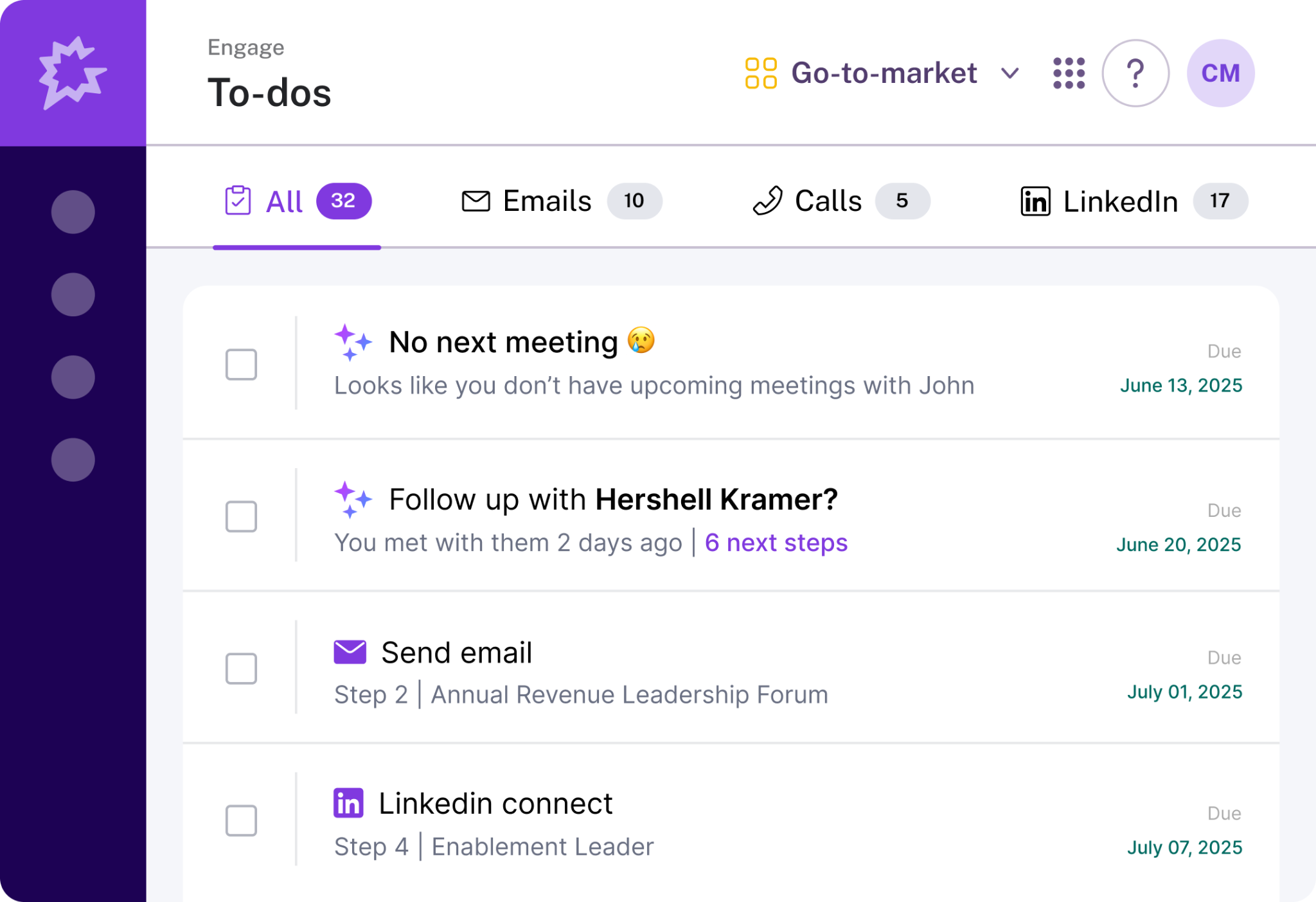
Gong is the category’s best-known name. It records and analyzes sales conversations, then turns them into deal intelligence, coaching insight, and market trends. The platform has expanded well beyond call recording into forecasting, engagement, and enablement modules, which are sold separately. It is built for revenue teams with real headcount and a coaching culture already in place.
Best for: Enterprise sales teams that want the deepest coaching and deal intelligence.
Standout capabilities:
- Deal risk scoring and pipeline visibility.
- Coaching workflows and rep performance insight.
- Market and competitor signals pulled from conversations.
- Add-on modules for forecasting and engagement.
- Broad CRM integrations.
Pricing: Quote only. Gong’s pricing page says licenses are per user, with a platform fee based on users supported. Third-party buyer data reports roughly $1,200 to $2,400 per user per year, a platform fee of $5,000 to $50,000, and onboarding fees on top. Gong also moved to metered AI usage in 2026, so ask how credits are counted.
Limitation: The platform fee and onboarding put it out of range for small teams, and much of the depth goes unused below a certain headcount.
2) Salesloft Conversation Intelligence (formerly Clari Copilot)
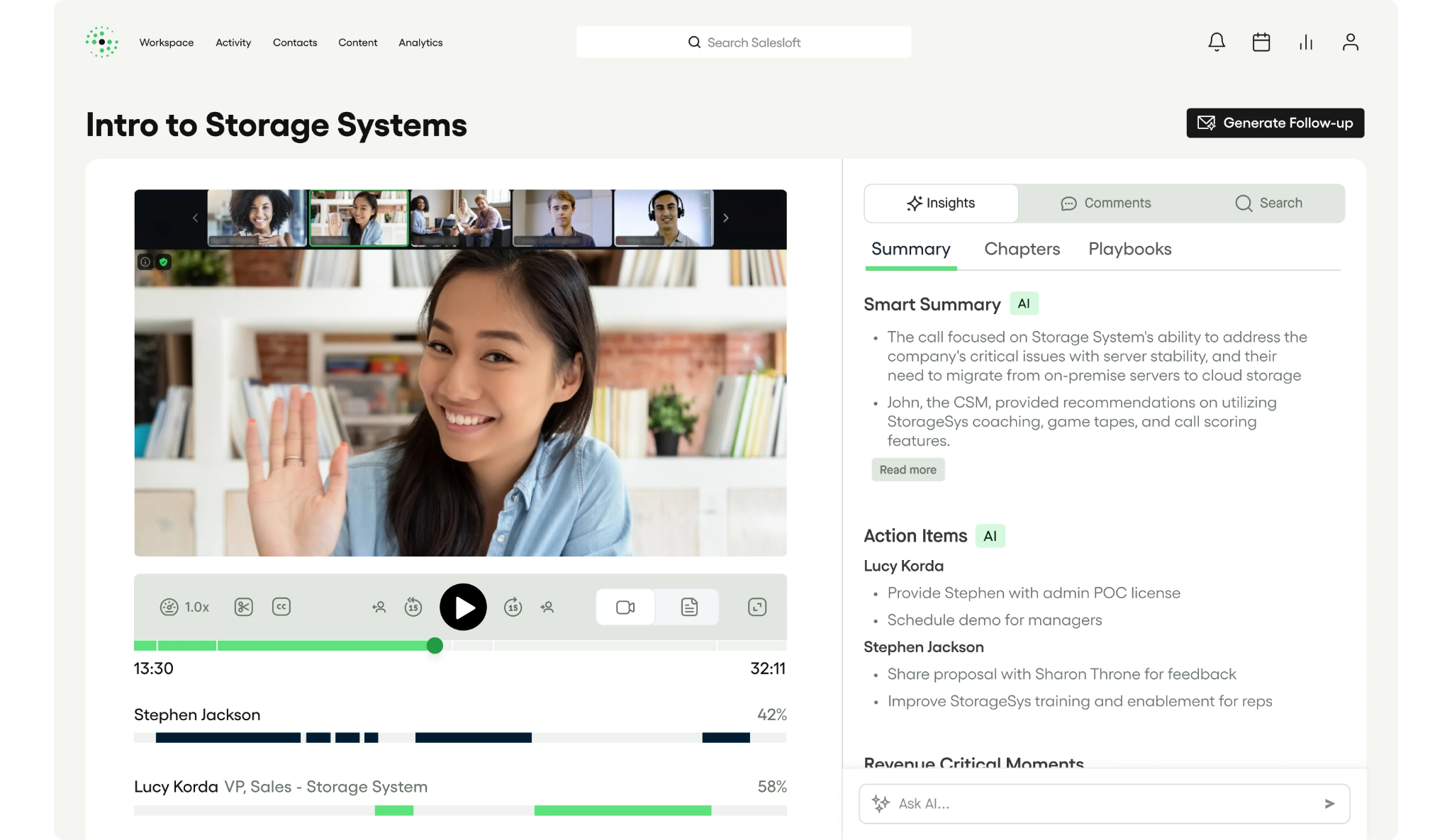
This product came out of the Clari and Salesloft merger. It combines the old Clari Copilot and Salesloft Conversations into one offering. It records and transcribes calls, surfaces buyer signals and trending topics across your call library, and feeds that data into engagement and forecasting. Clari Copilot was known for live in-call battlecards. It fits teams that want call data tied to pipeline workflows.
Best for: Teams already running Salesloft for engagement or Clari Forecast for forecasting.
Standout capabilities:
- Call recording, transcription, and AI summaries.
- Pattern-level insight across large call libraries.
- Conversation data connected to forecasting and engagement.
- Automatic capture of next steps into the CRM.
- Salesloft’s MCP server for AI agents.
Pricing: Quote only. Pricing is not published, and packaging may still be shifting after the merger.
Limitation: Hardest to justify as a standalone purchase, and product names and packaging are still changing, so confirm exactly what your quote includes.
3) Chorus by ZoomInfo
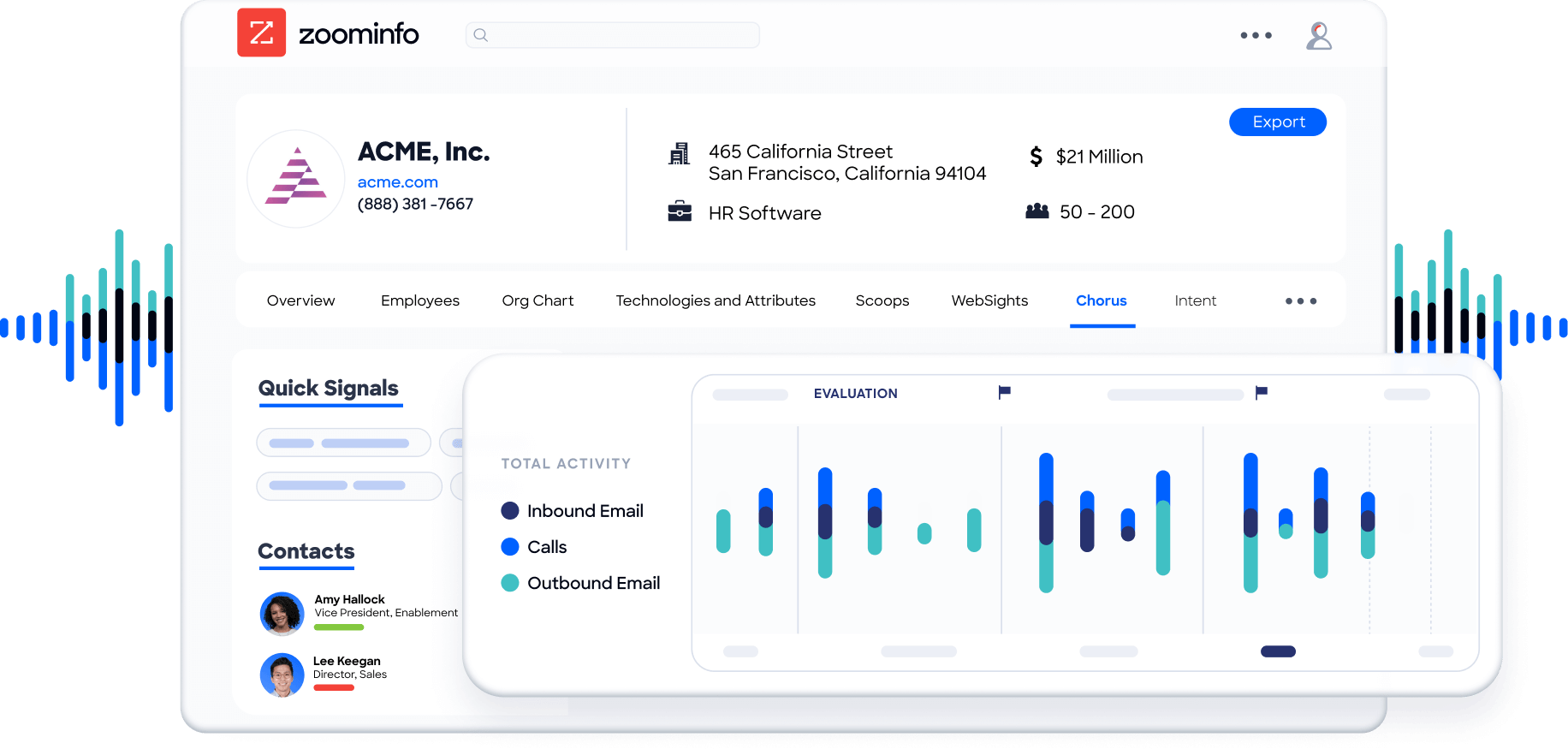
Chorus records and transcribes sales calls and meetings, tags topics and competitors, and feeds coaching and deal analytics back to managers. Its real differentiator is the tie to ZoomInfo’s company and contact data. Conversation signals sit next to firmographic and intent data. ZoomInfo now positions Chorus as one module inside a broader go-to-market platform.
Best for: Teams already in the ZoomInfo ecosystem.
Standout capabilities:
- Topic, competitor, and keyword trackers.
- Deal and pipeline health insight.
- Coaching library and rep scorecards.
- Conversation data tied to ZoomInfo account intelligence.
- Searchable call archive.
Pricing: Quote only. ZoomInfo does not publish Chorus pricing, and it is typically bundled with a ZoomInfo contract.
Limitation: Less compelling if you do not already use ZoomInfo, and bundled pricing makes standalone costs hard to compare.
4) Avoma
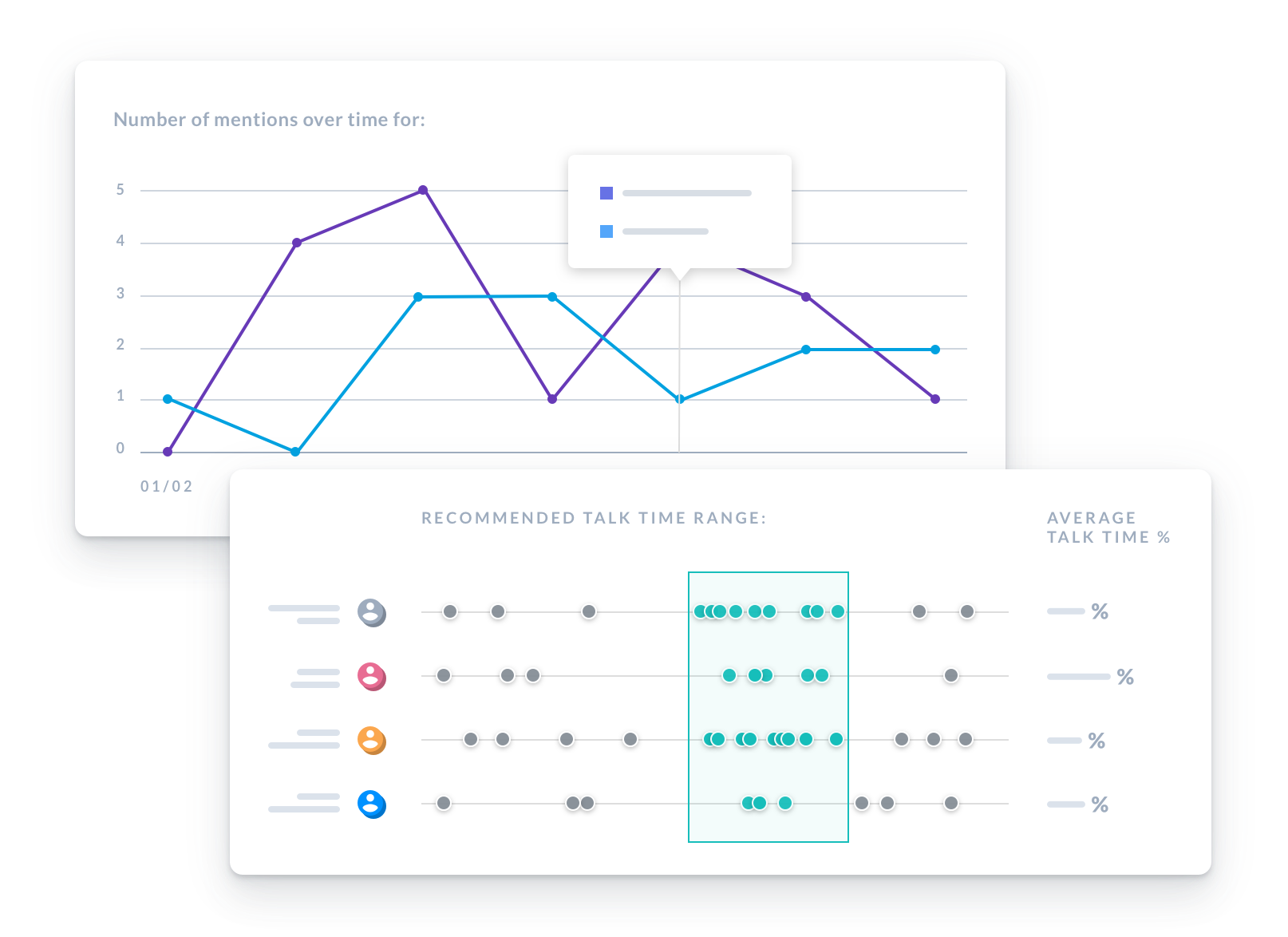
Avoma sits between a notetaker and a full platform. It records and transcribes meetings, writes AI notes, and syncs to your CRM. Conversation intelligence is a paid add-on that brings talk-pattern analysis, keyword trackers, and AI scorecards. A separate revenue intelligence add-on covers deal risk and forecasting. You pay for the depth you use.
Best for: Mid-market teams that want real conversation intelligence at a transparent price.
Standout capabilities:
- AI meeting notes and transcription.
- Conversation intelligence add-on with scorecards and trackers.
- Optional revenue intelligence add-on for deal risk and pipeline health.
- CRM sync and scheduling tools.
- Published pricing you can model before a sales call.
Pricing: Published per seat. Plans start at $19 per user per month billed annually. The conversation intelligence add-on is $29 per seat per month on annual billing, and the revenue intelligence add-on is also $29.
Limitation: Lighter deal intelligence than the enterprise platforms, and add-ons stack up quickly if you want everything.
5) Fathom
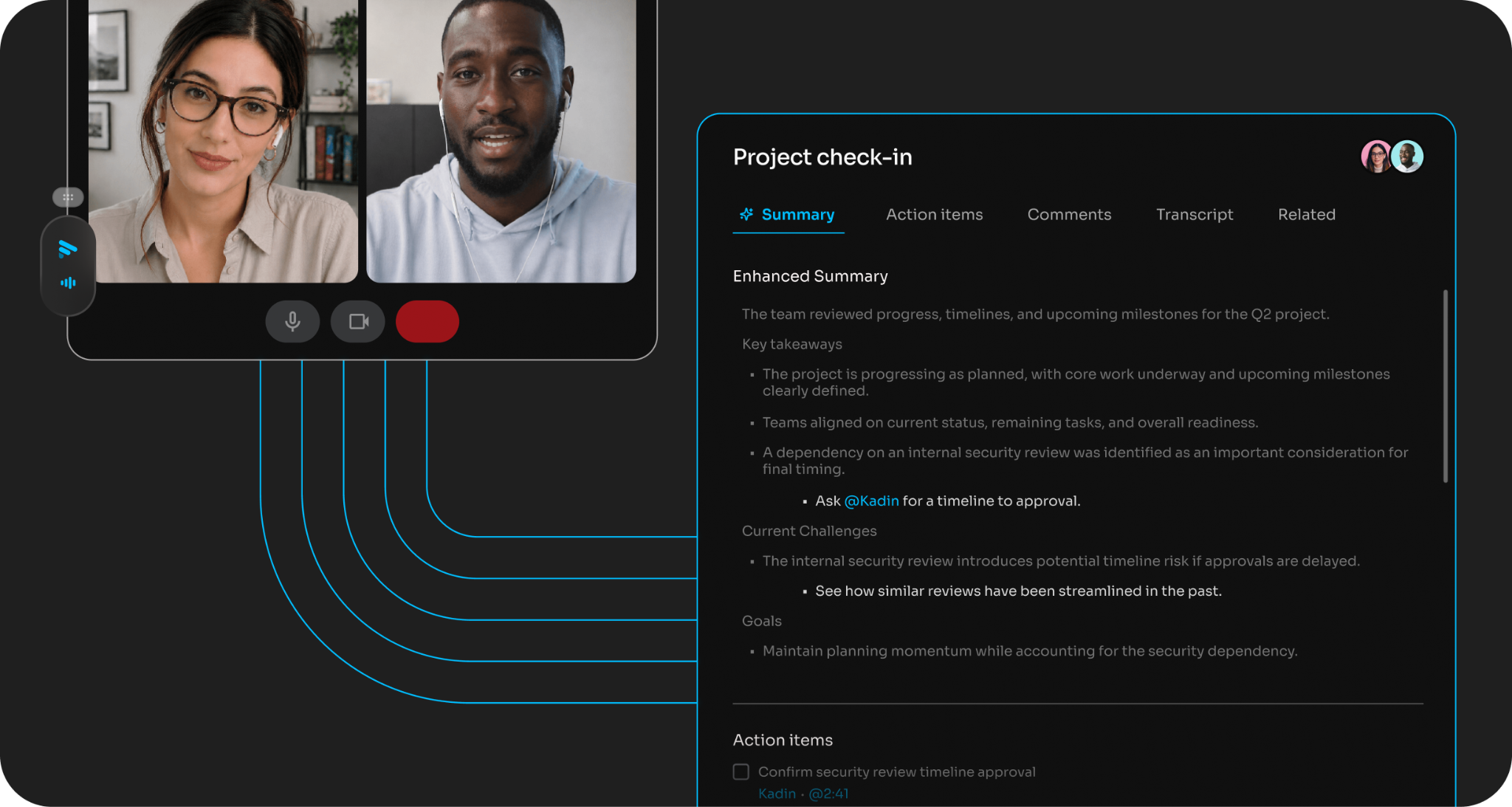
Fathom is an AI notetaker built around a free plan that people actually use. It records and transcribes calls on Zoom, Google Meet, and Microsoft Teams. It produces summaries and action items you can search later. For founders and small teams, it solves the admin problem without a purchase order.
Best for: Best free option for recording, transcription, and summaries.
Standout capabilities:
- Unlimited recording and transcription on the free tier.
- AI summaries and action items.
- Searchable transcripts.
- Highlights you can share.
- CRM sync and team features on paid tiers.
Pricing: Free tier plus paid plans. Individual paid plans start around $20 per user per month, with team plans at similar rates. The free tier limits advanced AI summaries each month.
Limitation: No meaningful deal scoring or forecasting.
6) Fireflies
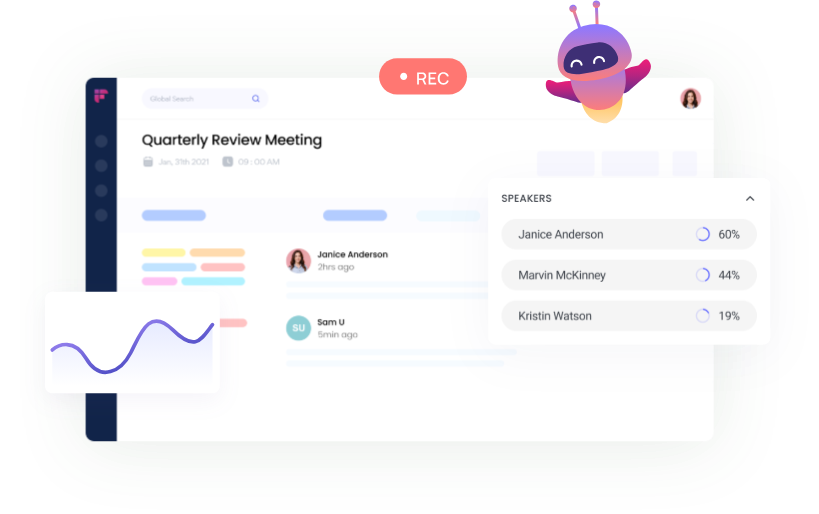
Fireflies joins your meetings, transcribes them, and builds a searchable archive across tools and departments. It is not built only for sales. That is its strength and its weakness. Sales, customer success, and recruiting can all run on one tool, but the sales-specific depth is thinner.
Best for: Teams that want broad meeting coverage across tools and departments.
Standout capabilities:
- Transcription across major meeting platforms.
- Searchable transcripts and AI summaries.
- Wide integration support.
- Conversation analytics on higher tiers.
- Enterprise security options, including HIPAA compliance.
Pricing: Free tier plus low-cost paid plans. Pro is 10perseatpermonthbilledannually(18 monthly). Business is 19annually(29 monthly). Enterprise is $39 annually. Storage and AI credits are capped by plan.
Limitation: General-purpose rather than sales-specific.
7) Otter
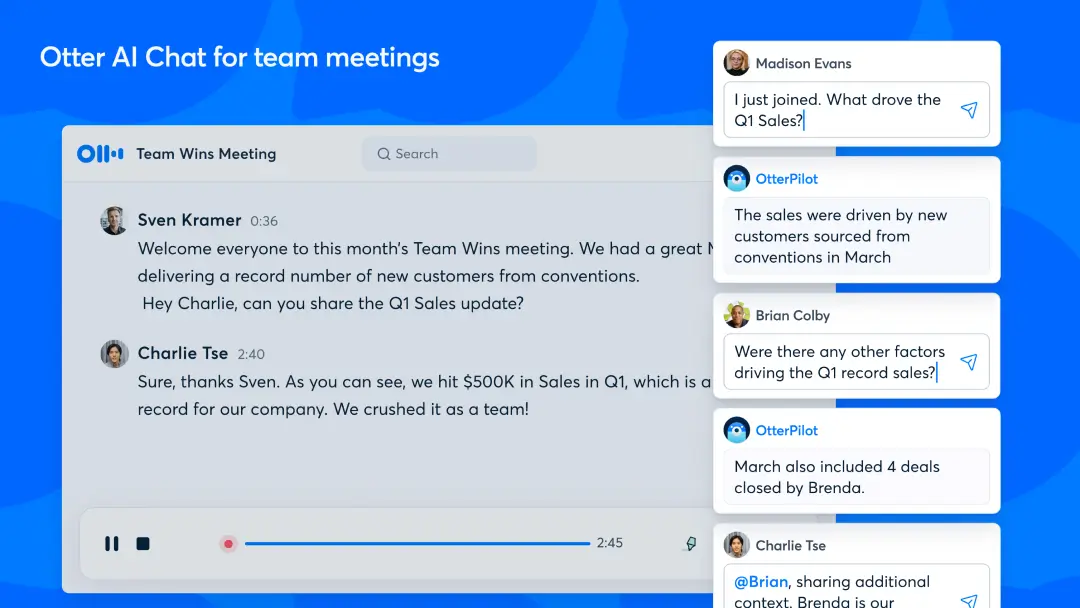
Otter is one of the most widely adopted transcription tools outside sales. It produces live transcripts and summaries for general business meetings. It is simple and familiar to most teams. It works well for internal meetings and basic call capture, but it is not designed around sales coaching.
Best for: Straightforward transcription across general business meetings.
Standout capabilities:
- Live transcription and meeting summaries
- Simple interface with low setup effort
- Calendar integration for automatic joins
- Team workspaces on paid plans
- Wide adoption outside sales
Pricing: Free tier with a monthly minute allowance (300 minutes), plus paid plans. Pro is about 8.33permonthbilledannually(16.99 monthly). Business is about 19.99peruserpermonthannually(30 monthly). Enterprise is custom.
Limitation: Thin sales-specific functionality.
8) Jiminny
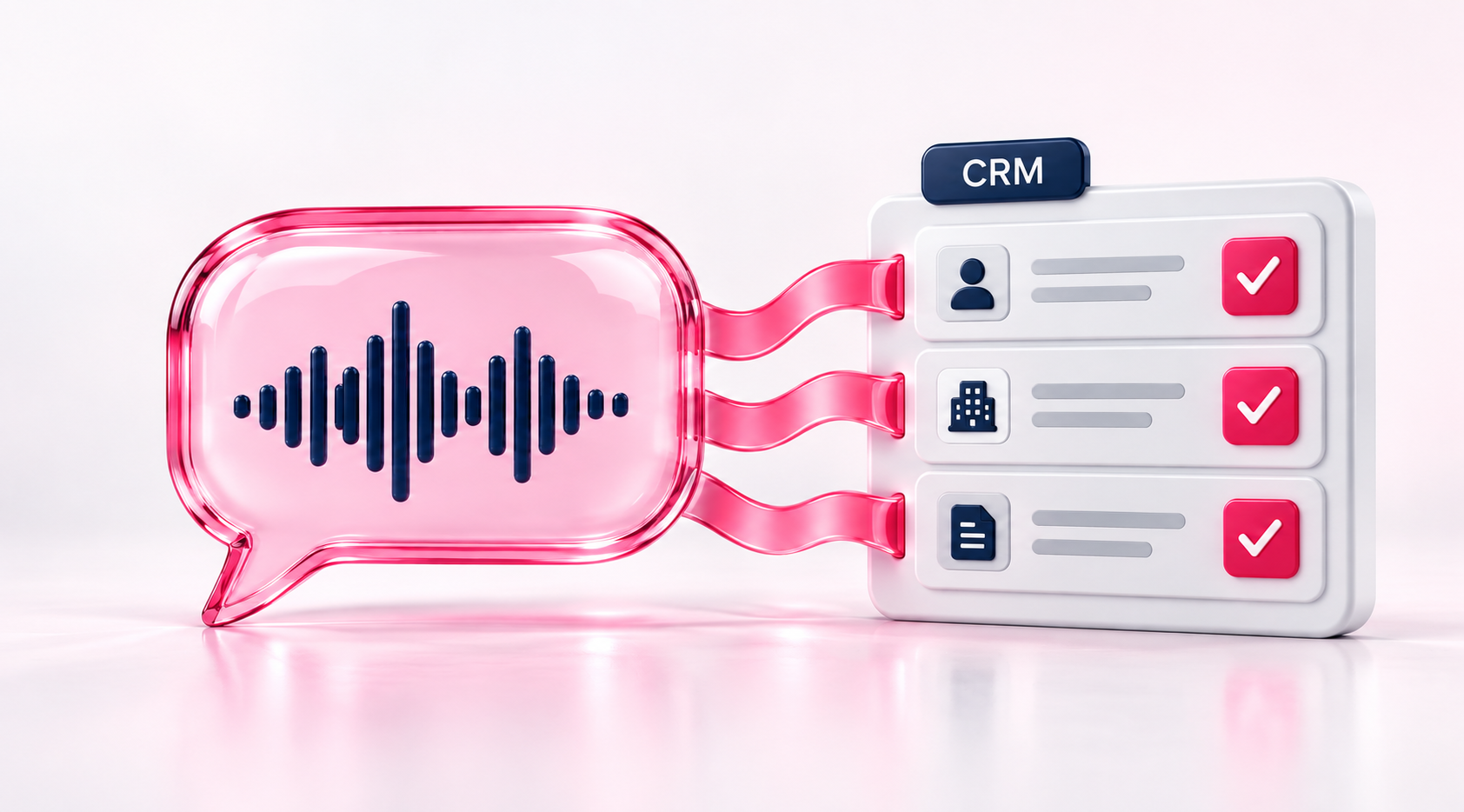
Jiminny is a conversation and revenue intelligence platform with a clear coaching focus. It records and transcribes calls, then gives managers tools to review, score, and coach. It also offers deal insights and team-level analytics. It targets teams that want serious coaching tooling without paying enterprise prices.
Best for: Mid-market teams that prioritize coaching over forecasting.
Standout capabilities:
- Call recording, transcription, and analysis.
- Manager coaching workflows and playbooks.
- Team insights and deal insights.
- CRM integrations.
- Lower cost than the enterprise leaders.
Pricing: Per seat, quote based. Jiminny does not list prices publicly. Third-party listings cite a starting point around $85 per user per month, so confirm directly.
Limitation: Smaller ecosystem than the market leaders.
9) Attention
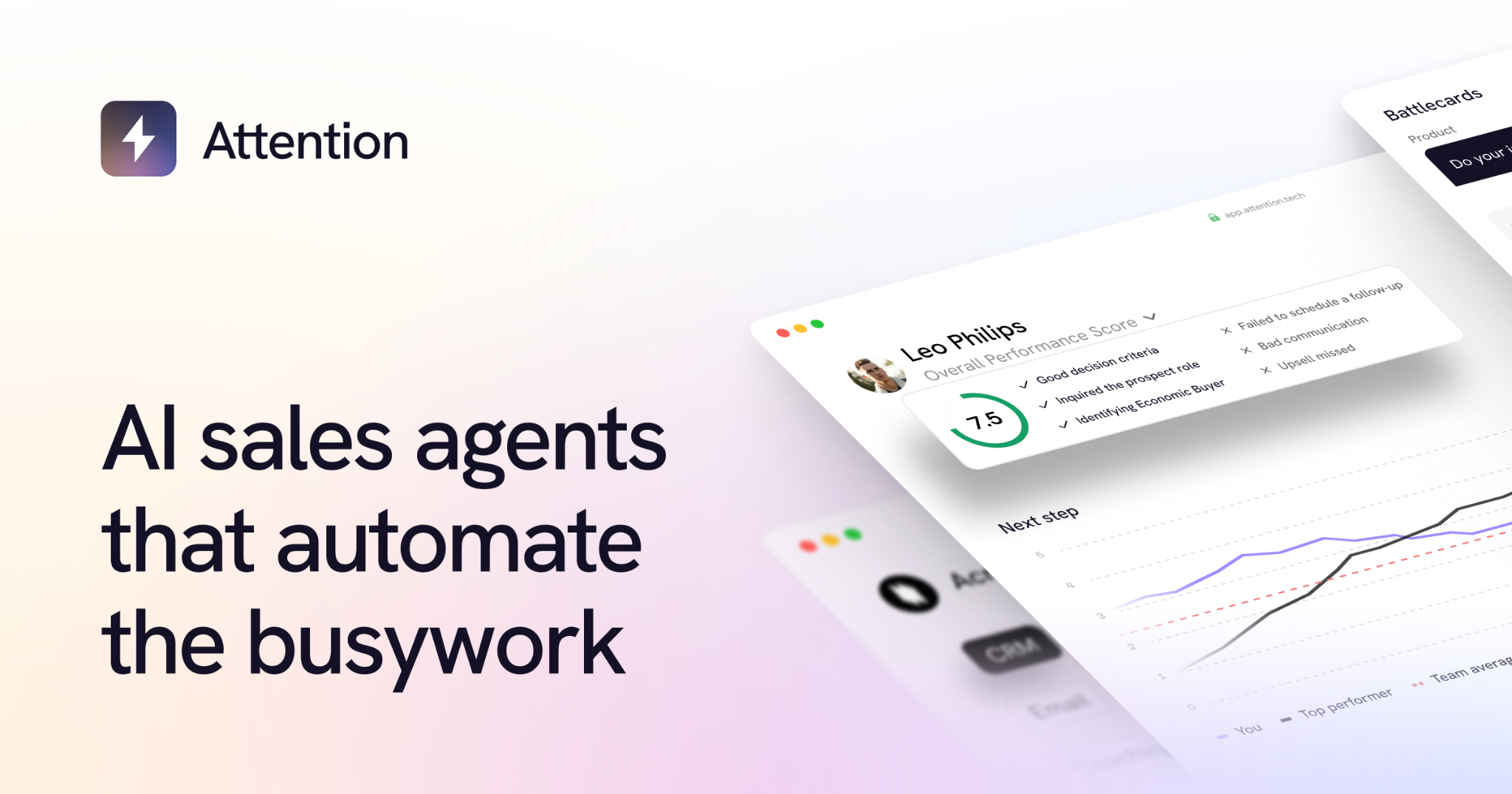
Attention is built around action after the call. It captures conversations, scores them against your playbook, and uses AI agents to update the CRM, draft follow-ups, and log next steps. Its CRM field population is the headline feature. It is a good fit if rep admin time is your biggest pain.
Best for: Teams that want automated CRM updates driven by call content.
Standout capabilities:
- Automatic updates to opportunity stage and custom CRM fields, including MEDDPICC.
- AI follow-up emails drafted from call content.
- Coaching scorecards built on frameworks like MEDDIC, BANT, and SPICED.
- Deal scoring and risk signals.
- Forecasting grounded in conversation data.
Pricing: Quote based. Pricing is not published.
Limitation: A newer entrant with a smaller track record, and some reviewers question the price relative to support.
10) tl;dv
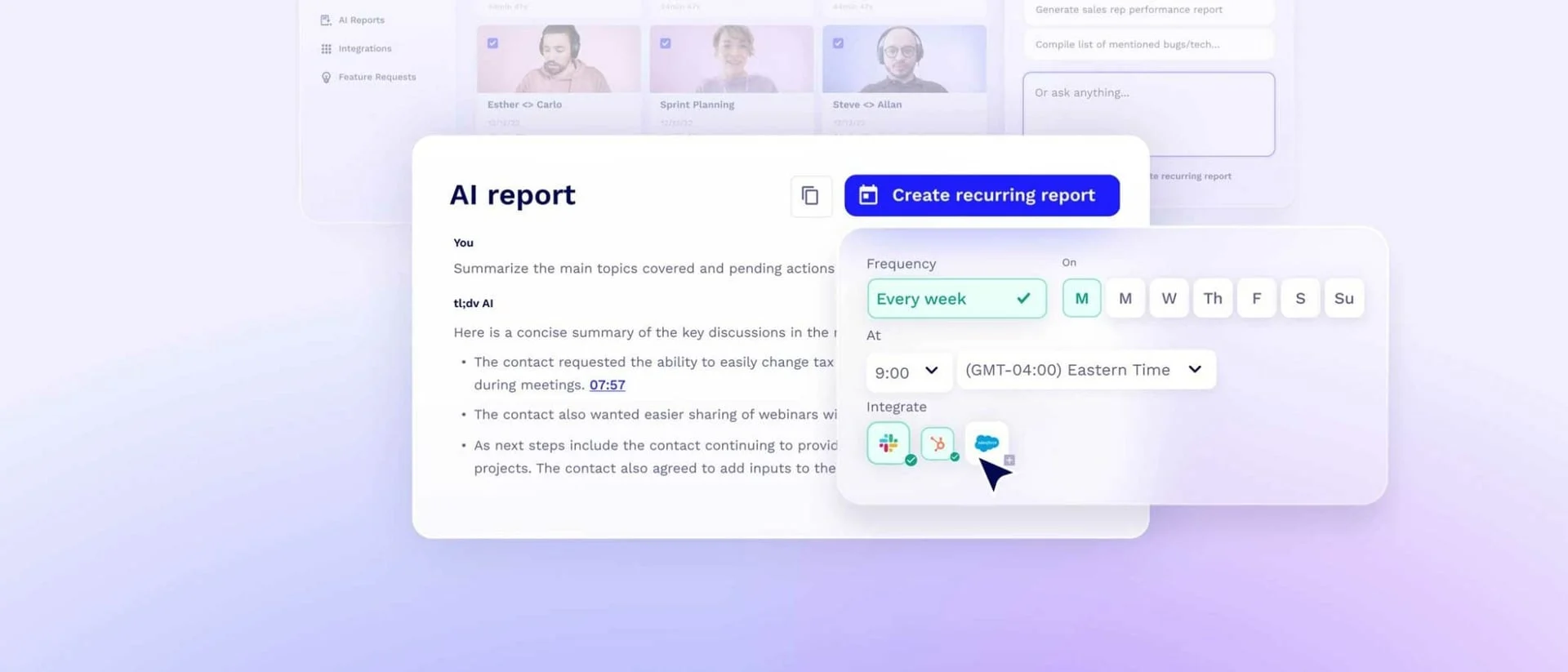
tl;dv records and transcribes meetings, writes AI summaries, and lets you clip key moments to share. Its free plan includes unlimited recording. Paid plans add unlimited AI notes and CRM integrations. Higher tiers add sales playbook monitoring and AI coaching. It works as a low-cost bridge between a plain notetaker and a coaching tool.
Best for: Small teams that want free recording plus easy clips and highlights.
Standout capabilities:
- Unlimited recording on the free plan.
- Clips and highlights you can share.
- Multi-meeting reports.
- CRM integrations on paid tiers.
- Sales playbook monitoring and AI coaching on higher tiers.
Pricing: Free plan plus paid tiers. Pro starts around $18 per user per month billed annually. Business costs more, and public figures vary by source, so check the vendor’s pricing page.
Limitation: The step from Pro to the sales-focused Business tier is steep, and CRM depth varies by plan.
Free and Low-Cost Conversation Intelligence Options
Free tiers in this category are unusually generous compared with most sales software. If you are searching for free sales conversation intelligence tools, Fathom, Fireflies, Otter, and tl;dv all earn a look.
What you reliably get for free
- Recording and transcription
- AI summaries (often capped)
- Basic search
What you almost never get for free
- Deal scoring
- Coaching analytics
- Team-level reporting
- Deep CRM write-back
When free is genuinely enough
Free works for small teams, founder-led sales, and anyone whose goal is saving admin time rather than analyzing performance. If you only need to stop typing notes, do not pay for more.
Upgrade triggers worth naming
- You have more than a handful of reps.
- A manager needs to coach from calls.
- CRM hygiene depends on automatic sync.
Caution: Check data retention, storage location, and how recordings are used for model training. Free plans often have the loosest defaults, and storage caps can quietly delete older recordings.
Recording Consent and Compliance

Nearly every roundup skips this section. It is a genuine risk for teams rolling these tools out. Recording conversations creates legal obligations that vary by location.
United States
Consent rules differ by state. Federal law and many states require consent from only one party. Some states require all parties to consent, including California, Florida, Illinois, and Pennsylvania. The list changes, so verify it for every state you sell into.
EU and UK
Recordings of identifiable people fall under data protection rules (GDPR and UK GDPR). That brings transparency, retention, and access obligations. People can ask what you hold about them.
Practical steps
- Announce recording at the start of every call.
- Configure automatic disclosure where the tool supports it.
- Let people decline. Make it easy.
- Set a retention policy instead of storing recordings indefinitely.
- Check storage location and whether recordings train vendor models.
Disclaimer: This is general guidance, not legal advice. Confirm your position with counsel for every region you sell into.
How to Choose the Right Conversation Intelligence Tools for Your Team
Start from the problem
Different problems point to different tiers.
Run the buying process
- Match to team size honestly. The analytics layer needs volume to produce signal.
- Favor native integration. If you already run Salesloft, ZoomInfo, or Clari Forecast, native integration usually beats a marginally better standalone.
- Check manager behavior. The tool cannot create the habit.
- Pilot with one team on real calls before rolling out company-wide.
- Define the outcome before buying, such as reduced ramp time or better CRM completeness. Then you can judge the purchase later. This is how you connect conversation intelligence tools sales outcomes, instead of buying on features.
One question to leave you with: is your constraint how you run the calls you have, or how many calls you are getting?
How Cleverly Fills the Calendar These Tools Analyze

Conversation intelligence improves the conversations you are already having. That only matters if there are enough of them. We see a pattern often: teams invest in coaching and call analytics when win rates slip, when the harder constraint is too few qualified conversations to analyze. These tools need volume to produce useful patterns, so a thin calendar undermines the investment.
As a B2B lead generation agency, we run the full outbound motion for you. That covers ICP definition, verified list building, LinkedIn outreach, cold email, cold calling, and reply handling through to booked meetings.
Our appointment setting work is built around one outcome: qualified meetings held with real decision-makers.
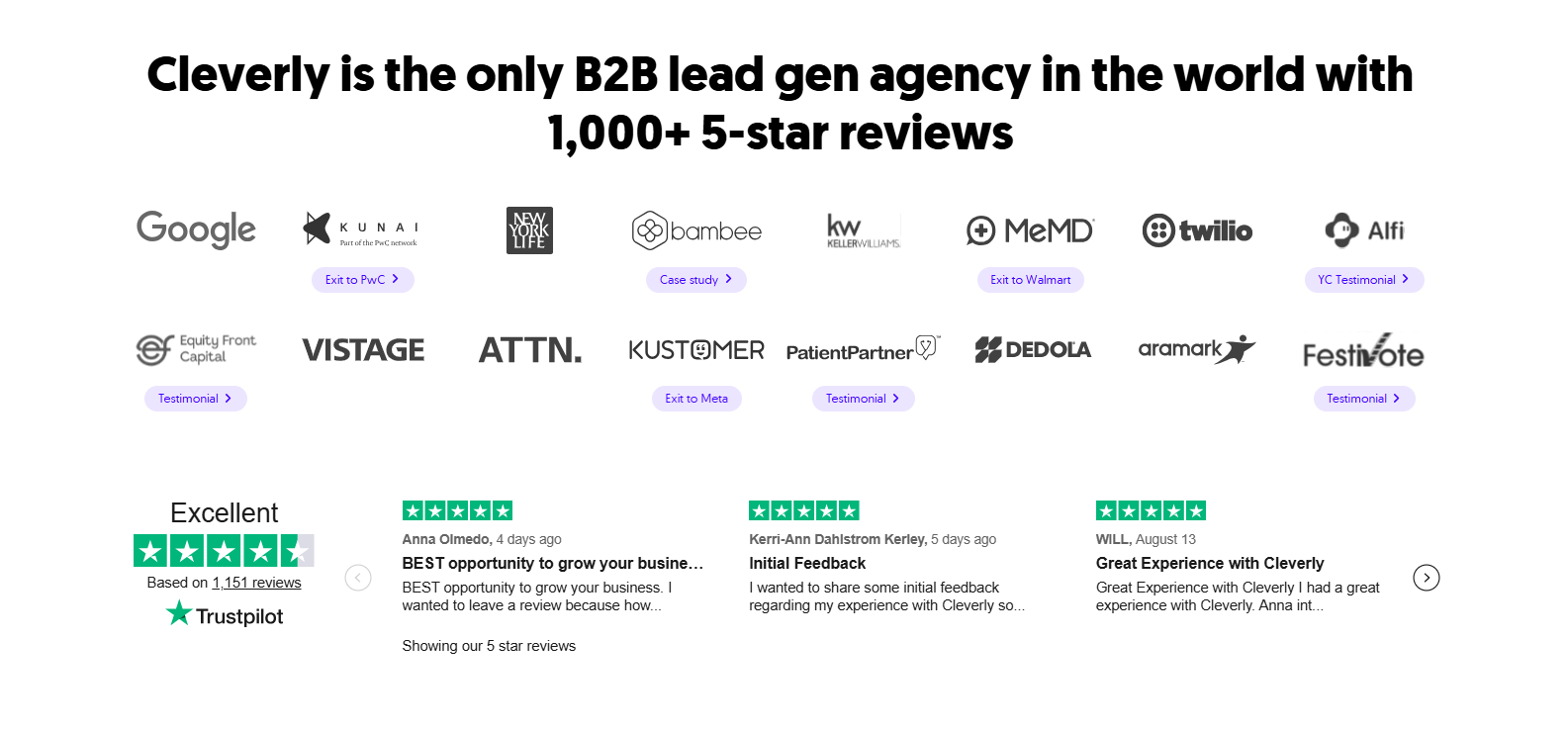
Meetings arrive qualified against criteria we agree on up front. Your reps spend call time in conversations worth recording. Across our clients, that work has generated $312M in pipeline and $51.2M in revenue.
Investing in call coaching but short on calls? Cleverly keeps the calendar full. Book a call to find out how.
Conclusion
The real decision with conversation intelligence tools is which tier you need, not which brand is best. Below roughly ten reps, a notetaker usually delivers most of the value at a fraction of the cost.
Enterprise platforms earn their price when you have enough call volume and an existing coaching habit to build on. Handle recording consent properly before rollout, not after a complaint.
Your practical next step is small. Run a free tier for a month and see whether managers actually review calls. Then decide whether the analytics layer is worth buying.
Frequently Asked Questions
Free Resource
How to Scale a Profitable Cold Call System
Get the complete guide — download it instantly now.

Free Ebook
Download the Free Guide
Enter your details to get instant access.
You're all set! 🎉
Your ebook is downloading now.
Click below if the download didn't start automatically.