Table of Contents
What Does LinkedIn Actually Allow?
How to Set Up Multiple LinkedIn Accounts Safely
Safe Connection Request and Activity Limits
How Many Accounts Can Realistically Be Managed?
Tools That Support Safe Multi-Account Management
Common Mistakes That Get Multiple Accounts Restricted
How Cleverly Manages LinkedIn Outreach at Scale Safely
Conclusion
Frequently Asked Questions
Modified On :
October 5, 2026
Key Takeaways
- LinkedIn allows managing several real people's accounts (team members, clients, SDRs) but bans one person running duplicate personal profiles for themselves.
- Detection is built almost entirely around shared IPs, identical device fingerprints, and coordinated activity patterns, not just volume.
- New accounts need a slow, deliberate warm-up. Skipping it is the single fastest way to get flagged.
- Scaling safely means adding more properly isolated accounts, not squeezing more volume out of the accounts you already have.
- Tools help, but proxy quality, warm-up discipline, and activity limits still decide whether an account survives.
If you're trying to manage multiple LinkedIn accounts for outreach, you've probably already hit a wall. Maybe an account got restricted. Maybe you're worried one will.
Either way, you're not wrong to be careful. LinkedIn's detection systems have gotten sharp enough that even well-meaning teams get flagged for patterns they didn't realize looked suspicious.
Here's the scale of what's at stake. Weekly connection request caps sit around 100 invitations per account, and acceptance rates below roughly 30% trigger throttling regardless of how many requests you send.
New accounts often get restricted after sending as few as 10-15 requests if there's no warm-up behind them. And LinkedIn's own terms are explicit that one person can only run one personal profile, no exceptions for "business reasons."
That leaves a real gap for agencies, SDR teams, and founders who legitimately need to run outreach across several accounts at once.
This guide covers what LinkedIn actually permits, how to set accounts up so they don't get correlated, and how much you can realistically scale before you're just creating more risk than pipeline.
It's for anyone managing multiple LinkedIn accounts on behalf of real people, not trying to fake being five different ones.
What Does LinkedIn Actually Allow?
Let's clear up the confusion first, because most of the anxiety around this topic comes from misunderstanding the rule.
LinkedIn's User Agreement is direct about it: one real person gets one real personal profile. If you're creating a second profile for yourself, under a different name or a slight variation, that violates the terms and puts both accounts at risk of restriction or a permanent ban.
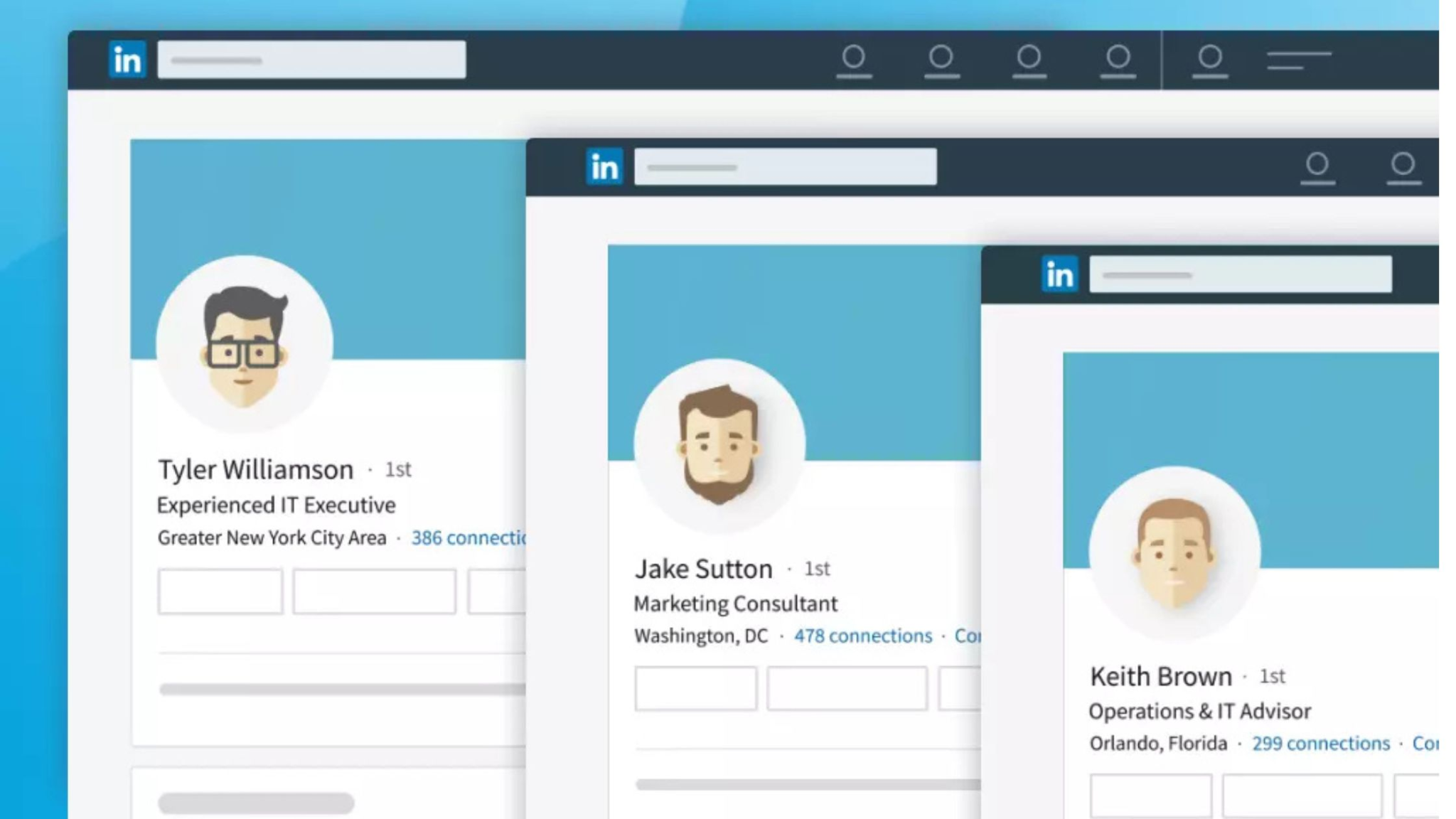
But that's not the same as managing multiple LinkedIn accounts that belong to different people. This is where a lot of legitimate business use cases live:
- Agencies running outreach on behalf of several clients, each using their own personal profile.
- Sales teams where multiple reps each run outreach from their own accounts.
- Founders or executives who have a team member helping manage their profile alongside the team member's own account.
LinkedIn also offers officially supported paths for managing things at scale without touching personal profiles at all. LinkedIn Business Manager lets you centralize control over Company Pages and ad accounts.
You can also run multiple Company Pages under one organization. Neither of these is the same as duplicating a personal profile, and neither carries the same risk.
The line that actually matters: managing several legitimate, separate individuals' accounts safely is a completely different activity from one person running a handful of fake profiles. The first is normal agency and team operations. The second is what gets accounts banned.
🎯 Scale LinkedIn Outreach Without the Headache.
Our done-for-you LinkedIn outreach campaigns generate 15–30 qualified meetings every month with targeted, personalized messaging.
How to Set Up Multiple LinkedIn Accounts Safely
Once you know the accounts you're managing are legitimate and belong to real people, safety comes down to one core idea: isolation. Every account needs to look, from LinkedIn's side, like an independent person using their own device from their own location. Here's how that actually gets built.
Use a Dedicated Proxy Per Account
This one isn't optional if you're running more than one or two accounts. LinkedIn correlates accounts that share an IP address, and it doesn't take long, often just a few weeks of overlapping activity before the connection shows up in their systems. Routing each profile through its own static residential proxy masks this overlapping activity by providing a permanent, unique IP address.
Give every account its own dedicated proxy. Static residential or ISP proxies work best because they resemble a real home or office connection instead of the flagged datacenter ranges. Match the proxy's location to what the account claims.
An account that says it's based in Denver should be logging in from a Denver-area IP every single time, not bouncing between cities.
Isolate Device Fingerprints Per Account
A shared IP is only half the problem. LinkedIn also reads device fingerprints, things like browser version, screen resolution, installed fonts, timezone, and language settings, to tell accounts apart.
Pair your dedicated proxy with a multi-account browser that creates a separate, isolated profile for each account. This gives every account its own consistent fingerprint instead of all of them sharing one browser session.
Keep the fingerprint details aligned with the account's supposed location too. A Denver-based account should show a Denver timezone, not one that's three hours off.
Never log into more than one account from the same unisolated browser window. That single habit undoes most of the isolation work above.
Warm Up Every New Account Gradually
A brand new account that immediately starts sending 20 connection requests a day looks automated no matter how clean the proxy and fingerprint setup is. LinkedIn weighs account age and history heavily.
Ramp up slowly:
- Week 1: Light activity only, profile views, following a few pages, maybe 5 connection requests a day.
- Week 2: Bump up to 10-15 requests a day, start light messaging with people who've accepted.
- Week 3 and beyond: Move toward normal safe limits as the account builds a track record.
Mix in organic behavior throughout, scrolling the feed, viewing profiles, reacting to posts, so outreach isn't the only thing the account ever does.
Stagger Login and Activity Times
If five accounts all log in at 9:00 AM sharp and send their first connection request within the same two-minute window, that's an easy pattern to catch. Randomize login times and activity windows across every account you manage instead of running them on one shared schedule.
For bigger operations, it helps to break accounts into smaller clusters, each with its own proxy channel and its own rough activity window, rather than coordinating everything centrally.
Safe Connection Request and Activity Limits
There's no single official number LinkedIn publishes, but based on observed enforcement patterns, here's roughly where things stand:
A safe practical rule: stay 20-30% under whatever cap applies to that account's age and history. If you need more total outreach volume, the answer is adding another properly isolated account, not pushing your existing accounts closer to their ceiling.
Acceptance rate matters just as much as volume here. An account sending fewer, better-targeted requests with a 40-50% acceptance rate looks far healthier to LinkedIn than one blasting the max with a 15% acceptance rate.
🚀 More Accounts. More Outreach. More Pipeline.
With 224.7K+ leads generated and 53,000+ meetings booked, Cleverly helps 10,000+ businesses turn LinkedIn into predictable B2B growth.
How Many Accounts Can Realistically Be Managed?
This is the question most people skip, and it's usually the one that gets teams in trouble.
Real engagement, meaning actual warm-up maintenance, personalized outreach, and responding to replies, takes roughly 20-30 minutes per account per day if you're doing it properly. That math puts a ceiling on things fast.
Most individuals can genuinely manage 3-5 active accounts well on their own. Agencies with dedicated team capacity and proper systems in place can scale to 20 or more, but only because they've built out the infrastructure (proxy management, fingerprint isolation, scheduling) to support it without cutting corners on any single account.
The mistake teams make is running more accounts than they can actually give attention to. When that happens, warm-up gets rushed, activity gets scheduled sloppily, and every account in the batch starts looking more automated. One neglected account can put the whole operation under scrutiny.
Tools That Support Safe Multi-Account Management
The right software makes isolation easier to maintain consistently, but it doesn't replace the fundamentals above.
Multi-account browsers and profile managers create a separate, fingerprint-isolated environment for each account without you manually configuring every setting by hand.
Tools like Multilogin, GoLogin, and AdsPower are commonly used for this, with pricing generally running from around $20-$100+ per month depending on the number of profiles and team seats needed.
LinkedIn automation platforms built for safety go a step further, pairing per-account proxy assignment with automated warm-up scheduling and activity pacing, so accounts ramp up gradually without someone tracking it manually every day.
A quick note: pricing and feature sets in this space change often. Confirm current plans directly with each vendor before publishing anything with specific numbers attached.
None of these tools guarantee safety on their own. Proxy quality still has to be good. Warm-up discipline still has to be followed. Activity limits still have to be respected.
The software just makes it easier to do those things consistently across more accounts than you could manage by hand.
Common Mistakes That Get Multiple Accounts Restricted
Most restrictions trace back to a handful of repeat mistakes:
- Running several accounts from the same IP address or the same unisolated browser session.
- Skipping warm-up entirely and sending high volume from day one on a new account.
- Running identical activity schedules across accounts, which makes the coordination obvious.
- Exceeding daily or weekly connection limits to try to move faster.
- Treating an account as disposable instead of maintaining steady, organic-looking activity over time.
Almost every one of these comes down to trying to save time in the setup phase. That time comes back to bite you when an account gets flagged mid-campaign.
How Cleverly Manages LinkedIn Outreach at Scale Safely
Running outreach across multiple accounts safely isn't a one-time setup. It's ongoing infrastructure work, monitoring proxies, adjusting pacing, watching acceptance rates, that most internal teams don't have the systems or bandwidth to maintain properly alongside everything else on their plate.
This is where a done-for-you LinkedIn outreach approach earns its keep. At Cleverly, account setup, proxy and fingerprint isolation, warm-up sequencing, and activity pacing are built into every campaign from day one, not bolted on after something goes wrong.
One poorly managed account can drag down deliverability or invite scrutiny across an entire outreach operation, so we treat account health as part of the strategy, not an afterthought.
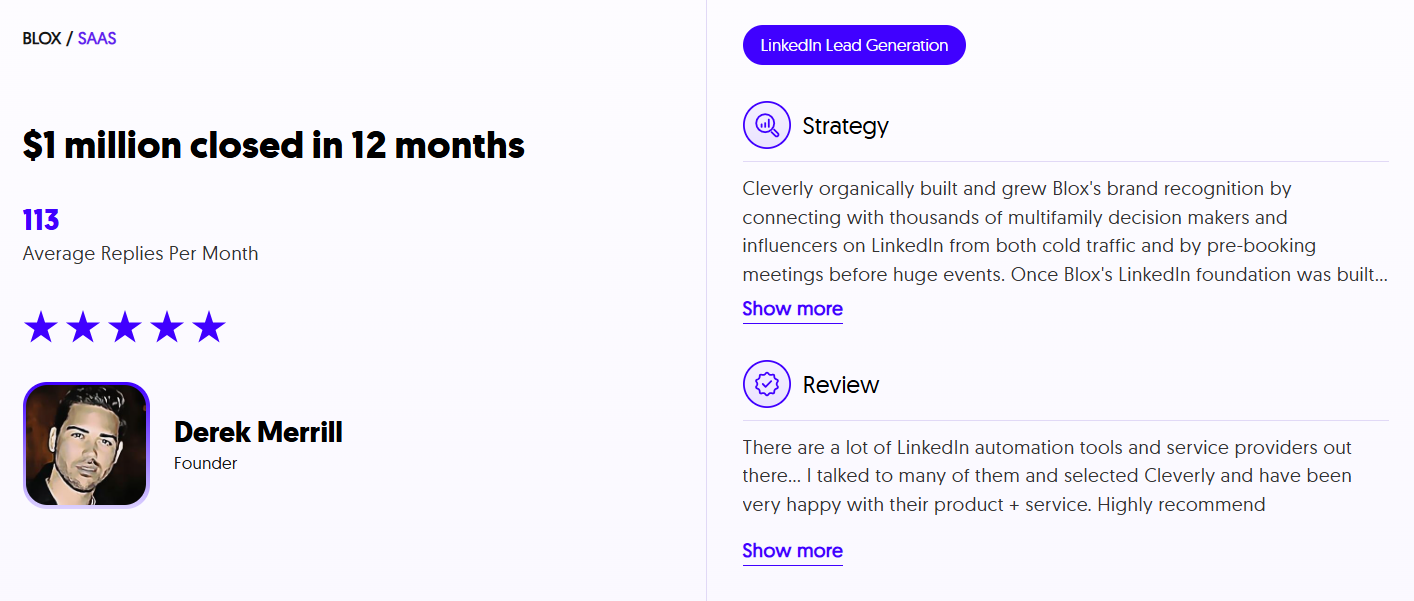
Cleverly has generated $312M in client pipeline and helped LinkedIn outreach reach 10,000+ clients across nearly every B2B industry, and a lot of that comes down to accounts that stay in good standing because they're paced correctly from the start.
If you want LinkedIn outreach scaled without personally managing the technical safety infrastructure behind it, book a strategy call with Cleverly to see how a done-for-you setup would work for your team.
Conclusion
Managing multiple LinkedIn accounts safely really comes down to three things: isolation between accounts, a gradual warm-up for every new one, and staying comfortably under activity limits instead of testing them.
LinkedIn's detection systems are built to catch coordinated patterns fast, shared IPs, identical schedules, and aggressive day-one volume are still the most common triggers, even in 2026.
If you need more outreach volume, the safe path is adding more properly isolated accounts, not pushing more activity through the ones you already have.
At the end of the day, how safely you can scale multi-account LinkedIn outreach depends far more on disciplined setup and pacing than on any single tool you buy.
Frequently Asked Questions
Free Resource
How to Scale a Profitable Cold Call System
Get the complete guide — download it instantly now.

Free Ebook
Download the Free Guide
Enter your details to get instant access.
You're all set! 🎉
Your ebook is downloading now.
Click below if the download didn't start automatically.