Table of Contents
What Is Email Filtering Software?
Benefits of Using Email Filtering Software
Features to Look for in the Best Email Filtering Software
11 Email Filtering Software to Block Spam & Improve Deliverability (Free & Paid)
Free vs. Paid Email Filtering Software — Which Should You Choose?
How to Choose the Right Email Filtering Solution for Your Use Case
How Cleverly Helps Companies Improve Deliverability & Generate Qualified Leads
Conclusion
Frequently Asked Questions
Modified On :
May 20, 2026
Key Takeaways
- Email filtering is now mission-critical — with 45–70% of email being spam, strong filtering protects your inbox and improves outbound deliverability.
- The right filtering tools boost productivity by removing clutter so teams can focus on replies that actually move deals forward.
- Advanced features like AI threat detection, sender reputation monitoring, and automation are what truly separate good filtering from basic spam blocking.
- Free filters work for light use, but any team running cold outreach or operating in regulated industries needs paid, enterprise-grade filtering.
- Filtering + deliverability go hand in hand — clean lists, strong reputation, and the right tools ensure your cold emails reach real prospects instead of spam folders.
Your prospects' inboxes are basically war zones right now.
Over 45–70% of all email traffic is spam, which means getting your cold emails in front of the right people has never been harder.
Email filtering software and spam filtering software aren't just about blocking junk anymore. For businesses running outbound campaigns, it's about three critical things: keeping your data secure, making sure your emails actually land in inboxes (not spam folders), and helping your team focus on replies that matter instead of drowning in noise.
And if you're doing cold email outreach? Poor filtering on your end means you're probably missing qualified leads buried under promotional clutter.
On your prospect's end, aggressive filters might be killing your carefully crafted campaigns before anyone even sees them.
The right email filtering tools help you control both sides of this equation — so you can send smarter, receive cleaner, and actually connect with people who want to hear from you.
Let's break down the 11 best email filtering software options, and why choosing the right one matters more than ever in 2026.
What Is Email Filtering Software?
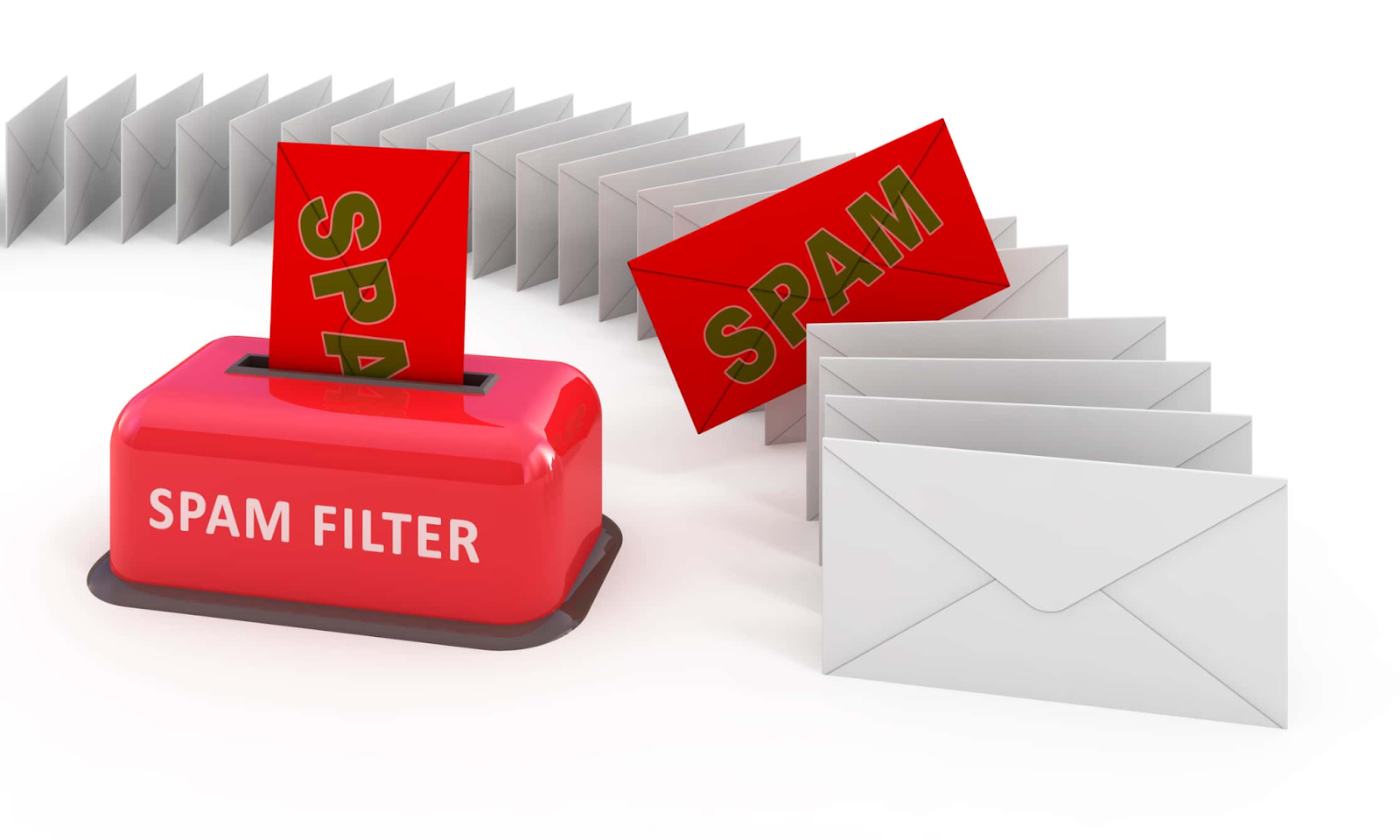
Email filtering is the process of automatically sorting, blocking, and prioritizing messages before they reach your inbox, and email filtering tools are basically your inbox's bouncer.
Types of Email Filtering
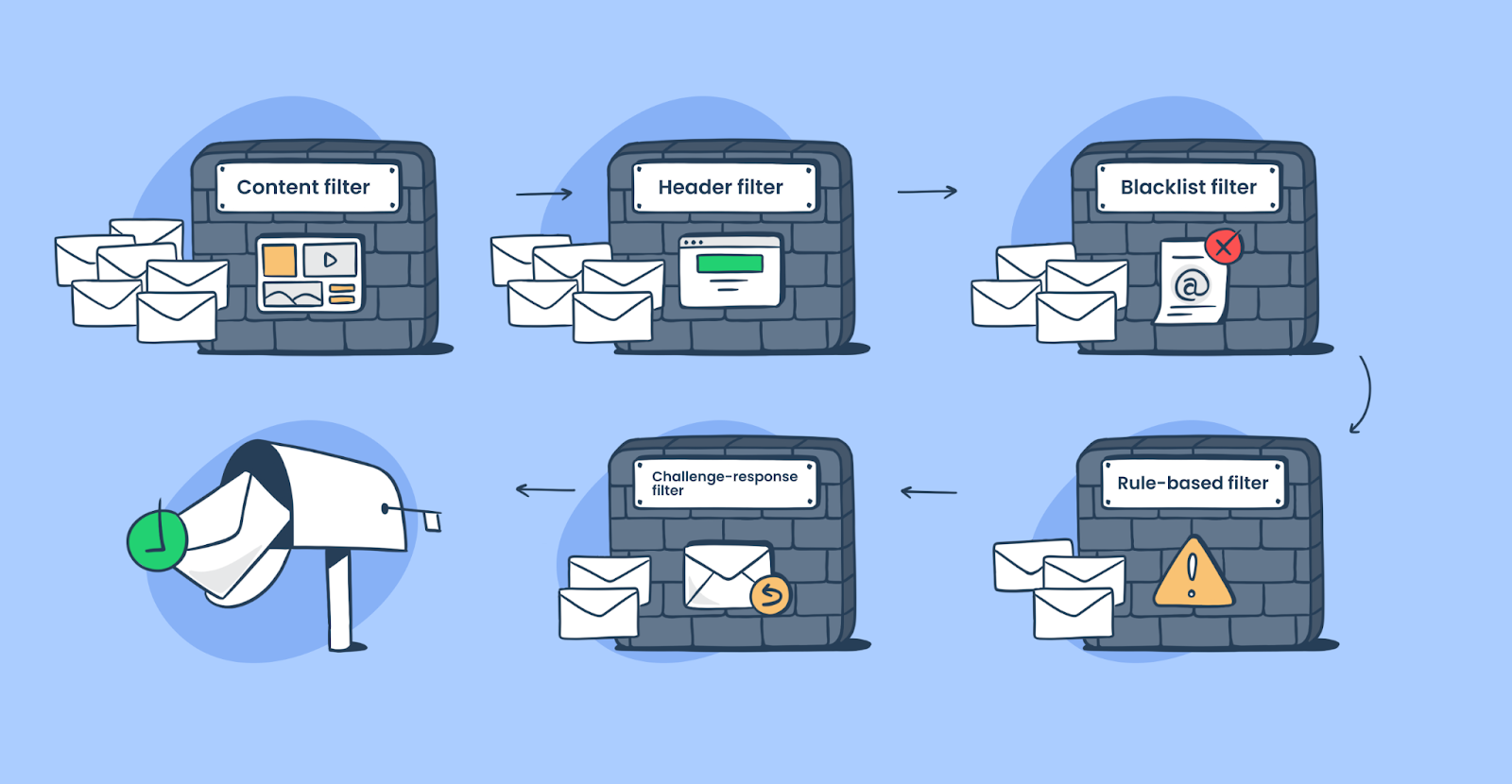
Email filtering software typically handles four main jobs:
- Spam filtering – Blocks unwanted promotional emails, mass mailings, and obvious junk before they clutter your inbox.
- Malware/phishing detection – Catches dangerous emails with malicious links, attachments, or fake sender addresses trying to steal your data and assisting with account takeover prevention.
- Inbox prioritization – Sorts legitimate emails by importance so you see urgent messages first and newsletters later.
- Compliance/policy filtering – Enforces company rules around data security, retention policies, and regulatory requirements (especially important for industries like finance or healthcare).
Why Businesses Use Filtering Software
Manual email organization? That's a productivity killer. Your team shouldn't be spending 20 minutes every morning deciding what's important and what's garbage.
Software to improve email filtering does the heavy lifting automatically — protecting your systems, improving response times, and making sure your sales team actually sees the replies that matter. It's not optional anymore. It's infrastructure.
Also Check: Best Email Service for Cold Emails (What 10,000+ B2B Agencies Chose)
🔥 Cold Emails That Actually Land
Cleverly runs high-deliverability campaigns using cleanup, filtering, and warm-up tech—sending you meeting-ready leads you only pay for.
Benefits of Using Email Filtering Software
Using the right email filtering software isn't just about keeping spam out. It actually impacts how your entire sales operation runs. Here's what changes when you get filtering right:
Improved Security
Phishing attacks and malware don't announce themselves. Good filtering catches threats before they reach your team's inboxes, protecting sensitive client data and company systems without anyone having to think about it.
Without these safeguards, organizations risk falling victim to some of the biggest ransomware attacks seen in recent years.
For teams working remotely or accessing email from multiple locations, pairing strong email filtering with a remote access VPN solution helps secure data in transit, ensuring communications remain encrypted even on unsecured or public networks.
Higher Inbox Hygiene & Productivity
When your team isn't wading through 50+ irrelevant emails every morning, they actually respond faster to the ones that matter. Clean inboxes = faster follow-ups = more closed deals.

Better Deliverability for Outbound Emails
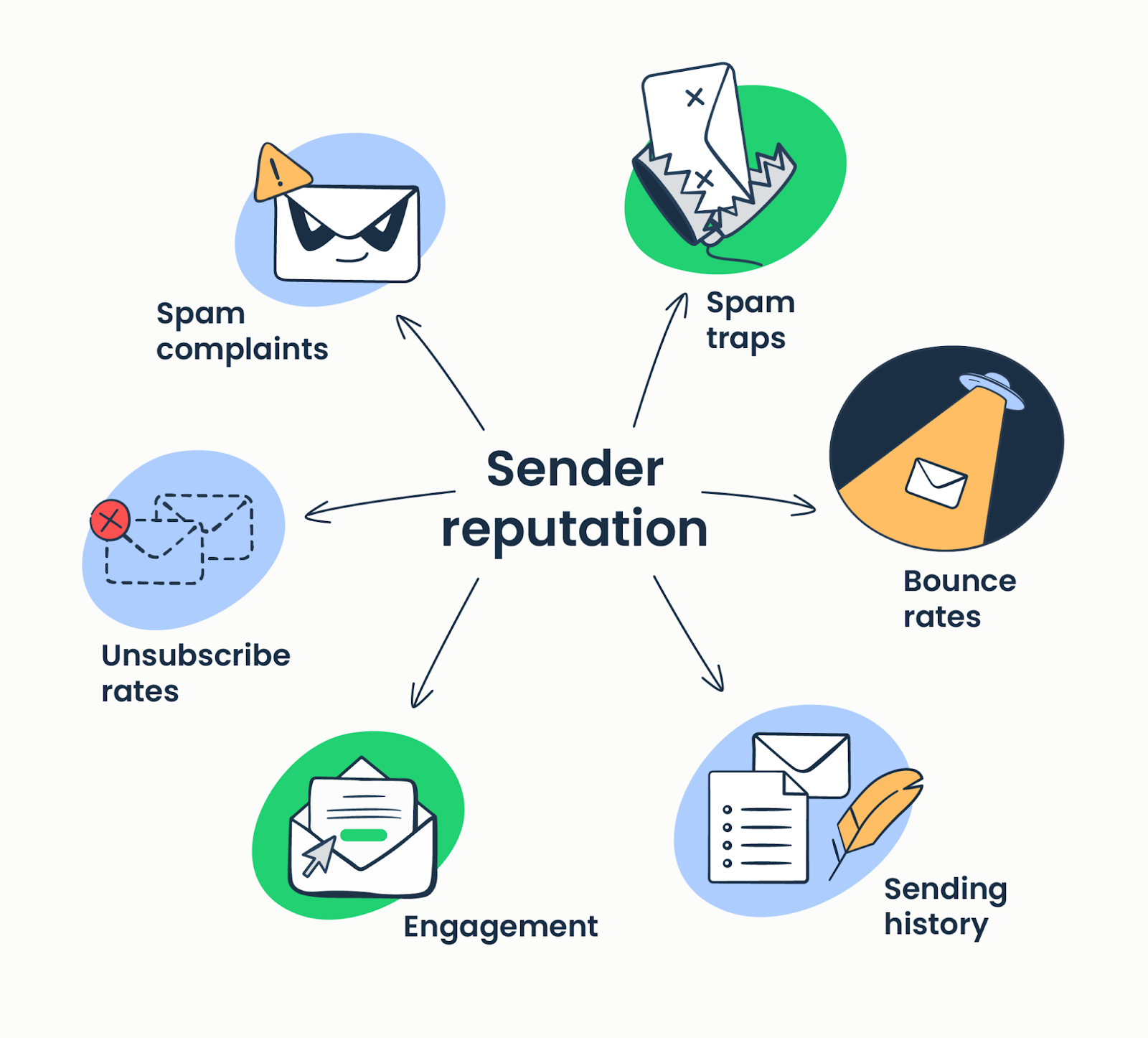
Here's one most people miss — the right email filtering tools don't just protect your inbox, they help you monitor your own sending reputation before it becomes a problem. Pair them with email warm-up tools and you've got a complete deliverability stack. If you're tracking bounces, spam complaints, and engagement properly, you can fix email deliverability issues before they tank your campaigns.
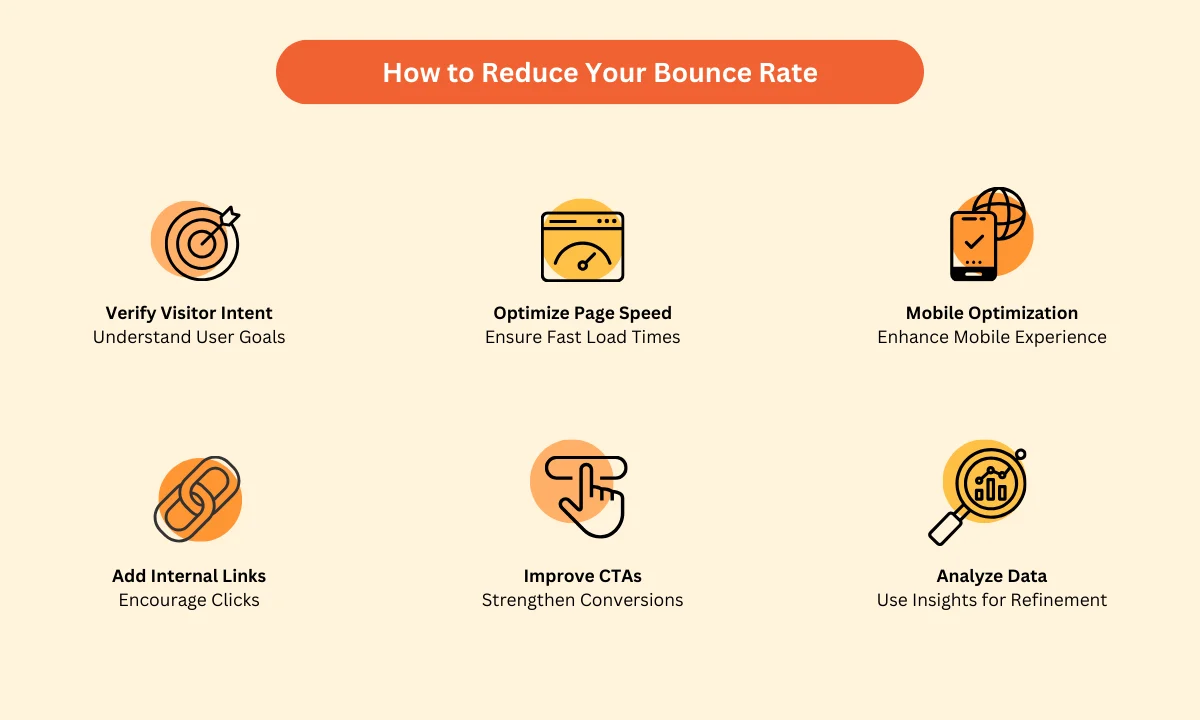
Reduced Bounce Rates and Spam Scores
Filtering software flags invalid addresses and helps you maintain clean lists. Lower bounce rates mean email providers trust you more, which means your cold emails actually land in primary inboxes instead of promotions or spam.
Cleaner CRM and Funnel Behavior
When filters automatically categorize responses, route leads correctly, and remove junk, your CRM stays accurate. No more "replied" contacts that were actually just auto-replies or out-of-office messages messing up your metrics.
All in all, the best email filtering software makes your outbound engine run cleaner, safer, and faster.
Check More Tools: Best Cold Email Software (Tested & Compared)
Features to Look for in the Best Email Filtering Software
Not all email filtering software is built the same. If you're evaluating options, here's what actually matters when you're trying to protect your inbox and keep outbound campaigns running smooth:
AI-Based Threat Detection
Static rules don't cut it anymore. The best email filtering software uses machine learning to identify new phishing tactics, zero-day threats, and suspicious activity that traditional filters miss, making it far more effective than basic suspicious email filter software that relies on static rules alone.
Sender Reputation Scoring
Good filters check whether the sender has a history of spam, suspicious activity, or poor engagement — which is why maintaining a strong domain reputation is just as important as the filtering tool you choose. This keeps bad actors out and helps you understand why your own emails might be getting blocked. In cases where deliverability issues persist, using an email header analyzer can help diagnose authentication failures and spam triggers.
Advanced Rules & Automation
You need flexibility. The best email content filtering software lets you set custom rules based on keywords, domains, sender behavior, or message content, and automate actions like tagging, forwarding, or archiving so your team doesn't touch repetitive tasks. Automate actions like tagging, forwarding, or archiving so your team doesn't touch repetitive tasks.
Spam Scoring + Inbox Categorization
Instead of just blocking everything, smart email filter software assigns confidence scores and sorts mail into categories (primary, promotions, spam), keeping you in control without manual sorting. You stay in control without manually sorting hundreds of emails.
Integration Support
If it doesn't play nice with Google Workspace, Microsoft 365, or IMAP setups, it's going to create more problems than it solves. Seamless integration means your filtering works across every tool your team already uses.
Reporting & Analytics
You should be able to see what's getting blocked, why, and how often. Good dashboards give you visibility into threats stopped, false positives, and patterns in your email traffic.
Price, Compliance, and Scalability
Whether you're a 5-person startup or a 500-person company, your software to improve email filtering needs to scale without breaking the bank. And if you're in a regulated industry, make sure it supports compliance requirements like GDPR, HIPAA, or SOC 2.
Pick tools that check these boxes, and you'll avoid most of the headaches that come with bad filtering setups.
Dive Deeper: Best Cold Email Blueprint to Generate Leads (100% Tested)
🤝 More Inboxing. More Meetings.
Stop battling filters alone. Let Cleverly handle the tech, targeting, and email sequences while you get qualified leads booked on your calendar.
11 Email Filtering Software to Block Spam & Improve Deliverability (Free & Paid)
Target Keyword: free email filtering software | email filtering software
1. SpamTitan
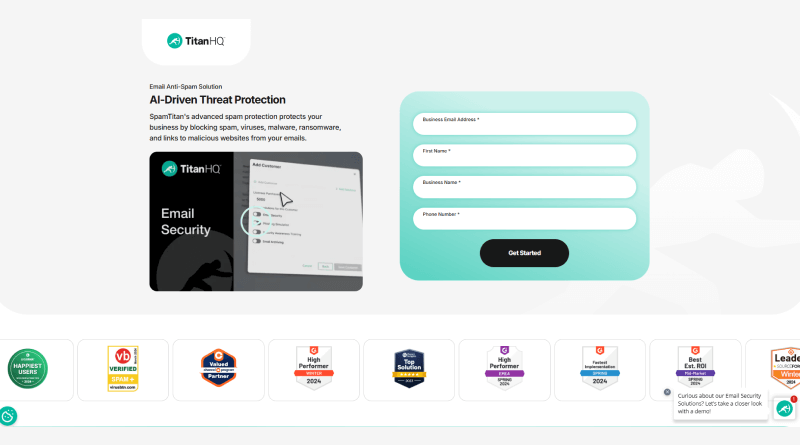
SpamTitan is an award-winning email filtering software that delivers serious protection against phishing, malware, spam, and email-based threats.
You can deploy it as a cloud solution or on-premise, and it's known for catching over 99.9% of spam with a 100% malware detection rate.
It's built for teams that need more than basic filtering — think dual antivirus engines, sandboxing for suspicious attachments, and outbound email scanning to keep your sender reputation clean.
Key Features
- Blocks 99.9% of spam with 100% malware detection rate.
- AI-powered threat protection against phishing, ransomware, and zero-day attacks.
- Dual antivirus engines (Bitdefender and ClamAV) for layered security.
- Sandboxing environment to analyze unknown files safely.
- Multi-layered filtering using RBLs, Bayesian analysis, and greylisting.
- Outbound email scanning prevents data leaks and IP blacklisting.
- Granular user/domain policies with detailed reporting and analytics.
- Seamless integration with Microsoft 365 and Google Workspace.
- User-managed quarantine for easy self-service control.
Best For - SMBs, enterprises, MSPs, and educational institutions that need low-maintenance, high-performance filtering — especially if you're looking to strengthen the basic protection in Office 365 or Google Workspace.
Pricing - Subscription-based starting at $1.26–$1.95 per user/month depending on deployment and volume. Free trial available.
2. Proofpoint Essentials
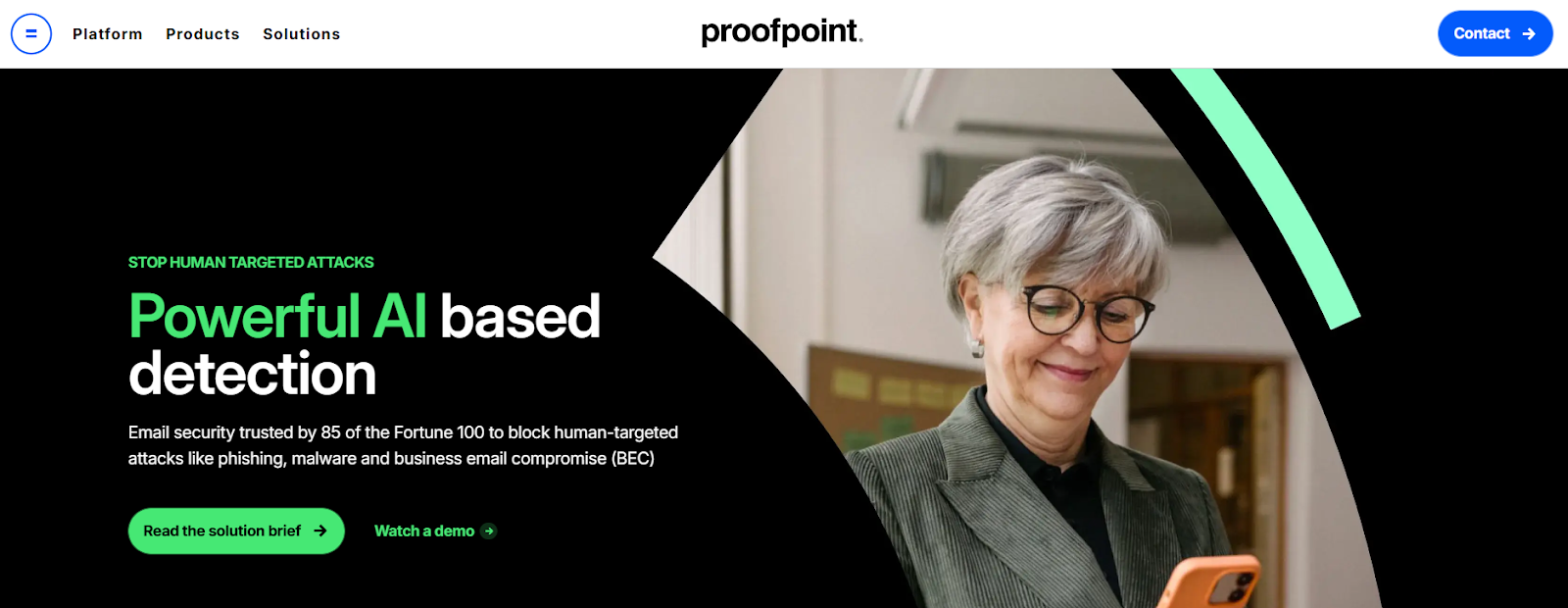
Proofpoint Essentials is a cloud-based email filtering software built to give SMBs enterprise-level protection without the enterprise-level complexity.
It uses AI-powered, multi-layered detection to stop spam, phishing, malware, and Business Email Compromise (BEC) attacks before they hit your team.
What sets it apart is the combination of advanced threat detection and practical features like automated encryption, email continuity during outages, and built-in security awareness training to reduce human error.
Key Features
- Multi-layered threat detection blocks spam, viruses, malware, and advanced attacks.
- Advanced phishing protection with dynamic URL and attachment sandboxing.
- AI-based BEC detection using language models and behavioral analysis.
- Data Loss Prevention (DLP) policies to stop sensitive info from leaking via email.
- Automated email encryption for secure outbound communications.
- 24/7 emergency inbox ensures email continuity during outages.
- Cloud-based email archiving for compliance, retention, and eDiscovery.
- Security awareness training modules to educate users and reduce risk.
- Simple cloud-based admin console for easy management and threat visibility.
Best For - SMBs that want enterprise-grade security without the headache — especially teams using Microsoft 365 who need seamless integration and don't want to babysit their email filtering tools.
Pricing - Subscription-based per user/month. Pricing varies by plan and features. Contact for custom quotes.
3. Barracuda Email Protection
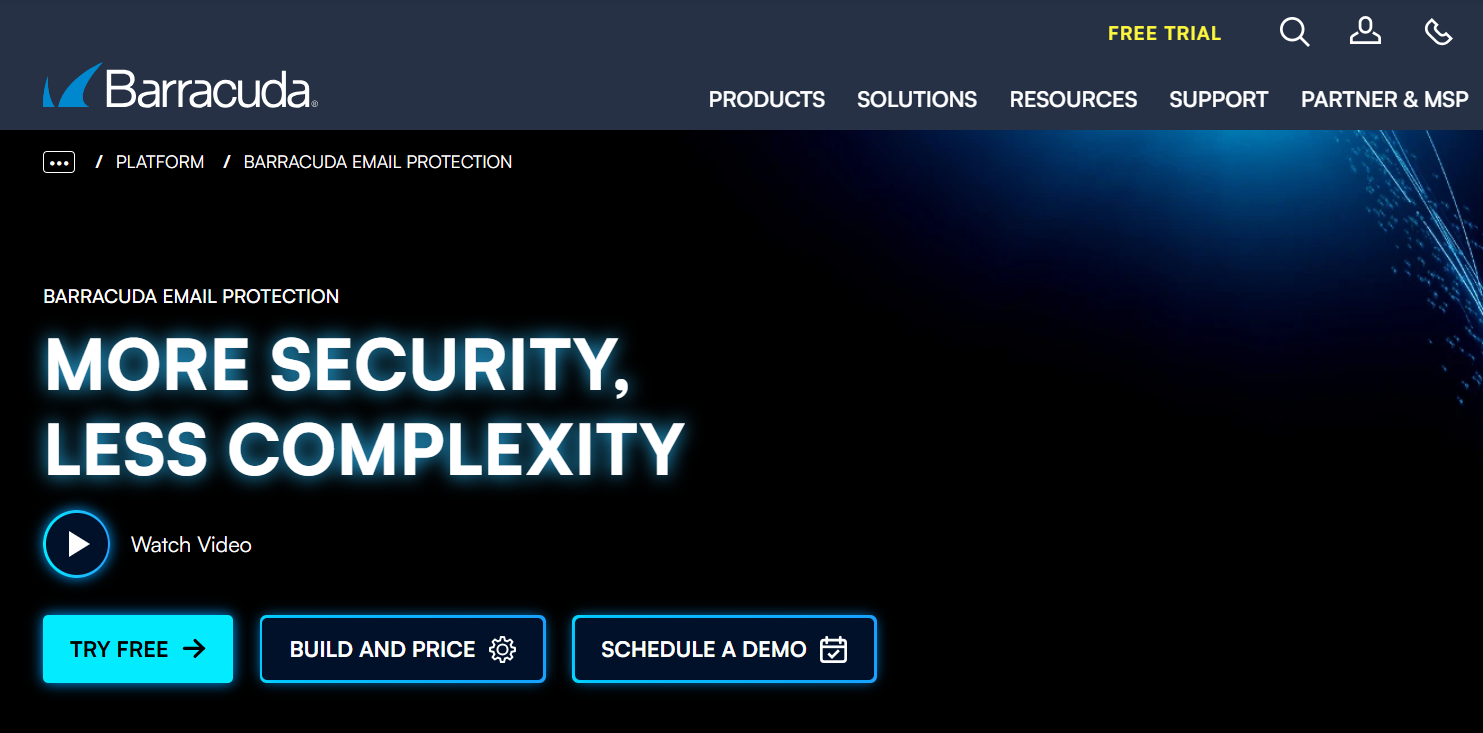
Barracuda Email Protection is a comprehensive, AI-powered email filtering software that combines gateway defense with API-based inbox protection.
It's built to handle everything from phishing and ransomware to BEC attacks and data leaks — all in one platform.
What makes it stand out is the post-delivery threat response. If a malicious email slips through and gets opened, Barracuda can automatically hunt it down across all inboxes and remove it before damage spreads.
Key Features
- AI-powered threat detection blocks phishing, ransomware, and BEC attacks proactively.
- Advanced Threat Protection (ATP) with sandboxing for suspicious attachments and URLs.
- Impersonation and domain fraud protection using AI to detect spoofing patterns.
- High-performance spam and malware filtering with real-time threat intelligence.
- Data Loss Prevention (DLP) with outbound filtering and content policies.
- Automated email encryption for secure data transmission and storage.
- Automated incident response removes malicious emails post-delivery across all inboxes.
- Cloud-to-Cloud backup for Microsoft 365 (Exchange, SharePoint, OneDrive, Teams) with unlimited storage.
- Security awareness training with simulated phishing attacks and education modules.
- Email continuity spools messages for up to 96 hours during server outages.
- Centralized cloud management via Barracuda Cloud Control for easy policy and reporting.
Best For - SMBs and enterprises using Microsoft 365 that need layered, enterprise-grade protection with automated response and backup — especially teams dealing with compliance requirements or high-value targets.
Pricing - Subscription-based with tiered plans (Advanced, Premium, Premium Plus). Starts around $5–$6.70 per user/month depending on features, volume, and contract length.
4. Mimecast
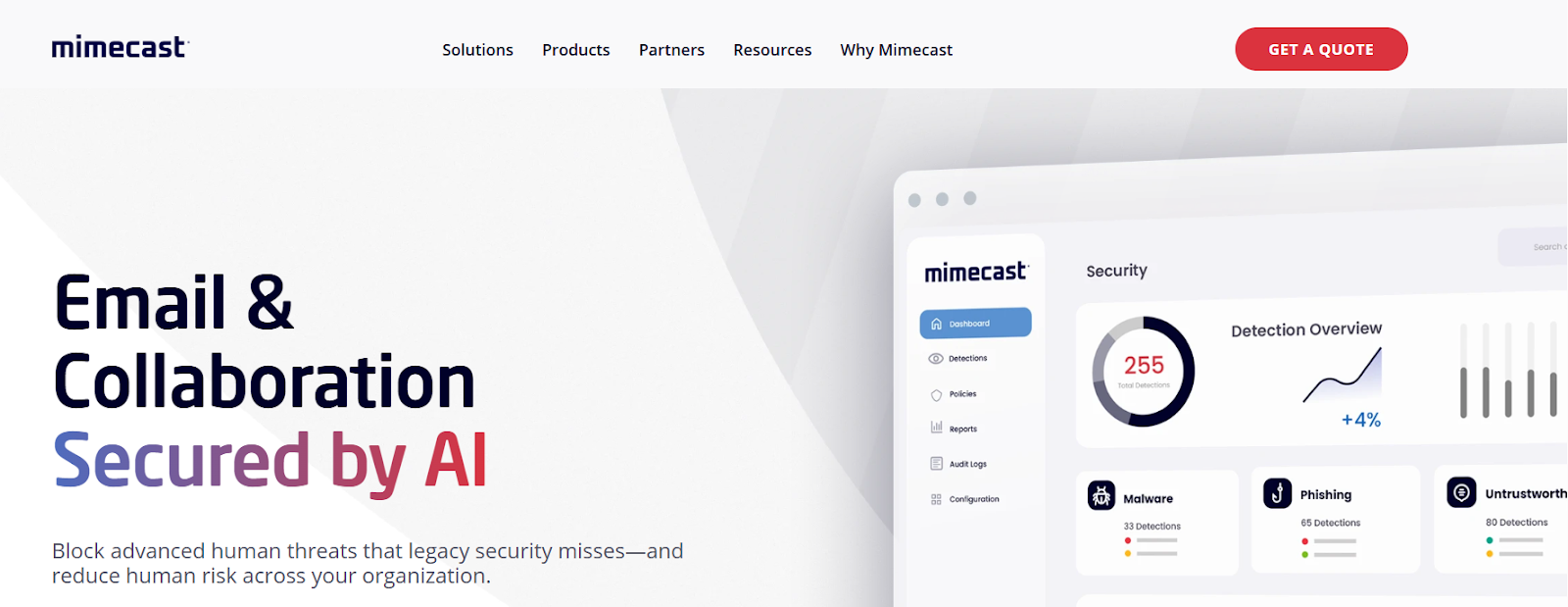
Mimecast is a comprehensive, cloud-based email filtering software that goes beyond basic filtering. It's an all-in-one platform for email security, continuity, archiving, and compliance — powered by AI and multi-layered detection engines.
If your email infrastructure is mission-critical and downtime or breaches aren't an option, Mimecast handles everything from advanced phishing protection to disaster recovery in one unified system.
Key Features
- Advanced threat protection blocks phishing, spear-phishing, ransomware, and BEC attacks.
- AI-powered detection uses machine learning and social graphing to catch emerging threats.
- Real-time URL protection scans every link on click; sandboxing for attachments.
- 99% spam and 100% virus blocking backed by SLA guarantees.
- Data Leak Prevention (DLP) scans outbound emails to stop sensitive info from leaving.
- Email continuity ensures uninterrupted access to email during server outages or disasters.
- Secure messaging and large file send (up to 2 GB) without third-party tools.
- Centralized cloud console for policy management, monitoring, and detailed analytics.
- Email archiving with secure storage for compliance (GDPR, HIPAA) and eDiscovery.
- User awareness training educates employees to recognize and avoid social engineering.
Best For - SMBs to large enterprises using Microsoft 365 or Google Workspace that need robust, all-in-one email security, continuity, and archiving — especially teams looking to reduce single-vendor risk and ensure zero downtime.
Pricing - Subscription-based, quoted per user/month. Contact Mimecast for custom pricing based on features and scale.
5. Clean Email
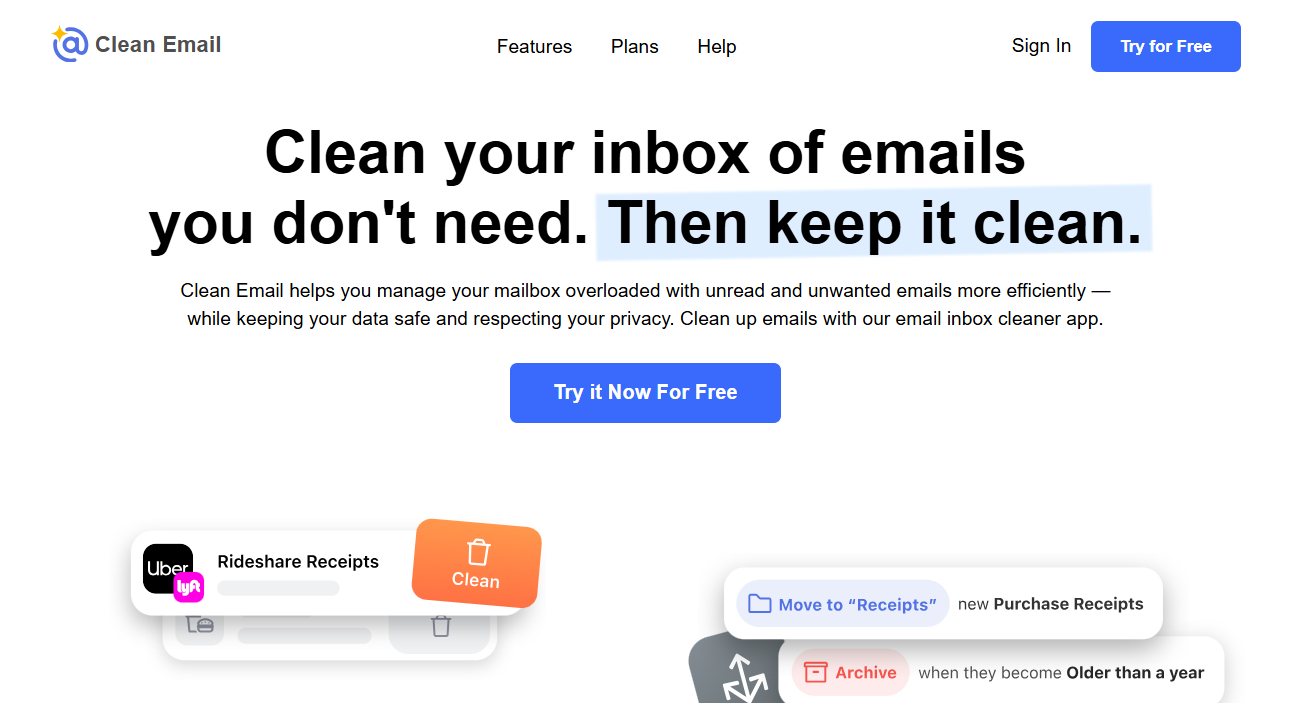
Clean Email is a privacy-focused inbox management tool that helps you bulk-organize and automate email cleanup without ever reading your actual message content.
It only analyzes headers and metadata like sender, subject, and date — so your privacy stays intact.
If your inbox is a mess and you need to clean up thousands of emails fast, Clean Email makes it happen with smart filtering, bulk actions, and automation that runs in the background.
Key Features
- Smart Views automatically categorize emails into groups like "Social Networks," "Online Shopping," and "Old emails".
- Bulk actions let you delete, archive, or label thousands of emails at once.
- Unsubscriber consolidates all mailing lists for easy bulk unsubscribing.
- Auto Clean rules automate repetitive tasks like deleting old emails or archiving by sender.
- Screener holds emails from unknown senders for review, creating an opt-in inbox.
- Privacy Monitor checks if your email has been compromised in known data breaches.
- Block Senders stops unwanted emails from specific addresses or entire domains.
Best For - Individuals or professionals drowning in inbox clutter who need a powerful one-time cleanup and ongoing automation to maintain inbox zero without constant manual sorting.
Pricing - Free trial cleans up to 1,000 emails. Paid plans based on number of accounts:
- 1 Account: $9.99/month or $29.99/year
- 5 Accounts: $19.99/month or $49.99/year
- 10 Accounts: $29.99/month or $99.99/year
6. MailWasher Pro
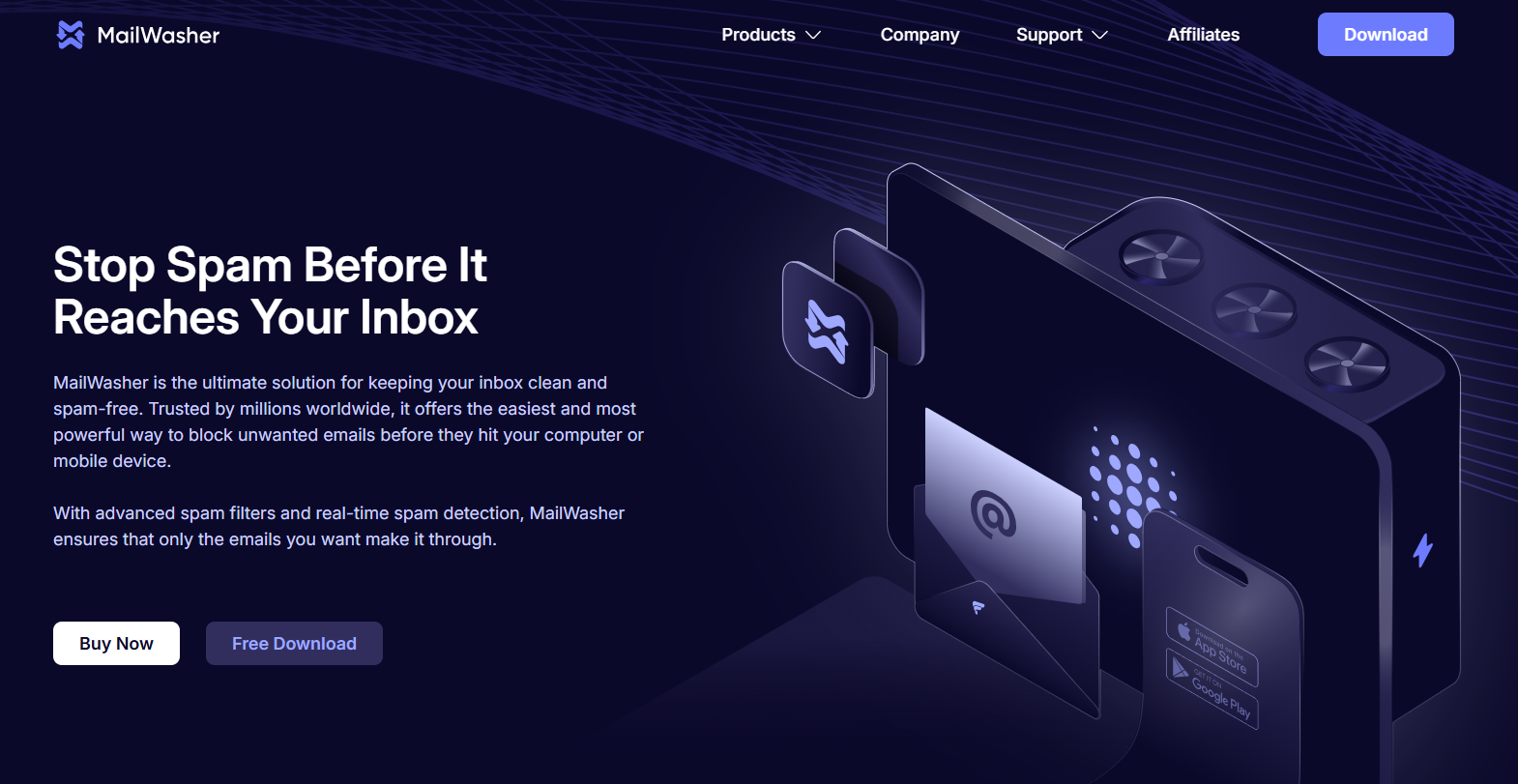
MailWasher Pro is an email filtering tool that lets you preview and delete unwanted emails — spam, phishing attempts, viruses — directly on the mail server before they ever hit your computer or device.
Think of it as a pre-screening layer that gives you full control over what actually gets downloaded.
It's perfect for users who want hands-on control and don't trust automated filters to make every decision for them.
Key Features
- Preview emails on the server to inspect sender, subject, and attachments without downloading.
- Delete or "bounce" unwanted emails to make your address appear invalid to spammers.
- Manage unlimited email accounts in one place (supports POP3, IMAP, SMTP).
- Advanced spam filters include Friends List (whitelist), Blacklist, and customizable regex filters.
- Bayesian learning filters adapt to your preferences over time.
- Community-based spam protection uses the "FirstAlert!" database of known spam.
- Restore accidentally deleted emails from built-in Recycle Bin.
- Mobile version lets you manage email on the go and sync settings across devices.
Best For - Users who want complete control over their inbox and prefer to manually review and filter emails before they reach their device — especially those concerned about phishing or malware slipping through automated systems.
Pricing - One-time purchase or annual subscription:
- Annual subscription: $49.95/year (covers 3 computers with updates and support)
- Lifetime license: $149.95 one-time payment
- Free version available with limited features
7. SaneBox
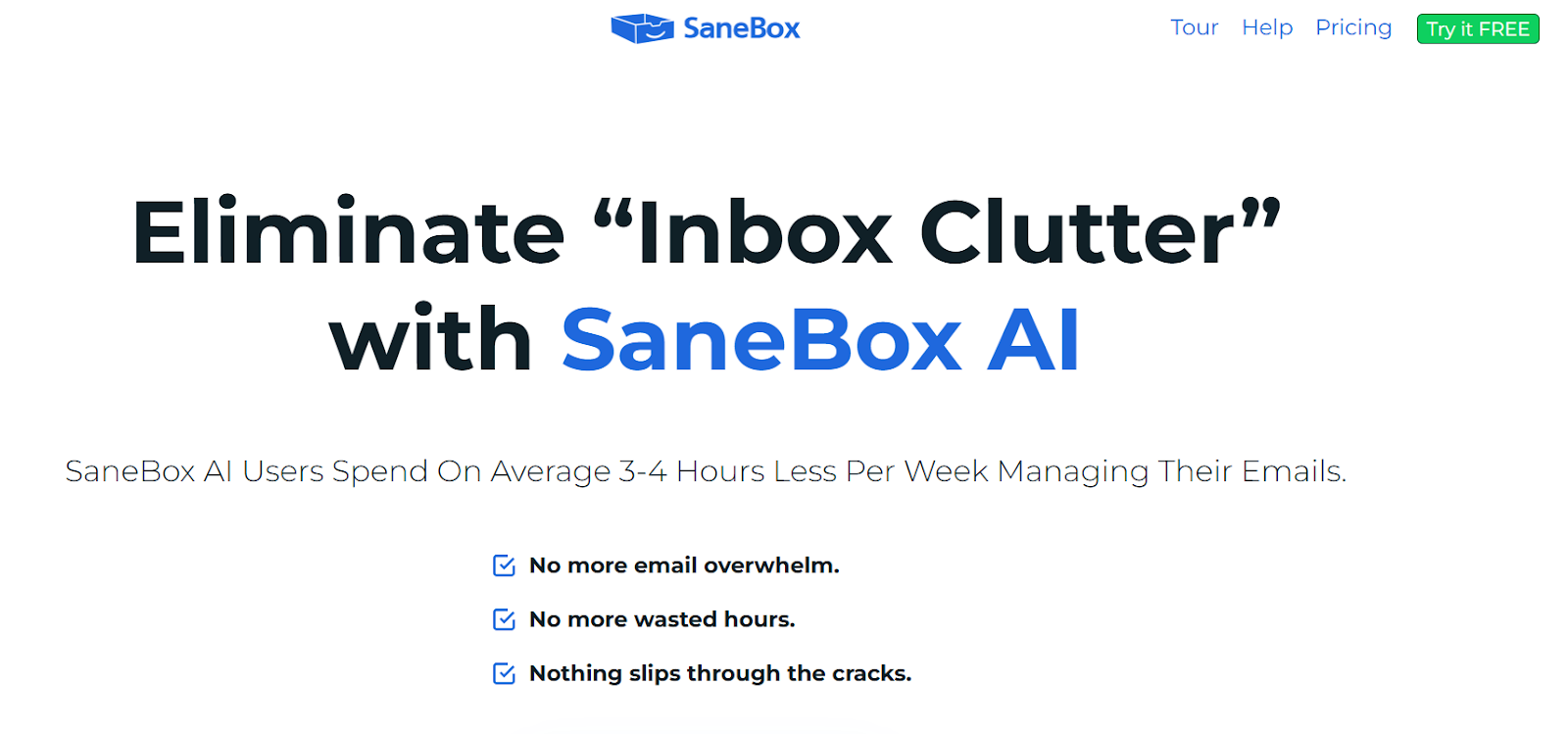
SaneBox is an AI-powered email filtering software that automatically prioritizes important messages and filters out distractions — no new email client required.
It works seamlessly with Gmail, Outlook, and virtually any email provider to help you focus on what matters.
Instead of manually sorting through hundreds of emails, SaneBox learns your habits and does the heavy lifting for you — sorting non-urgent messages into folders like @SaneLater or @SaneNews so your inbox stays clean.
Key Features
- Intelligent email filtering uses AI to sort emails into priority-based folders automatically.
- One-click unsubscribe via @SaneBlackHole permanently banishes unwanted senders.
- Email snoozing temporarily removes non-urgent emails and returns them at a better time.
- Follow-up reminders notify you if you haven't received a reply to sent emails.
- Daily digest provides an executive summary of all filtered emails for quick bulk review.
- Cloud attachment management moves large files to Dropbox or Google Drive to free up space.
- "Do Not Disturb" mode pauses new emails during deep work sessions.
- AI learns your habits and continuously refines sorting based on your behavior.
Best For - Busy professionals and executives receiving 50+ emails a day who want to reduce inbox stress, reclaim focus time, and maintain a consistently organized inbox without manual sorting.
Pricing - 14-day free trial, then subscription-based:
- Snack Plan: ~$7/month (1 email account, core features)
- Lunch Plan: ~$12/month (2 email accounts, more features)
- Dinner Plan: ~$36/month (up to 4 accounts, all features)
8. ZeroBounce
ZeroBounce is a comprehensive email validation and deliverability platform that keeps your email lists clean and accurate.
It's built for teams that need more than basic verification — think spam trap detection, AI scoring, and data enrichment all in one tool.
If you're running cold outreach or email marketing at scale, ZeroBounce helps protect your sender reputation and improve inbox placement by catching bad emails before they tank your deliverability. For a broader look at options, see our roundup of the best email verification tools.
Key Features
- 99.6% accuracy guarantee confirms valid email addresses with a money-back guarantee.
- Detailed status codes detect 30+ types of emails including spam traps, abuse, disposable, and catch-all.
- Real-time API verifies emails instantly at signup or data entry points.
- Bulk list cleaning supports large CSV/TXT uploads for high-speed validation.
- AI email scoring assesses quality and engagement potential of hard-to-verify catch-all addresses.
- Data appending enriches valid contacts with first name, last name, gender, and location.
- Security and compliance meets GDPR, SOC 2 Type 2, and ISO-27001 standards.
Best For - Email marketers, sales teams, and businesses running high-volume cold outreach who need to maintain list hygiene, protect sender reputation, and maximize campaign ROI — especially useful for cold email outreach agencies managing multiple client campaigns.
Pricing - Pay-as-you-go credits and subscription plans:
- Freemium: 100 free validation credits/month
- PAYG: Starts at $18 for 2,000 credits (credits never expire, price per email decreases with volume)
- Subscription Plans: Bundled plans like ZeroBounce ONE start at ~$39/month (annual billing) with validation credits + full deliverability suite (inbox placement, blacklist monitoring)
9. Microsoft Defender for Office 365
Microsoft Defender for Office 365 (MDO) is a cloud-based email filtering software that adds advanced threat protection on top of the basic filtering already included in Microsoft 365.
It's built to stop phishing, malware, BEC attacks, and zero-day threats before they reach your team.
If you're already using Microsoft 365, MDO integrates seamlessly and extends protection across email, Teams, SharePoint, and OneDrive — giving you layered security without switching platforms.
Key Features
- Safe Attachments scans files in a secure sandbox to detect and block zero-day malware.
- Safe Links checks URLs in real-time when clicked, blocking malicious links instantly.
- Anti-phishing uses AI and machine learning to catch impersonation, domain spoofing, and brand attacks.
- Protection for collaboration tools extends Safe Links and Safe Attachments to Teams, SharePoint, and OneDrive.
- Real-time detection and reporting with dashboards to monitor threats and activity.
- Automated investigation and response (Plan 2) runs investigations and takes remediation actions automatically.
- Threat Explorer (Plan 2) provides detailed, interactive threat analysis and hunting for up to 30 days.
- Attack simulation training (Plan 2) runs realistic phishing simulations to train employees.
Best For - SMBs and enterprises already using Microsoft 365 that need AI-powered, advanced email security beyond basic spam filtering — especially teams needing automated threat response and visibility into sophisticated attacks.
Pricing - Available as standalone add-ons or included in Microsoft 365 bundles:
- Plan 1: ~$2–$3 per user/month (standalone, annual commitment)
- Plan 2: ~$5 per user/month (standalone, annual commitment)
Note: Pricing varies by region, licensing agreements, and whether it's bundled with larger Microsoft 365 suites like Business Premium or E5.
10. Google Workspace Email Filters
Google Workspace comes with powerful built-in email filtering tools that let both users and admins automate inbox management and enforce security policies.
It's not a separate product — it's baked into Gmail, so if you're already using Google Workspace, you've got access to robust filtering without adding another tool.
Whether you're organizing your personal inbox or setting up organization-wide compliance rules, Google Workspace filters give you the flexibility to automate sorting, block threats, and enforce data security policies.
Key Features
- Automate mail sorting by archiving, deleting, starring, or labeling emails based on custom rules.
- Comprehensive criteria matching filters by sender, recipient, subject, keywords, attachments, size, and regex.
- Spam and security control lets you bypass filters for trusted senders or apply aggressive filtering.
- Content compliance and DLP scans messages and attachments for sensitive info like credit card numbers.
- Automated actions include prepending custom text to subjects, removing attachments, or routing delivery.
- Admin console management gives admins centralized control over organization-wide compliance and security rules.
Best For - Anyone looking to declutter their inbox, prioritize important messages, and automate email organization without manual sorting and organizations needing to enforce data security policies (DLP), meet compliance requirements, and establish organization-wide email routing and security rules.
Pricing - Filtering is included in all paid Google Workspace plans:
- Business Plans: Start around $8.40/user/month (flexible plan). Advanced security/compliance features like DLP and S/MIME encryption available in Business Plus and Enterprise tiers.
- Enterprise Plans: Custom pricing for large organizations with advanced needs like enhanced support and unlimited storage.
11. SpamHero
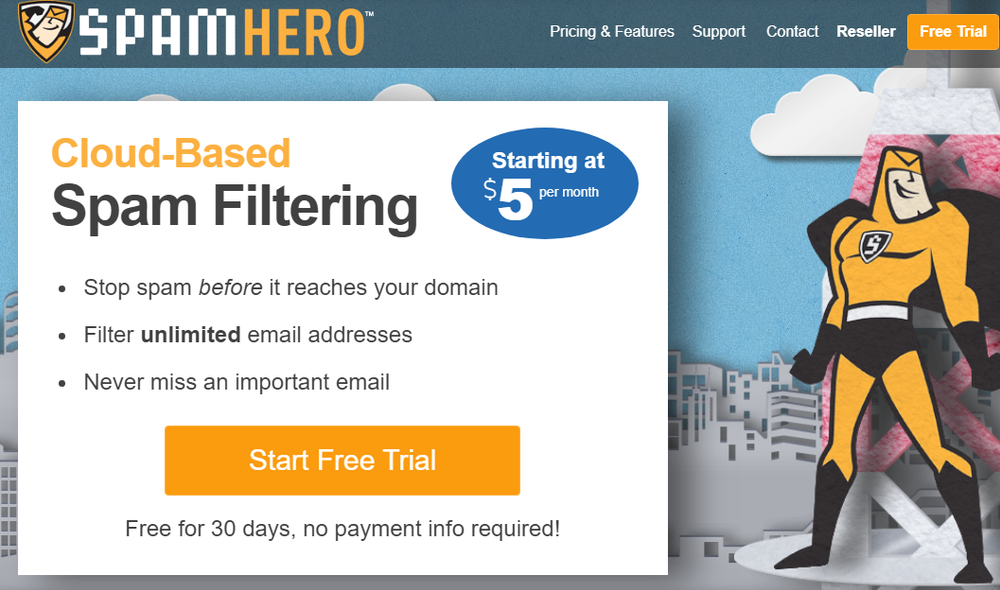
SpamHero is a cloud-hosted email filtering software known for delivering enterprise-level protection at a budget-friendly price.
It's a popular alternative to pricier solutions like Microsoft 365's built-in filters, especially for teams that want "set it and forget it" simplicity without sacrificing effectiveness.
What makes it stand out is the flat-rate, domain-wide pricing — you're not paying per user, so it scales really well for growing teams or MSPs managing multiple clients.
Key Features
- Over 99% filtering accuracy for spam, viruses, and phishing attacks.
- Filters unlimited email addresses on a single domain at a flat rate.
- Provides both inbound and outbound email filtering.
- Domain-wide and user-level searchable quarantine areas for full control.
- Automatic 30-day email backups and 5-day mail spooling during server downtime.
- Rule-based system with millions of constantly updated rules (maintained by humans and AI).
- Geographic filter rules and attachment type filters for granular customization.
- Easy setup process takes less than five minutes.
Best For - SMBs or Managed Service Providers (MSPs) looking for a cost-effective, low-maintenance email filtering software that delivers enterprise-level protection without the complexity or high price tag.
Pricing - Domain-wide subscription (not per-user):
- Lite Plan: ~$8/month (monthly billing)
- Enterprise Plan: ~$99/month
- Lower pricing available with annual billing
- 30-day free trial available
Free vs. Paid Email Filtering Software — Which Should You Choose?
The honest answer? It depends on what you're actually doing with email.
When Free Email Filtering Software Works
If you're a solo founder, freelancer, or small team with basic inbox needs, free email filtering software can handle the job.
Gmail and Outlook's built-in filters catch most spam, and you're not dealing with high-volume outbound campaigns or strict compliance requirements. For light usage, free tools are fine.
When Paid Tools Become Necessary
Once you're running cold outreach at scale, managing a sales team, or operating in regulated industries (finance, healthcare, legal), free options fall short fast.
You need advanced threat detection, sender reputation monitoring, detailed analytics, and integration with your CRM. That's when investing in the best email filtering software becomes non-negotiable.
ROI Comparison: What It Actually Costs You
How to Choose the Right Email Filtering Solution for Your Use Case
Picking the right email filtering solutions comes down to matching features to what you actually need, and what you need depends heavily on how your team uses email.
For Solo Users or Small Teams
Stick with simple, low-cost solutions that handle spam and basic security. Look for tools with easy setup and minimal maintenance.
Recommended Tools: Clean Email (great for bulk inbox cleanup and automation), MailWasher Pro (perfect if you want manual control before emails download), or SpamHero (budget-friendly with strong filtering at a flat rate).
For Sales Teams Running Cold Outreach
You need the best email filtering service you can find, one that monitors sender reputation, tracks deliverability, and integrates with your CRM to keep your pipeline clean. Prioritize solutions that help you stay out of spam folders while keeping your inbox organized for fast follow-ups.
Recommended Tools: ZeroBounce (best for email validation and list cleaning), SaneBox (keeps your inbox organized so you never miss a reply), or SpamTitan (strong outbound scanning to protect your sender reputation).
For Enterprises or Regulated Industries
Go for advanced threat detection, compliance features (GDPR, HIPAA), and scalability. You'll want robust reporting, admin controls, and support for multiple domains.
Recommended Tools: Mimecast (all-in-one security, continuity, and archiving), Barracuda Email Protection (enterprise-grade with automated incident response), or Proofpoint Essentials (strong compliance and DLP features).
Key Questions to Ask:
- Does it integrate with your current email setup (Gmail, Outlook, etc.)?
- Can you customize filtering rules for your workflow?
- Does it provide analytics to improve your outbound performance?
- What's the actual cost per user as you scale?
Match the tool to your volume, complexity, and goals — don't overpay for features you won't use, but don't cheap out if email drives your revenue.
How Cleverly Helps Companies Improve Deliverability & Generate Qualified Leads
Here's the reality: even the best email filtering software won't help if your cold emails never make it to the inbox in the first place.

At Cleverly, we're a cold email agency that pairs email filtering services with proven outreach systems, helping over 10,000+ clients generate qualified leads with companies like Amazon, Google, Uber, PayPal, Slack, and Spotify.
At Cleverly, we provide email filtering services as part of a full cold email outreach system that's helped over 10,000+ clients generate qualified leads...
…Our campaigns have driven $312 million in pipeline revenue and $51.2 million in closed revenue — and we've cracked the code on deliverability.
We don't just send emails and hope for the best. We handle everything: prospect research, copywriting, A/B testing, cold email infrastructure setup, deliverability monitoring, and inbox management.
We know exactly how to navigate spam filters, maintain sender reputation, and craft messages that actually get responses.
Here's what makes us different:
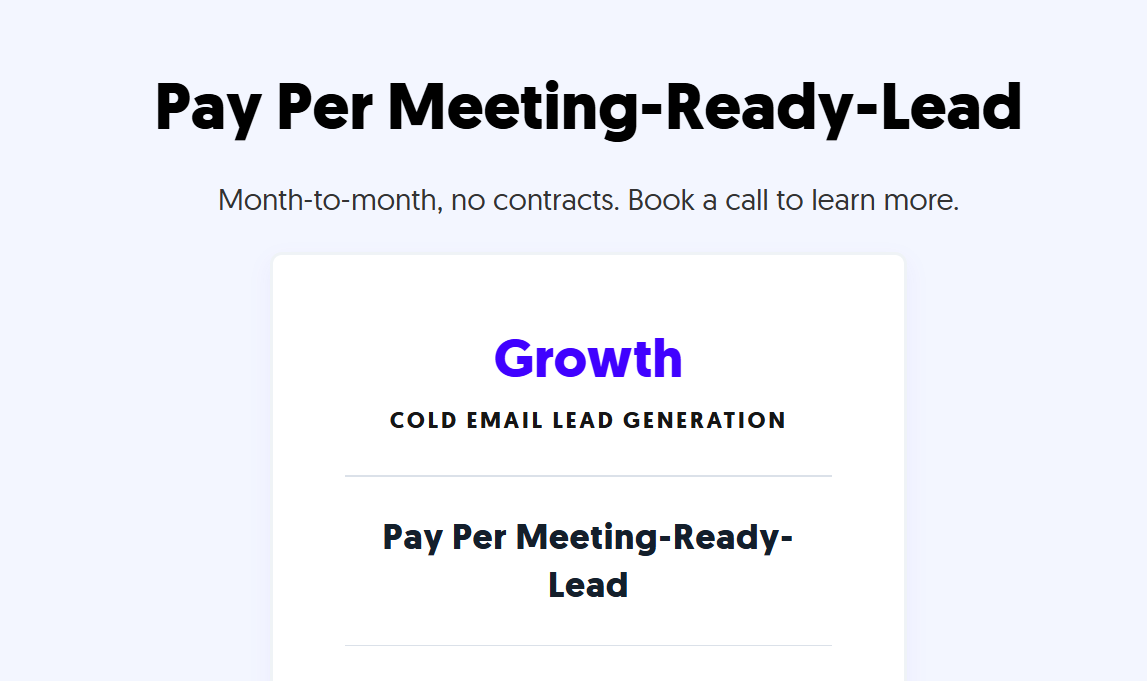
We operate on a pay-per-meeting-ready-leads pricing model. You only pay for qualified leads we send over to you — not for emails sent, not for replies that go nowhere. Just real meetings with real prospects.
If you're tired of cold emails landing in spam or dealing with the complexity of running campaigns in-house, we've got you covered. Let us handle the outreach while you focus on closing deals.
Ready to scale your pipeline? BOOK A FREE CONSULTATION! 🚀

Conclusion
The right email filtering software isn't just about blocking spam — it's about protecting your team, maintaining deliverability, and making sure the emails that matter actually get through.
Whether you're a solo user drowning in inbox clutter or a sales team running cold outreach at scale, there's a tool on this list built for your needs.
Start with what matches your stage and complexity — don't overcomplicate it, but don't skimp on protection if email drives your revenue.
Clean inboxes, stronger security, better deliverability — that's the trifecta. Pick your tool, set it up right, and get back to what actually moves the needle: connecting with people who want to hear from you.
Frequently Asked Questions
Free Resource
How to Scale a Profitable Cold Call System
Get the complete guide — download it instantly now.

Free Ebook
Download the Free Guide
Enter your details to get instant access.
You're all set! 🎉
Your ebook is downloading now.
Click below if the download didn't start automatically.