

Table of Contents
What Makes a B2B Appointment Setting Script Actually Work?
Cold Call Appointment Setting Scripts
Cold Email Appointment Setting Scripts
LinkedIn Appointment Setting Scripts
Objection Handling Scripts
Multi-Touch Appointment Setting Sequence: How Scripts Work Together
Common Appointment Setting Script Mistakes to Avoid
How Cleverly Runs Done-For-You Appointment Setting for B2B Companies
Conclusion
Frequently Asked Questions
Modified On :
July 15, 2026
Key Takeaways
- Sell the meeting, not the product. A script's only job is to earn 15 minutes on the calendar, not close the deal on the first touch.
- Scripts only work inside a coordinated multi-channel sequence across LinkedIn, email, and phone. A single message rarely books anything on its own.
- Relevance beats personalization. A generic "I saw your profile" opener loses to a specific trigger event or pain point every time.
- Objections aren't rejections. They're friction points, and every experienced setter has a ready response for the five that come up again and again.
- Most meetings come from touches 4 through 8, not touch 1. Teams that quit after two attempts leave most of their pipeline untouched.
A stat that should change how you write scripts: it takes 8 touchpoints on average to book a single B2B meeting, and top performers do it in just 5 with a 52% conversion rate compared to 19% for everyone else.
The gap isn't luck. It's script quality and sequencing.
Multi-channel sequences outperform single-channel outreach by 3 to 4x, while cold-call-only lists convert at under 5% pickup rate unless there's already some context in place.
This guide gives you the actual scripts: cold call, cold email, LinkedIn, objection handlers, and follow-ups, all built to book meetings instead of pitching products. If you're an SDR, appointment setter, or founder running your own outbound, this is written for you.
What Makes a B2B Appointment Setting Script Actually Work?
Before you touch a single script template, get this principle straight: the script's job ends at the calendar invite. Not at the pitch. Not at the demo. Just the invite.
✅ Sell the meeting, not the product. Hold back your full pitch. The moment a script starts explaining features or pricing, it stops sounding like a conversation and starts sounding like a sales pitch, and prospects can smell that instantly.
✅ Relevance beats personalization. Swapping in a first name and company name isn't personalization, it's mail merge. A script that references an industry pain point, a trigger event, or something specific to the person's role will always outperform a hollow "Hi {{firstName}}, I noticed you work at {{company}}."
✅ Keep it short. Cap cold calls at under 90 seconds before you ask for the meeting. Cap emails at under 100 words. Every extra sentence is a chance for the reader to lose interest and move on.
✅ One ask, not five. "Let me know if you're interested" gives the prospect nothing to react to. "Are you free Thursday at 10am for 15 minutes?" gives them a yes or no decision, and yes/no decisions get answered.
✅ Scripts are one piece of a bigger system. No single call, email, or LinkedIn message is going to book a meeting on its own most of the time. It takes 7 to 8 touchpoints on average to get there, so build every script as one move in a longer sequence, not a standalone shot.
📞 53,000+ Appointments Booked. Proven Scripts Included.
See how our done-for-you appointment setting team generates 15–30 qualified meetings every month.
Cold Call Appointment Setting Scripts
Cold calling still works, but it works best as the third or fourth touch, not the first. A call that lands after a LinkedIn connection and an email touch converts far better than a fully cold dial into a name the prospect has never seen.
The difference is context, the prospect has some idea of who you are before the phone rings.
Every cold call script follows the same skeleton: opener → relevance hook → pain statement → ask → objection handling → confirm.
Script 1 — The Straight-to-the-Point Opener
Best for: SDRs calling mid-level decision-makers with a tight ICP.
State your name and company, give one sentence tying the call to a real pain point, and ask for the meeting. Don't open with "did I catch you at a bad time?" It hands the prospect an easy exit before you've said anything worth staying for.
Script 2 — The Trigger Event Opener
Best for: accounts with a known trigger, a funding round, a hiring surge, a new exec, a product launch, a competitor switch.
Referencing a real, recent event makes you sound like someone paying attention, not a vendor working a list. That specificity is what earns the first 20 seconds of trust.
Script 3 — The Referral or Warm Introduction Script
Best for: calling into accounts where a mutual connection or existing customer relationship exists.
Lead with the connection's name in the first sentence. It buys you 10 to 15 seconds of goodwill a cold opener never gets.
Script 4 — The Voicemail Script
Most calls won't get picked up. Have a voicemail ready that stays under 20 seconds:
Pair every voicemail with a same-day email that references it. The combination lifts callback rates more than either one alone.
Cold Email Appointment Setting Scripts
A cold appointment setting email isn't a marketing email. It's shorter, it's plain text, it has one CTA, and it skips attachments and links entirely on the first touch.
The structure that converts: personalized line → pain statement → proof → low-friction ask.
Script 5 — The Pain-Led First Email
Best for: first touch to a well-defined ICP with a clearly understood pain point.
Keep it under 80 words. Shorter cold emails consistently get better reply rates than longer ones, and lead with their problem, not your product.
Script 6 — The Social Proof Email
Best for: skeptical prospects or competitive categories where credibility matters more than the pitch.
Specific proof always beats vague proof. "We helped a SaaS company like yours" does far less work than a real number tied to a real result.
Script 7 — The Follow-Up Email (Touch 2 and 3)
Most replies come from follow-ups, not the first email. Never stop after one send.
Touch 2 (3 to 4 days later): add a new angle. A relevant case study, a fresh insight, or a different pain point than touch one.
Touch 3 (4 to 5 days later): keep it very short.
Hi [Name], circling back once more. Still think [specific value point] could be relevant for [Company]. Worth a quick chat this week?
Acknowledge the silence without apologizing for it, and restate the ask plainly.
Script 8 — The Breakup Email
Best for: the final touch in a sequence when nothing else got a response.
Breakup emails often pull the highest reply rate of the entire sequence. The prospect feels the conversation actually ending, and that urgency does what five polite nudges couldn't.
🚀 Don't Just Use Better Scripts—Use a Better System
From prospecting to follow-ups, Cleverly builds outbound campaigns that consistently fill your calendar with qualified sales meetings.
LinkedIn Appointment Setting Scripts
LinkedIn is a social platform first. Pitch immediately in a connection request and your acceptance rate craters. Personalized requests get accepted at 25 to 40%, generic ones sit at 10 to 15%. That gap alone is worth writing better requests.
There are three LinkedIn touchpoints in most sequences: connection request, post-connection message, and a meeting ask. Keep every one of them under five sentences.
Script 9 — The Connection Request Note
Stay under 300 characters. No pitch here, the only goal is the connection itself. A specific reference multiplies acceptance rates compared to a blank request.
Script 10 — The Post-Connection Follow-Up Message
Don't pitch here either. Ask a question or share something useful. A question invites a reply, and a reply is the bridge to the meeting ask.
Script 11 — The LinkedIn Meeting Ask Message
Best for: the third touch, after some exchange has already happened.
Give a specific day and time. "Let me know if you're interested" adds friction. A concrete slot removes it.
Objection Handling Scripts
Objections aren't a dead end. They're friction points, and every experienced setter walks in with a response ready for the five that come up constantly.
"I'm not interested."
Don't argue. Redirect with a question.
"That's fair. Most people say the same thing before realizing [pain point] was costing them [outcome]. Can I ask, is [pain point] something your team is actively working on?"
Turn the objection into a discovery question. If there's genuinely no pain, there's no meeting, and that's fine.
"We already have a solution."
Acknowledge it, then pivot to a gap, not a replacement pitch.
"Good to know, a lot of our clients were using [category] before switching. They came over specifically because [key differentiator]. Might be worth 15 minutes just to check for any gaps."
"Send me some information."
This usually means "I'm not interested but I'm being polite." Qualify before you send anything.
"Happy to, before I do, can I ask, is [pain point] something your team's actively managing right now?"
If they disengage from that question, the meeting was never really on the table.
"I don't have time right now."
Don't apologize. Offer a specific slot immediately.
"No problem. How does [day] at [time] look? Just 15 minutes."
Two specific options beat "when works for you." Open-ended scheduling adds friction and kills momentum.
"Who are you again?" / "How did you get my number?"
Stay calm, answer cleanly, pivot back.
"Great question, this is [Name] from [Company]. We work with [ICP] on [outcome]. Reaching out because [specific reason]. Got 30 seconds?"
Fumbling this one kills credibility fast. Confidence here earns you the next 60 seconds.
Multi-Touch Appointment Setting Sequence: How Scripts Work Together
A single script is not a strategy. It's one move in a 7 to 10 touch sequence spread across 10 to 14 days, giving you multiple opportunities to get noticed without appearing desperate.
Here's what a full sequence looks like using the scripts above:
Every touch should bring a new angle or channel. Repeating the same message across multiple touches isn't a sequence, it's spam with extra steps.
Common Appointment Setting Script Mistakes to Avoid
❌ Pitching on the first touch. Leading with features or pricing before you've earned relevance kills reply rates before the conversation starts.
❌ Scripts that sound scripted. Robotic delivery or word-for-word recitation loses a prospect in the first 10 seconds. Treat these as frameworks to adapt, not transcripts to read verbatim.
❌ No clear ask. "Let me know if you want to chat" books far fewer meetings than "are you free Thursday at 10am for 15 minutes?"
❌ Stopping too early. Most meetings come from touches 4 through 8. Teams that quit after two attempts are leaving the majority of their pipeline on the table.
❌ Generic openers. "I hope this finds you well" and "I came across your profile" signal a mass blast. Specific, relevant openers signal a human actually wrote the message.
How Cleverly Runs Done-For-You Appointment Setting for B2B Companies
Writing a good script is the easy part. The harder part is running it consistently, across the right prospects, at scale, while handling objections in real time and keeping a calendar full without burning out your internal team.
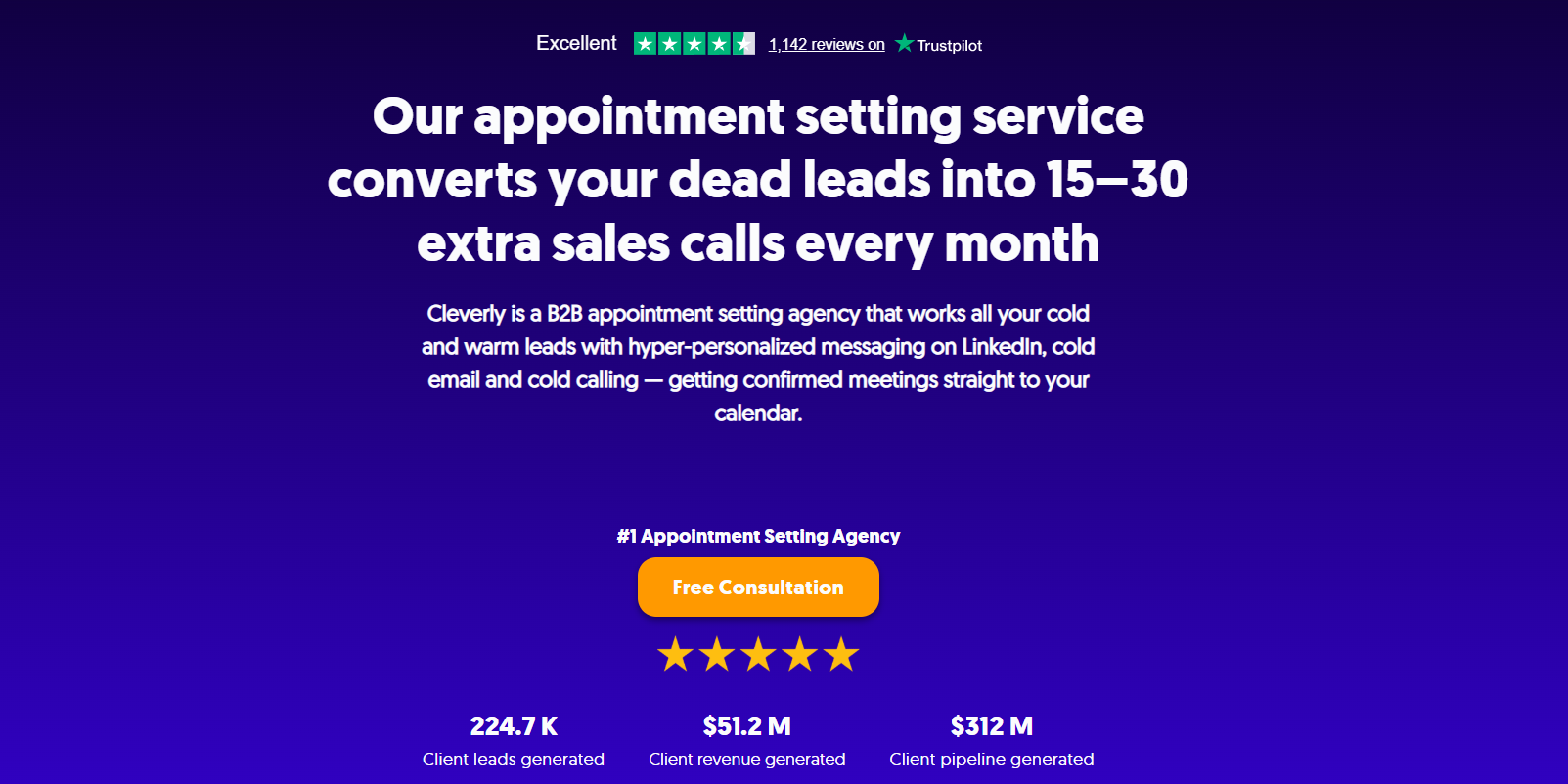
That's the gap we close. Cleverly is a full-service appointment setting agency that manages the entire outbound motion: ICP targeting, contact sourcing, and multi-channel sequence execution across LinkedIn and cold email, all the way through to a qualified meeting landing on your calendar.
We've generated $312M in pipeline for clients across every B2B industry, and our appointment setting programs are built to book qualified meetings, not just generate raw contact lists.
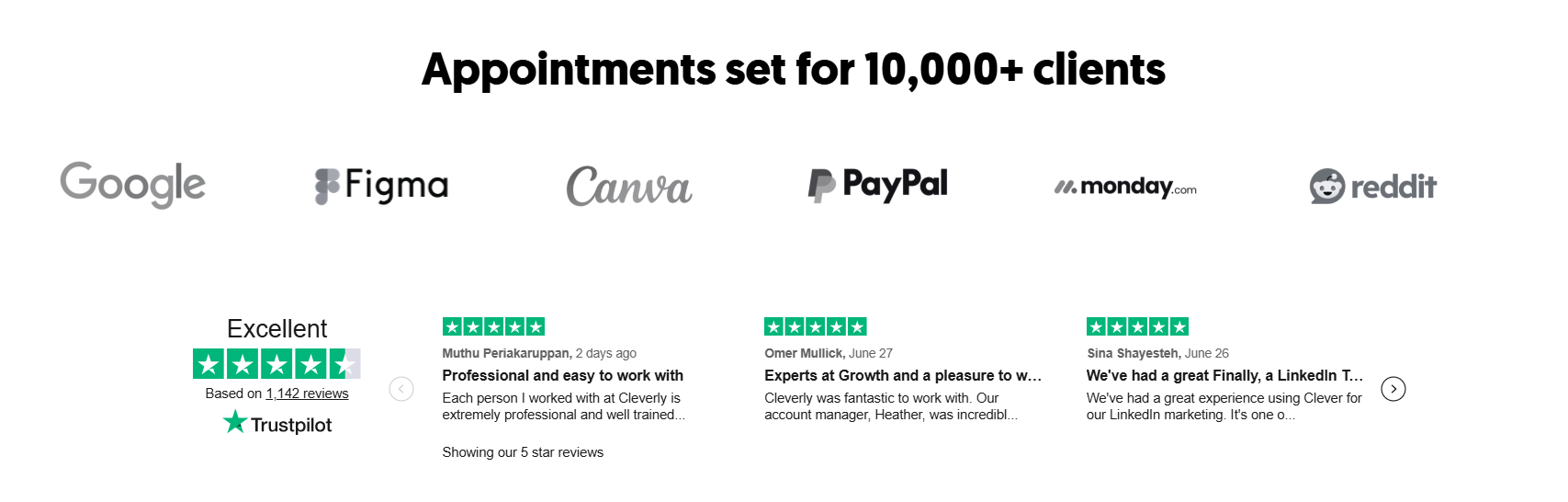
We handle script writing and testing, outreach infrastructure, sequence management, objection handling, and calendar booking, so your team's time goes into the actual meeting instead of everything that has to happen before it.
That's the model B2B companies choose over building an in-house setter team: no hiring risk, no ramp time, no managing five tools to run one sequence.
The outcome is qualified meetings booked directly with decision-makers who match your ICP, not a spreadsheet of names to chase down yourself.
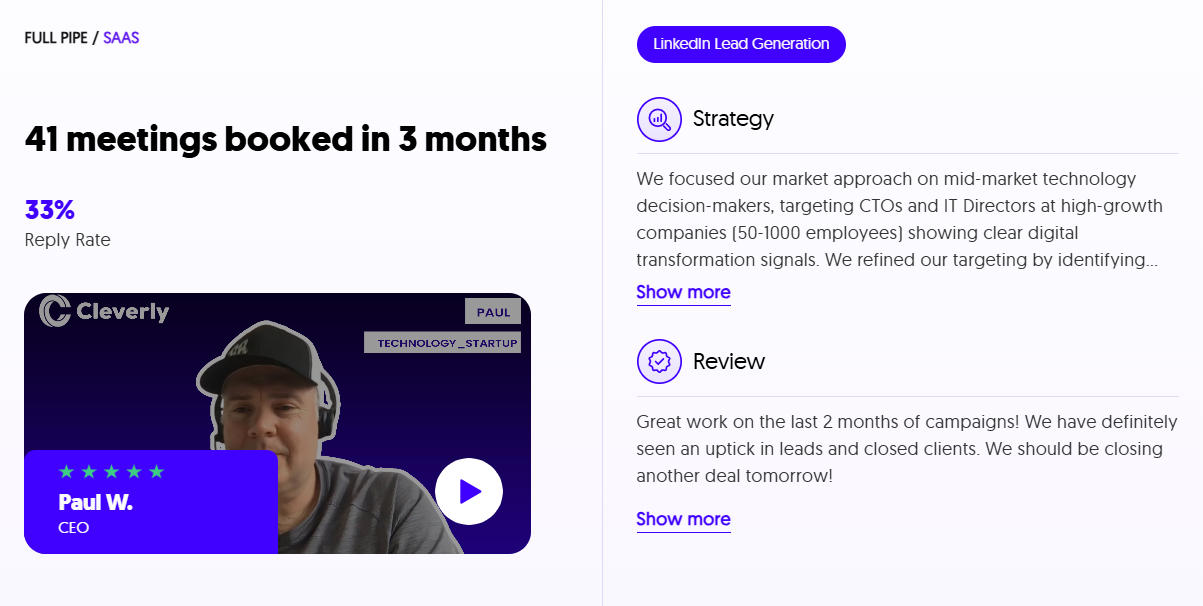
Want a done-for-you appointment setting program that books qualified meetings with your ideal clients? Book a strategy call with Cleverly and we'll walk through what a sequence built for your ICP would look like.
Conclusion
The best appointment setting scripts share one trait: they're built to earn a short next conversation, not close a deal on the spot. Every script above, cold call, cold email, LinkedIn, objection handler, is designed to do exactly that one job and nothing more.
None of them work as a single shot. They work as part of a coordinated, multi-touch, multi-channel sequence run consistently over 10 to 14 days.
Use these as frameworks, adapt the language to your ICP and voice, test them against real prospects, and let replies and booked meetings tell you what's working, not how good they sound read out loud in a meeting room.
Frequently Asked Questions
Free Resource
How to Scale a Profitable Cold Call System
Get the complete guide — download it instantly now.

Free Ebook
Download the Free Guide
Enter your details to get instant access.
You're all set! 🎉
Your ebook is downloading now.
Click below if the download didn't start automatically.

