Table of Contents
What to Look for in a LinkedIn Scheduling Tool
Quick Comparison: 11 Best LinkedIn Scheduling Tools
11 Best LinkedIn Scheduling Tools for B2B Content, Ranked and Reviewed
How to Choose the Right LinkedIn Scheduling Tool for Your Team
Scheduling Content Is Only Half the LinkedIn Growth Equation
Conclusion
Modified On :
August 11, 2026
Key Takeaways
- LinkedIn-first tools like Taplio and AuthoredUp layer writing and engagement support on top of scheduling, while multi-platform tools like Buffer and Hootsuite trade that depth for broader channel coverage.
- Free scheduling still exists (LinkedIn's own native tool, Postiv's free carousel scheduler), but the free tier landscape has narrowed in 2026. Several tools that used to offer permanent free plans, including AuthoredUp, now run trial-only models, so check before you build a workflow around "free."
- Enterprise teams that need deep reporting should look at Sprout Social; agencies juggling multiple client accounts get more value from SocialPilot.
- Scheduling solves consistency, not pipeline. A full content calendar still needs a distribution and outreach layer behind it if the goal is leads, not just impressions.
- Picking the right tool comes down to one question: do you need LinkedIn-specific writing help, or are you managing LinkedIn as one channel among many?
Most B2B teams know they should be posting on LinkedIn consistently. Almost none of them actually do it. Fewer than 3% of LinkedIn's members post daily, and the real number is likely closer to 1%, which means the platform is wide open for anyone willing to show up on a schedule.
LinkedIn also produces qualified B2B leads at roughly 28% lower cost than paid search, and businesses posting once or twice a week see roughly double the engagement and seven times faster follower growth than pages that post sporadically.
The problem isn't knowing you should post. It's doing it every week without it eating your Monday morning. That's what a linkedin scheduling tool actually fixes.
This guide ranks and reviews 11 of the best options for B2B teams in 2026, from LinkedIn-native platforms built for personal branding to multi-channel schedulers built for marketing teams.
You'll get pricing, features, and limitations for each, plus a framework for picking the right one based on your posting volume and team size.
What to Look for in a LinkedIn Scheduling Tool
Before you compare options, it helps to know which features actually move the needle for B2B lead generation companies in usa-style content operations versus which ones are just nice extras.
Native publishing support
Some tools post directly through LinkedIn's official API. Others rely on browser extensions or workarounds that can flag your account for unusual activity. If a tool doesn't say clearly how it publishes, that's worth digging into before you connect your profile.
Content creation support
A calendar alone doesn't help you write better posts. LinkedIn-first tools like Taplio and AuthoredUp build in hooks, formatting help, or carousel creation. Multi-platform tools usually treat LinkedIn as one feed among several, with less depth.
Analytics that actually inform strategy
Post-level engagement is table stakes. What separates the good tools is profile-level trend data, so you can see what's working over months, not just per post.
Collaboration and approvals
If more than one person touches your content calendar, you need version control and an approval step, or you'll end up with duplicate posts and awkward Slack threads.
Personal profile vs. Company Page support
Some tools only cover one. Since personal profiles generate roughly 8 times more engagement than company pages on LinkedIn, this matters more than most teams initially think.
Pricing structure
Free tiers, per-channel pricing, per-seat pricing, and quota-based tiers all behave differently as your team grows. Check the fine print on post caps and scheduling windows, not just the sticker price.
🚀 Schedule Posts. Start More Conversations.
Our LinkedIn outreach campaigns generate 15–30 qualified meetings every month by turning LinkedIn activity into real sales conversations.
Quick Comparison: 11 Best LinkedIn Scheduling Tools
11 Best LinkedIn Scheduling Tools for B2B Content, Ranked and Reviewed
1. Taplio
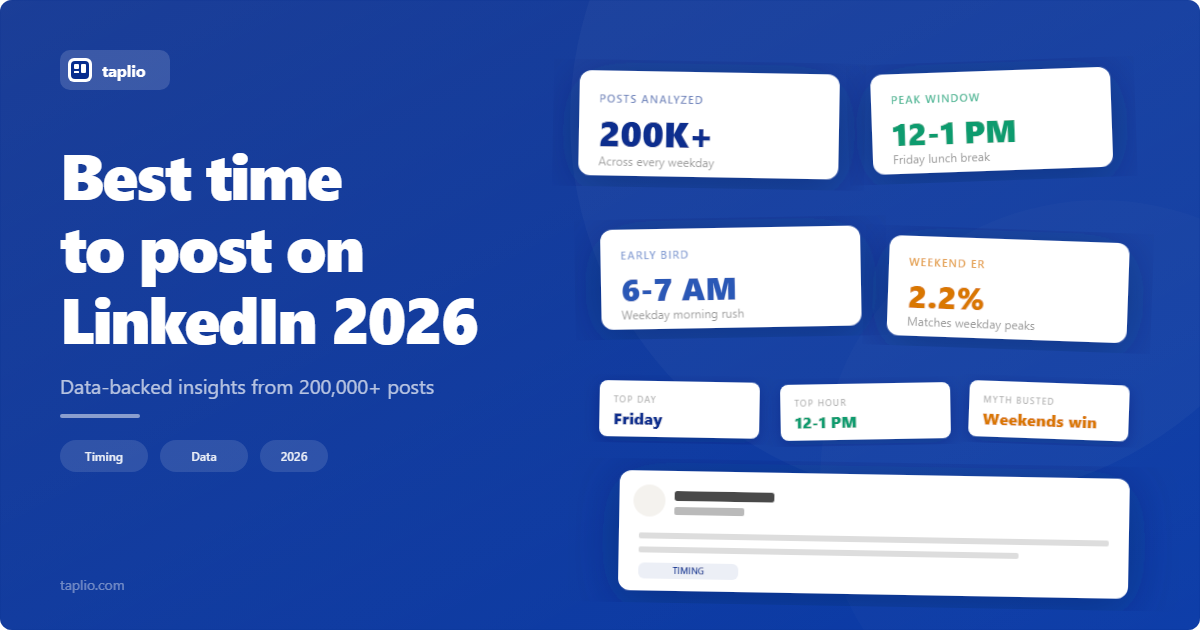
Taplio built its name as an all-in-one LinkedIn growth platform, pairing scheduling with AI writing tools and an inspiration feed pulled from high-performing posts. It's the tool most solo LinkedIn creators default to.
Best For: Founders and B2B creators who want an end-to-end LinkedIn workflow, not just a calendar.
Key Features:
- AI-assisted writing and idea generation baked into the composer.
- Engagement tools including comment tracking and a viral post library.
- Post and profile-level analytics.
Limitations: The entry-level Starter plan includes zero AI credits, meaning you're paying for scheduling and analytics only. It's also LinkedIn-only, so teams managing other channels will need a second tool.
Pricing: Starter plans start around $39/month with no AI features, while the Growth tier (sometimes labeled Standard) runs roughly $49 to $69/month with AI credits included. Confirm exact tiers at taplio.com before you buy, since naming and pricing have shifted more than once this year.
2. AuthoredUp
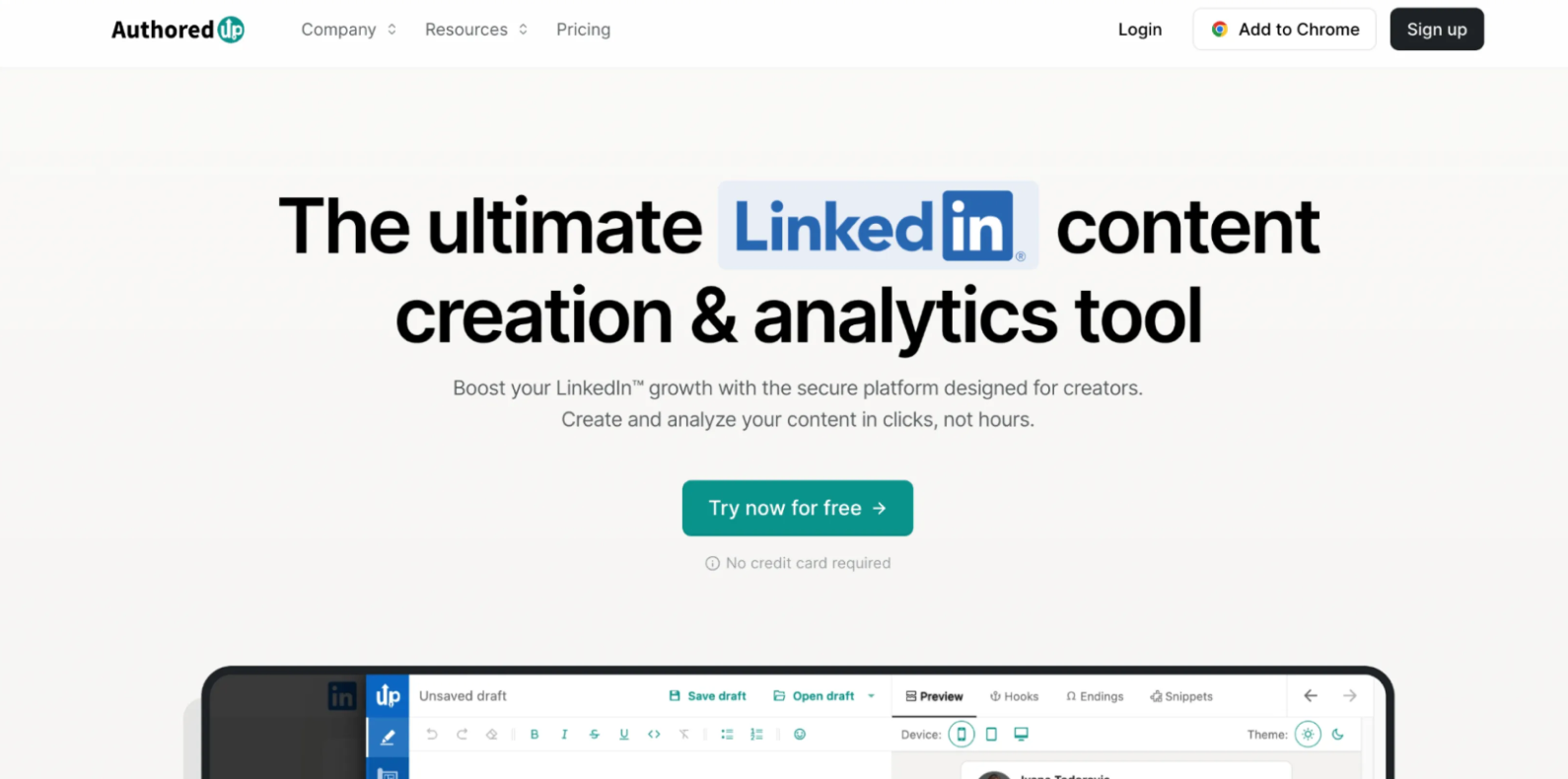
AuthoredUp is a formatting and writing-support tool built specifically for LinkedIn's composer. It doesn't generate content for you. It makes the content you write look sharper and schedules it.
Best For: Individuals and small teams who write their own posts and want strong formatting, hook, and analytics support.
Key Features:
- Post formatting and structure tools tuned to LinkedIn's style.
- Scheduling and per-post performance tracking.
- Business plan pricing per profile for teams.
Limitations: There's no permanent free tier anymore, only a 14-day trial, and it deliberately skips AI content generation. If you're hoping a tool will write posts for you, this isn't it.
Pricing: Around $19.95/month for an individual profile, or $14.95 per profile per month on the Business plan.
3. Buffer
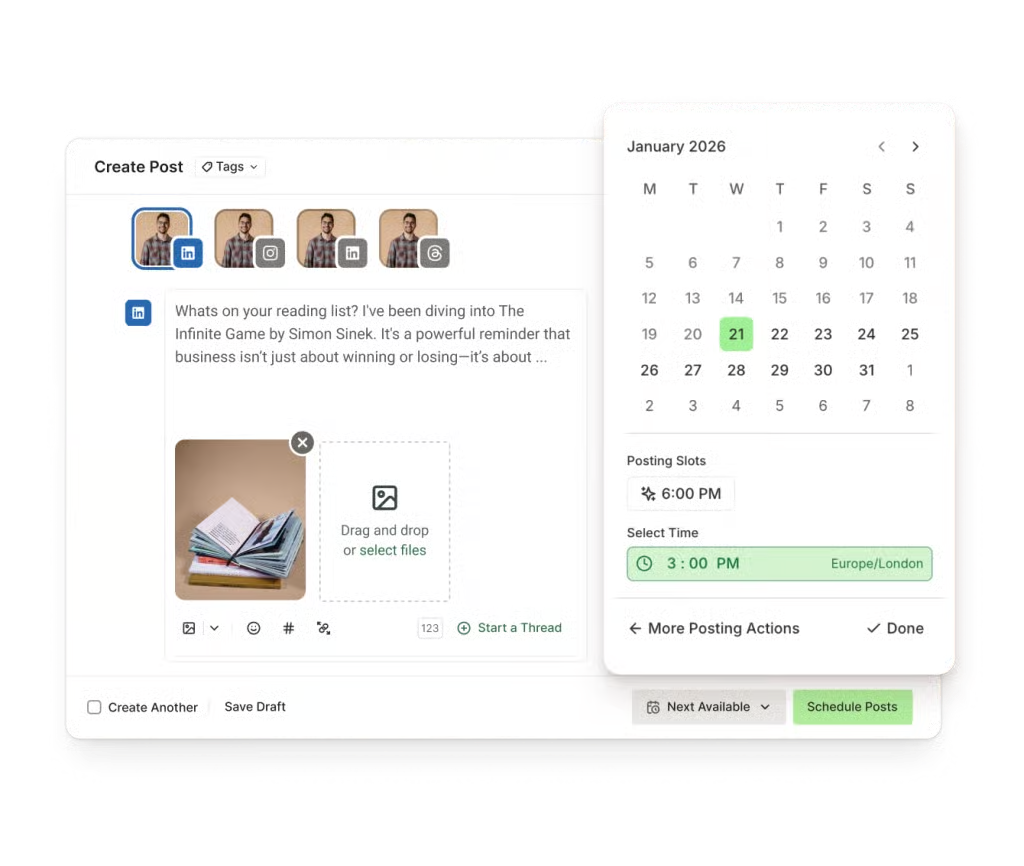
Buffer is the straightforward option: clean interface, multi-platform scheduling, and a free tier that's genuinely usable rather than a stripped-down demo.
Best For: Small teams that want simple scheduling across LinkedIn and other channels without a steep learning curve.
Key Features:
- Per-channel pricing that scales with how many profiles you actually connect.
- A free plan covering up to 3 channels with up to 10 scheduled posts per channel.
- Built-in AI assistant for captions, included even on the free tier.
Limitations: Less LinkedIn-specific depth than LinkedIn-first tools. No engagement or hook-writing features, and the free plan skips analytics.
Pricing: Free for light use. Paid plans run roughly $6 per channel per month on Essentials, scaling from there.
4. Hootsuite
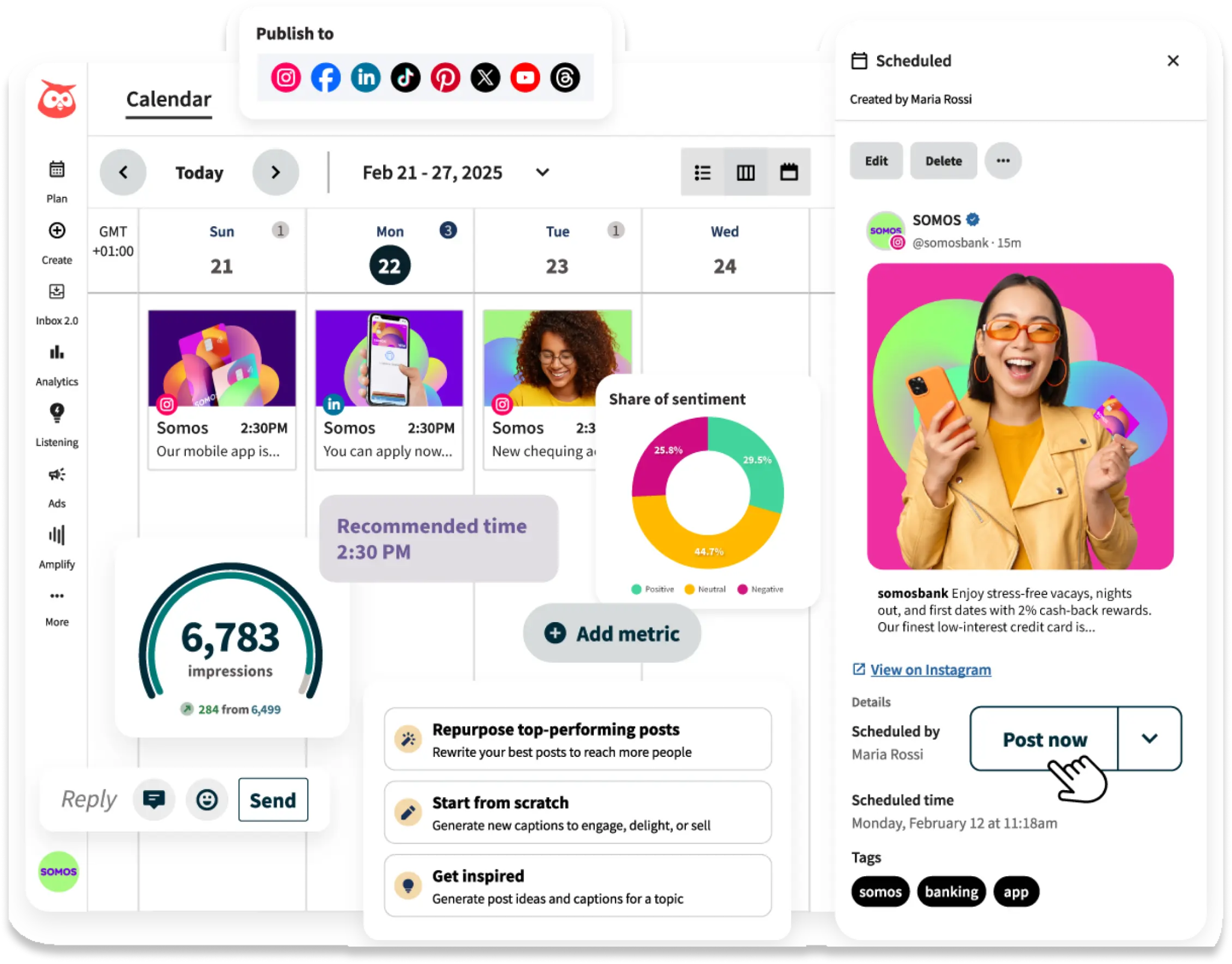
Hootsuite is the legacy enterprise pick. It handles LinkedIn fine, but it's built for teams managing many channels and many people at once.
Best For: Larger marketing teams managing LinkedIn alongside several other social channels.
Key Features:
- Broad multi-platform scheduling and publishing.
- Team collaboration and approval workflows.
- Enterprise-grade reporting.
Limitations: There's no permanent free plan, only a 30-day trial, and per-seat pricing adds up fast for teams. More complexity than smaller teams need for LinkedIn-only posting.
Pricing: Starts around $99 per user per month on the Standard plan, billed annually, climbing to $249+ per user on higher tiers.
5. Sprout Social
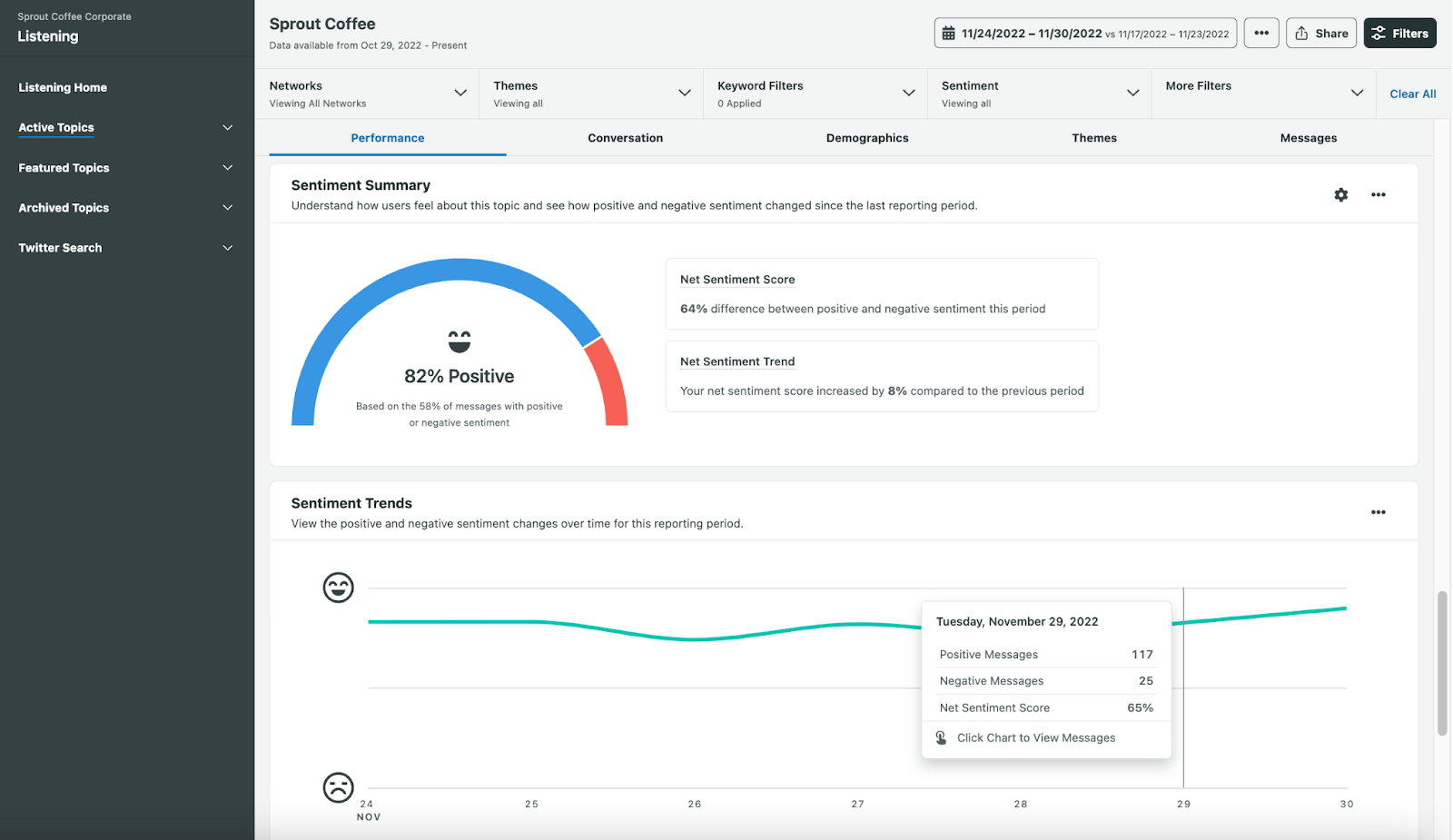
Sprout Social treats social media as a measurable business function. If your leadership wants to see attribution and ROI reporting on LinkedIn activity, this is built for that conversation.
Best For: B2B teams that need to prove social ROI with detailed reporting.
Key Features:
- Polished publishing workflow with strong analytics.
- Multi-platform support beyond LinkedIn.
- Smart Inbox for managing engagement in one place.
Limitations: Premium pricing sits well above lighter LinkedIn-only tools, and add-ons like social listening cost extra. More platform than solo creators or very small teams need.
Pricing: Standard runs about $199 per seat per month, Professional around $299, and Advanced about $399, all billed annually.
6. Postbeam
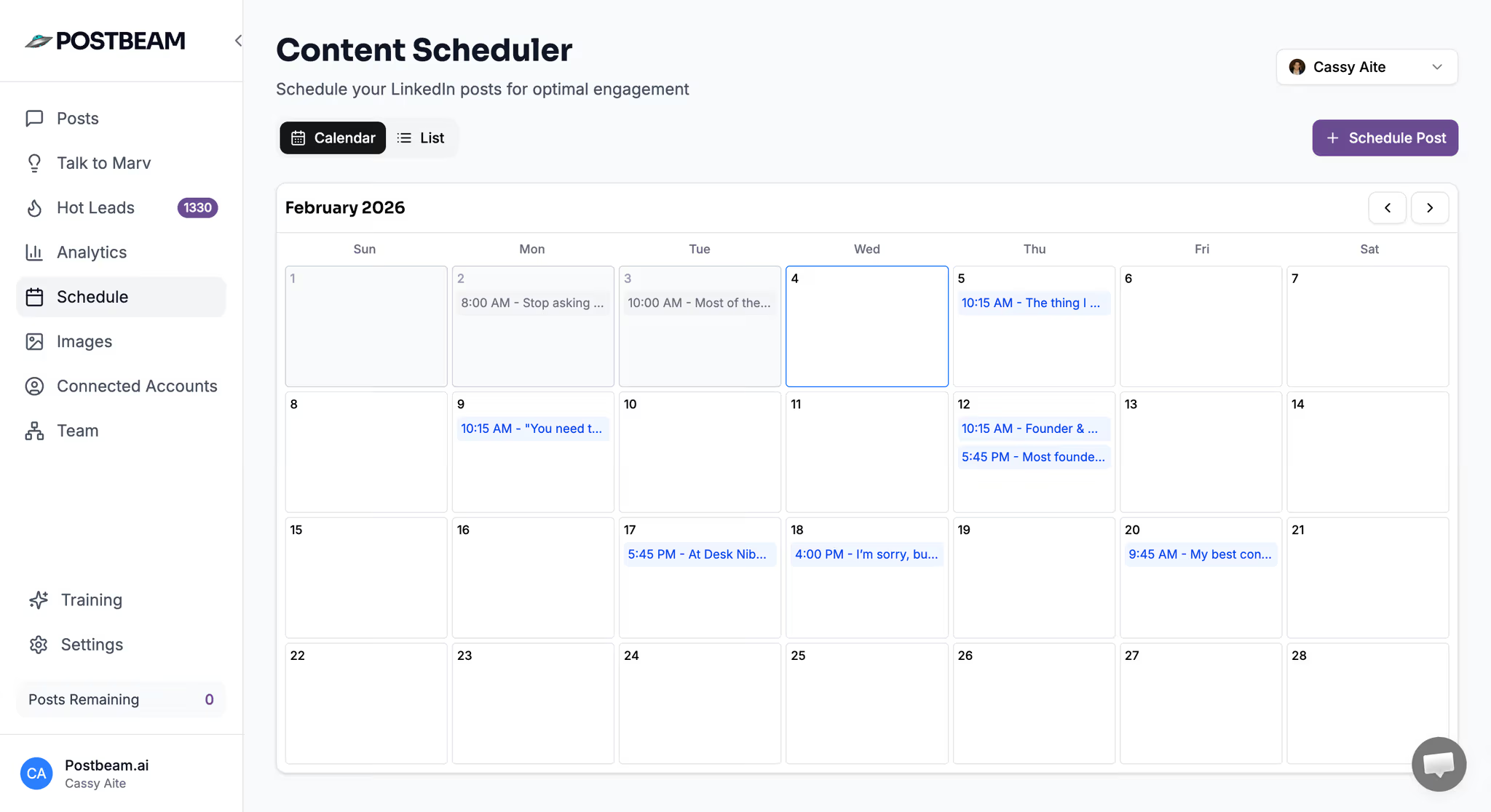
Postbeam is a newer, LinkedIn-native platform built specifically for B2B GTM teams rather than solo creators. It leans into team workflows and turns post engagement into a signal for outreach.
Best For: B2B founders and small teams wanting a LinkedIn-focused tool built for their specific use case.
Key Features:
- Scheduling and brand-voice presets tailored to team workflows.
- Publishes through LinkedIn's official partner APIs, avoiding browser extensions or automation flags.
- Surfaces engaged followers who match your ideal customer profile.
Limitations: Smaller feature set than the larger, longer-established platforms. No free tier beyond a short trial.
Pricing: Roughly $49/month for solo use, or $39 per user per month on team plans. Confirm at postbeam.ai.
7. SocialPilot
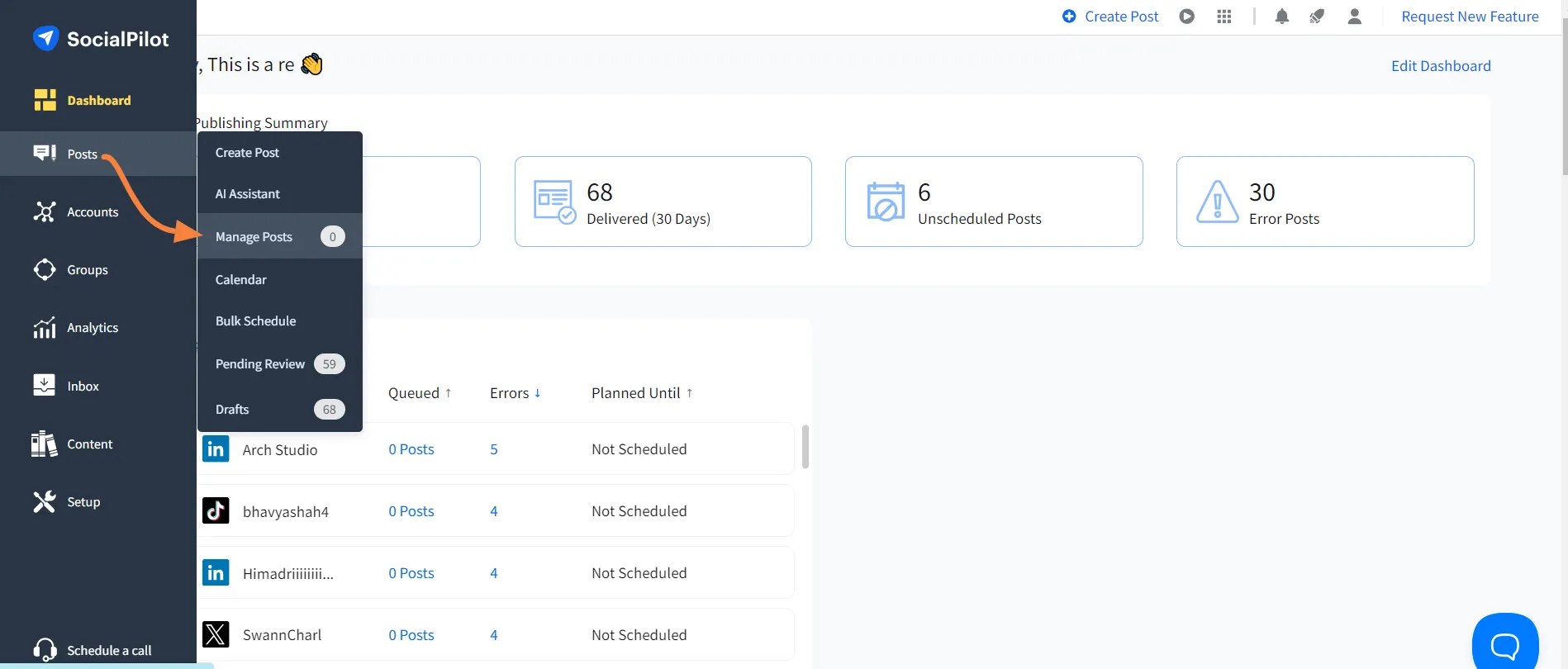
SocialPilot built its reputation on agency-friendly pricing: flat fees, high account limits, and client management tools that don't punish you for scaling.
Best For: Agencies and consultants managing LinkedIn content across multiple client accounts.
Key Features:
- Multi-client account management with white-label reporting.
- Bulk scheduling and content approval workflows.
- Affordable relative to enterprise tools like Hootsuite or Sprout.
Limitations: No permanent free tier, only a 14-day trial, and extra accounts or users cost additional fees on top of the base plan. Less LinkedIn-specific writing support than dedicated tools like Taplio.
Pricing: Essentials starts around $30/month, scaling up to roughly $200/month on the Ultimate tier, with a custom Enterprise option above that.
8. FeedHive
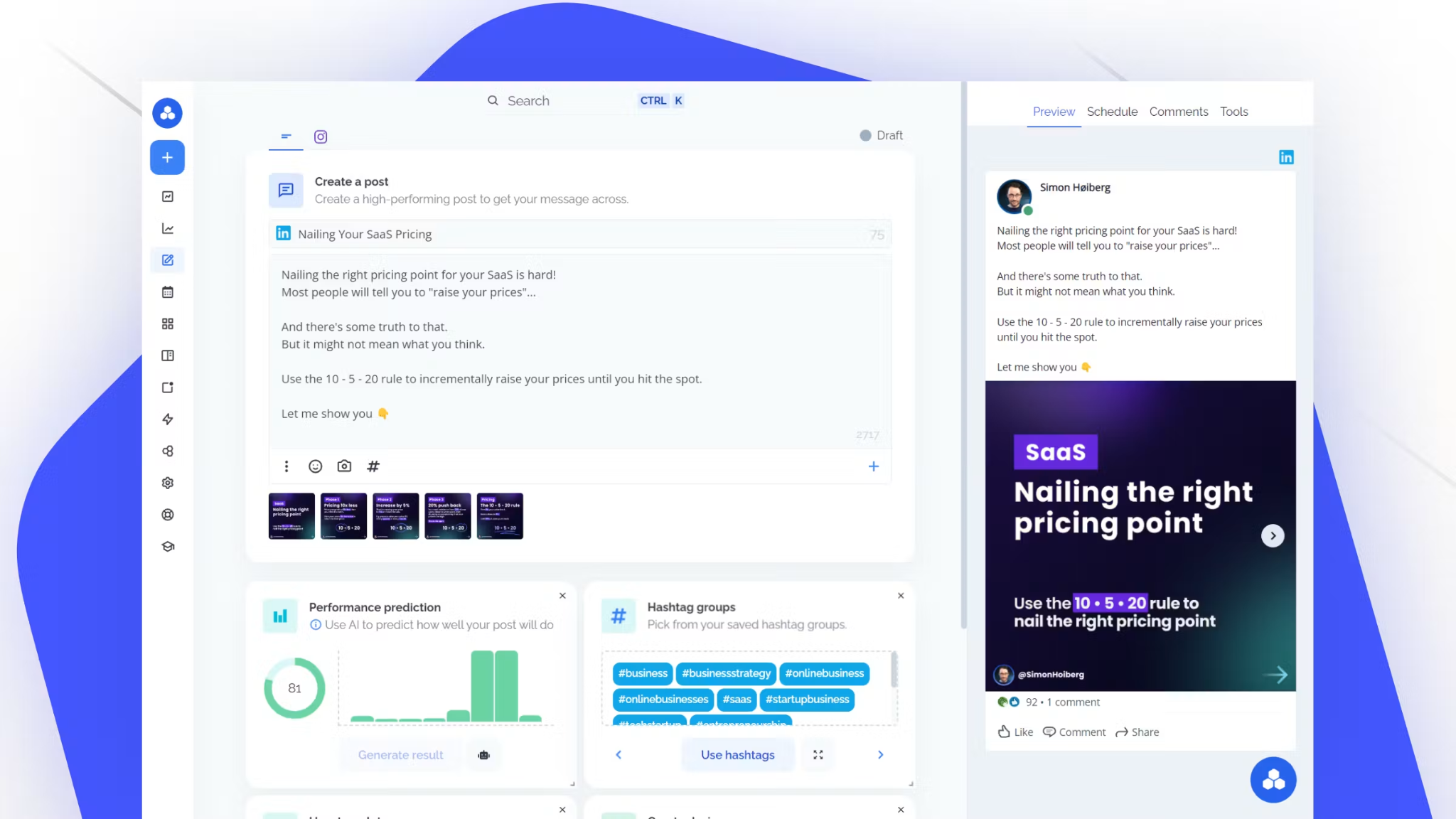
FeedHive leans hard into AI, particularly around recycling high-performing content automatically rather than making you rebuild your calendar from scratch every month.
Best For: Teams wanting AI support that bridges content creation and automated posting.
Key Features:
- AI-assisted content generation and hashtag suggestions.
- Automated content recycling for evergreen posts.
- Multi-platform scheduling and performance predictions.
Limitations: No free plan, only a 7-day trial, and AI credits are capped even on the higher-priced tiers. The entry plan restricts you to a small number of scheduled posts and a short scheduling window.
Pricing: Starts around $19/month for the Creator plan, scaling to roughly $299/month for the Agency tier.
9. SocialBee
SocialBee's standout feature is its content categorization system: you sort posts into evergreen buckets that automatically re-queue on their own schedule, which is genuinely useful for teams that don't want to manually rebuild a calendar every week.
Best For: Teams wanting to organize and recycle evergreen LinkedIn content systematically.
Key Features:
- Content categories that re-queue automatically.
- Multi-platform scheduling across roughly 10 networks.
- AI-assisted caption and content generation on every paid tier.
Limitations: No free plan, only a 14-day trial, and the category system has a learning curve for new users. Agency-tier pricing jumps significantly above the standard plans.
Pricing: Standard plans run from about $29 to $99/month, while agency plans range from roughly $179 to $449/month.
10. LinkedIn Native Scheduler
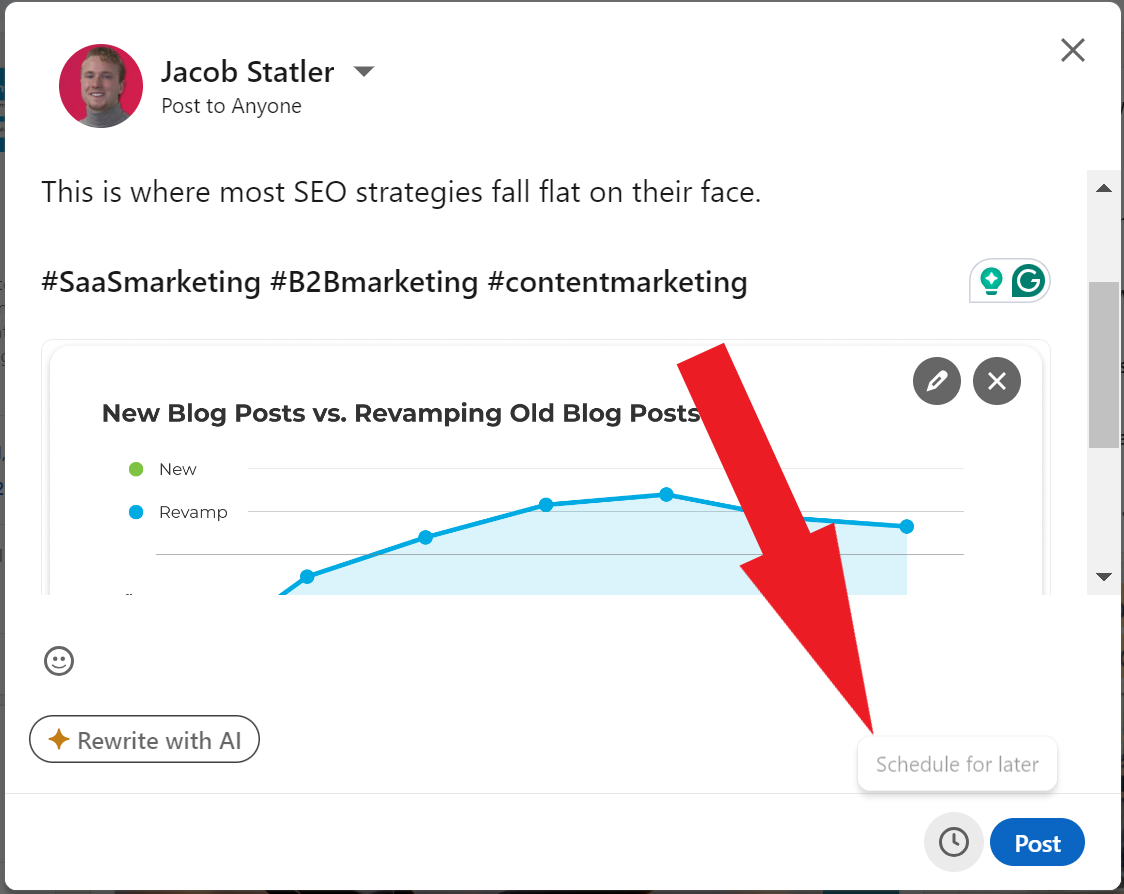
LinkedIn's own built-in scheduler is the simplest option on this list, and for light posting, it's genuinely enough.
Best For: Individuals or small teams wanting basic scheduling with zero additional tools or logins.
Key Features:
- Completely free, built directly into the post composer.
- Schedule posts up to 3 months in advance on both desktop and mobile.
- Works for personal profiles and, with admin access, Company Pages.
Limitations: No recurring posts, no bulk scheduling, and no editing a post's content once it's scheduled. No calendar view, no AI assistance, no cross-platform support, and no team approval workflow.
Pricing: Free.
11. Postiv
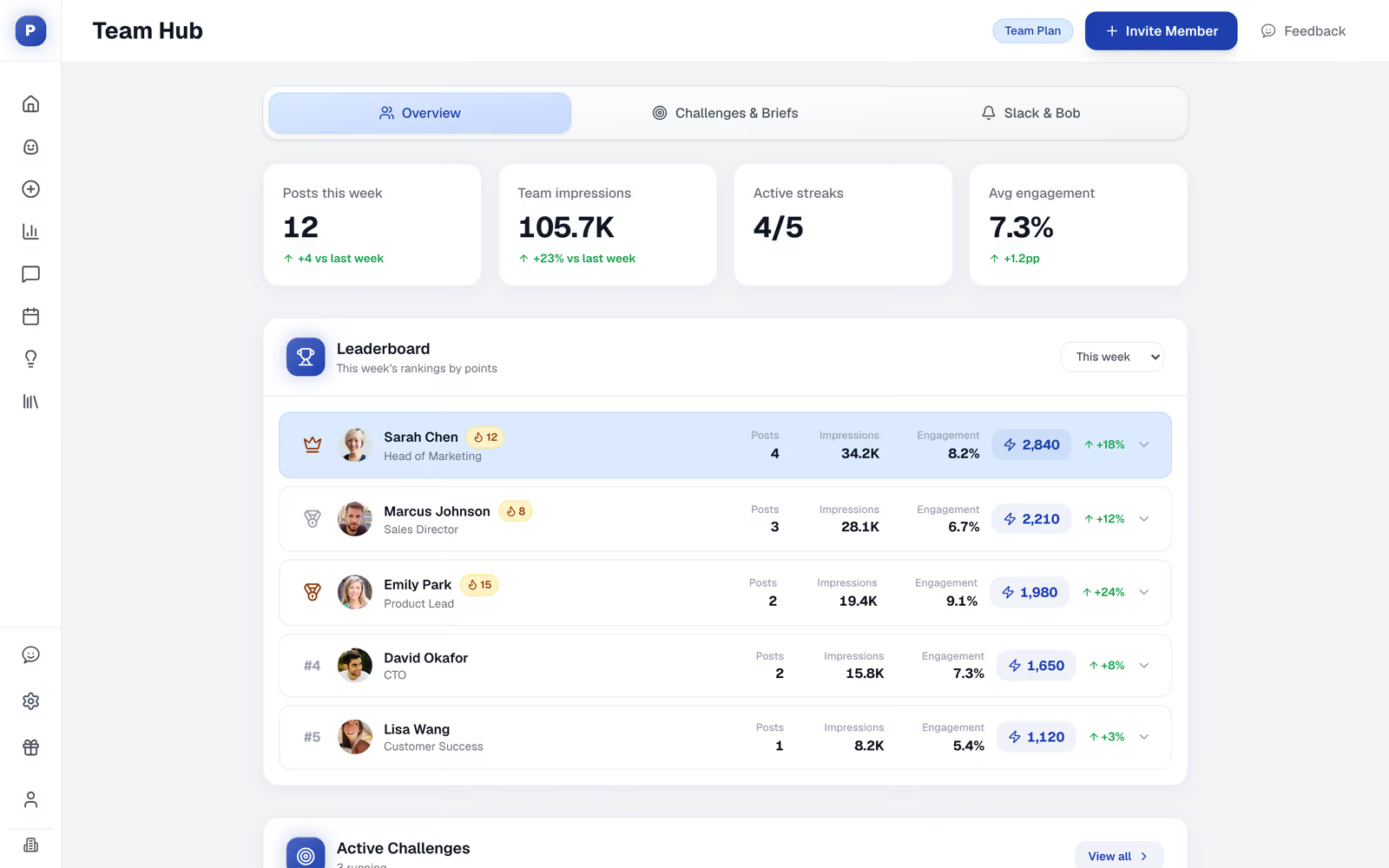
Postiv positions itself as a free-first alternative built specifically around LinkedIn's shift toward document-based carousels, which most generic schedulers still handle poorly.
Best For: Users wanting a free scheduler that also supports richer post formats like carousels and PDFs.
Key Features:
- Free scheduling for text posts, carousels, and PDFs to personal profiles or Company Pages.
- Visual content calendar, which the native LinkedIn scheduler lacks.
- AI-assisted post drafting on paid tiers.
Limitations: Feature depth sits below paid, LinkedIn-first platforms like Taplio once you need advanced automation or team workspaces. Some premium features are trial-gated.
Pricing: Free scheduler with a 7-day trial for premium features.
📈 224.7K+ Leads Generated. LinkedIn Works.
Cleverly helps 10,000+ businesses turn LinkedIn into a predictable lead generation channel through done-for-you organic outreach.
How to Choose the Right LinkedIn Scheduling Tool for Your Team
✅ Solo creators and founders posting consistently: AuthoredUp or Taplio, for LinkedIn-specific writing and engagement support.
✅ Small teams on a budget: Buffer or the free LinkedIn native scheduler. You don't need to pay for features you won't touch yet.
✅ Agencies managing multiple client accounts: SocialPilot, for the client workspace structure and white-label reporting.
✅ Enterprise teams needing reporting depth: Sprout Social or Hootsuite, if leadership wants attribution data tied to social activity.
✅ Occasional or light posters: Free tools like the native scheduler or Postiv cover this fine. Paying for a full platform doesn't make sense until your cadence justifies it.
Scheduling Content Is Only Half the LinkedIn Growth Equation
A consistent posting cadence builds visibility. It doesn't, by itself, build pipeline. You can have a beautifully scheduled content calendar and still watch it generate likes without a single qualified conversation, because visibility and outreach solve two different problems.
This is where a lot of B2B teams get stuck. They treat LinkedIn content as the whole strategy instead of one half of it.
Cleverly runs targeted LinkedIn outreach and connection campaigns to your ICP, alongside or independent of whatever content strategy you're running.
The logic is simple: content builds a warm audience over time, while direct outreach converts specific, named prospects now. Most B2B teams that actually hit pipeline targets on LinkedIn are running both at once, not choosing one.
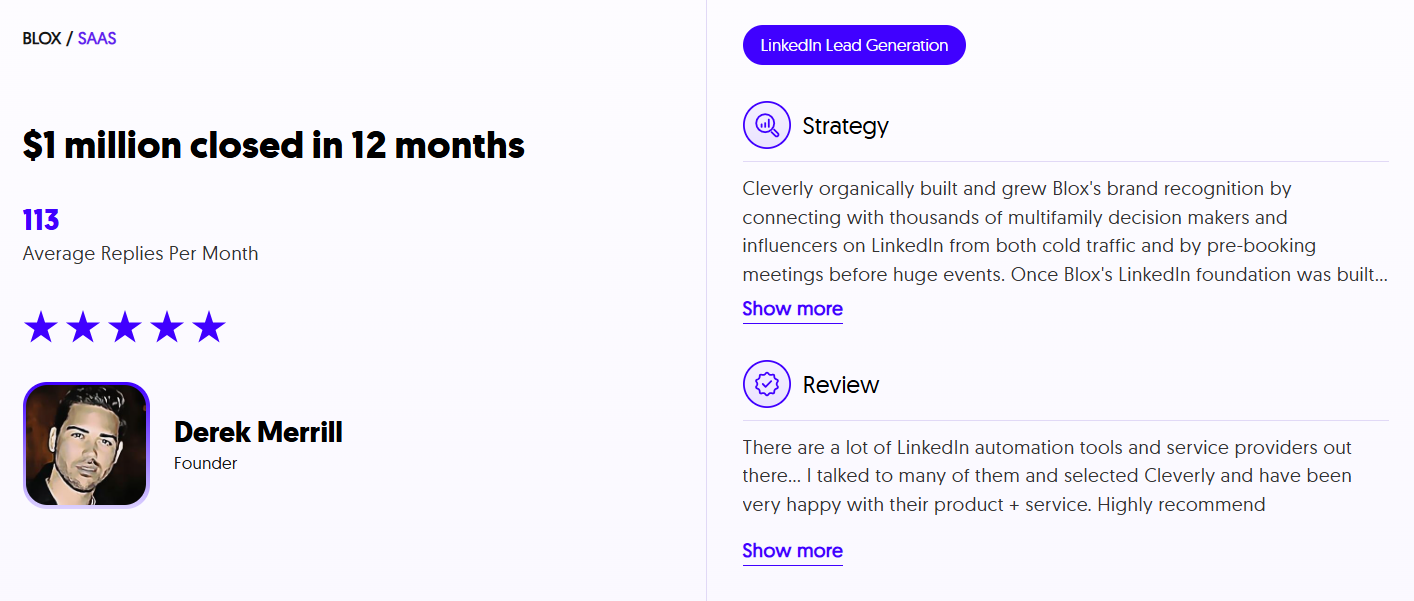
Cleverly has helped generate over $312 million in client pipeline and $51.2 million in closed client revenue across more than 10,000 B2B clients, using dedicated outreach infrastructure most internal teams don't have the bandwidth to build themselves.
If your content is getting views but your calendar isn't getting fuller, that's usually a distribution gap, not a content gap.
Want LinkedIn to generate leads, not just likes? Book a strategy call with Cleverly to see what a combined content and outreach approach could look like for your pipeline.
Conclusion
The right LinkedIn scheduling tool depends on three things: how often you post, how big your team is, and whether you need LinkedIn-specific writing support or broad multi-platform coverage.
Free tools handle light, occasional posting well. Serious B2B content calendars usually outgrow them and need a paid, LinkedIn-first tool that adds writing support, analytics, and team workflows.
None of this replaces a distribution strategy. Scheduling solves consistency. It doesn't solve lead generation on its own. Pick the tool that actually matches your posting cadence and team size, then pair that consistency with active outreach if the goal is pipeline, not just impressions.
Frequently Asked Questions
Free Resource
How to Scale a Profitable Cold Call System
Get the complete guide — download it instantly now.

Free Ebook
Download the Free Guide
Enter your details to get instant access.
You're all set! 🎉
Your ebook is downloading now.
Click below if the download didn't start automatically.