Table of Contents
Cal.com Review at a Glance: Quick Verdict
What Is Cal.com?
What Changed at Cal.com in 2026?
Cal.com Key Features
How Cal.com Fits an Outbound Sales Workflow
Cal.com Pricing and Plans in 2026
Cal.com Pros and Cons
What Real Users Say About Cal.com
Is Cal.com Worth It? Best Use Cases and Who Should Skip It
Cal.com Alternatives Worth Considering
How Cleverly Fills the Calendar Your Booking Tool Manages
Conclusion
Frequently Asked Questions
Modified On :
November 10, 2026
Key Takeaways
- The Cal.com free plan is one of the deepest around. One user gets unlimited event types, unlimited calendars, payments, and 100+ app integrations.
- Cal.com is no longer open source. The commercial product went closed source in April 2026, and only the stripped-down Cal.diy edition is MIT-licensed.
- Teams costs $12 per user per month on annual billing and Organizations costs $28. Monthly billing runs about $16 and $37.
- Round robin and routing forms are real strengths, but they start on Teams. CRM-based owner routing needs Organizations.
- A scheduling link captures meetings someone already wants. It does not create them.
A scheduling link feels like a pipeline fix. It isn’t. It only works after someone already wants to talk to you, which is why a good Cal.com review has to cover more than features and price.
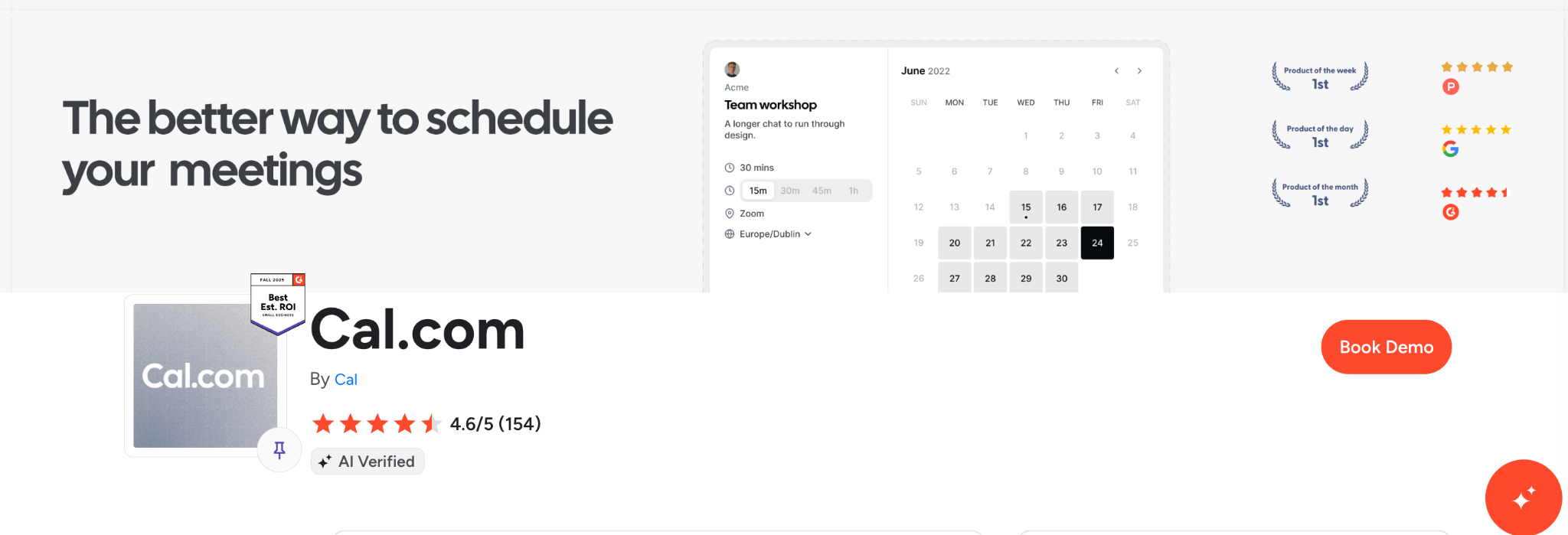
The product also changed this year. Cal.com moved its commercial code into a private repository in April 2026, so any review that still calls it open source is out of date. On the numbers, Cal.com holds 4.6 out of 5 on G2 from roughly 150 reviews, and Trustpilot showed about 4.7 from around 380 reviews as of September.
We run outbound for B2B teams every day, so we see where booking tools help and where they stop. Our appointment setting service at Cleverly fills the calendar that tools like Cal.com manage. We’ll cover that later.
This review is for sales teams, SDRs, founders, and agencies. You’ll get 2026 pricing, what changed, how Cal.com fits an outbound stack, and when to pick something else.
Cal.com Review at a Glance: Quick Verdict
Cal.com has a strong free plan and strong routing, and it asks for more setup than Calendly. If you want control and don’t mind clicking through settings, it’s a good fit. If you want to be live in five minutes, it’s not.
Choose Cal.com if you want a deep free plan, flexible routing, or a scheduler you can embed through an API.
Look elsewhere if you want zero setup, strict EU data residency, or self-hosted team features.
📅 Make Booking Easy. Make Filling Your Calendar Easier.
Cal.com helps prospects schedule meetings. Cleverly helps you find the right prospects and get those meetings booked.
What Is Cal.com?
Cal.com is an appointment scheduling platform for individuals, teams, and developers. You set your availability, share a booking link, and it handles the calendar checks, time zones, and confirmations.
It started in 2021 as an open source project called Calendso. It rebranded to Cal.com and positioned itself as the Calendly alternative. Today it serves two audiences. Booking-link users share a page and move on. Developers embed scheduling into their own products through API v2 and Atoms, a set of React components.
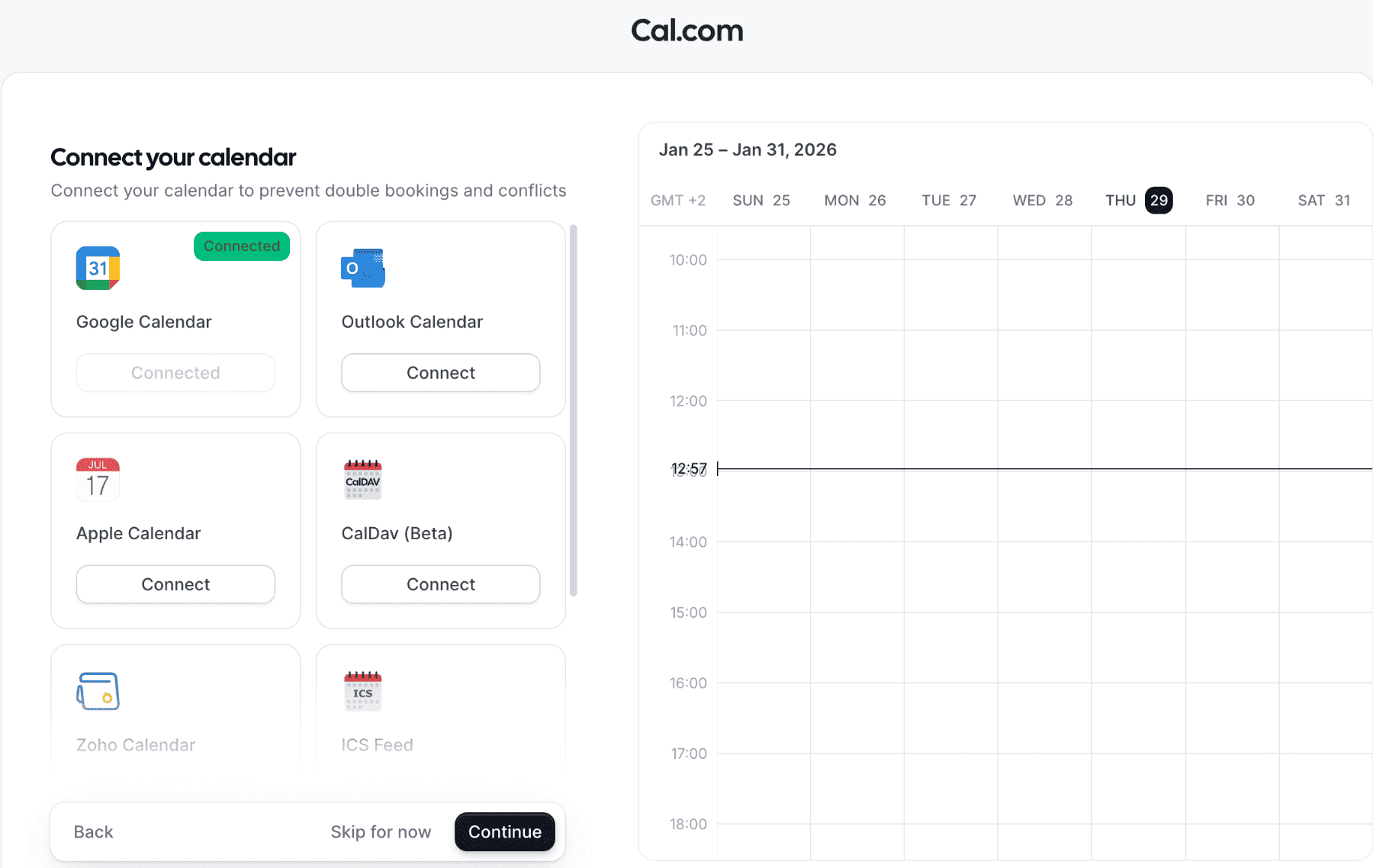
It connects to Google, Outlook, and Apple calendars, plus 100+ apps. That’s all you need to know about its past. The more useful question is what changed this year.
What Changed at Cal.com in 2026?
Is Cal.com open source? No. The commercial product has been closed source since April 2026. On April 15, Cal.com moved its production codebase to a private repository. The public repo was renamed Cal.diy and relicensed from AGPL to MIT.
Here’s the before and after:
- Code license: AGPL plus a commercial enterprise folder before. Closed source for the product now, MIT for Cal.diy.
- Self-hosting: Same codebase as the hosted product before. Cal.diy only now.
- EU region: Cal.eu existed before. It is being wound down (details below).
- GitHub address: The old repo address now redirects to the Cal.diy repo.
Cal.com’s own explanation is security. The company says AI-driven vulnerability discovery makes public code riskier. The community pushed back hard. Reddit threads called the AI argument an excuse, and some developers said they never expected the change. Cal.com says existing accounts are unchanged.
Pro tip: If a review you’re reading calls Cal.com “open source,” check its date. Anything written before April 2026 is wrong on this point.
Closed Source and Cal.diy: What It Means for Self-Hosting
Cal.diy is the MIT-licensed community edition. You self-host it and use it at your own risk. Third-party reviews report that it lacks team scheduling, routing forms, workflows, SSO, Cal.ai, and Insights. Check the Cal.diy repo before you commit to it.
Who should care? Developers and privacy-first teams that wanted Cal.com self hosted with team features. Everyone else on the hosted product is unaffected.
Cal.eu Closure and EU Data Hosting
On July 30, 2026, Cal.com said it would shut down Cal.eu on November 1, with extensions for Enterprise customers. Today is past that date, so here’s what Cal.com’s own pages say now. EU hosting continues for paid Organizations. Teams on Cal.eu get a free upgrade to Organizations and stay hosted in Europe. Individuals are asked to migrate to Cal.com.
On Cal.com GDPR questions, Cal.com, Inc. is listed as an active participant in the EU-U.S. Data Privacy Framework. That’s the legal basis for sending EU data to the US. If your contracts demand EU residency, you now need an Organizations plan or a different tool.
Most US B2B teams can skip this part.
🚀 A Booking Link Can't Build Your Pipeline
Give prospects a reason to book in the first place. Let Cleverly handle targeting and outreach to bring qualified buyers to your calendar.
Cal.com Key Features
Here’s a feature-by-plan summary, with the plan each feature needs. We’ll go through the ones that matter for sales work.
Event Types, Availability and Calendar Sync
This is where the Cal.com free plan earns its reputation. You get one user, unlimited event types, unlimited connected calendars, payments, 100+ apps, and a one-click Calendly import. Buffers, minimum notice, booking limits, and requires-confirmation settings are all there.
The catch is setup. G2 reviewers mention the initial setup and documentation clarity, and complex settings and learning curve show up as common cons. Expect to spend an hour, not five minutes.
Round Robin, Collective Events and Routing Forms
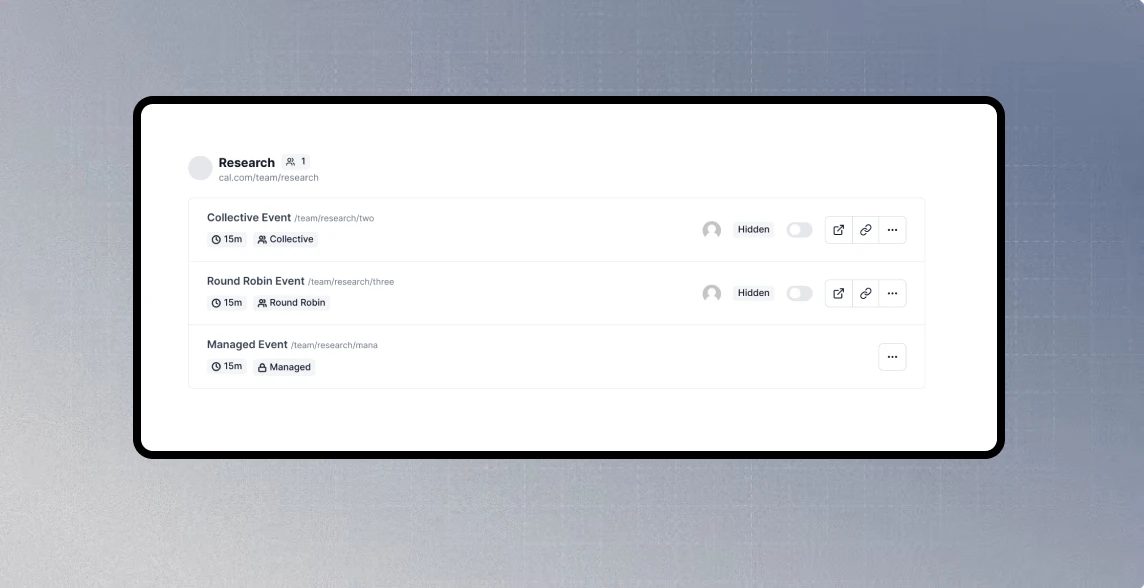
Cal.com round robin starts on Teams, along with collective and managed events. You can run weighted and priority round robin, which matters when your senior rep should take more meetings.
Routing forms ask the booker a few questions and send them to the right person or event type based on the answers. Organizations adds attribute-based routing and CRM ownership routing. If routing is the reason you’re buying, price the right tier from day one.
Workflows, Reminders and SMS Credits
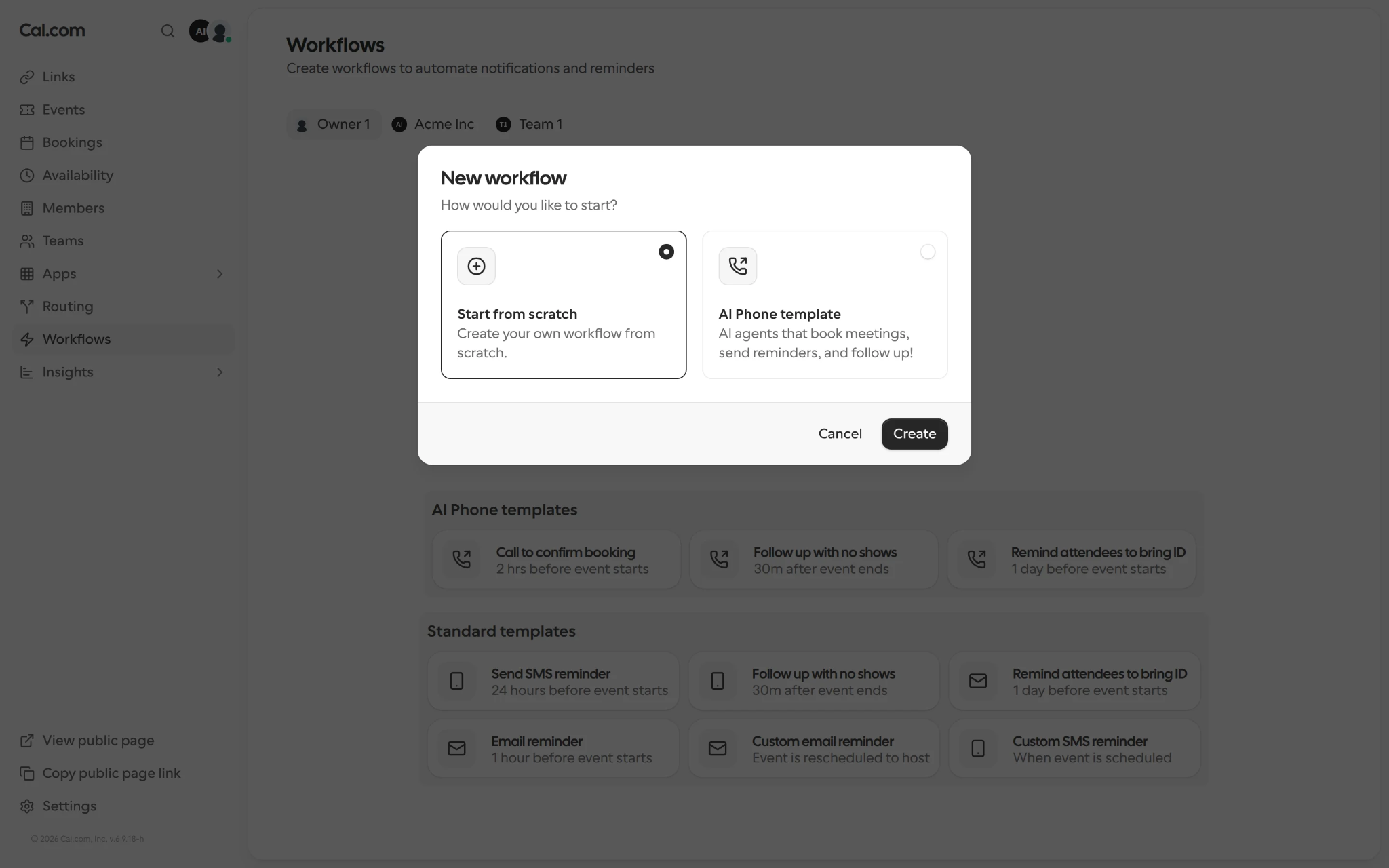
Cal.com workflows send email and SMS reminders and follow-ups. Third-party sources report SMS and AI credits per member per month at 0 on Free, 750 on Teams, and 1,000 on Organizations. SMS outside the US and Canada reportedly bills at carrier cost plus a fee. Confirm both on Cal.com before you budget around them.
Integrations: Salesforce, HubSpot, Zapier, Video and Payments
Cal.com integrations include two-way Salesforce and HubSpot sync, which Cal.com lists on the Free plan. You also get Zapier, Make, Google Meet, Zoom, Stripe, and PayPal. Cal Video comes with every plan.
Don’t assume integration depth beyond what Cal.com documents. Test your CRM sync with a real record before you roll it out to a team.
Cal.ai, Cal Video and Developer Tools
Cal.ai is a phone agent that can call people to confirm or reschedule. Third-party sources report a per-minute rate around $0.29, so verify it. For builders, API v2, Atoms, and the Platform plan let you embed scheduling inside your own product. This section is mostly for developers.
How Cal.com Fits an Outbound Sales Workflow
This is the part most reviews skip. A booking tool sits in the middle of a simple flow:
outreach → reply → booking link → routing → reminder → meeting
Cal.com owns steps three to five. Steps one and two have to come from somewhere else.
Booking Links in Cold Email and LinkedIn Sequences
Put the link in your reply to a positive response, not in the first touch. We see this mistake all the time. A calendar link in message one reads like a demand from a stranger.
Use event types per offer, like a demo, an audit, or an intro call. Add two or three pre-booking questions as a light qualifier. That’s enough to filter out obvious bad fits without scaring good ones off.
Routing Replies to the Right Rep
You have two common options. Round robin spreads meetings across reps. Account-owner routing sends the booker to whoever owns the account in your CRM.
Setup takes a routing form and a CRM connection. Be honest with yourself about tiers. Round robin and routing forms need Teams. Attribute and CRM ownership routing need Organizations.
Reducing No-Shows
Use reminders, confirmations, and the requires-confirmation setting. A realistic sequence looks like this:
- Instant confirmation email with the agenda
- Email reminder 24 hours before
- SMS reminder one hour before
- A reschedule link in every message
If you use SMS, watch your credits. A big team sending reminders can run past the included allowance.
What Cal.com Does Not Do
Cal.com doesn’t find prospects, write messages, run outreach, or qualify a cold lead. A booking tool captures intent that already exists. If nobody is replying, the best scheduling page in the world sits empty.
That gap is the real pipeline problem. We’ll come back to it.
Cal.com Pricing and Plans in 2026
Cal.com pricing has four tiers: Free, Teams, Organizations, and Enterprise. Teams is $12 per user per month on annual billing, which is about $16 monthly. Organizations is $28 per user per month annual, about $37 monthly. Enterprise is custom. Paid plans come with a 14-day trial.
Some sites still list $15 for Teams and $37 for Organizations. Those are older or monthly numbers, and Cal.com’s annual discount is now 25%.
Plan Comparison Table
Hidden Costs: SMS Credits, Cal.ai and Payment Fees
The plan price isn’t the whole bill. Watch these:
- SMS and AI credits: Included credits are reportedly 750 per member on Teams and 1,000 on Organizations.
- Cal.ai: About $0.29 per minute, per third-party sources.
- Cal Pay: A card fee reportedly around 2.3%.
- Billing gap: Ten users on Teams cost $1,440 a year on annual billing and $1,920 on monthly.
Verify each of these on Cal.com before you build a budget. They are the numbers most likely to be stale.
Real Cost by Team Size
Per-seat costs rise in a straight line. Here’s what Teams and Organizations cost on annual billing:
The jump from Teams to Organizations is more than double per seat. Only pay it if you need SSO, SCIM, sub-teams, or advanced routing.
Cal.com Pros and Cons
Pros
- Free plan depth: Unlimited event types and calendars for one user, with payments and CRM sync included.
- Routing: Round robin, weighted round robin, and routing forms are solid for sales teams.
- API and Atoms: Real value if you’re embedding scheduling in a product.
- Built-in video: Cal Video comes on every plan.
- Compliance paperwork: SOC 2 Type II and ISO 27001 are listed, with HIPAA on paid tiers.
- CRM sync: Salesforce and HubSpot are listed on the Free plan.
Cons
- Closed-source change: Self-hosters lose team features, and the community reaction was sharp.
- Setup and learning curve: G2 reviewers cite complex settings and a learning curve in dozens of reviews.
- Per-seat cost: It climbs fast on Organizations.
- SMS credit costs: Heavy reminder use can run past the allowance.
- Cal.diy gap: The open edition lacks team scheduling, routing forms, and workflows.
- Reported bugs: One G2 reviewer in April 2026 said a mobile app update locked them out of their Cal.eu account.
What Real Users Say About Cal.com
Cal.com reviews are strong, with a clear pattern in the complaints.
- G2: 4.6 from roughly 150 reviews. Ease of use and easy scheduling lead the pros. Complex settings and learning curve lead the cons.
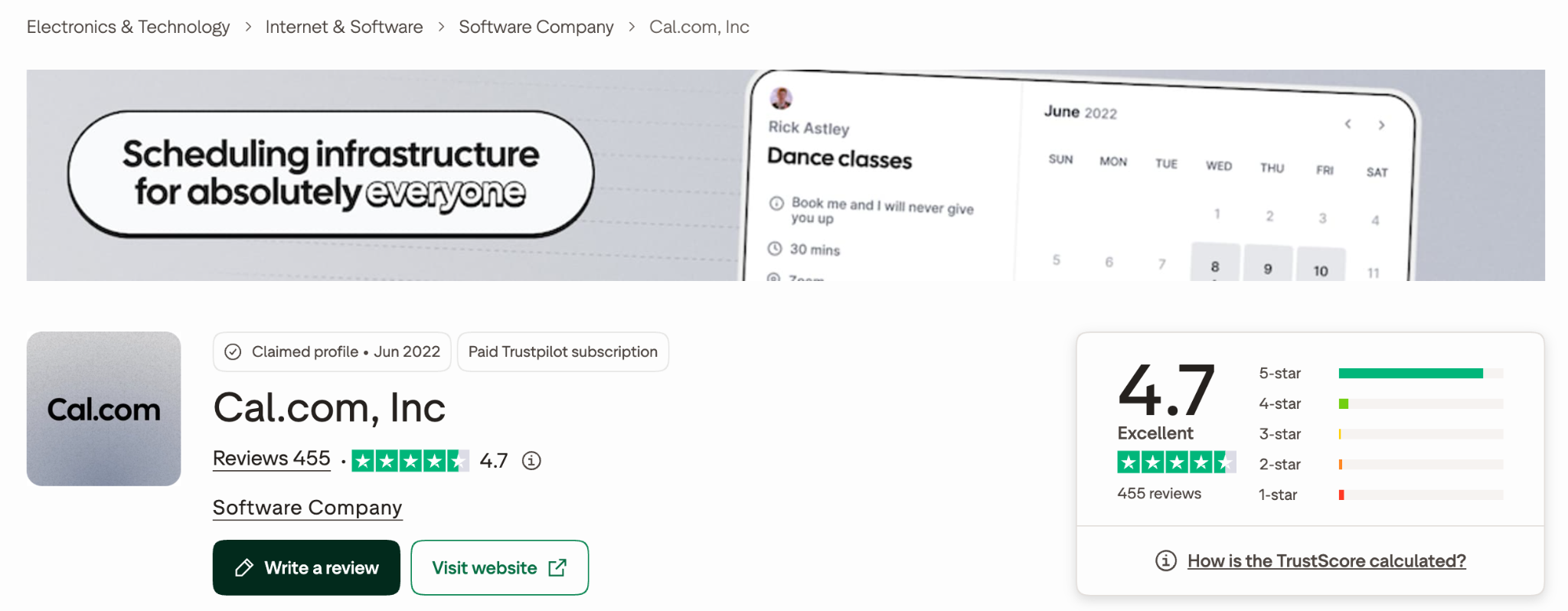
- Trustpilot: About 4.7 from roughly 380 reviews as of September. Cal.com runs a claimed profile and replies to reviews, so read the critical ones too.
- Product Hunt: Around 4.8 from 84 reviews, with critical reviews focused on bugs and support.
- Reddit: The closed-source threads are the loudest. Users questioned the AI security reason and worried about trust.
The gap is consistent. People praise the product once it’s running and complain about getting there. If you have a developer or an ops person on your team, that gap shrinks.
Is Cal.com Worth It? Best Use Cases and Who Should Skip It
Is Cal.com worth it? For the right team, yes.
Worth it for:
- Solo consultants who want a deep free plan
- Developers embedding scheduling in a product
- US sales teams running Salesforce or HubSpot
- Healthcare teams that need HIPAA on a paid tier
Skip it if you are:
- A non-technical user who wants zero setup
- An EU team with strict data residency needs outside Organizations
- Someone who wanted self-hosted team features
Plan picker: Solo users start on Free. Teams of 2 to 20 who need round robin and routing forms land on Teams. Larger teams that need SSO, SCIM, or CRM ownership routing need Organizations.
Trial checklist before you pay:
- Test your routing needs with a real form
- Estimate your SMS volume against the credits
- Connect your CRM and check a live record
- Try the mobile app
Cal.com Alternatives Worth Considering
Cal.com alternatives make sense when you need less setup, better enterprise routing, or EU hosting. Verify all prices on the vendor’s site, because sources disagree.
Calendly
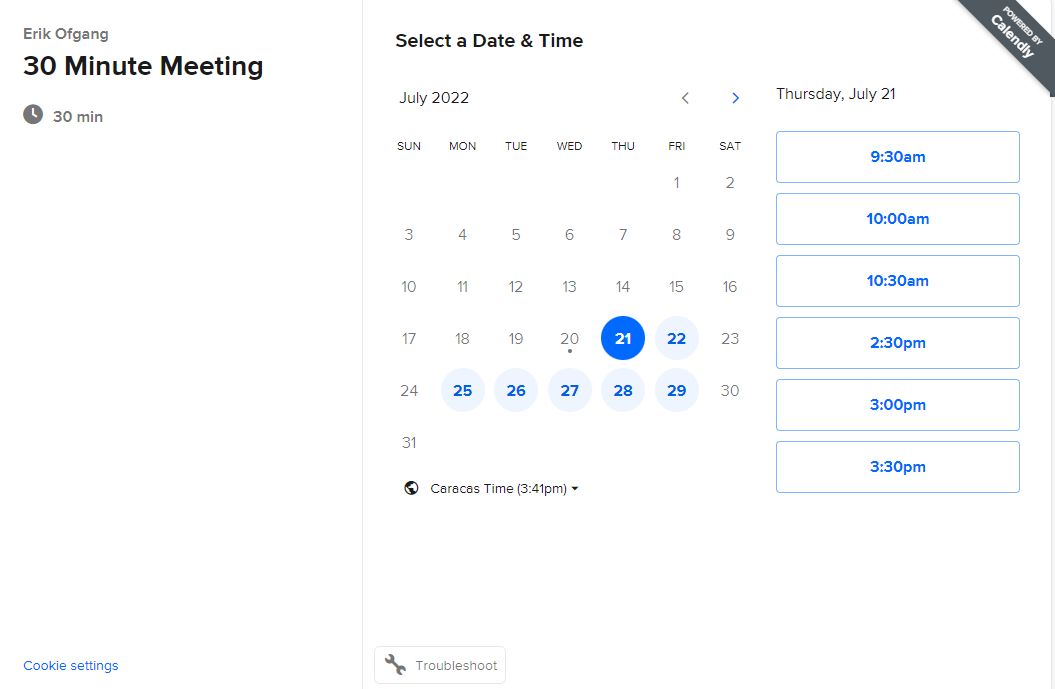
The Cal.com vs Calendly question comes up first. Calendly is easier to set up and more familiar to invitees, with deeper out-of-box integrations. Standard is $10 per seat per month annual and Teams is $16. Salesforce integration needs Teams. Cal.com wins on the free plan and customization.
SavvyCal
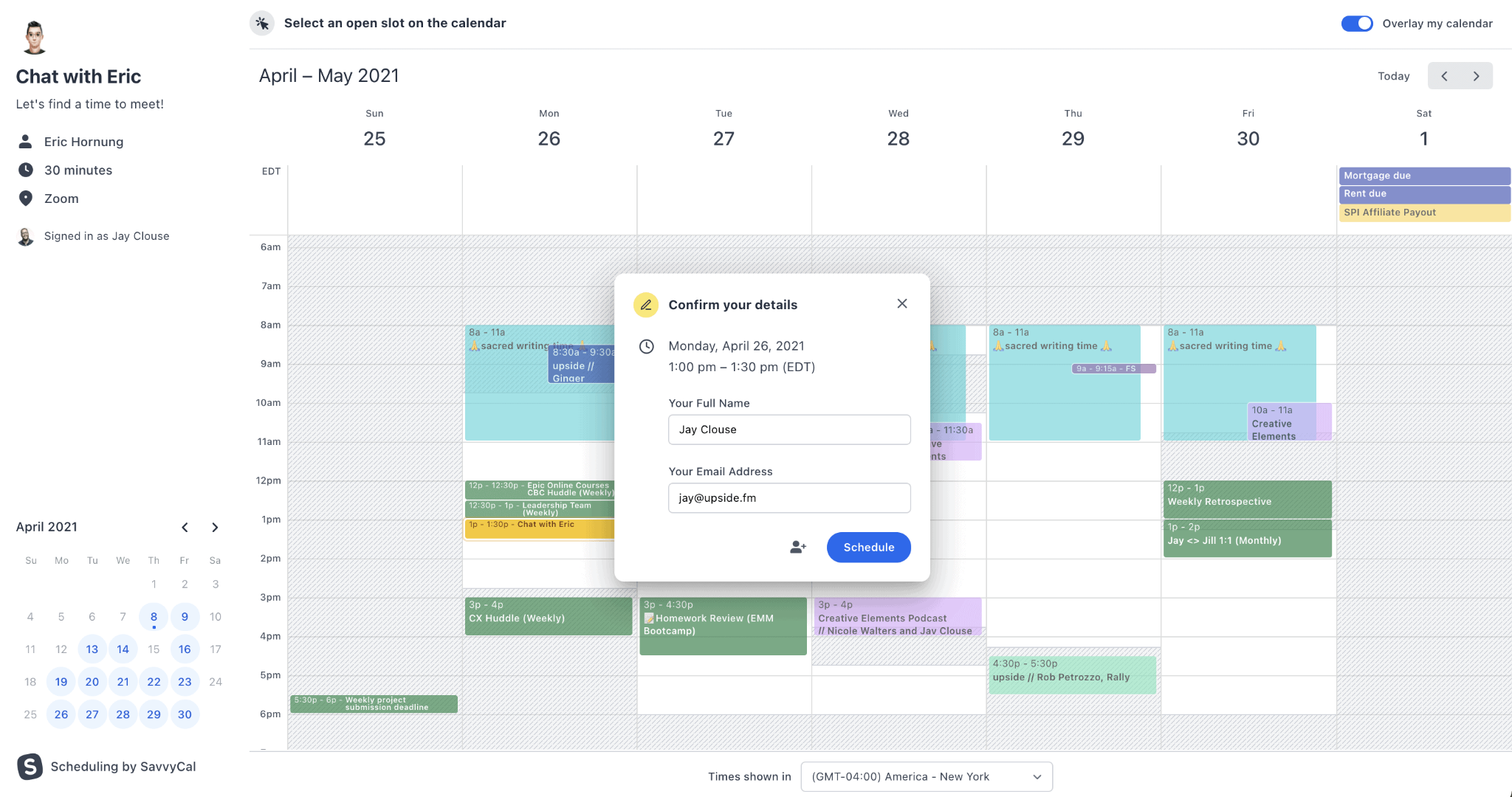
A good SavvyCal alternative pick if you want a friendlier booking experience. It overlays the booker’s calendar on yours. Paid plans run about $10 per user per month for Basic and $17 for Premium on annual billing.
Chili Piper
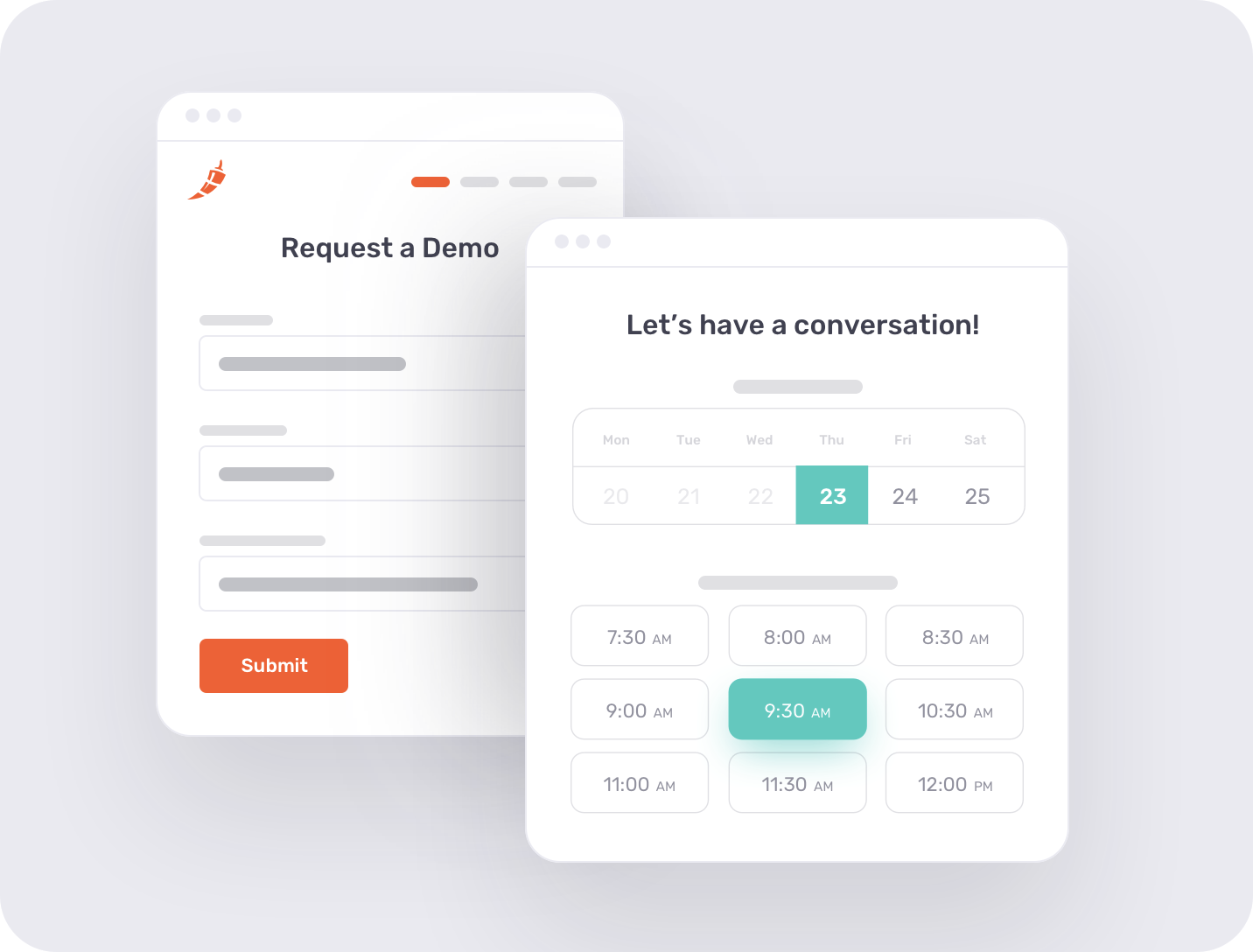
The Chili Piper alternative to look at when you need enterprise inbound routing. Pricing is disputed across sources. In 2026 it reportedly moved from per-seat to bundled tiers, with Routing and Scheduling around $15,000 a year. A standalone ChiliCal option is reported at about $12 per user per month with a large seat minimum.
meetergo (EU-Hosted Option)
A Cal.com EU alternative worth a look only if you need EU residency. By its own comparison page, meetergo has a free Basic plan and paid plans from about €7 per user per month. For most US B2B teams this is a niche fit.
How Cleverly Fills the Calendar Your Booking Tool Manages
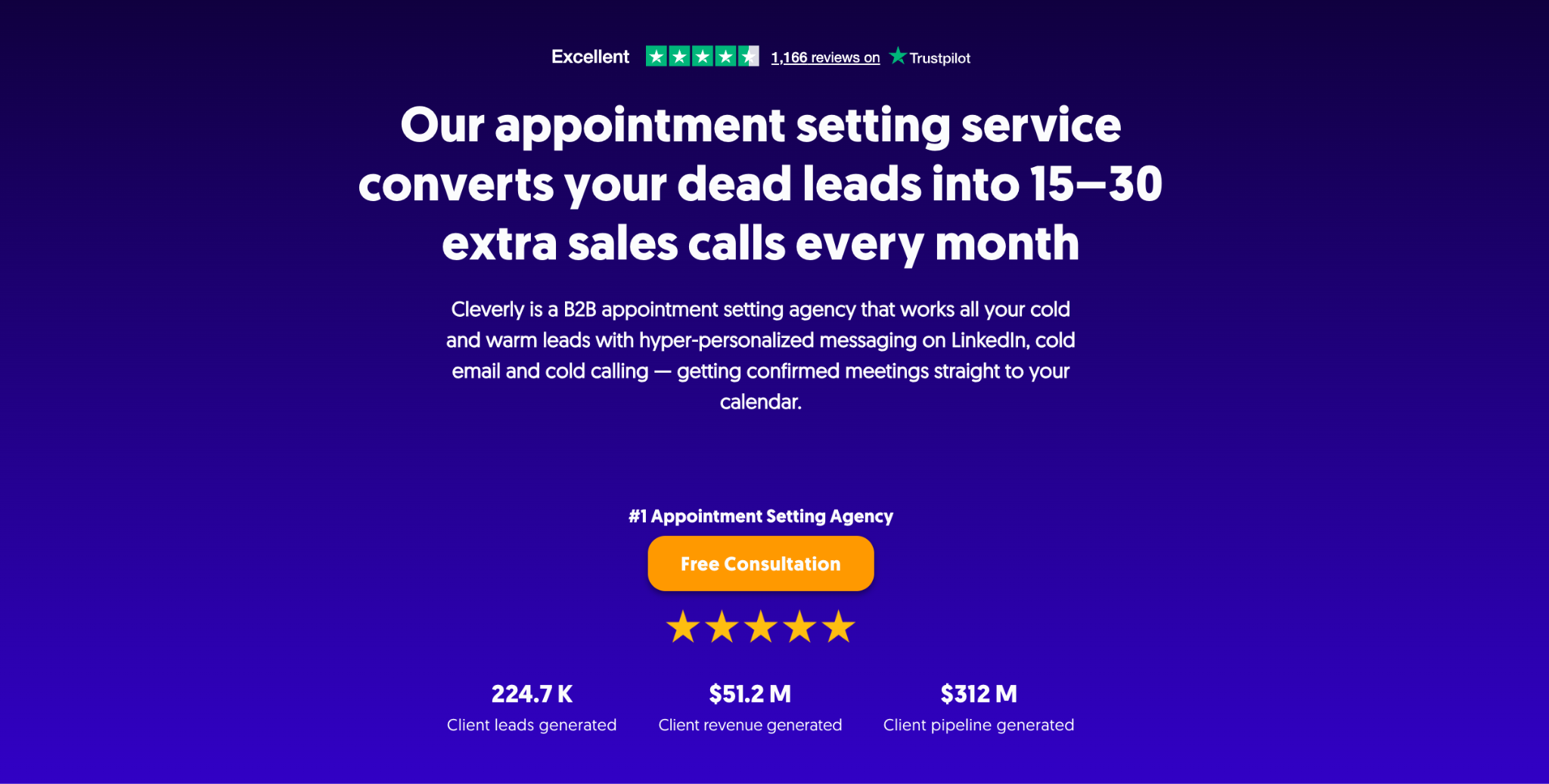
Cal.com manages the booking. We make sure there’s something to book.
Cleverly’s B2B appointment setting works cold and warm leads across LinkedIn, cold email, and cold calling. Confirmed meetings land on your calendar, which can be a Cal.com link.
A dedicated SDR cold calls 200 to 300 prospects a day. Leads already sitting in your CRM go into an AI-powered dialer to revive stalled conversations. We qualify every lead against criteria you set up front, so only real fits reach your reps.
We manage and place experienced SDRs, with free replacement if one isn’t working. We also handle dead-list reactivation and follow up within minutes. Plans run from $697 to $2,997 a month depending on channels and scope.
Most clients see a first confirmed meeting within two to four weeks. We’ve set appointments for 10,000+ clients and helped generate $312M in pipeline.
If you’d rather fill the calendar than just manage it, book a free consultation.
Conclusion
This Cal.com review comes down to a few things. The free plan is strong, routing is real, and the setup takes work. The April 2026 closed-source switch matters most if you wanted to self-host with team features. For everyone else it’s a fair, capable scheduler with per-seat costs that climb as you grow.
A booking tool is step three in your outbound flow. Meetings need a sender first. Pick the scheduler that fits your team, then make sure something is feeding it.
Frequently Asked Questions
Free Resource
How to Scale a Profitable Cold Call System
Get the complete guide — download it instantly now.

Free Ebook
Download the Free Guide
Enter your details to get instant access.
You're all set! 🎉
Your ebook is downloading now.
Click below if the download didn't start automatically.