Table of Contents
What to Look for in Sales Appointment Scheduling Software
Quick Comparison: Best Appointment Scheduling Software for Sales Teams
10 Best Appointment Scheduling Software for Sales Teams (Ranked and Reviewed)
How to Choose the Right Appointment Scheduling Software for Your Sales Team
Scheduling Software Books the Meeting. Cleverly Fills the Calendar.
Conclusion
Frequently Asked Questions
Modified On :
August 18, 2026
Key Takeaways
- The right appointment scheduling software matches your actual bottleneck. A tool built for routing solves a different problem than one built for simple booking, and buying the wrong type wastes budget either way.
- Round robin distribution and CRM writeback matter more than a polished booking page once more than one rep is taking meetings off the same link.
- Qualification logic, like routing by deal size or territory, is what separates sales appointment scheduling software from a general calendar tool that just finds an open slot.
- Free tiers are genuinely useful for testing a workflow, but almost every one caps out on users or bookings the moment a team scales past a handful of reps.
- A scheduling tool only converts interest that already exists. It cannot create the prospect or the intent to book a call in the first place.
The median B2B team takes 42 hours to respond to an inbound lead, while reps who respond within five minutes convert at roughly 9 times the rate of those who wait a full day.
A lot of that gap comes down to friction. Manual back and forth over email to find a time that works kills momentum right when a lead is warmest.
That's the problem appointment scheduling software is built to solve, and it's grown well past simple calendar links. Sales reps only spend about two hours of an eight hour day actually selling, and automated scheduling is one of the few tools proven to claw that time back, with teams that use it closing meaningfully more deals than teams that don't. Today's tools do round robin routing, lead qualification, and CRM logging as standard, not as an upsell.
This guide ranks and reviews 10 of the best online appointment scheduling software options for sales teams, SDR and BDR pods, and RevOps leaders choosing a tool for 2026. We cover what each one does well, where it falls short, and what it actually costs.

What to Look for in Sales Appointment Scheduling Software
Not every scheduling tool is built for a sales motion. Before you pick one, check it against these five criteria.
1. CRM integration depth. There's a big difference between a tool that syncs your calendar and one that logs meetings, updates deal stages, and matches ownership automatically inside Salesforce or HubSpot. The first saves you a click. The second saves your RevOps team a headache.
2. Round robin and territory routing. If more than one rep shares a booking link, you need meetings distributed evenly, or routed by territory, so no one rep gets flooded while another sits idle.
3. Lead qualification logic. The strongest tools route meetings based on deal size, geography, or use case, not just whoever has an open slot. That's the line between a scheduling app and a scheduling app built for revenue teams.
4. Ease of setup and adoption. A tool your reps find clunky is a tool they'll quietly stop using. Fast setup and a clean interface matter more than a long feature list.
5. Free tier or trial availability. You want to pressure test a tool with your actual team before you roll it out company wide.
📅 Make Booking Easy. Make Selling Easier.
Our LinkedIn, cold email, and cold calling campaigns generate 15–30 qualified meetings every month with your ideal buyers.
Quick Comparison: Best Appointment Scheduling Software for Sales Teams
10 Best Appointment Scheduling Software for Sales Teams (Ranked and Reviewed)
1) Calendly — Best Overall for Sales Teams
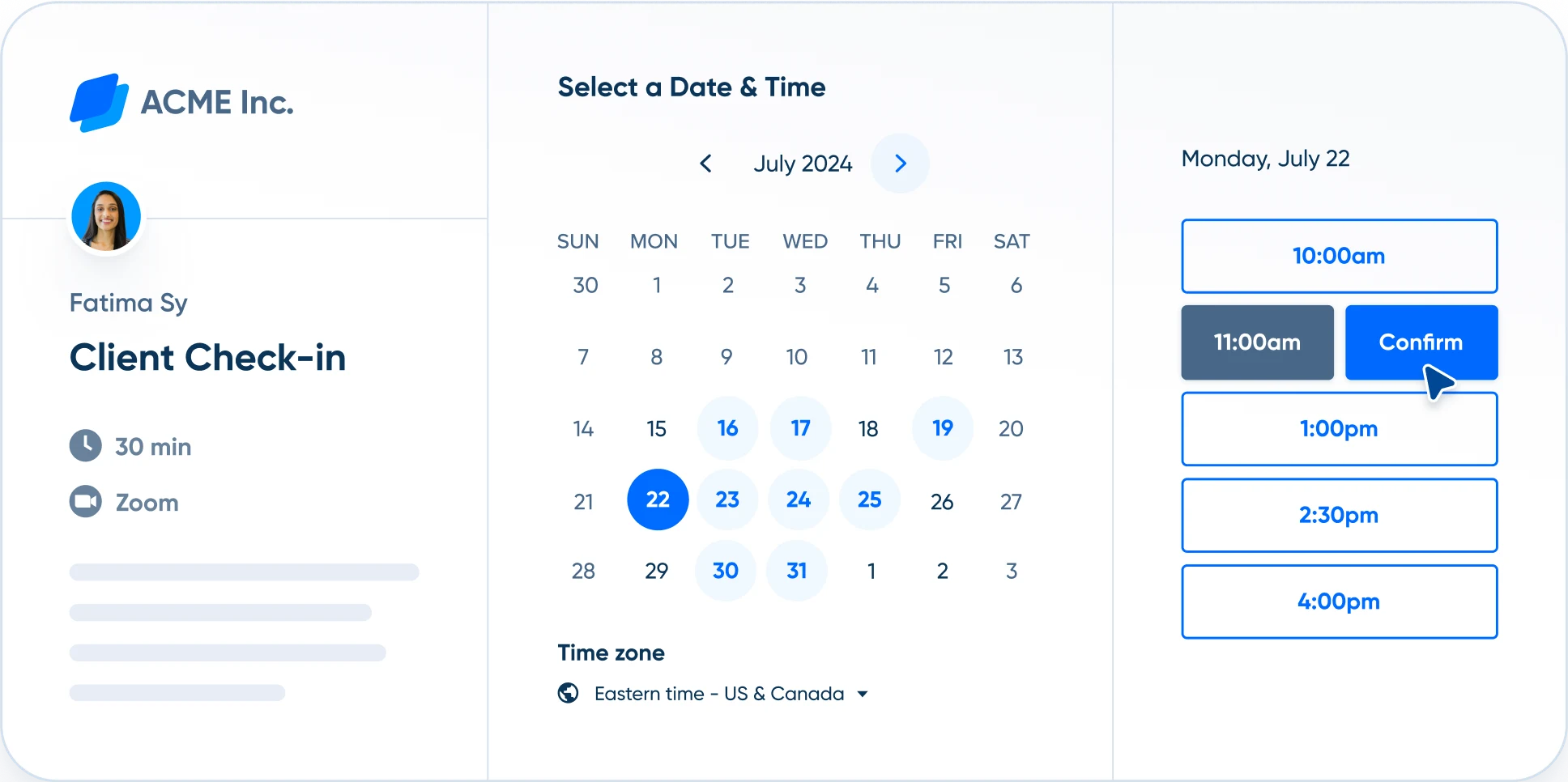
Best For: Sales reps, recruiters, and consultants who need fast, polished external meeting booking without a steep learning curve.
Key Features:
- Deep integrations with Salesforce, HubSpot, Zoom, and every major calendar provider.
- Round robin meeting distribution on the Team plan.
- Unlimited event types even on the entry paid tier.
Limitations: CRM integration is functional but basic next to dedicated routing tools, and Calendly lacks territory or deal value based routing logic out of the box.
Pricing: Free tier available. Standard runs $10/seat/month billed annually ($12 monthly). Team is $16/seat/month for the first 30 seats, dropping as you add more. Enterprise starts around $15,000/year for larger orgs.
2) Chili Piper — Best for Smart Lead Routing
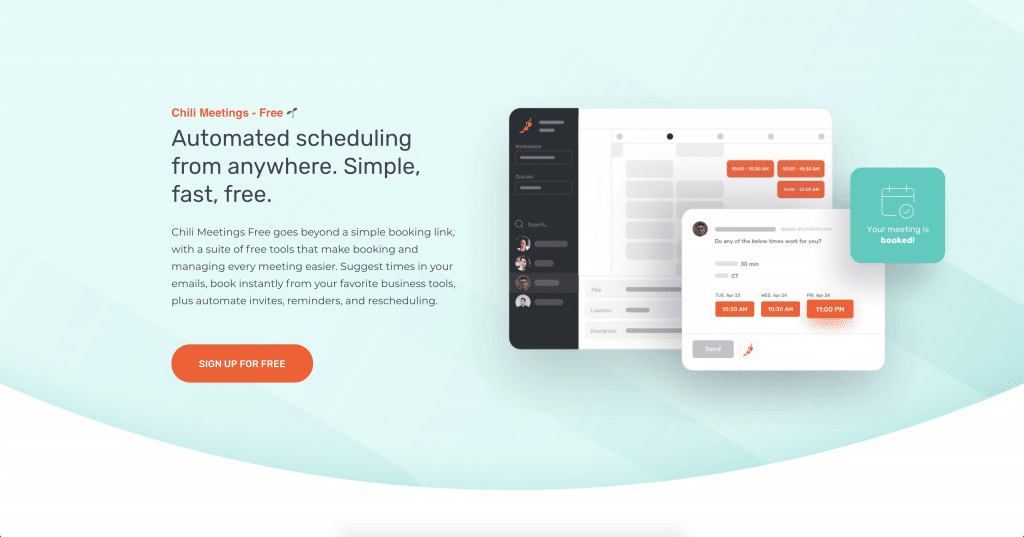
Best For: Fast-moving GTM teams that need to route inbound leads by rep, territory, or deal value the instant a form gets submitted.
Key Features:
- Smart routing rules based on use case, geography, or deal size, not just round robin.
- Deep Salesforce integration with automatic meeting, reschedule, and cancellation logging.
- Meeting lifecycle automation that goes beyond simple booking.
Limitations: Chili Piper restructured its pricing in 2026 and the floor moved sharply upmarket, so it's now priced out of reach for most small teams. Setup also takes more work than teams need for basic booking use cases.
Pricing: Chili Piper moved to a platform model in 2026, starting around $1,250/month ($15,000/year) for its Routing & Scheduling tier with 15 seats included, and roughly $3,500/month for its Experiences tier. Multi-year commitments unlock discounts up to 40%.
3) HubSpot Meetings — Best for HubSpot-Native Teams
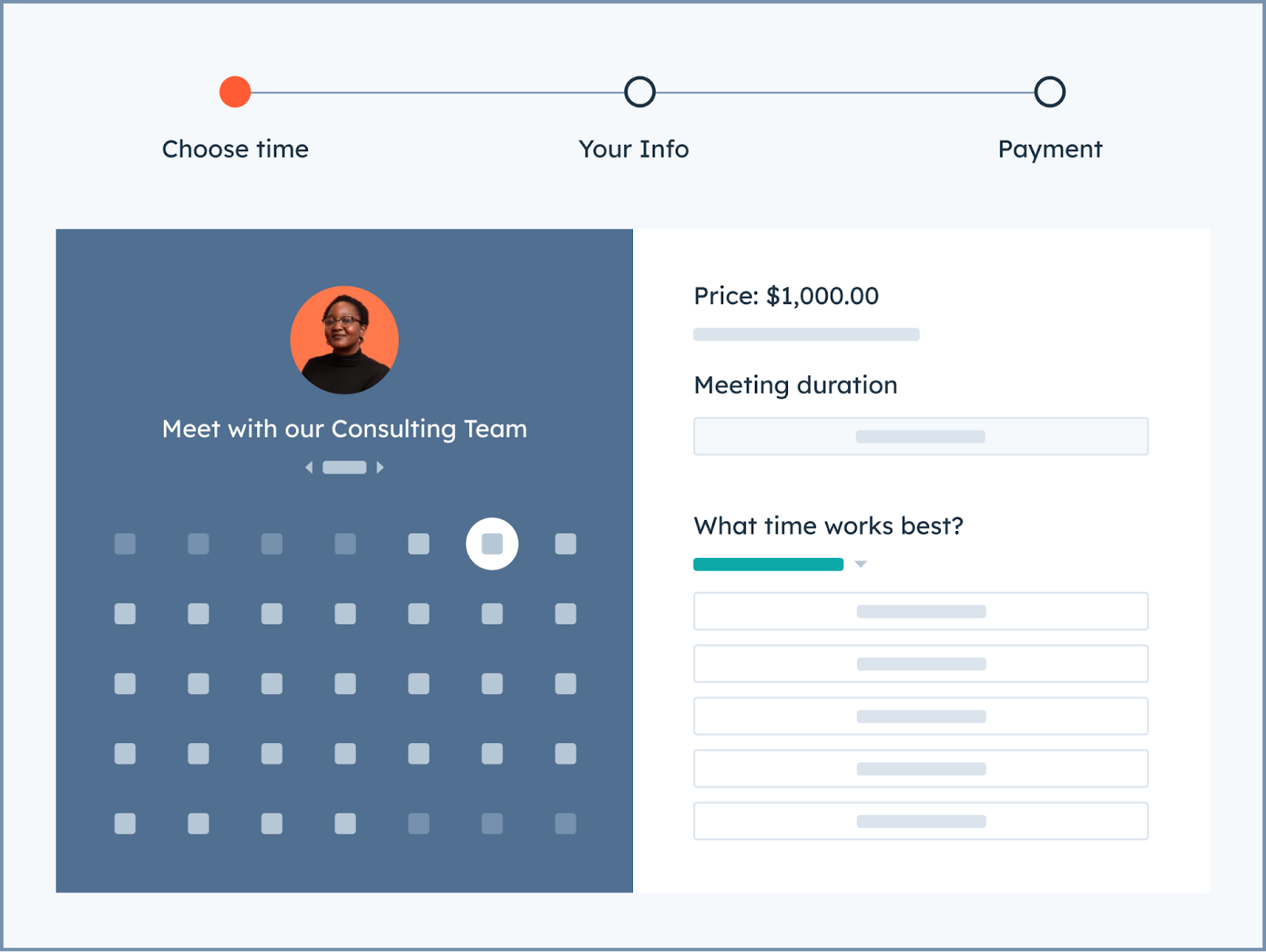
Best For: Teams already running their sales process inside HubSpot CRM who want scheduling built into the same system.
Key Features:
- Native meeting scheduling tied directly to HubSpot contact and deal records.
- Free with any HubSpot account, not gated behind a paid tier.
- Automatic contact matching by email, so returning leads don't create duplicate records.
Limitations: Round robin routing, group meetings, and custom branding require upgrading to Sales Hub or Service Hub Starter, and the tool offers little value once you step outside the HubSpot ecosystem.
Pricing: Free with any HubSpot account. Starter tier unlocks round robin and branding at $9/user/month. Full pricing scales with your Sales Hub plan.
4) RevenueHero — Best for Inbound Lead Qualification and Routing
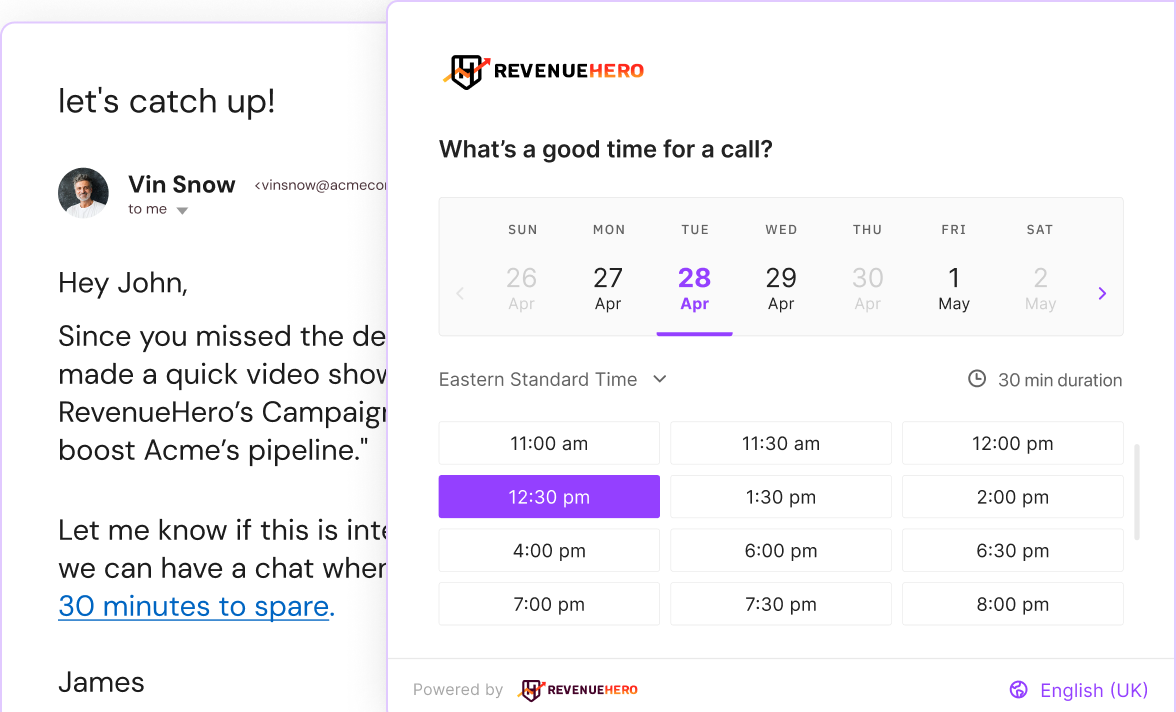
Best For: Revenue teams that want to qualify and route inbound demo requests before they ever hit a rep's calendar.
Key Features:
- Real-time lead qualification paired with instant routing to the right rep.
- No admin license fees and unlimited meetings on paid plans.
- Built specifically for inbound conversion rather than general scheduling.
Limitations: RevenueHero only handles inbound. If a prospect doesn't fill out a form, the tool never sees them, which makes it a poor fit for outbound-heavy motions.
Pricing: Plans start around $15-20 per user/month for the Lite tier, with Essentials and Enterprise tiers running higher depending on inbound volume.
5) Acuity Scheduling — Best for Paid Appointments and Client Intake
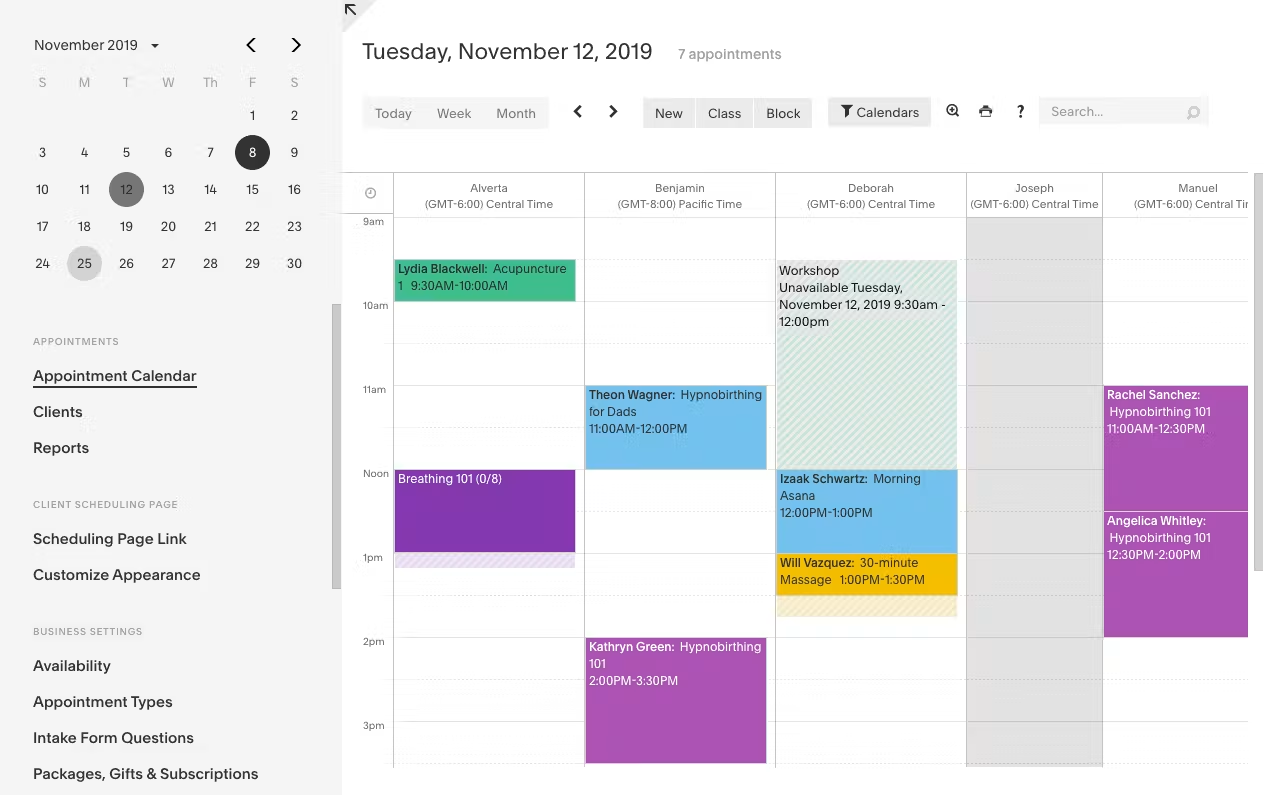
Best For: Sales and service teams that also collect payments or intake forms at the point of scheduling.
Key Features:
- Built-in payment processing at time of booking.
- Custom intake forms attached directly to the booking flow.
- Strong fit for consultative sales processes with a paid consultation step.
Limitations: Round robin and team routing features are thinner than dedicated GTM scheduling tools, so it's less built for high-volume B2B routing.
Pricing: Starter runs $16/month billed annually ($20 monthly). Standard is roughly $27/month annual, and Premium runs about $49/month annual. A 7-day free trial is available but there's no permanent free plan.
6) Cal.com — Best Self-Hosted, Open-Source Option
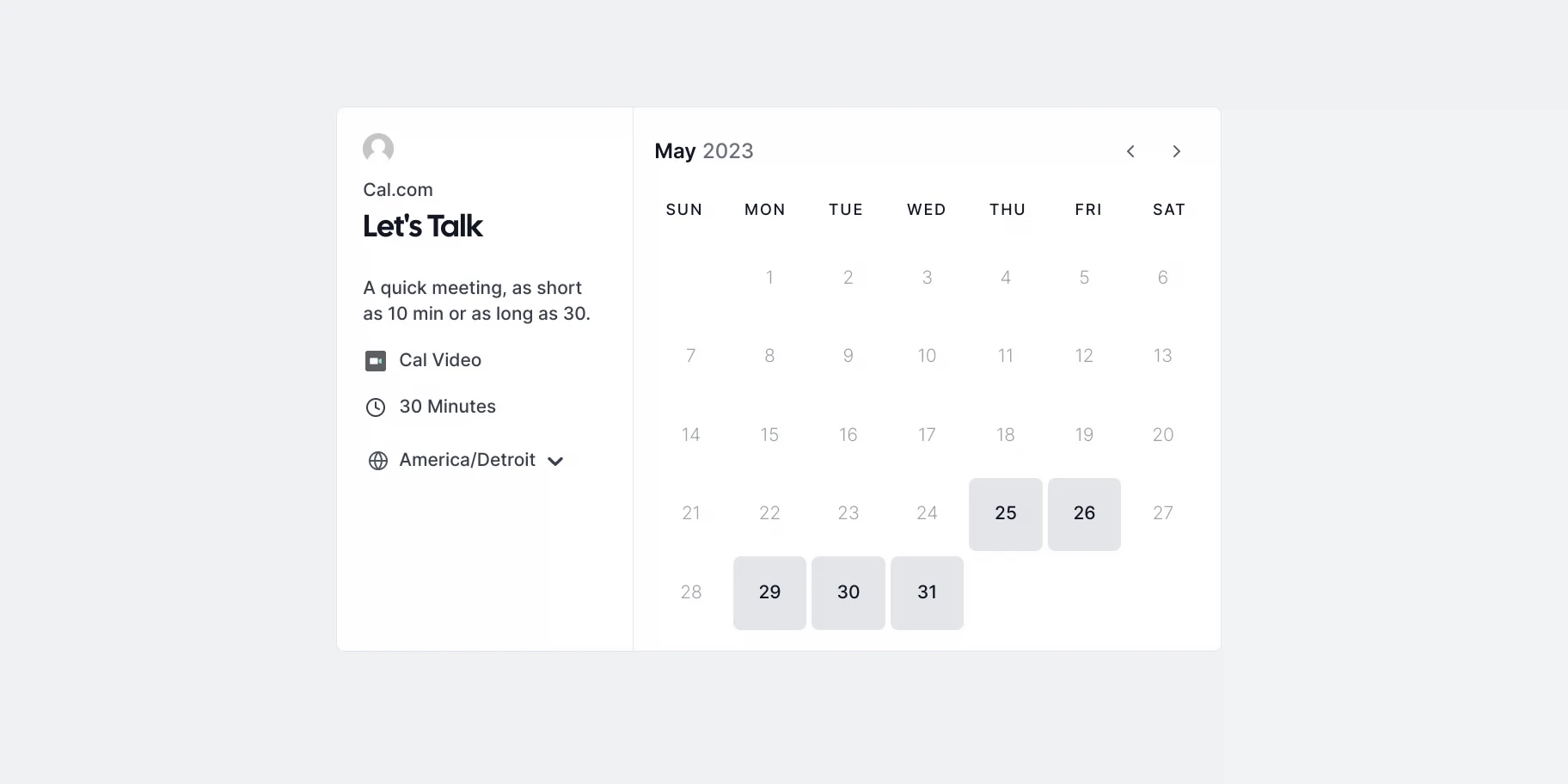
Best For: Technical teams that want full control over data, hosting, and customization.
Key Features:
- A free, self-hostable community edition for teams that want to own their infrastructure.
- Round robin routing available on the Teams plan.
- Highly customizable booking flows for teams willing to configure them.
Limitations: Self-hosting takes technical resources most sales teams don't have in-house, and the out-of-the-box experience is less polished than Calendly for non-technical users.
Pricing: Free for individuals on the hosted plan. Teams runs roughly $12-15/seat/month billed annually, Organizations around $28-37/seat/month, and Enterprise is custom. The open-source edition can be self-hosted at no license cost.
7) 10to8 — Best for SMB Scheduling with Reminders
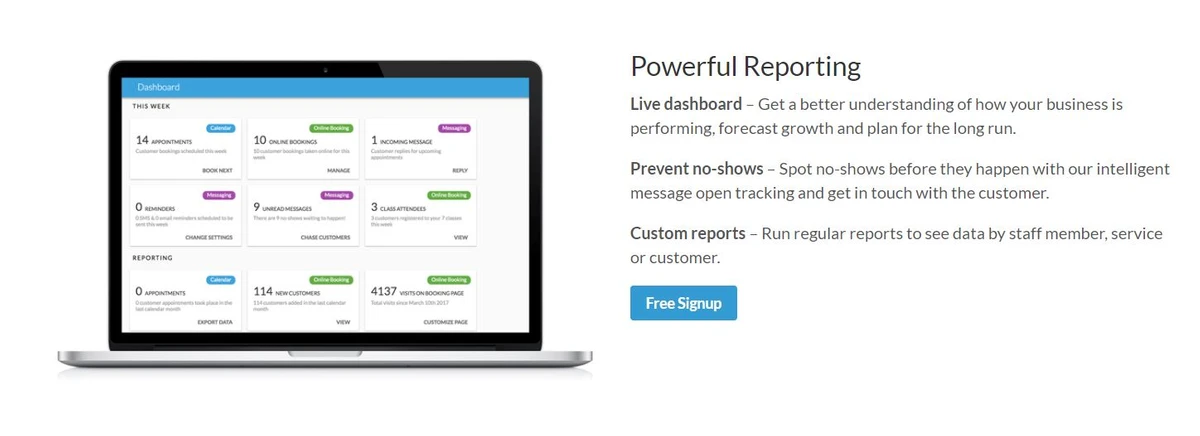
Best For: Smaller sales and service teams that want built-in reminder automation to cut down on no-shows.
Key Features:
- Automated SMS and email reminders included even on the free plan, which is rare in this category.
- Simple setup with no technical lift required.
- Two-way calendar sync with Google, Outlook, and iCal.
Limitations: The free plan caps out at 100 appointments a month, and routing or CRM integration depth lags behind sales-specific tools like Chili Piper.
Pricing: Free tier available with a 100 appointment monthly cap. Paid plans start around $12/month and scale with booking volume. Note that 10to8 has rebranded to Sign In Scheduling after an acquisition, so you may see both names referenced.
8) Setmore — Best Free Option for Small Teams
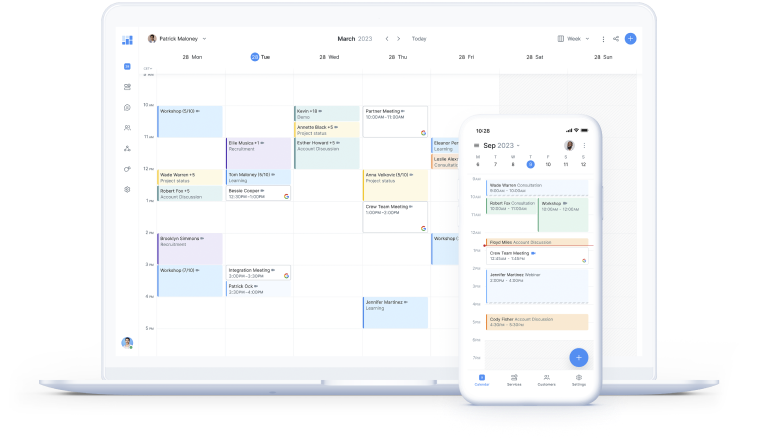
Best For: Teams of up to four users who want a fully free scheduling tool with no paid commitment.
Key Features:
- A genuinely usable free tier: 4 users, 200 appointments a month, payment processing, and a branded booking page.
- Simple, straightforward setup for non-technical teams.
- Basic calendar and payment integrations.
Limitations: No round robin routing at any tier, and every staff calendar counts as a paid seat once you go past four users, which limits usefulness for larger sales teams.
Pricing: Free for up to 4 users and 200 appointments/month. Pro runs $5/user/month billed annually ($12 monthly). A Team plan removes the user cap at roughly $9/user/month annual.
9) Doodle — Best for Group and Poll-Based Scheduling
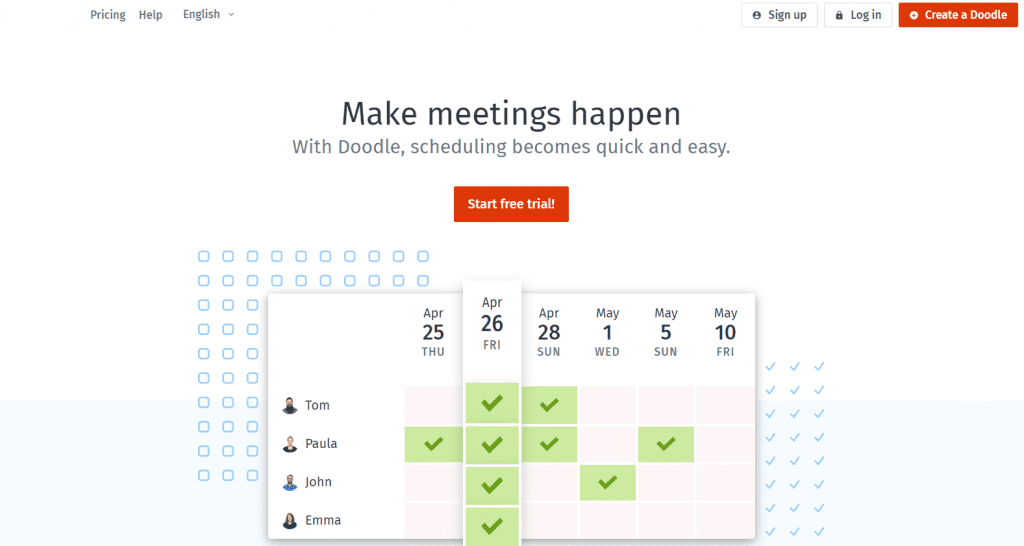
Best For: Coordinating meetings across multiple stakeholders, especially useful for multi-person buying committees.
Key Features:
- Poll-based scheduling that finds a time that works across several attendees at once.
- Useful for sales calls involving more than one decision-maker on the buyer's side.
- A free tier for basic one-off polls.
Limitations: No round robin or individual rep booking links, so it doesn't work as a primary scheduling tool for high-volume outbound booking.
Pricing: Free tier available with limited slots. Professional runs about $11-15/month, and Team costs roughly $8.95-19.95/user/month depending on billing cycle, with a two-seat minimum.
10) YouCanBookMe — Best for Google Workspace-Native Teams
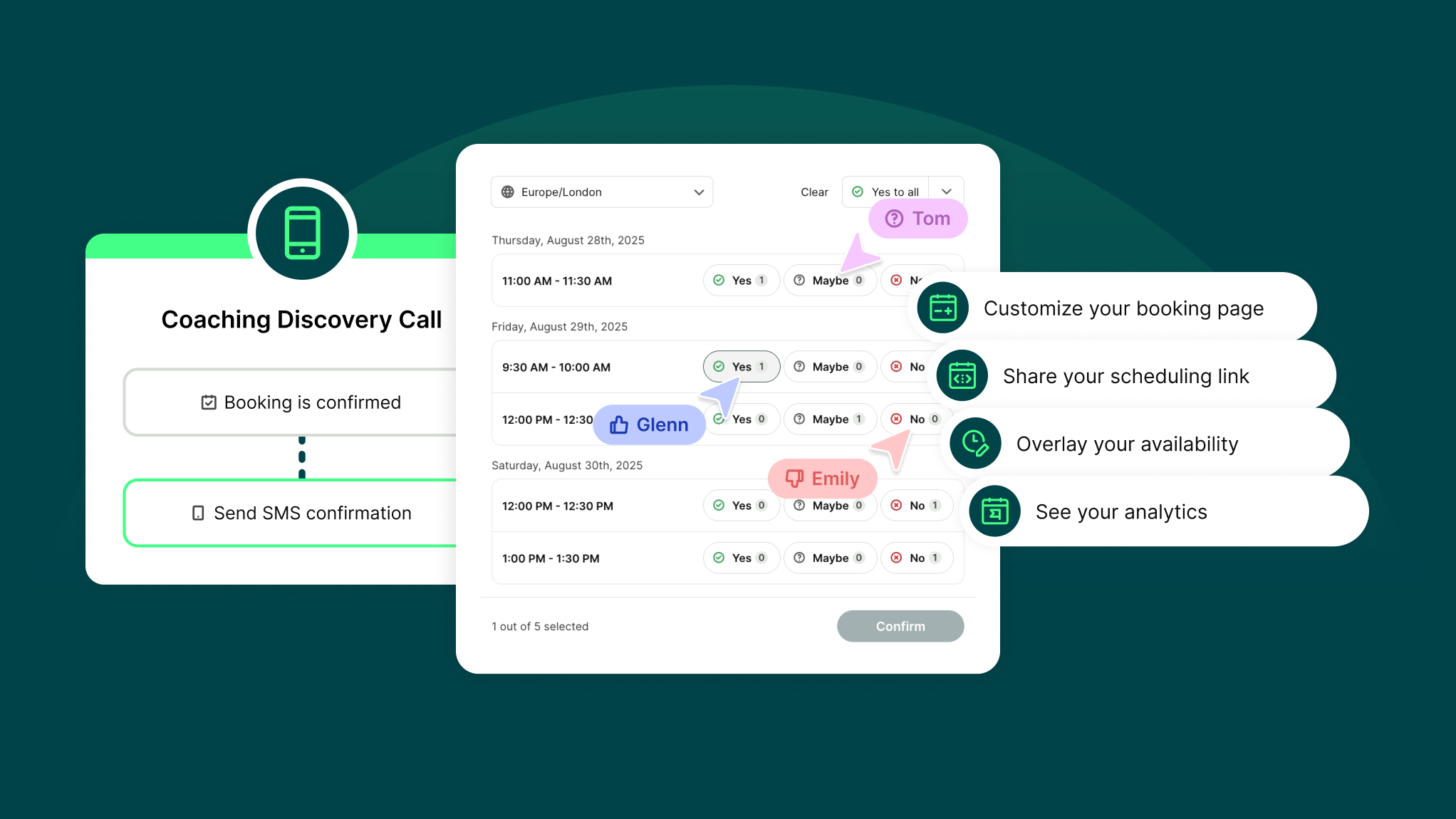
Best For: Teams fully embedded in Google Workspace that want tight, native-feeling Google Calendar integration.
Key Features:
- Deep Google Calendar sync and booking page customization.
- A genuine free-forever plan, not just a trial.
- Automated reminders and follow-up emails tied to bookings.
Limitations: Routing and CRM depth are more limited than dedicated sales scheduling tools, and only the Teams plan supports round robin distribution.
Pricing: Free forever plan available. Individual runs about $7-9/month, Professional around $13/month, and Teams about $18/member/month (dropping to roughly $14.40-16.20 with longer commitments).
🚀 More Meetings. Less Calendar Chasing.
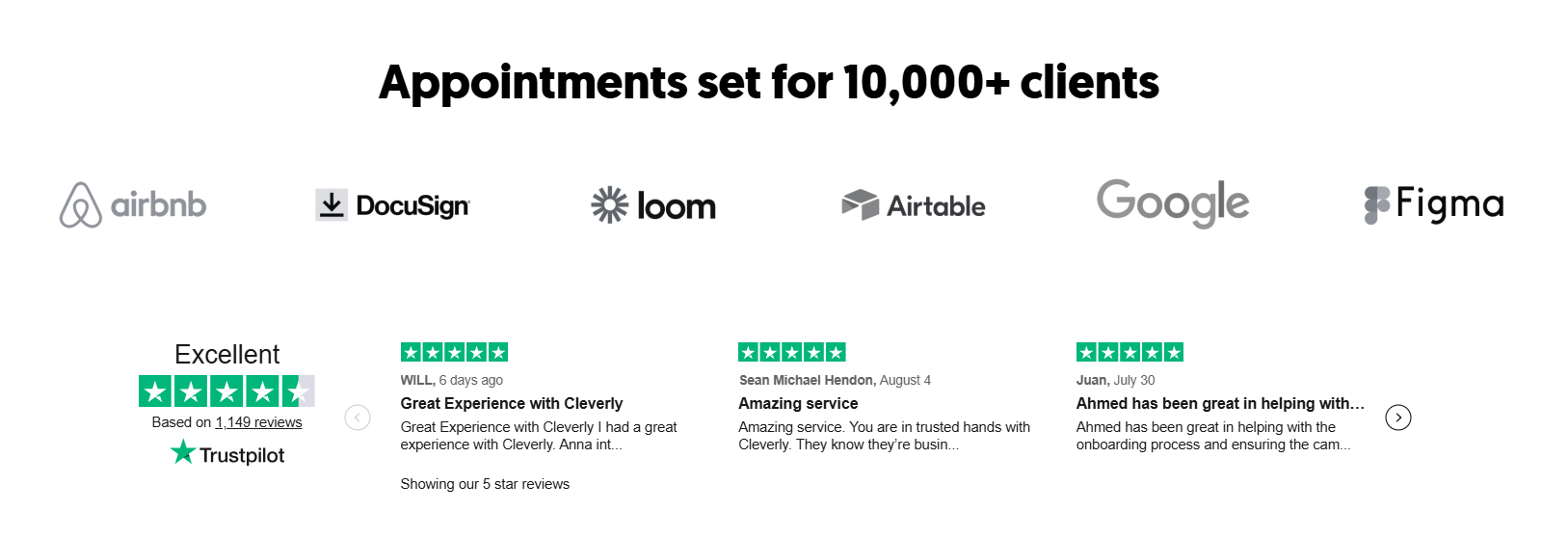
With 53,000+ meetings booked and $312M+ in pipeline generated, Cleverly helps 10,000+ businesses build predictable outbound pipeline.
How to Choose the Right Appointment Scheduling Software for Your Sales Team
Match the tool to your actual bottleneck instead of chasing feature lists.
- Simple external booking with CRM sync: Calendly covers what most sales teams need right out of the box.
- High inbound volume that needs qualification and smart routing: Chili Piper or RevenueHero fit better, though budget for Chili Piper's higher 2026 pricing floor.
- Already standardized on HubSpot: HubSpot Meetings avoids bolting on another tool to your stack.
- Small team or tight budget: the free tiers on Calendly, Setmore, or HubSpot Meetings are enough to get started.
Whatever you pick, the question to ask isn't "which tool has the most features." It's "which bottleneck am I actually solving: booking speed, routing accuracy, or no-shows?"
Scheduling Software Books the Meeting. Cleverly Fills the Calendar.
A scheduling tool solves one specific moment: once a prospect is ready to book, it removes the friction. What it can't do is create that prospect or the intent to talk to you in the first place.
That's a different problem, and it's the one we work on every day.
Cleverly runs LinkedIn, cold email, and cold calling outreach that puts qualified prospects into your calendar in the first place, so the scheduling stack you've already set up actually has something to do.
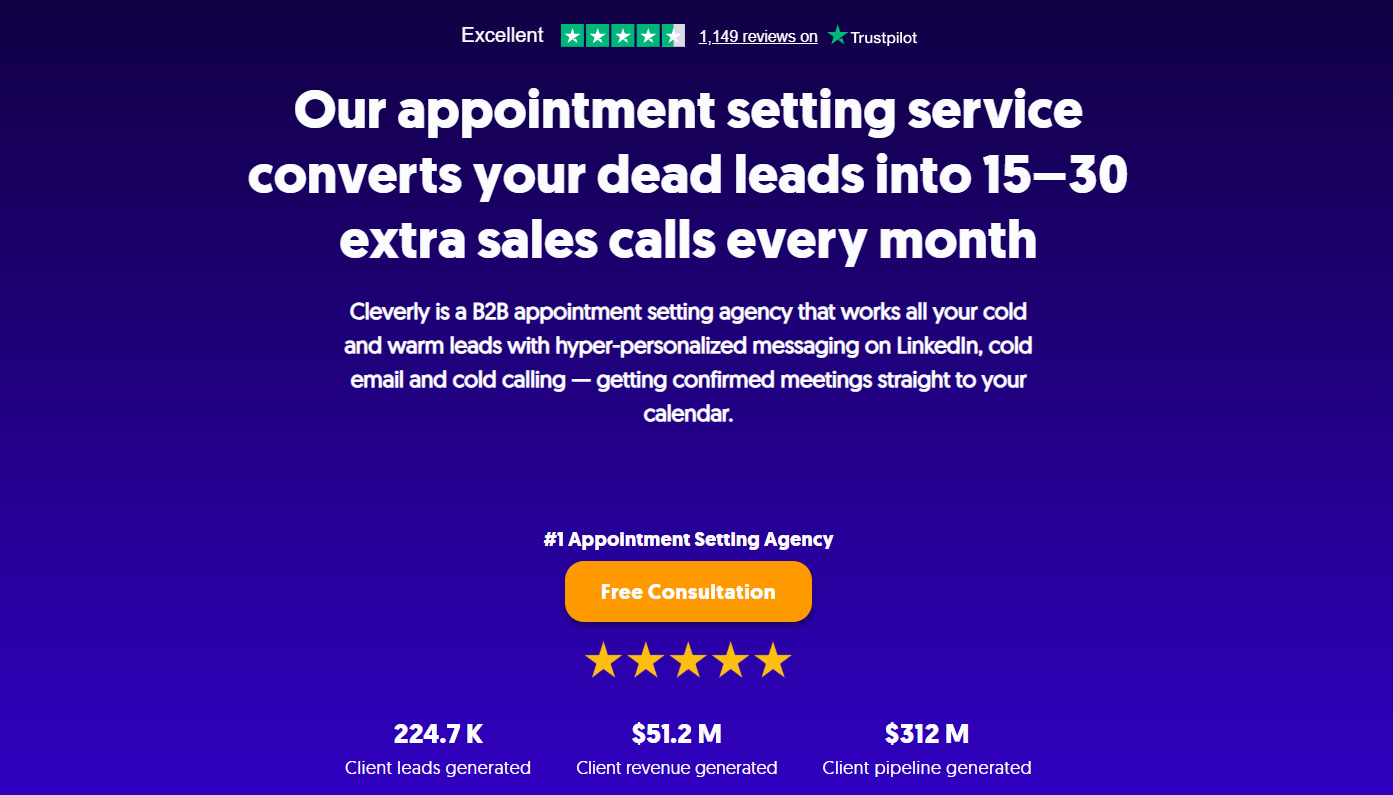
Our appointment setting process cold calls 200 to 300 decision-makers in your ICP daily, funnels existing CRM leads into an AI-powered dialer, and qualifies contacts before anyone lands on your calendar. Across our client base, that work has generated 224.7K leads and $312M in pipeline.
If your scheduling tool is sorted and your calendar is still quiet, that's a pipeline problem, not a booking problem. You can book a free strategy call with Cleverly to talk through what a consistent flow of qualified meetings could look like for your team.
Conclusion
Calendly covers most sales teams' core scheduling needs, and Chili Piper or RevenueHero add real routing muscle once your inbound volume grows past what a simple booking link can handle.
Free tiers make it easy to test before a full rollout, and the right choice always comes down to your specific bottleneck: simple booking, smart routing, or cutting down no-shows.
But it's worth remembering what scheduling software actually does. It removes friction from booking a meeting that's already going to happen. It doesn't create the demand that fills your calendar in the first place. That part still comes down to outreach that gets a prospect interested enough to want the meeting at all.
Frequently Asked Questions
Free Resource
How to Scale a Profitable Cold Call System
Get the complete guide — download it instantly now.

Free Ebook
Download the Free Guide
Enter your details to get instant access.
You're all set! 🎉
Your ebook is downloading now.
Click below if the download didn't start automatically.