Table of Contents
What Is a LinkedIn InMail Subject Line and Why Does It Matter?
What Makes a Great LinkedIn InMail Subject Line?
Best LinkedIn InMail Subject Line Frameworks That Work
50+ Best LinkedIn InMail Subject Lines by Role
Best LinkedIn InMail Subject Lines for Recruiters
LinkedIn InMail Subject Lines by Industry
LinkedIn InMail Subject Lines for Common Outreach Scenarios
How Cleverly Uses LinkedIn InMail Subject Lines to Drive Qualified Meetings
Conclusion
Frequently Asked Questions
Modified On :
September 23, 2026
Key Takeaways
- LinkedIn InMail subject lines are the biggest variable in whether your message gets opened — treat them as seriously as the message itself.
- Keep subject lines to 4–7 words and under 40 characters so they display fully on mobile, where most LinkedIn browsing happens.
- Specificity and relevance beat cleverness every time — tie the subject to the recipient's role, industry, or a recent trigger event.
- Subject lines should be role-specific: what resonates with a VP of Sales is very different from what opens for a CTO or an HR leader.
- Avoid overused openers like "Quick question," "Just checking in," or "I'd love to connect" — they signal a bulk blast and get ignored.
- Test and iterate — even small changes in phrasing, length, or personalisation signals can meaningfully shift your open and reply rates.
You spent 20 minutes crafting the perfect InMail. Strong opener, clear value prop, clean CTA. And then... nothing. The message just sits there, unread.
Here's the thing: most LinkedIn InMails don't fail because the body copy is bad. They fail because nobody opened them in the first place. And that comes down almost entirely to one thing — the subject line.
LinkedIn InMail subject lines are the single biggest lever you can pull to improve open rates. If it doesn't grab attention in two seconds, the rest of your message doesn't matter.
The good news? LinkedIn InMail open rates sit between 50–60%, which is already double what cold email gets. But that number drops fast when your subject line is generic, vague, or reads like every other message in their inbox.
In this guide, we're breaking down exactly what makes a great subject line for LinkedIn InMail, sharing proven frameworks, and giving you 50+ real examples organized by role and industry.
Quick clarification before we go further, because this trips up a lot of people.
LinkedIn Recruiter's own InMail reporting does not track opens at all. Log into the InMail Report and you'll find four numbers: InMails sent, accepted, declined, and an overall response rate. There is no "open" column anywhere in the platform.
The 50 to 60% figures that circulate in guides like this one are almost always borrowed from email marketing studies, then applied to InMail because the terminology feels familiar. It's a reasonable estimate of how often an InMail gets seen, but it's not something LinkedIn actually measures or reports back to you.
If you can't track opens, you can't optimize for opens. What you can track, and what LinkedIn actually holds recruiters accountable for, is response rate: the share of InMails that get accepted, declined, or replied to. A polite "not interested" counts as a response. A read-and-ignored message does not.
That changes what actually counts as the best InMail subject line. It's not the one that gets the most opens, since you can't even measure that. It's the one specific enough that the recipient feels compelled to answer, even if the answer is no. A subject line that gets opened but ignored hasn't actually worked. Keep that in mind as you go through the frameworks and examples below. We're optimizing for replies, not glances.
What Is a LinkedIn InMail Subject Line and Why Does It Matter?
LinkedIn InMail is a premium feature that lets you message anyone on LinkedIn, even if you're not connected. Unlike a regular LinkedIn message, InMail includes a subject line field — similar to email — that shows up as a preview before the recipient opens anything.
What you need to know about how it actually works:
- Desktop shows up to 200 characters of your subject line.
- Mobile cuts off at just 30–40 characters — and that's where most people are reading.
- The subject line appears in bold above your message preview, making it the first thing your prospect sees.
- If you leave it blank, LinkedIn may auto-populate "Invitation to Connect" or just leave it empty — which is a missed opportunity in most cases.
- The subject line's hard platform limit is 200 characters, but almost nobody sees that many. The 30 to 40 character mobile cutoff above is the number that actually matters for what gets read.
- The message body has its own separate cap, 1,900 characters. Staying well under that limit tends to correlate with meaningfully better response rates than using the full allowance.
Hitting the technical max on either field is never the goal. The strongest linkedin inmail subject line examples in this guide run well under the 40-character mobile cutoff, and the message bodies that pair with them stay just as disciplined. Treat both fields as a budget to spend carefully, not a quota to fill.
Why does this matter more in InMail than in cold email?
Because InMail already lands in a premium, spam-free inbox. Your deliverability isn't the problem. Attention is. Your prospect sees your name, your profile photo, and your subject line — that's it. That's what they're judging before deciding whether to open or ignore.
A weak subject line tanks an otherwise solid campaign. A strong one can carry a mediocre message over the line.
How InMail Credits Actually Work
Before you write a single subject line, it helps to understand what you're actually spending when you hit send.
Every InMail costs one credit, and how many credits you get depends on your plan. Premium Career includes 5 credits a month. Premium Business gets 15. Recruiter Lite comes with 30. Sales Navigator Core gives you 50, which is one reason most B2B sales teams run outreach through Sales Navigator rather than a basic Premium account.
Here's the part most people miss. If a recipient responds to your InMail within 90 days, including a polite decline, LinkedIn refunds the credit. That's a direct incentive to write something specific enough to earn a reply of any kind, not just a "yes."
Unused credits also roll over, up to a cap of three times your monthly allowance. So if you're on Sales Navigator Core and go a full quarter without sending anything, you'll have up to 150 credits banked when you start again.
One more thing worth knowing: you can message "Open Profile" members for free, no credit required. Look for the gold "Open" badge on a profile. If your ICP includes a lot of Open Profile members, that's essentially unlimited outreach to them outside your regular credit pool.
💬 Great Subject Lines Deserve Great Leads
Cleverly runs done-for-you LinkedIn outreach that connects you with decision-makers at Amazon, Google, Uber & more. Plans start at just $397/mo.
What Makes a Great LinkedIn InMail Subject Line?
Not all subject lines are created equal. Here's what separates the ones that get opened from the ones that get ignored.
Specificity beats vague every time.
"Quick question" tells your prospect nothing. "Question about your SDR hiring pace this quarter" tells them you've done your homework. The more specific you are, the more relevant you feel — and relevance is what triggers opens.
Brevity is non-negotiable.
Mobile is where most LinkedIn browsing happens. Aim for 4–7 words max. Anything longer risks getting cut off right before the part that would have made them curious.
Personalisation signals matter.
Mentioning their name, company, role, a recent post, or a trigger event (like a funding round or new job) immediately separates your message from the templated noise. Even one personalisation signal can increase engagement meaningfully.
Tone should match your audience.
A CEO or VP wants directness and relevance to business outcomes. A developer or technical buyer responds better to specificity and honesty. Don't use the same subject line for both.
Things to avoid:
- "Just checking in" — sounds lazy
- "Quick question" — overused and says nothing
- "I'd love to connect" — zero value signal
- Clickbait or urgency that the message doesn't deliver on
- Anything that sounds like a bulk blast
Best LinkedIn InMail Subject Line Frameworks That Work
If you're starting from scratch, these frameworks give you a repeatable structure you can customize fast.
The Relevance Hook Framework
Tie the subject directly to their role or a challenge specific to their position.
Template: [Their role] + [specific challenge or goal]
Examples:
- "How [Company] VPs are closing pipeline faster this quarter"
- "One thing most Demand Gen leaders are missing right now"
The Trigger Event Framework
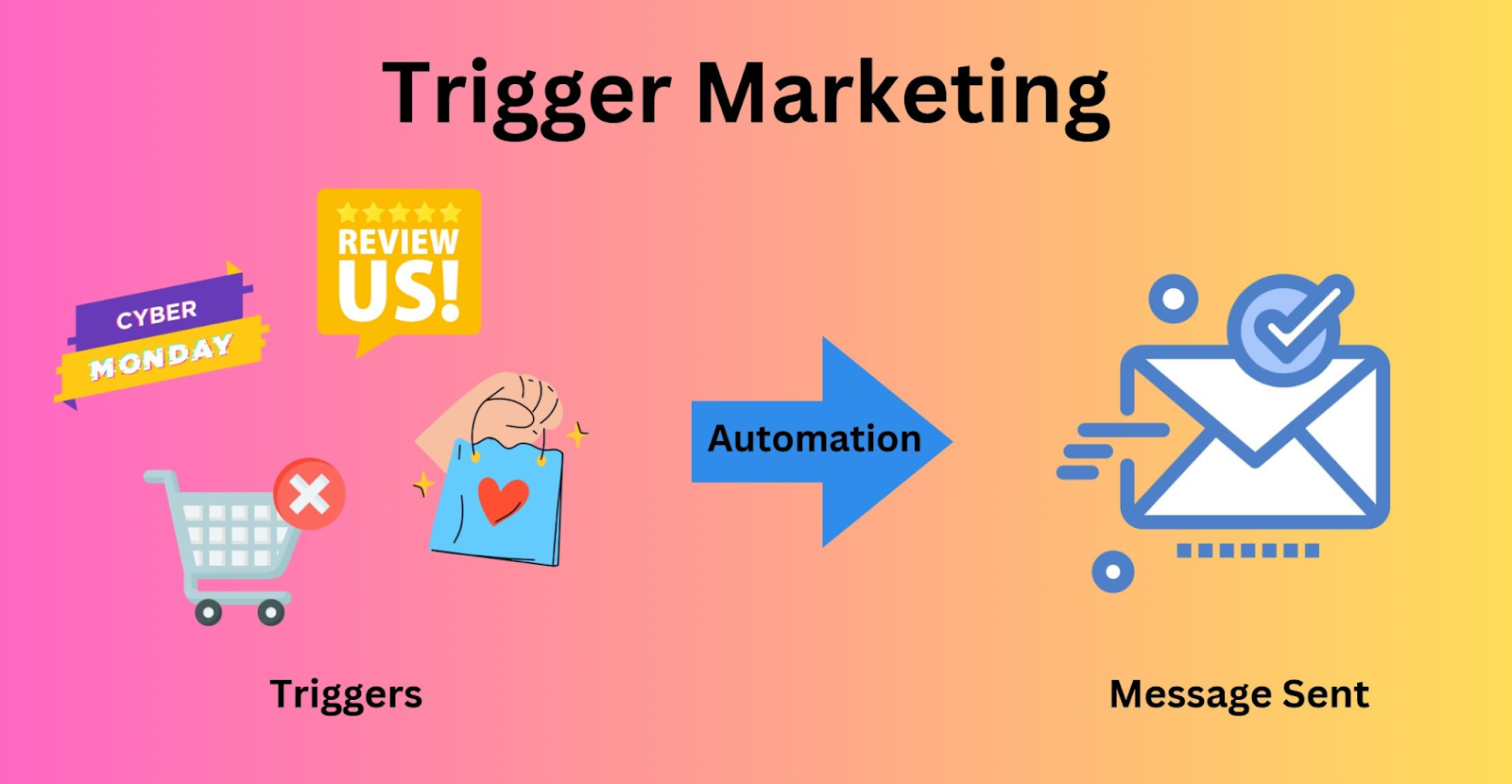
React to something that just happened: a funding round, a new hire, a product launch, a job change. Timing makes this feel personal even when it's scalable.
Template: Congrats on [event] — quick thought
Examples:
- "Saw [Company] just raised a Series B — congrats"
- "Noticed you're scaling your sales team — thought this was relevant"
The Mutual Connection Framework
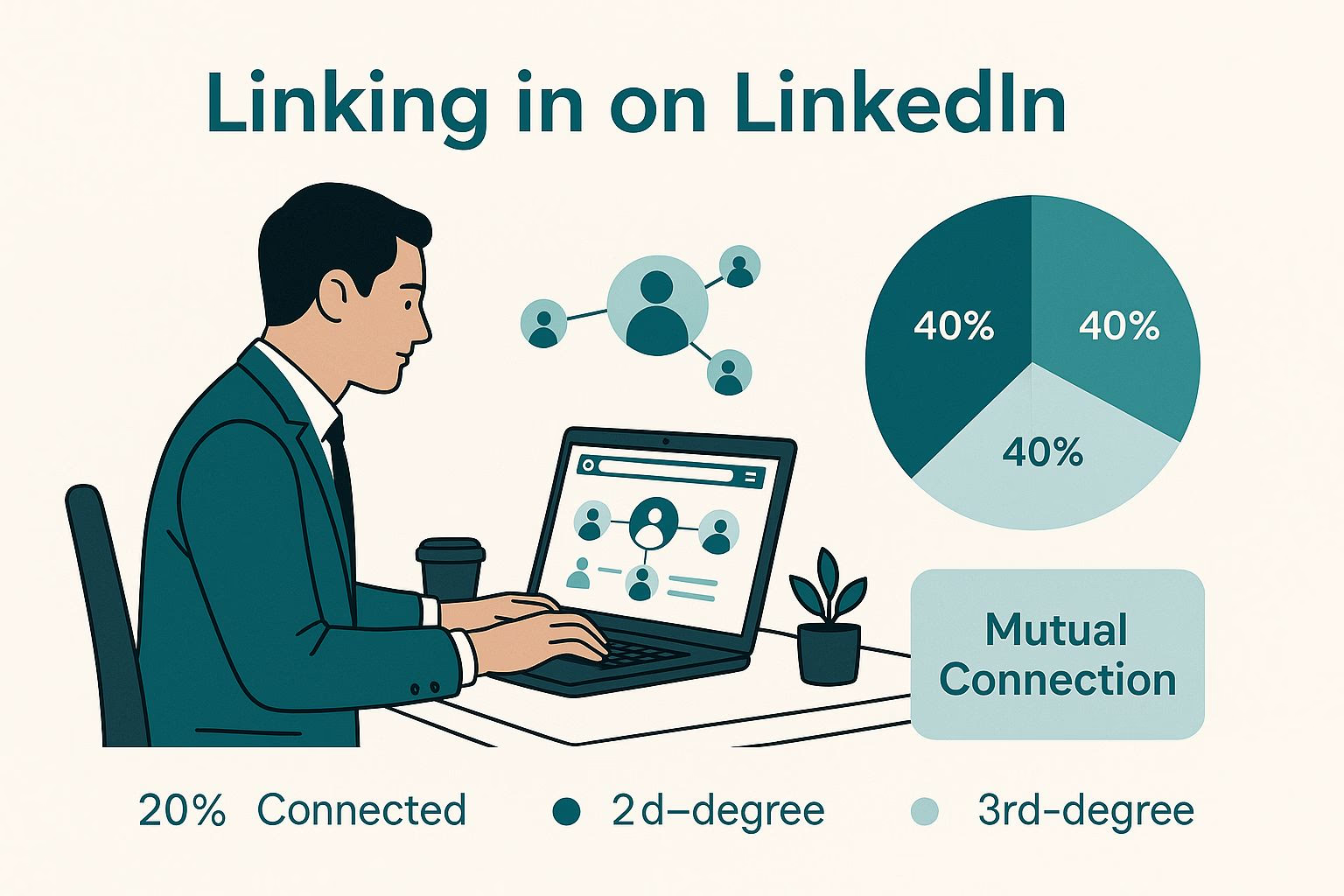
Shared context builds instant trust. Lean on alumni connections, shared LinkedIn groups, or mutual contacts.
Template: [Mutual connection] suggested I reach out
Examples:
- "[Name] mentioned you'd find this useful"
- "Fellow [University] alum — quick thought on outbound"
The Outcome-Led Framework

Lead with the result, not the ask. Skip the preamble and show them what's in it for them.
Template: How [Company like theirs] achieved [specific outcome]
Examples:
- "How a 3-person sales team booked 40 meetings in 30 days"
- "One change that doubled our client's pipeline last quarter"
The Short and Curiosity-Driven Framework

Sometimes less is more. A short, intriguing subject line — under 5 words — creates a pattern interrupt.
Examples:
- "Your outbound strategy — thoughts"
- "This might be useful"
- "Worth 2 minutes?"
- "Quick idea for [Company]"
🚀 Turn LinkedIn Messages Into Sales Calls
10,000+ companies use Cleverly to generate pipeline through targeted LinkedIn prospecting and outreach. Over $312M in pipeline generated for our clients.
50+ Best LinkedIn InMail Subject Lines by Role
Best subject lines for LinkedIn InMail sales messages should never be one-size-fits-all. Different roles have different priorities, different pain points, and different thresholds for what earns their attention. Here's a breakdown by role.
LinkedIn InMail Subject Lines for Sales Decision-Makers (VP, Director, Head of Sales)
Sales leaders care about pipeline, quota, team performance, and revenue. Speak their language.
- "How top sales teams are hitting quota without adding headcount"
- "Your pipeline gap — one fix worth looking at"
- "What's working for outbound in Q3 (data-backed)"
- "One thing your reps might be missing in the first touch"
- "How [Similar Company] shortened their sales cycle by 30%"
- "Quick idea to improve rep activity without micromanaging"
- "Is your outbound strategy working hard enough right now?"
- "Your ICP has shifted — here's what we're seeing"
- "The meeting-booking problem most sales orgs have in common"
- "How to get replies from decision-makers who never respond"
LinkedIn InMail Subject Lines for Marketing Leaders (CMO, VP Marketing, Demand Gen)

Marketing leaders want leads, pipeline contribution, brand relevance, and content ROI.
- "Your demand gen funnel — one area worth a second look"
- "How top B2B marketers are tying content to pipeline in 2025"
- "The LinkedIn channel most CMOs are underusing right now"
- "MQL to SQL conversion — here's what's moving the needle"
- "Quick thought on your LinkedIn presence this quarter"
- "How one B2B brand went from 0 to 200 qualified leads/month on LinkedIn"
- "Is your content actually generating pipeline — or just traffic?"
- "One shift that made outbound and inbound work together"
- "Why your best buyers aren't filling out your forms"
- "Demand gen in 2025 — what's working and what isn't"
LinkedIn InMail Subject Lines for CEOs and Founders

Founders want growth, efficiency, competitive advantage, and strategic outcomes — not feature pitches.
- "How founders like you are closing more without a big sales team"
- "One growth lever that doesn't require more headcount"
- "Your outbound strategy — is it doing the heavy lifting yet?"
- "How [Company Name] built a $1M pipeline on LinkedIn alone"
- "One thing most founder-led sales orgs miss until they're too busy"
- "Quick idea on scaling revenue without scaling chaos"
- "What your competitors are doing differently on LinkedIn right now"
- "A simpler path to qualified pipeline — worth a look?"
- "Saw your growth trajectory — had a thought worth sharing"
- "From 0 to booked calendar — here's what's working for founders"
LinkedIn InMail Subject Lines for HR and People Leaders

HR leaders are focused on hiring quality, retention, culture, and workforce planning.
- "Your hiring velocity — one thing that's helping companies right now"
- "How leading HR teams are reducing time-to-fill in 2025"
- "Retention is harder than it used to be — here's what's helping"
- "One data point that changes how most HRBPs think about engagement"
- "Quick thought on your people strategy for next quarter"
LinkedIn InMail Subject Lines for Finance and Operations Leaders

CFOs and COOs want cost reduction, process efficiency, and risk management.
- "How ops teams are cutting overhead without cutting headcount"
- "One process change that's saving finance teams hours per week"
- "Your Q4 efficiency goals — one tool worth looking at"
- "How [Company] reduced CAC by 40% using this one approach"
- "Quick thought on your current lead acquisition cost"
LinkedIn InMail Subject Lines for IT and Technical Buyers

Technical buyers want integrations, security, scalability, and honest talk about their stack.
- "Does your current stack handle [specific use case] at scale?"
- "Quick question about your outbound tech setup"
- "One integration most sales stacks are missing right now"
- "Security + scalability — how companies like yours are solving both"
- "Your current workflow — one thing worth a 10-minute conversation"
Best LinkedIn InMail Subject Lines for Recruiters

Best LinkedIn InMail subject lines for recruiters are a different beast. Recruiter InMails have a reputation problem. Candidates, especially passive ones, get a lot of them, and most feel copy-pasted. The subject line is your one shot to come across as human.
The key difference between recruiting subject lines and sales subject lines is this: sales subject lines lead with business outcomes. Recruiting subject lines need to lead with the candidate's career interests, not the company's hiring need.
What works for passive candidates:
- Reference something specific about their experience or recent work
- Make it about a career conversation, not a job pitch
- Keep it light and low-pressure
What works for active job seekers:
- Be more direct about the opportunity
- Signal the relevance (role + seniority level)
- Move fast — they're actively looking
10+ recruiter InMail subject line examples

For junior-to-mid-level candidates:
- "Your [Skill] background — have a role worth 5 minutes"
- "Exciting [Job Title] opportunity at [Company Type] — interested?"
- "[Mutual Connection] thought this might be a fit for you"
- "Your LinkedIn caught my eye — quick career chat?"
- "Growing team, strong culture — sounds like your next move?"
For senior-level candidates:
6. "Strategic [Job Title] role — think you'd be a strong fit"
7. "Confidential opportunity — your background fits well"
8. "Your experience at [Company] — relevant opening worth exploring"
9. "VP-level opportunity — curious if you're open to a conversation"
10. "Built a [function] team before? We're looking for exactly that"
For executive candidates:
11. "C-suite opportunity — high growth company, strong runway"
12. "Board-level introduction — your background is exactly what they need"
What to avoid in recruiter InMails:
- Leading with the salary (unless they're clearly active and you have a strong number)
- Generic role drops like "Exciting opportunity in tech!"
- Copying the job title into the subject line and nothing else
- Anything that reads like it was sent to 500 people at once
LinkedIn InMail Subject Lines by Industry
Industry-specific language in your subject line does one important thing: it signals immediately that this message isn't for everyone — it's for them. That specificity is what gets the open.
SaaS and Technology
- "How SaaS teams are generating pipeline without burning InMail credits"
- "One outbound play working really well for B2B SaaS right now"
- "Your trial-to-paid conversion — one lever worth exploring"
Healthcare and MedTech

- "How MedTech reps are getting past the front desk in 2025"
- "One outreach strategy that's working well in healthcare sales"
- "Clinician outreach on LinkedIn — here's what's changing"
Financial Services

- "How financial advisors are booking qualified meetings on LinkedIn"
- "Your prospect list — one sourcing method worth trying"
- "Compliance-safe outreach that actually converts — quick thought"
Manufacturing and Logistics

- "How supply chain companies are finding decision-makers faster"
- "One sourcing fix that's helping manufacturing sales teams book more"
- "Your outbound to ops leaders — one thing that moves the needle"
Professional Services and Consulting

- "How consulting firms are using LinkedIn to generate retainer clients"
- "One message structure that works really well for professional services"
- "Thought leadership isn't enough — here's what's closing deals"
E-commerce and Retail
- "How e-com brands are using LinkedIn to reach B2B buyers"
- "One partnership outreach tactic driving results in retail right now"
- "Your B2B sales motion on LinkedIn — worth a quick chat?"
LinkedIn InMail Subject Lines for Common Outreach Scenarios
Good LinkedIn InMail subject lines also depend on the context of the outreach — not just the audience. Here's what works in different scenarios.
Cold outreach with no prior connection: Focus on relevance and a low-friction opener. Don't oversell.
- "Relevant to what you're working on — quick thought"
- "No pitch, just a useful idea for [Company]"
Following up after a trigger event: Be specific. Mention the event directly.
- "Congrats on the Series B — had a related thought"
- "Saw [Company] launched [product] — great timing for this"
Re-engaging a cold or non-responsive prospect: Acknowledge the silence lightly. Make it easy to reply.
- "Circling back — still relevant if timing is better"
- "One last thought before I leave you alone"
- "Still worth a look — things have changed since we last chatted"
Post-event or post-webinar follow-up: They already know you in some context. Use that warmth.
- "Great to see you at [Event] — had a follow-up thought"
- "Caught your panel at [Event] — one question"
Referral-based or mutual connection outreach: Lead with the name. It's the most powerful trust signal you have.
- "[Mutual Name] suggested I reach out — here's why"
- "Introduced by [Name] — worth a quick read"
How Cleverly Uses LinkedIn InMail Subject Lines to Drive Qualified Meetings
At Cleverly, we've run thousands of LinkedIn outbound campaigns across virtually every B2B industry — and one thing is consistently true: the subject line is where most campaigns win or lose before the message is even read.
Subject line testing isn't an afterthought for us. It's a core part of how we build every campaign.
In practice, that means we rarely commit to one subject line on faith. For most campaigns, we run 2 to 3 subject line variants against the exact same message body, so the only variable changing is the line the prospect sees first.
We track response rate per variant, not opens, for the same reason covered earlier in this guide. Opens aren't a number LinkedIn actually reports, so building a test around them would mean optimizing for something we can't verify. Response rate is the number that's real, and it lines up with the cold InMail response rate benchmarks we track across client campaigns.
A test also needs enough volume before it means anything. We generally want each variant to reach at least 100 sends to the same type of prospect before drawing a conclusion. Fewer than that, and a couple of random replies can make a mediocre subject line look like a winner.
Once a variant pulls ahead, we don't just note it and move on. We roll it into the next segment of the campaign as the new default, then start testing a fresh challenger against it. That's how a subject line library actually improves over time, one confirmed winner at a time, instead of everyone's best guess.
When we onboard a new client, we don't just ask about their ICP — we go deep on what language their prospects actually respond to. What role are we reaching? What are they accountable for this quarter? What trigger events are happening in their space?
Those answers shape the subject lines we write.
There's also a data layer most outbound teams miss: clean targeting. Even the best subject line falls flat when it lands in front of the wrong person.
We pair every campaign with precise list-building so your messages go to the right title, at the right company, at the right stage of growth.
The result?
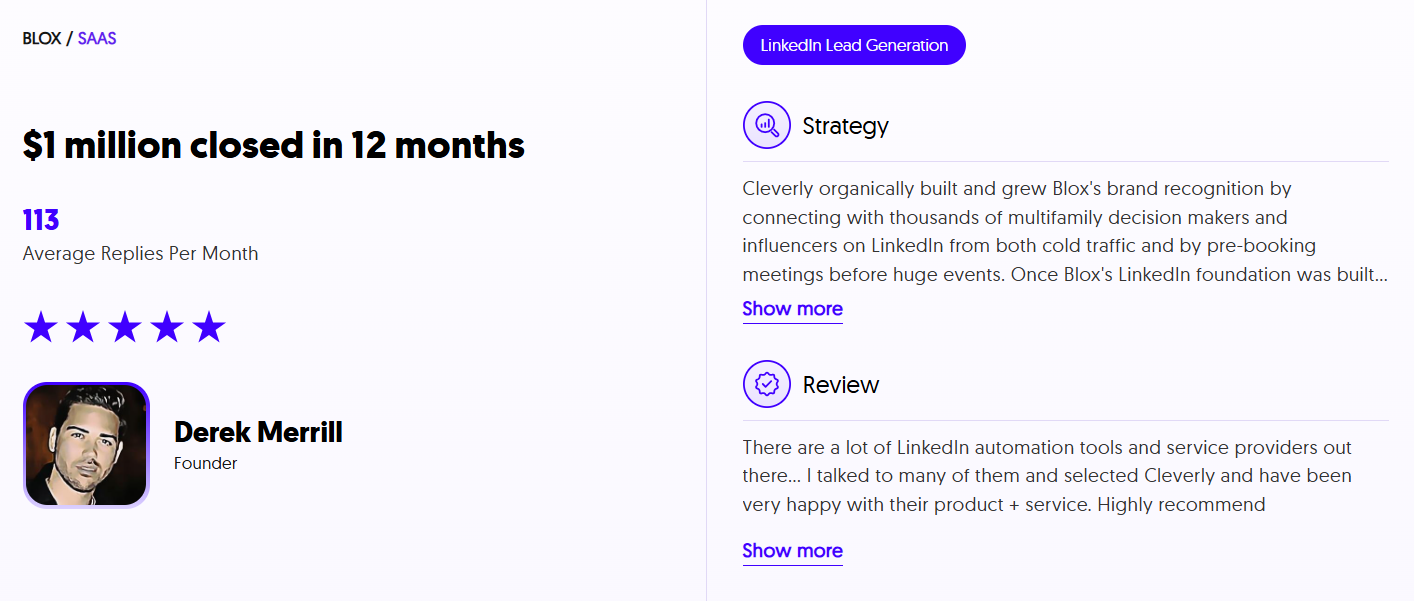
We've helped 10,000+ clients generate qualified pipeline with companies like Amazon, Google, Uber, PayPal, Slack, and Spotify — driving $312 million in pipeline revenue and $51.2 million in closed revenue through LinkedIn outreach.
If your InMails are going unread, the fix might be simpler than you think.
Want LinkedIn outreach that actually gets opened and replied to? Book a strategy call with Cleverly — plans start at just $397/month.
Conclusion
The subject line isn't a small detail you fill in last. It's the gate to every InMail conversation you'll ever have. Get it right, and your message gets read. Get it wrong, and nothing else matters.
Use the frameworks and examples in this guide as a starting point. Test, refine, and pay attention to what your specific audience actually responds to. The best LinkedIn InMail subject lines are the ones written for the reader — not the sender.
Frequently Asked Questions
Free Resource
How to Scale a Profitable Cold Call System
Get the complete guide — download it instantly now.

Free Ebook
Download the Free Guide
Enter your details to get instant access.
You're all set! 🎉
Your ebook is downloading now.
Click below if the download didn't start automatically.